
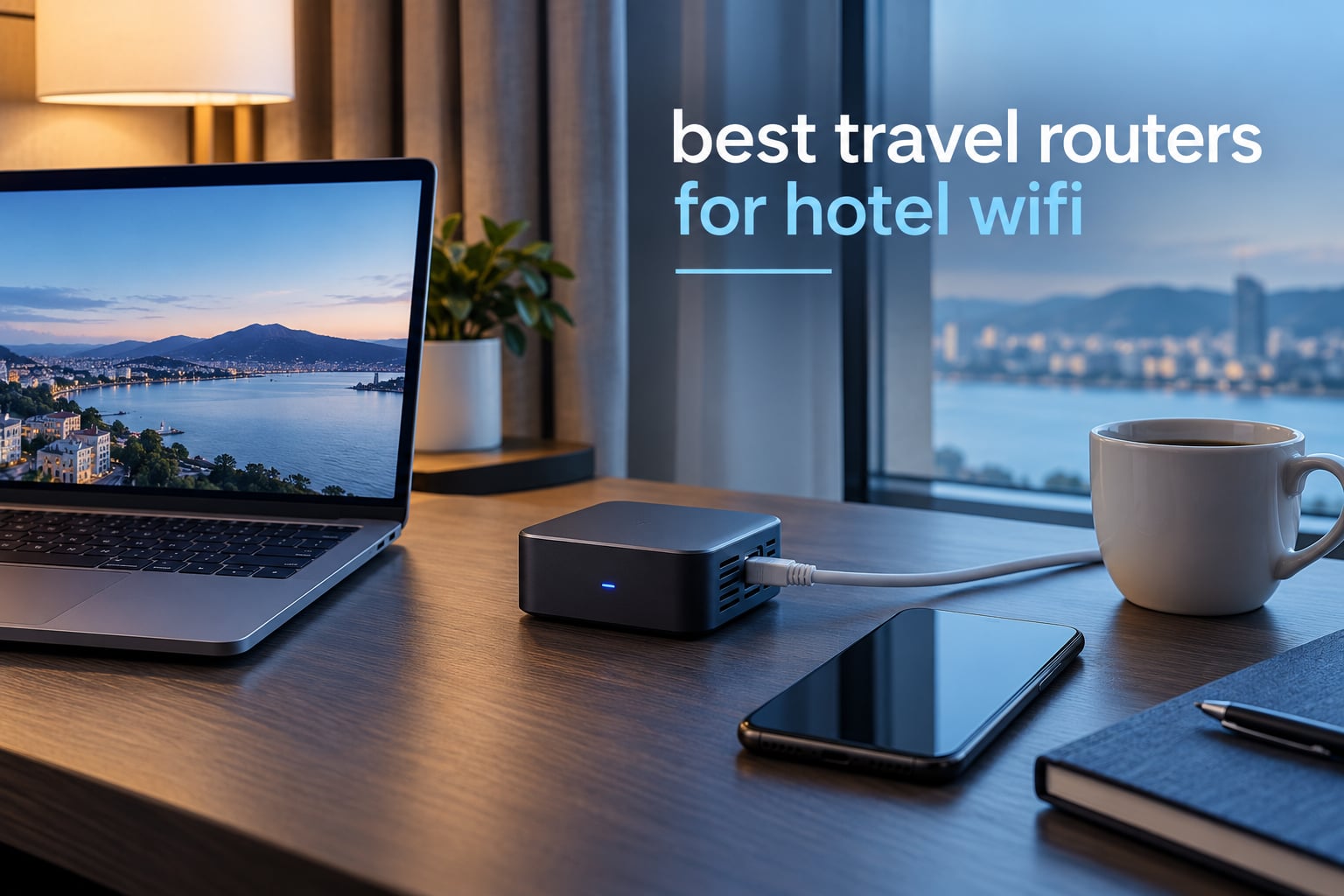
A travel router is a pocket-sized router you connect to hotel Wi-Fi once, so every device you own shares that single login through a private network you control. That is the entire job, and it solves three hotel problems at the same time: the browser-based captive portal that a smart TV or Chromecast cannot complete, the per-room device cap that hotels enforce, and the fact that you are routing work traffic across a network you do not control. This roundup covers the best travel routers for hotel WiFi available in 2026, from a 40 g pocket model to a Wi-Fi 7 unit that also handles cellular backup.
I have carried these devices on real trips, and the pattern that surprised me most is how often the cheapest option wins. A credit-card-sized box that costs less than a dinner solves the portal problem every single time. The expensive models add raw speed, which a hotel’s own connection often cannot supply anyway.
Before we get into the picks, one honest caveat. A travel router does not add bandwidth. If a hotel’s access point is congested or hidden behind concrete, no travel router on this list will make it faster. What it does is stop your devices from each having to log in separately, give you a private NAT’d network with an optional VPN, and let streaming hardware come online without a keyboard.
If you also need range extension inside a large house rather than across a hotel corridor, our guide to the best Wi-Fi extenders covers a different class of device. And if you are building a home network this winter, the best Wi-Fi 7 routers roundup is the relevant read.
Top 3 Travel Router Picks for Hotel WiFi in 2026
The Beryl AX is the one I pack first. The Opal is the value pick that most travelers should actually buy, and the Mango is the smallest thing that reliably defeats a captive portal.

GL.iNet Beryl AX
- Wi-Fi 6 dual-band
- 2.5G WAN port
- OpenVPN and WireGuard built in
- OpenWrt 21.02 firmware

GL.iNet Opal SFT1200
- AC1200 dual-band
- 3 gigabit Ethernet ports
- OpenVPN and WireGuard
- Physical VPN toggle switch

GL.iNet Mango MT300N
- 39 g pocket size
- Two Ethernet ports
- OpenVPN client pre-installed
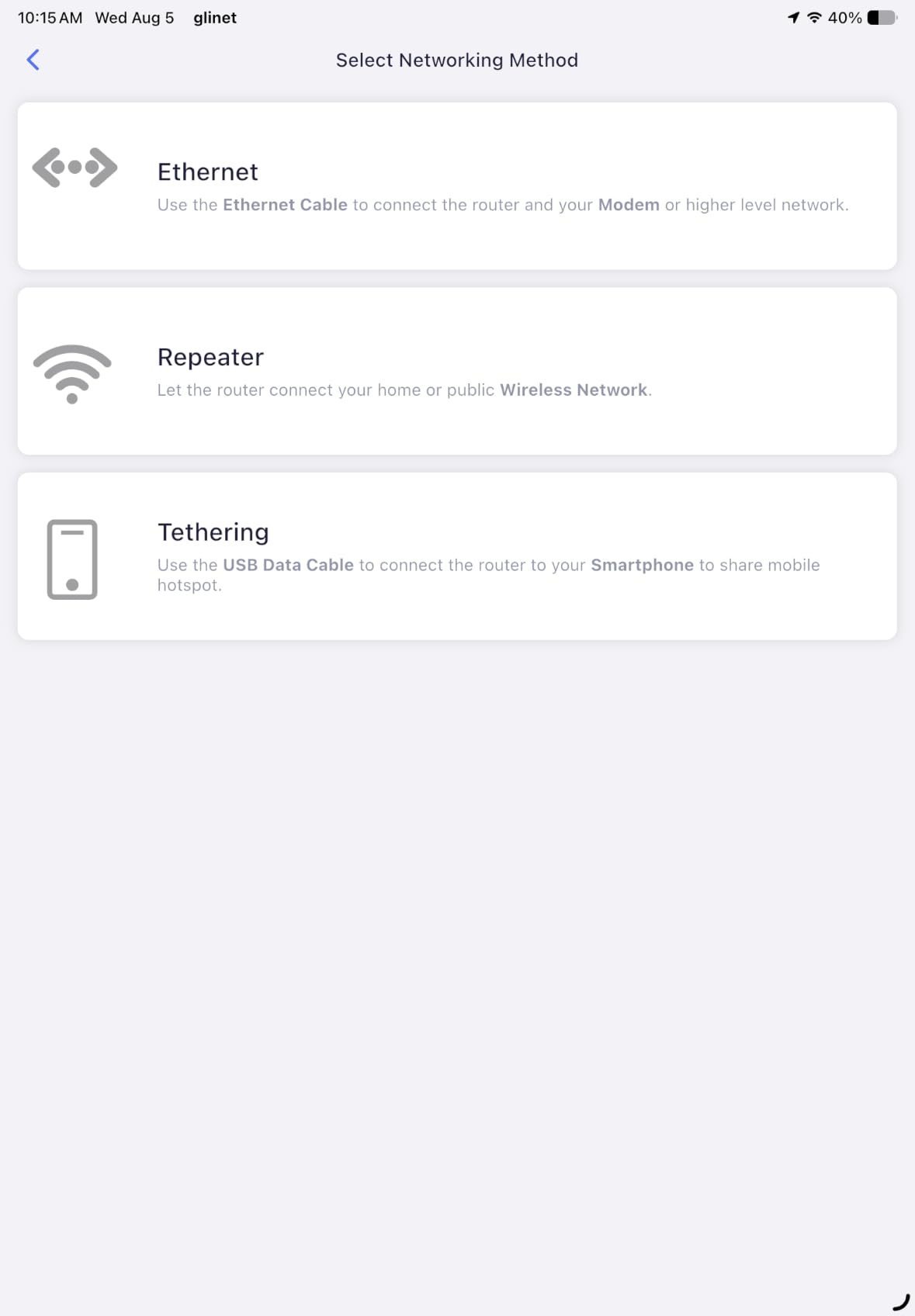
- Repeater mode for hotel WiFi
Best Travel Routers for Hotel WiFi at a Glance in 2026
Every router below converts public or hotel WiFi into a private network with a single login. The differences that matter in a hotel room are Ethernet port count, whether the VPN runs on the router, and how it is powered.
| Product | Specs | Action |
|---|---|---|
| GL.iNet Beryl AX GL-MT3000 |
|
Check Latest Price |
| GL.iNet Mango GL-MT300N-V2 |
|
Check Latest Price |
| GL.iNet Opal GL-SFT1200 |
|
Check Latest Price |
 Cudy AX3000 TR3000 Cudy AX3000 TR3000 |
|
Check Latest Price |
 TP-Link Roam 6 TL-WR3002X TP-Link Roam 6 TL-WR3002X |
|
Check Latest Price |
 TP-Link N300 TL-WR802N TP-Link N300 TL-WR802N |
|
Check Latest Price |
 ASUS RT-BE58 Go ASUS RT-BE58 Go |
|
Check Latest Price |
 ASUS RT-AX57 Go ASUS RT-AX57 Go |
|
Check Latest Price |
 Cudy LT500 Outdoor Cudy LT500 Outdoor |
|
Check Latest Price |
 TP-Link TL-WR902AC TP-Link TL-WR902AC |
|
Check Latest Price |
Two patterns stand out in that table. First, the fastest encrypted throughput in a hotel room comes from a 2.5GbE WAN port, not from a newer wireless standard, because the WAN side is the bottleneck. Second, the models with the most owner feedback are the oldest ones, which is worth remembering before you chase a specification number.
1. GL.iNet Beryl AX (GL-MT3000) – Best Overall Travel Router With 2.5G WAN
GL.iNet GL-MT3000 Beryl AX Wi-Fi 6 Travel Router, 2.5G WAN, VPN, OpenWrt
Wi-Fi 6 dual-band
2.5G WAN plus 1G LAN
USB 3.0
196 g
Pros
- 2.5G multi-gigabit WAN port
- OpenVPN and WireGuard pre-installed with 30+ providers
- OpenWrt 21.02 with a physical VPN toggle switch
- Can run VPN client and server at the same time
- Only 196 g
Cons
- 64 MB RAM is modest for heavy plugin use
- Just one gigabit LAN port
- Toggle switch has no default function until configured
The Beryl AX is the router I reach for when I want one device that does everything. It runs dual-band Wi-Fi 6 at 574 Mbps on 2.4 GHz and 2402 Mbps on 5 GHz, and the 2.5G WAN port is the feature that actually changes hotel outcomes. A hotel room with a wired jack and a slow Wi-Fi access point nearby is a common situation, and plugging into the jack through a 2.5G WAN port hands you the full wired speed instead of the wireless one.
For a hotel specifically, the OpenVPN and WireGuard clients are pre-installed with profiles for more than 30 providers, and there is a physical toggle switch on the top that turns the VPN on without opening a browser. That switch has no assigned function until you configure it in the admin panel, which trips up almost everyone the first time. Configure it once at home before you leave.
Owner feedback is consistent about what matters. Reviewers rate it at 4.5 stars across 5347 reviews, and 80 percent of those are five-star, with the praise concentrated on speed and VPN flexibility. The recurring gripes are the single gigabit LAN port, which matters if you want to wire a desktop and a streaming box at the same time, and the 64 MB of RAM, which is enough for a VPN and not enough for a stack of plugins.
It also runs OpenWrt 21.02, so you can add packages from a library of more than 5000 if you want to. If you do not want to touch that, the stock interface handles the captive portal flow on its own. Security features include WPA3, DNS over HTTPS, DNS over TLS and IPv6, and it can run a VPN client and a VPN server simultaneously, which lets a guest device connect to it from outside the hotel network.
When the Beryl AX earns its price over cheaper rivals
Pick this one when you are working from the room rather than browsing in it. If your day involves video calls, large file transfers, or a company VPN that your employer pushes through, the combination of a 2.5G WAN port and WireGuard at up to 300 Mbps is the difference between a usable call and a frozen screen. The single LAN port is worth the trade because most hotel setups rely on the wireless side anyway.
It is also the right choice if you want the option to run a VPN server, so a colleague or a second device outside the room can route through your connection. That is a niche use, but it is a capability the cheaper GL.iNet models do not offer.
When a lighter or cheaper model is the smarter pick
Skip it if you only carry a phone. A phone can log into a captive portal on its own in about fifteen seconds, and the Beryl AX does not add value to a single-device traveler. It is also not the smallest option in this roundup, and if you are packing for a long trip where every gram counts, the Mango covers the same core job at a fraction of the size.
2. GL.iNet Mango (GL-MT300N-V2) – Best Budget Pick at 39 g
GL.iNet GL-MT300N-V2 (Mango) Portable Mini Travel Wireless Pocket VPN WiFi Router – 2X Ethernet Ports | USB 2.0 | OpenWrt | OpenVPN/Wireguard for Public & Hotel Wi-Fi | Easy to Set up via Admin Panel
2.4GHz N300
Two 100M Ethernet ports
OpenWrt with 128 MB RAM
39 g
Pros
- 39 g and small enough for a pocket
- Two Ethernet ports are rare at this size
- OpenWrt pre-installed with 128 MB RAM
- OpenVPN client works with 30+ providers
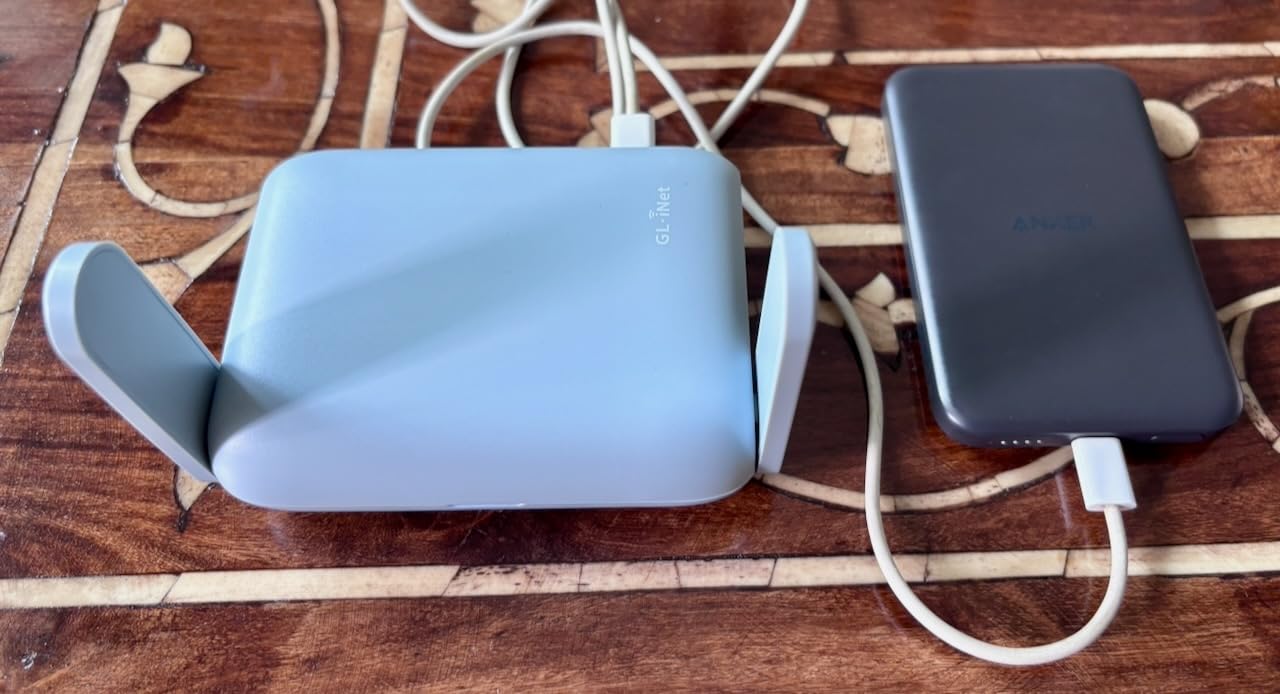
- USB power runs from a laptop or power bank
Cons
- 2.4GHz only so 300 Mbps is the real ceiling
- No WireGuard and no Wi-Fi 5 or 6
- Single Ethernet bandwidth of 100 Mbps
- Needs a separate USB adapter away from a laptop
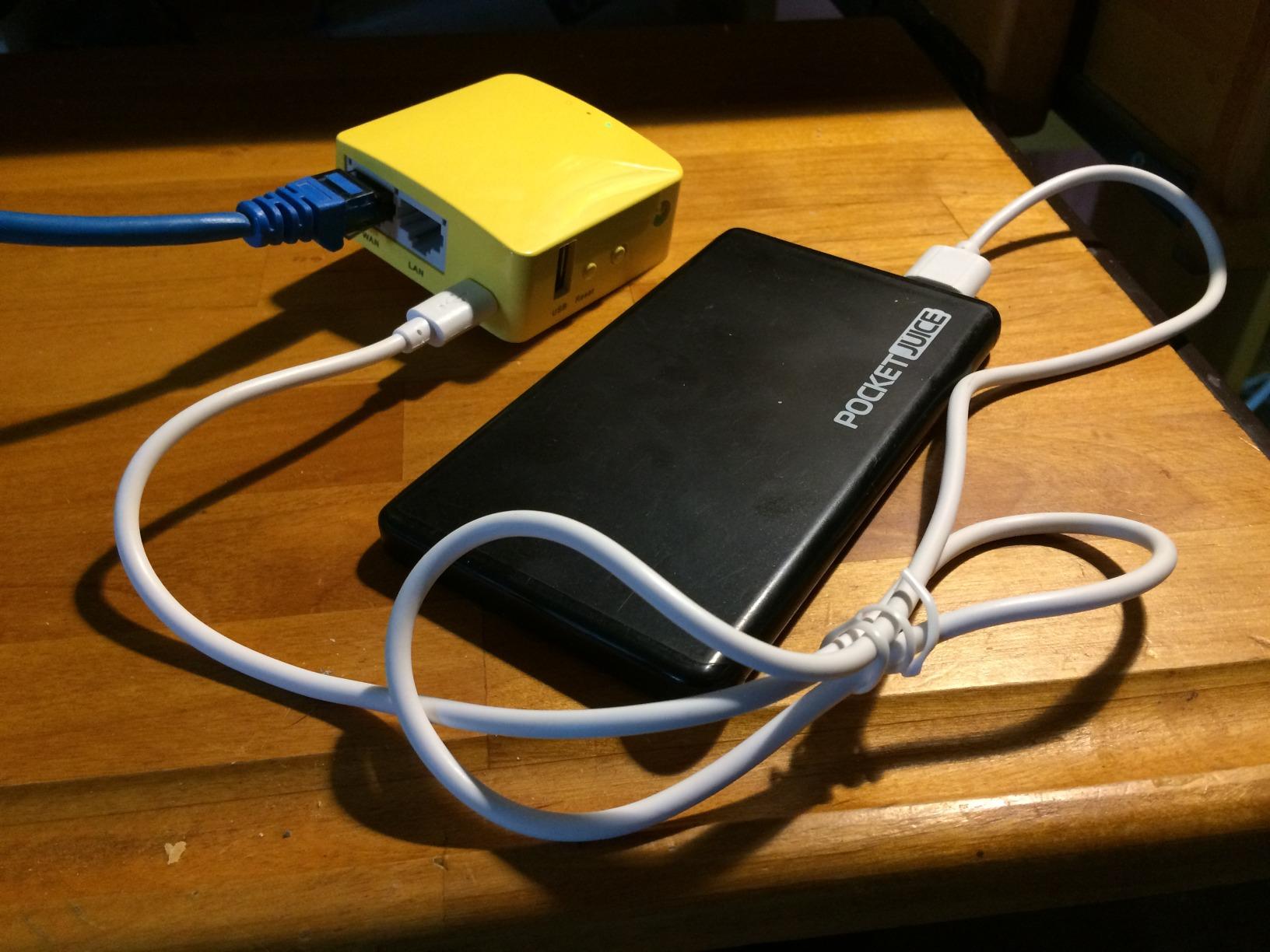
At 39 g and 2.28 by 2.28 inches, the Mango is the travel router I have used the most, and the number that matters most is its review count: 13076 at 4.1 stars. That is the largest owner base of anything in this roundup, and the GL.iNet community forum consistently names it alongside the Brume 2 as a general travel pick.
What it does well is exactly what a hotel needs. It runs OpenWrt with 128 MB of RAM, which is generous compared with the Beryl AX, and the OpenVPN client is pre-installed with compatibility for more than 30 providers. Repeater mode converts public or hotel Wi-Fi into a private network, and both Ethernet ports are unusual in a body this small.
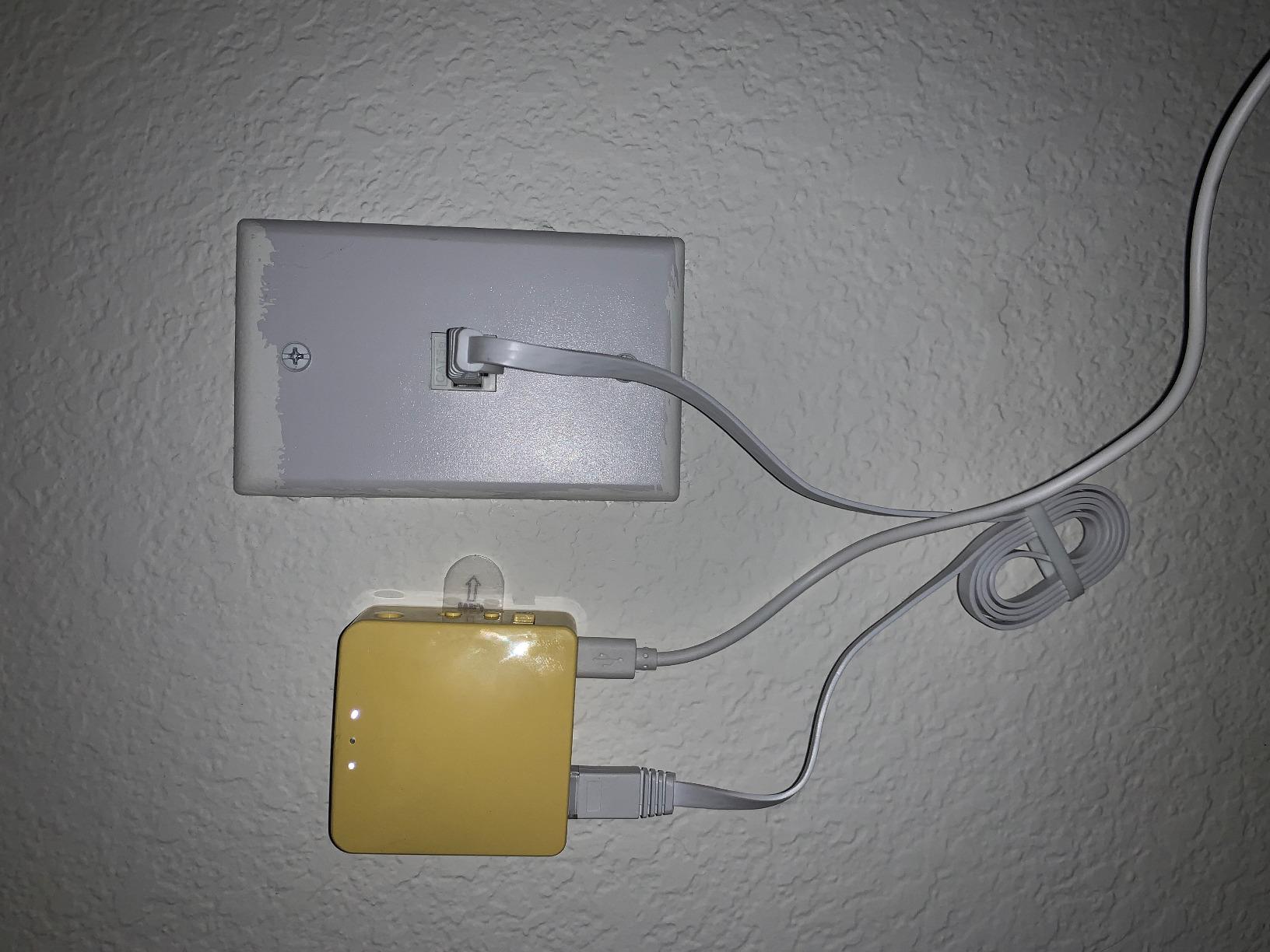
The honest limit is the radio. This is a 2.4 GHz N300 unit, so the 300 Mbps figure is a theoretical ceiling and real throughput is a fraction of that. It also lacks the faster VPN protocols such as WireGuard, which is a real cost for anyone running encrypted tunnels all day. Both Ethernet ports run at 100 Mbps.
That 4.1 rating is dragged down by buyers who expected modern Wi-Fi performance from a device its size suggests. The one-star share of about 11 percent comes almost entirely from that expectation gap rather than from reliability problems. Buyers who understand they are buying a private network layer, not a speed upgrade, rate it well.
When the Mango is the right tool
Choose the Mango when your goal is one login, one private network, and the lightest possible addition to your bag. It is ideal for a week-long trip with a laptop and two phones, or for anyone who wants a VPN sitting between their laptop and an open hotel network without thinking about firmware. The OpenWrt install also means the tinkering community has already solved most of the awkward configurations.
Two Ethernet ports at this size is a genuine differentiator. You can hardwire a Chromecast or a game console and still have a port free, which is a common travel setup that a single-port model cannot handle.
When 2.4 GHz will frustrate you
Do not choose it for speed. Streaming in 4K, large uploads, or a household sharing a room in a busy hotel will all feel the 2.4 GHz ceiling. If your work depends on a stable video call for hours at a time, the AC1200 Opal or a Wi-Fi 6 model is a better spend.
3. GL.iNet Opal (GL-SFT1200) – Best Value With Full Gigabit Ports
GL.iNet GL-SFT1200 Opal Travel Router, AC1200 Dual-Band Wi-Fi
AC1200 dual-band
2x 1G LAN plus 1G WAN
OpenWrt with WireGuard
Retractable antennas
Pros
- Full gigabit ports in a travel body
- AC1200 dual-band handles streaming and gaming
- OpenVPN and WireGuard with a hardware VPN toggle
- Runs OpenWrt for customization
- Retractable antennas help in awkward hotel rooms
Cons
- Heavier and larger than the 39 g Mango
- No 2.5G port and no USB port
- Toggle switch has no default function until configured
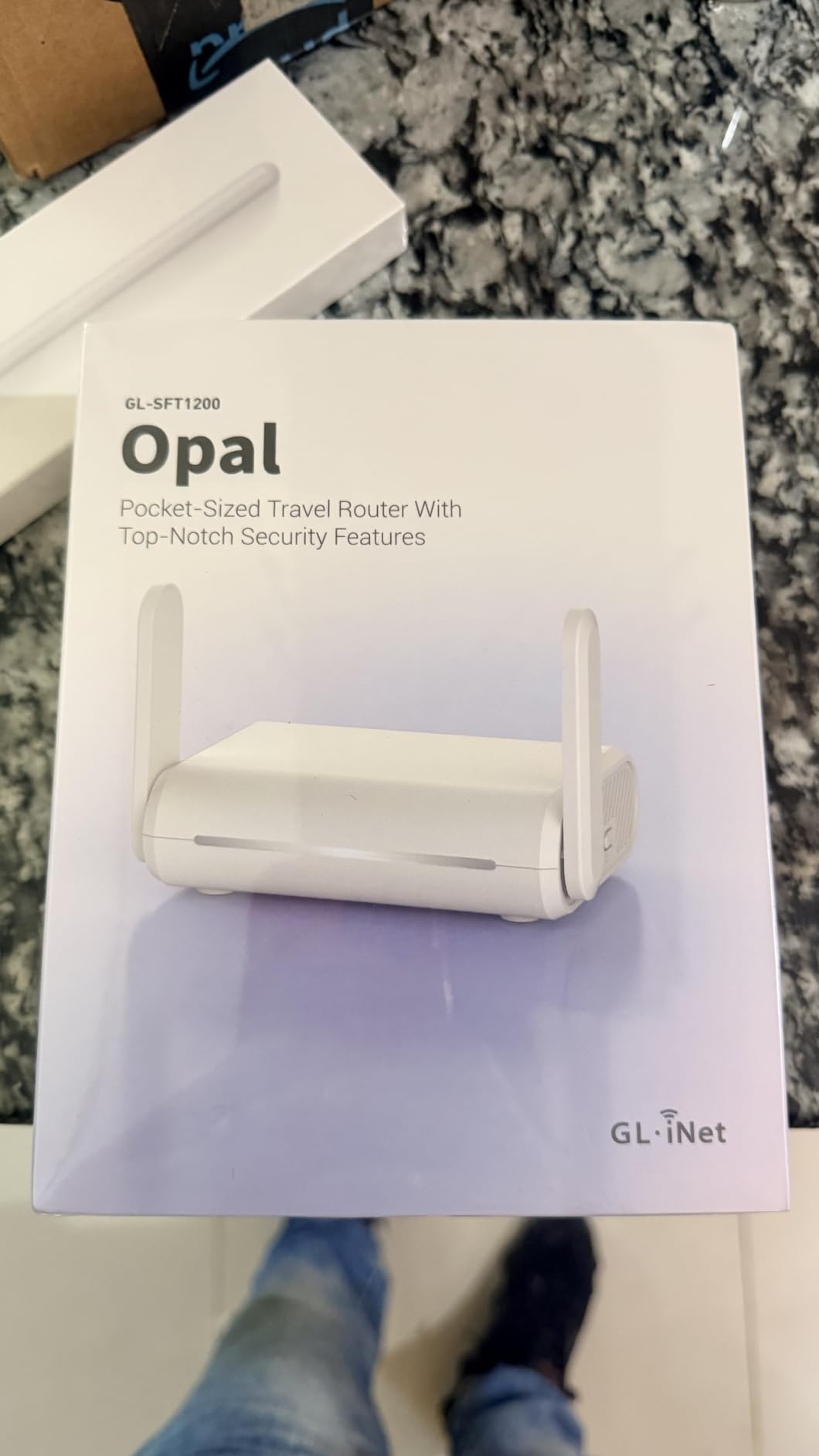
The Opal is the model I recommend to anyone who wants modern features without moving up to Wi-Fi 6. It is AC1200 dual-band, splitting into 300 Mbps on 2.4 GHz and 867 Mbps on 5 GHz, and it carries two gigabit LAN ports plus a gigabit WAN port. Those are full gigabit ports, not the 100 Mbps compromises found in the small budget models.
For hotel use, the combination of OpenWrt with OpenVPN and WireGuard plus a physical VPN toggle switch is the practical bit. One press on the top puts the whole private network behind an encrypted tunnel, which is the fastest possible answer to unencrypted hotel traffic. Cloudflare encryption support and IPv6 are also included.
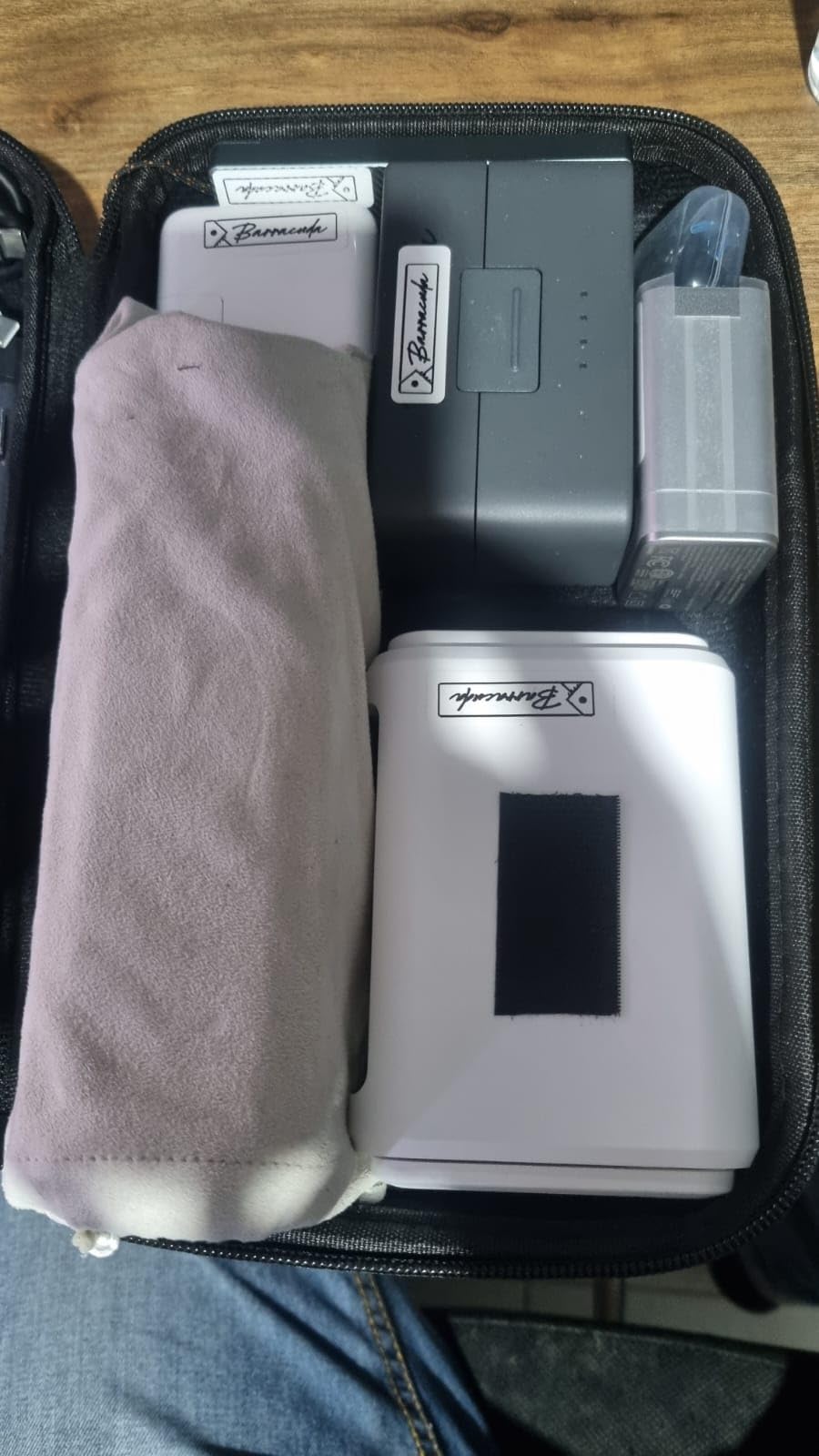
Retractable antennas are a small feature that matters more in a hotel than at home. A room with the access point in one corner and your desk in another is exactly the situation where antenna orientation changes the result, and reviewers single this out. At roughly 145 g it is still pocket-friendly, just noticeably bulkier than the Mango.
It scores 4.2 stars across 8121 reviews, with 68 percent five-star, and owners describe it as the sweet spot between cost and capability. The complaint that appears most often is the missing 2.5G port and the lack of any USB port for storage or tethering, which is the gap the Beryl AX fills.
When the Opal is the balance point
Buy the Opal if you want gigabit wired ports, a modern VPN setup, and a dual-band radio without moving to Wi-Fi 6 hardware. It handles streaming, video calls and a household of devices in a hotel room without straining, and the toggle switch means your private network is one press away rather than a browser session.
It is also a sensible choice for people who travel for weeks rather than days. It works just as well as an apartment router for a long stay, which is where the extra capability starts to pay for itself.
When you should step up or step down
Step up to the Beryl AX if you need a 2.5G WAN port to take full advantage of a wired hotel connection, or if you want a USB port. Step down to the Mango if bag weight matters more than throughput. Neither gap is a dealbreaker for most hotel use, which is exactly why this model sells so well.
4. Cudy AX3000 (TR3000) – Best 2.5GbE VPN Speed on a 2.5G WAN Port
Cudy AX3000 Pocket-Sized Wi-Fi 6 Travel Router, 6-in-1 Modes, VPN, TR3000
Wi-Fi 6 160 MHz
USB-C powered with 2.5GbE WAN
USB 3.0
220 g
Pros
- 2.5GbE WAN in a USB-C powered travel body
- Wi-Fi 6 160 MHz with OFDMA and MU-MIMO
- WireGuard OpenVPN and IPsec over the 2.5G port
- Six modes including WISP for captive portals
- USB 3.0 supports 4G and 5G dongles and Samba NAS
Cons
- Fixed antennas rather than retractable
- Heavier at 220 g than most travel routers
- Newer listing with a smaller base of owner reviews
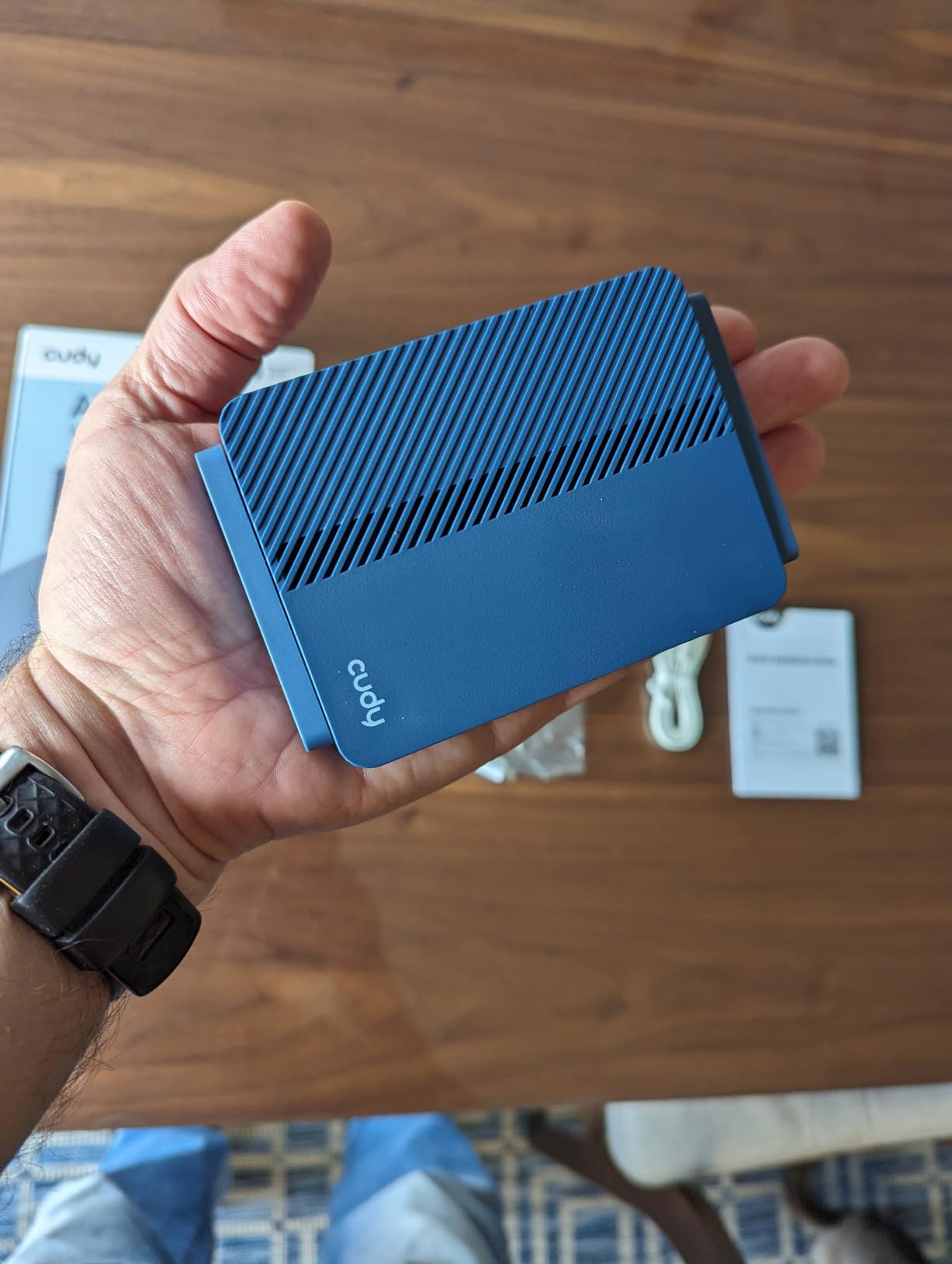
The Cudy TR3000 is the second 2.5GbE travel router in this list, and it takes a different approach to power. It is USB-C powered while still delivering 2.5GbE WAN throughput, which means one cable from a laptop or a power bank does everything. The wireless side is Wi-Fi 6 with 160 MHz channels, reaching 2402 Mbps on 5 GHz and 574 Mbps on 2.4 GHz.
Where it separates from the Beryl AX is encryption speed and firmware depth. WireGuard, OpenVPN and IPsec all run over the 2.5G port, and the OpenWRT 24.10 build supports VLANs, policy-based routing, DNS over TLS and a custom firewall. That is a more enterprise-style configuration set than anything else here.
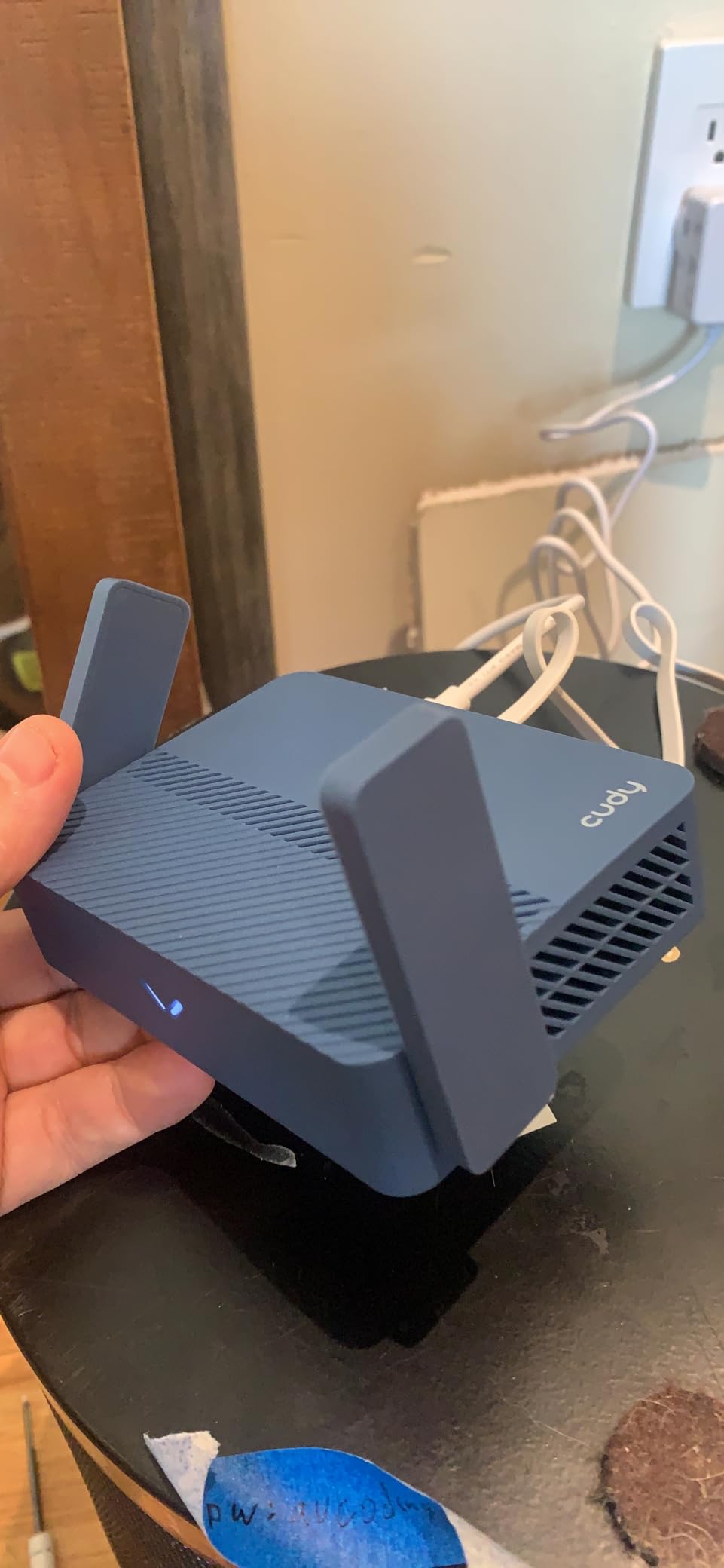
It also lists six operating modes, including WISP, AP, extender, client and repeater, and the USB 3.0 port can host a 4G or 5G dongle or run Samba NAS sharing. Form factor is smaller than a smartphone at 4.65 by 3.15 by 1.08 inches, with 256 MB of RAM and 128 MB of flash.
The reason to hesitate is the review base. At 334 reviews and 4.1 stars, this is a much newer listing than the GL.iNet models, and about 12 percent of feedback is one-star. Some of that reflects early software maturity rather than a flawed design, but it is fair to say you are buying into a less-proven platform. Fixed antennas also limit your ability to tune reception in a difficult room.
When the TR3000 makes sense
Choose it if you need the combination of a 2.5GbE WAN port, USB-C single-cable power, and a deeper firewall configuration set than the GL.iNet units offer. VLANs and policy-based routing matter if you are isolating work devices from personal ones on the same hotel connection, and the USB 3.0 port gives you a cellular fallback path that no other travel router here has.
For a traveler who works in security or infrastructure, or who genuinely wants to segment a network inside a hotel room, those are real advantages rather than spec-sheet padding.
When a proven platform beats a feature list
If you would rather not troubleshoot unfamiliar firmware, the Beryl AX or the Opal have far larger owner bases and a longer record of working software. The TR3000 also weighs 220 g, which is heavy for a travel router, and its fixed antennas cannot be repositioned. Those trade-offs are fair for a technical buyer and frustrating for everyone else.
5. TP-Link Roam 6 (TL-WR3002X) – Best Raw Throughput
TP-Link Roam 6 AX3000 Dual-Band Wi-Fi 6 Travel Router (TL-WR3002X)
AX3000 Wi-Fi 6
2.5Gbps WAN/LAN plus 1G LAN
USB 3.0 and microSD
5.28 oz
Pros
- Owners report roughly 190 Mbps over WireGuard
- 2.5 Gbps WAN/LAN plus a gigabit LAN port
- OpenVPN and WireGuard with client and server
- USB-C power runs from a power bank
- USB 3.0 and microSD for drive sharing
Cons
- Tether app and web portal cannot run at the same time
- Does not remember saved public WiFi credentials
- No VPN kill switch
- Some owners report unit failures and resets
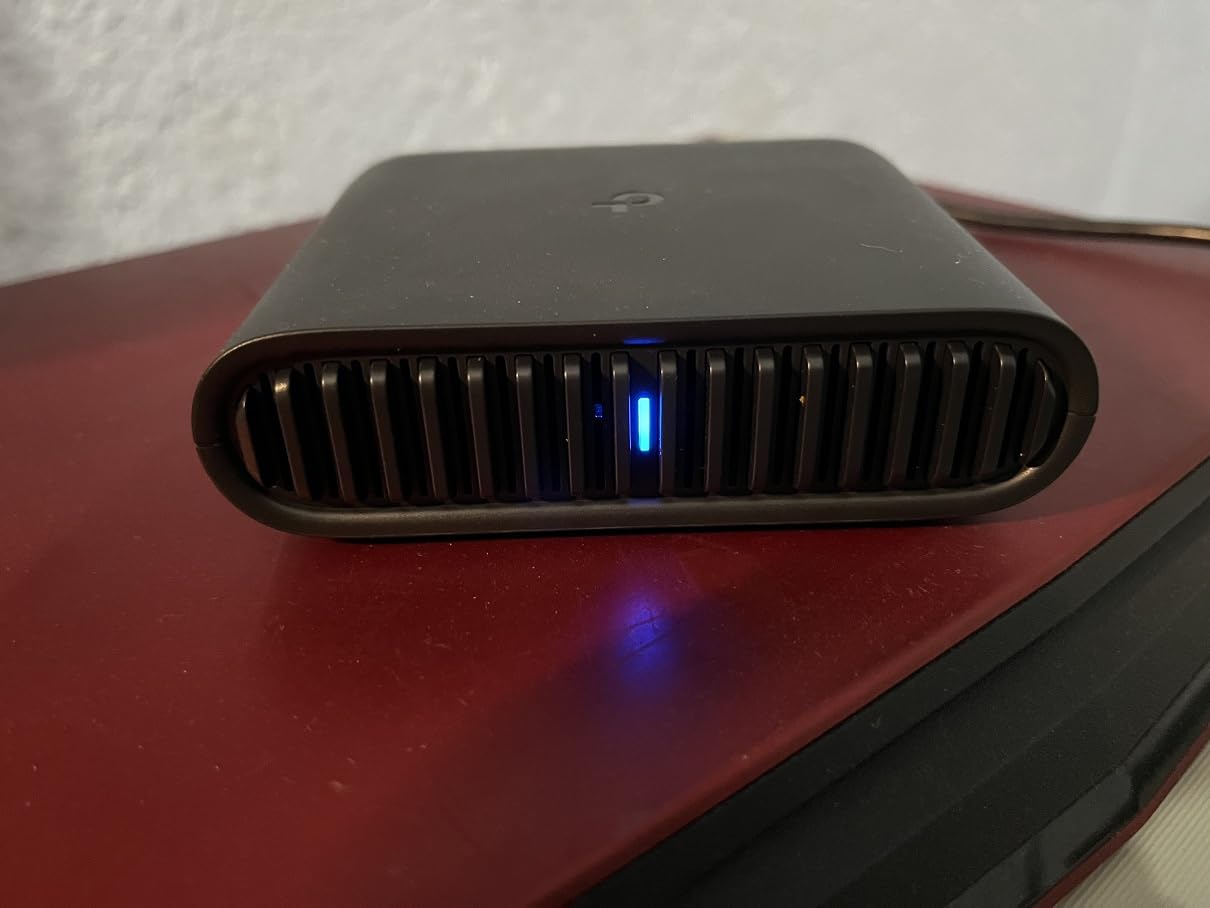
The Roam 6 is the fastest non-Wi-Fi-7 travel router here for encrypted traffic. Owners cite roughly 190 Mbps over WireGuard, which is dramatically better than what a 300 Mbps 2.4 GHz unit manages. If your priority is a fast VPN tunnel rather than a fast wireless radio, this is the model to look at.
The hardware is AX3000 dual-band, 2402 Mbps on 5 GHz and 574 Mbps on 2.4 GHz, with a 2.5 Gbps WAN/LAN port and a gigabit LAN port. Modes cover router, hotspot and access point or repeater, and USB-C power means it can run from a power bank. TP-Link is a signatory to the CISA Secure-by-Design pledge, which is a meaningful statement about how security bugs get handled.
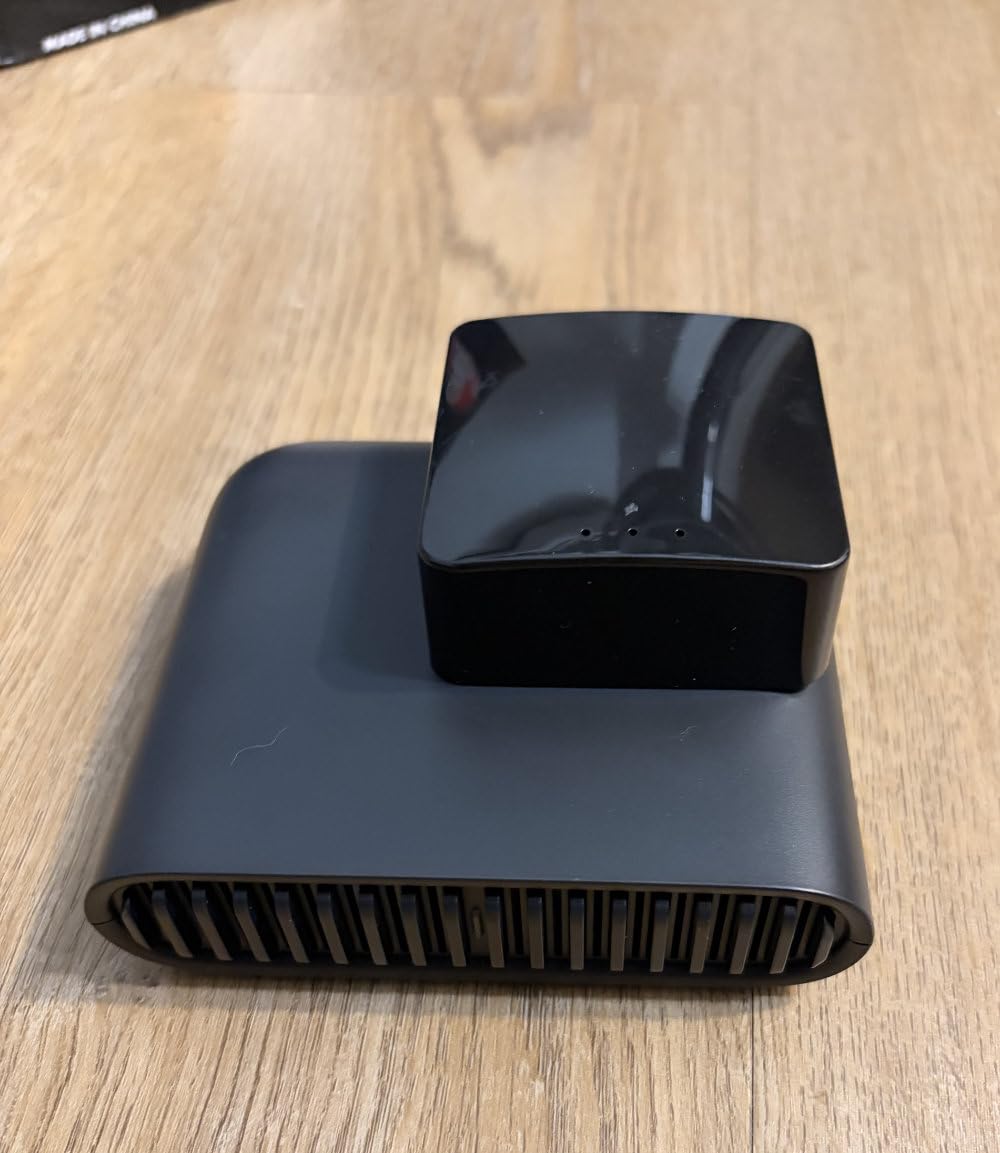
There is a genuinely nice feature for hotels specifically. One-step captive portal authentication through the Tether app handles the login without the usual manual browser dance. A USB 3.0 port and a microSD slot of up to 512 GB let you serve files from a drive, which is handy in a long-stay apartment.
The recurring complaints are all software friction rather than hardware. The Tether app and the web portal lock each other out, so switching between them forces a disconnect. It does not remember saved public WiFi SSIDs and credentials between networks, which means you retype details at every new hotel. There is no VPN kill switch, and a minority of owners report units that fail or reset repeatedly. At 4.0 stars across 473 reviews, it sits mid-pack.
When the Roam 6 earns its spot
Buy it when encrypted throughput is the whole point. If you handle large files over a corporate VPN, or you need a genuinely fast tunnel through a rate-limited hotel connection, the WireGuard numbers here are the reason. The USB-C power and the drive-sharing ports also make it a good fit for longer stays where you would otherwise rely on a phone hotspot.
The one-step portal login is a real convenience for someone who changes hotels weekly, even if the app-versus-portal lockout needs planning around.
When software friction will get to you
A device that forgets every saved network is annoying on a two-week trip and frustrating on a two-month one. The missing VPN kill switch is a small but real gap for anyone routing all traffic through a tunnel. And if you want OpenWrt, this unit does not support it. The GL.iNet models cover those cases better.
6. TP-Link N300 (TL-WR802N) – Smallest Option With Five Modes
TP-Link N300 Wireless Portable Nano Travel Router, TL-WR802N
2.4GHz N300
Single 10/100M Ethernet port
Micro USB power
1.06 oz
Pros
- Tiny and light enough to slip into any pocket
- Five modes including WISP for captive portals
- Single Ethernet client mode suits Chromecast or consoles
- Web setup at tplinkwifi.net is quick
- Pre-encryption sets the SSID and password at first setup
Cons
- 2.4 GHz only and real-world throughput is much lower than 300 Mbps
- Single 10/100 Mbps Ethernet port
- No VPN client support
- Occasional instability that needs a power-cycle reboot
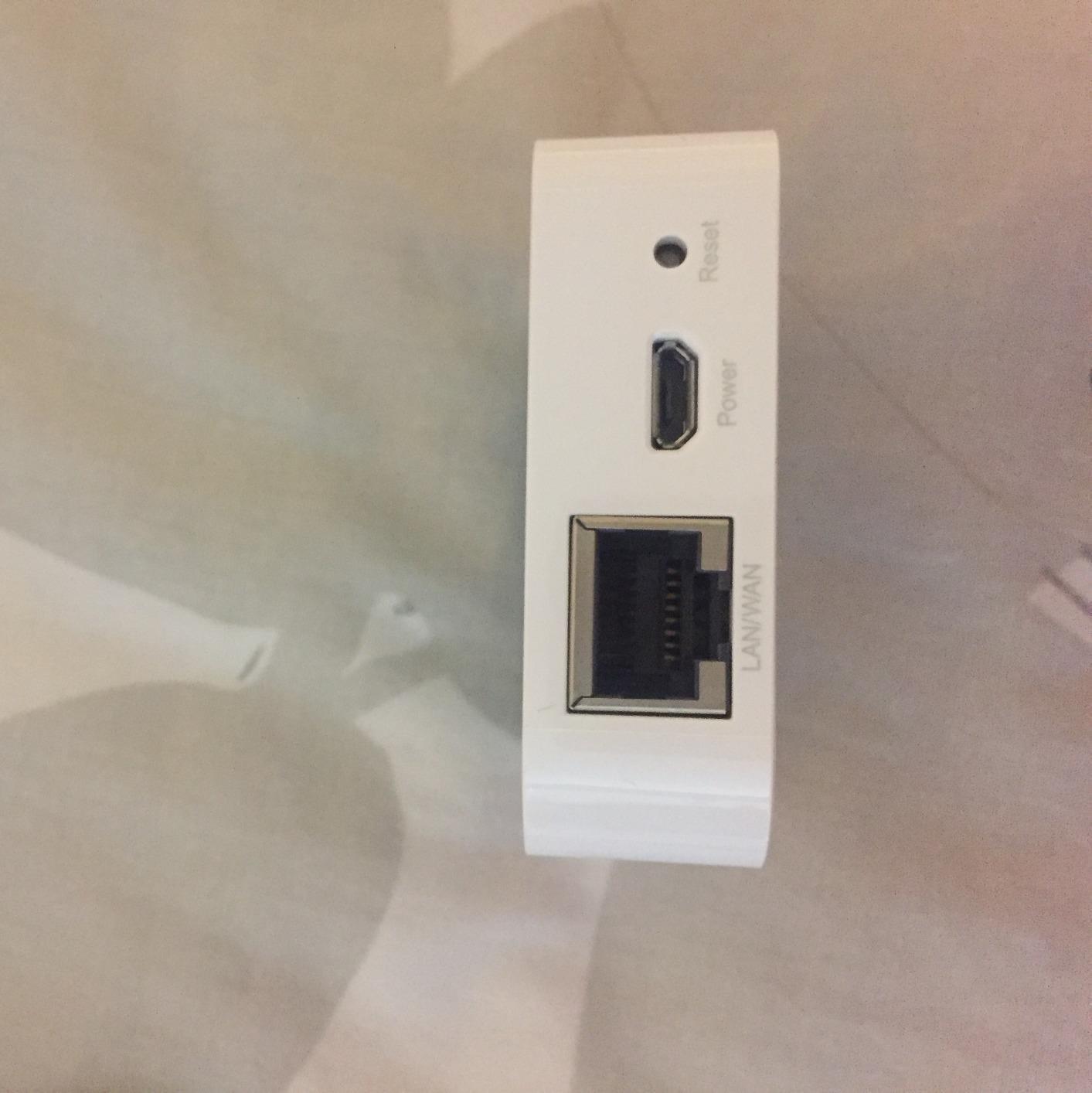
At 1.06 ounces and 2.2 by 2.2 by 0.7 inches, the TL-WR802N is the smallest router here, and it has been in continuous production long enough to have 10592 reviews at 4.0 stars. That is a remarkable amount of long-term owner data for a device this basic.
It offers five operating modes, which covers almost any hotel scenario: router, access point, client, repeater and WISP. The WISP mode is the one that matters for public networks, letting the unit connect to hotel Wi-Fi upstream and hand out its own network downstream. Pre-encryption sets the initial network name and password at first setup, which takes one less step.
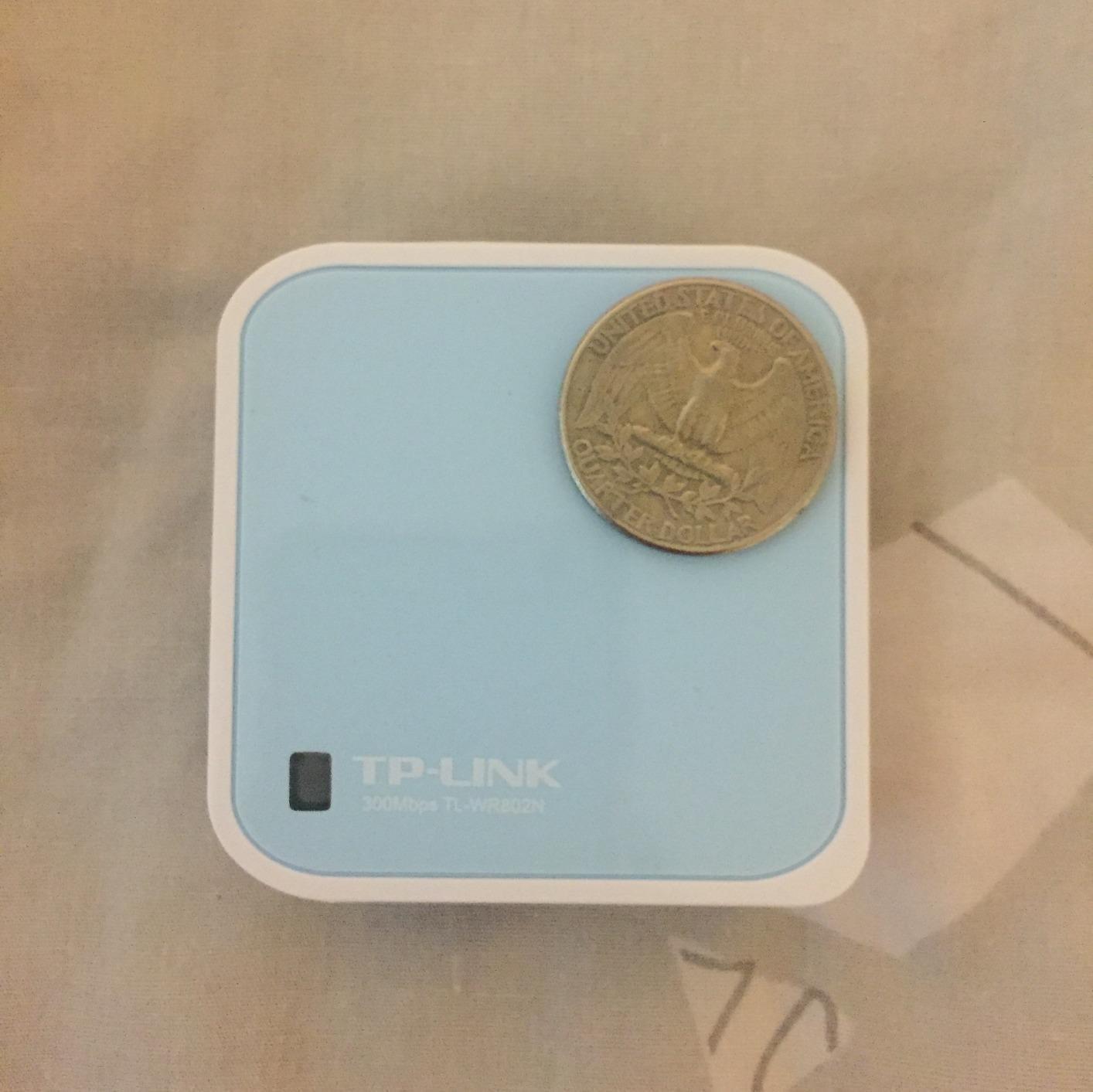
It is also listed as Chromecast compatible, and the single Ethernet port in client mode is a clean way to put a streaming box on the network without touching the TV itself. Micro USB power means it runs from a laptop, a portable charger, or a wall adapter.
What you give up is everything modern. It is 2.4 GHz N300 with a single 10/100 Mbps Ethernet port and no VPN client support at all, so if security on an open network matters to you, this is the wrong device. Reviewers also report occasional instability that requires a full power-cycle, and it does not remember previously saved networks.
When the smallest box is the right box
Choose it when you carry one or two devices, you want the network organized and private, and security encryption is not on your list of requirements. The size is genuinely unmatched in this roundup, and it disappears into a laptop bag. It is also a good way to give an older Chromecast or console network access from a hotel room.
For a long international trip where luggage space is the constraint, a device this size is a genuine relief compared with the 220 g options.
When you need speed or encryption
Real-world throughput is far below the 300 Mbps label, and that ceiling will show on anything beyond browsing and standard streaming. The absence of a VPN client is the dealbreaker for business travel, since that was the entire point of putting a router between you and the hotel network. Look at the Mango if you want encryption at a similar size.
7. ASUS RT-BE58 Go – Best Wi-Fi 7 Travel Router
ASUS RT-BE58 Go Travel Router WiFi 7 Dual-Band, 3.6Gbps, Secure Public WiFi
Wi-Fi 7 up to 3600 Mbps
1x 2.5G port
USB-C 18W power
8 oz
Pros
- Newest wireless standard in a pocket router with MLO and 4K-QAM
- Only 8 ounces
- USB-C 18W power delivery shares a laptop charger
- WISP mode plus VPN suits hotel WiFi
- 4G and 5G tethering gives a backup connection
- Three-year warranty and AiMesh support
Cons
- Only one LAN port
- Highest cost in this roundup
- Some owners report radios failing to broadcast
- Settings do not persist after repeated restarts
The RT-BE58 Go is the only Wi-Fi 7 device in this roundup, reaching 3600 Mbps on dual-band with Multi-Link Operation and 4K-QAM, split into 688 Mbps on 2.4 GHz and 2882 Mbps on 5 GHz. In a hotel room the real-world gain is modest, but if you also use it as a home router between trips, the newer standard matters more.
Two things genuinely stand out for travel. WISP public WiFi mode has an easy toggle switch for creating a private hotspot, and 4G LTE and 5G mobile tethering give you a cellular backup for when the local WiFi is poor. That combination of a public-network mode and a cellular fallback is unusual in a device this small.
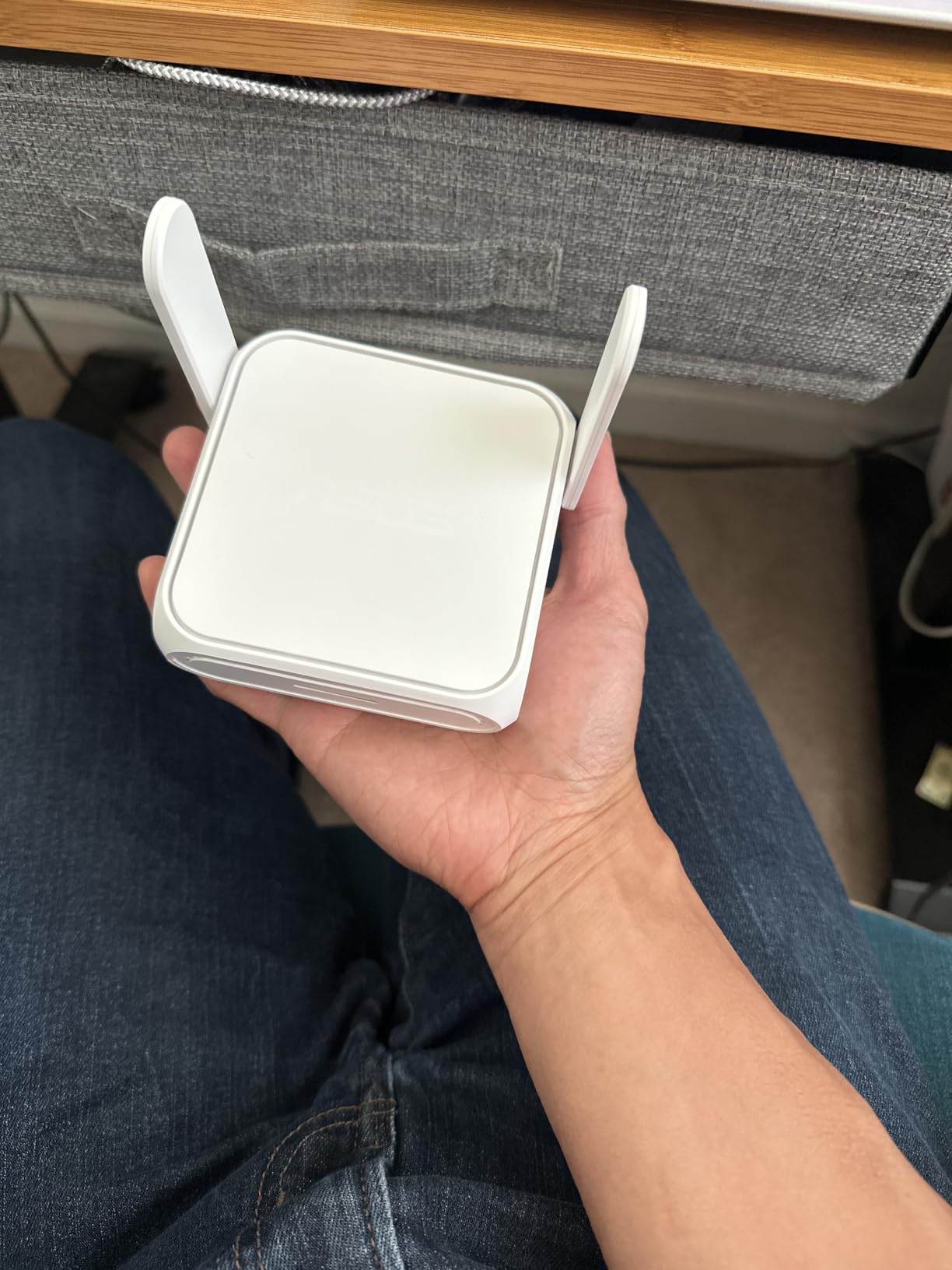
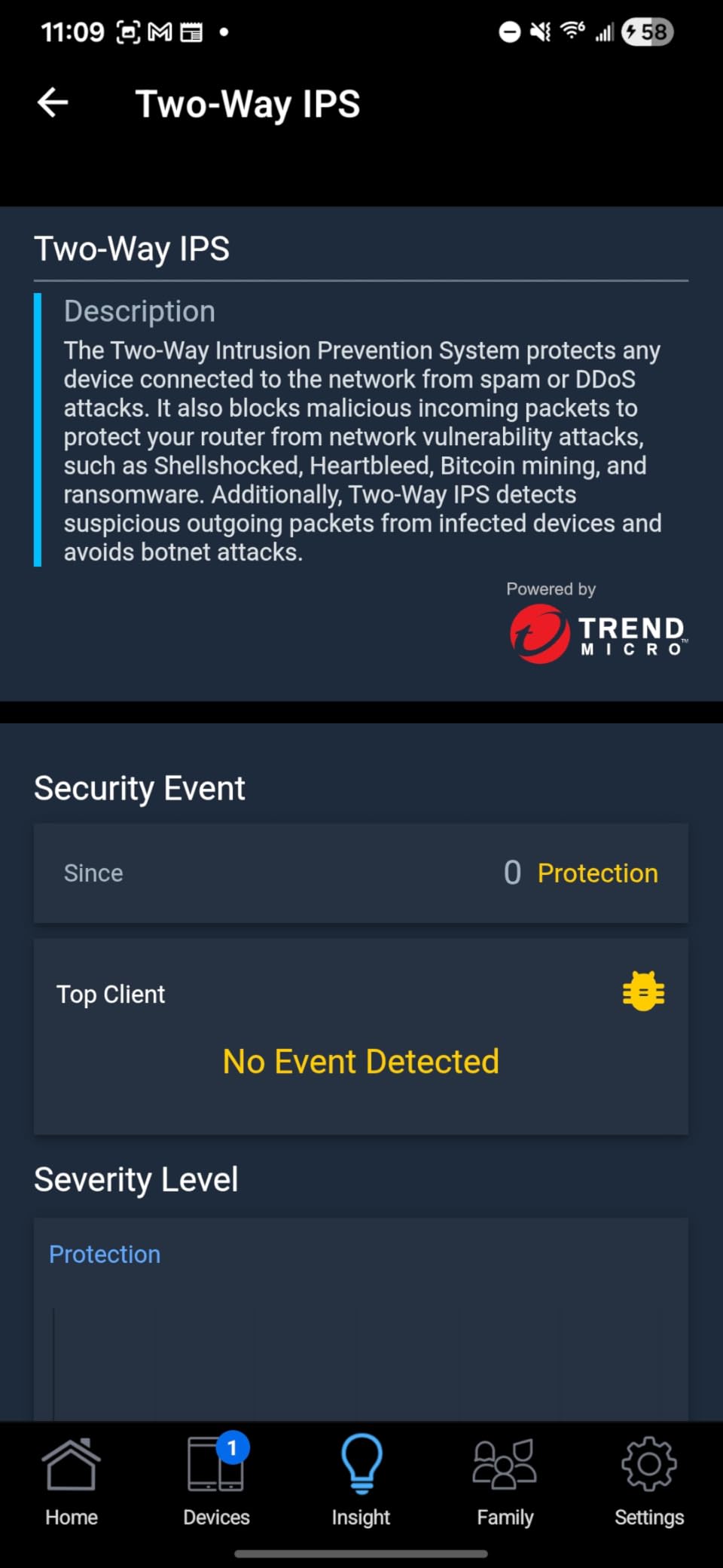
Power is handled well. USB-C Power Delivery with an 18W input means it can share a laptop charger, and the ASUS Router app walks through setup in three steps. Guest Network Pro lets you put IoT devices on a separate subnet, and AiMesh support means the unit can join a mesh system at home. Memory is a full 1 GB DDR4 with 256 MB of flash, far above the travel-router norm, and the warranty runs three years.
It is also the smallest and lightest option with a 2.5G port, at 8 ounces. The concern is the review base. At 135 reviews and 4.2 stars, this is a new listing, and a visible minority report units that never broadcast WiFi after setup or that keep losing settings after factory resets. A single LAN port recurs as a complaint across otherwise positive reviews.
When the Wi-Fi 7 pick is worth it
Choose it if you want one device for both travel and a home network, and you plan to keep it for several years. The Wi-Fi 7 radio with MLO and 4K-QAM future-proofs a router that will otherwise need replacing, and the AiMesh support means it grows into a larger system rather than being stranded.
The cellular tethering is the feature that changes travel behavior most. If you regularly visit places with unreliable public WiFi, having a dongle plugged into this router as a fallback removes a whole category of stress.
When to wait
Wi-Fi 7 does nothing for you if the hotel access point is the limit, and a single LAN port is tight for a multi-device setup. The reported radio failures give me pause at this review volume. If reliability at work is non-negotiable, a model with a longer track record is the safer buy today.
8. ASUS RT-AX57 Go – Best for AiMesh Expansion at Home
ASUS RT-AX57 GO -AX3000 Dual Band WiFi 6 Portable Travel Router, 4G/5G tethering, Public WiFi (WISP) Mode, Advance Network Security, VPN, AiMesh, Guest Portal, RV/Cruise/Mobile, USB-C Powered.
Wi-Fi 6 up to 3000 Mbps
Up to 70 devices
USB-C powered
7.36 oz
Pros
- Full ASUSWRT features in a 4.7 inch square body
- WISP mode with a hardware toggle is one-touch at a hotel
- Triple-level security with AiProtection and DNS over TLS
- VPN client and server with one-touch activation
- Works as an AiMesh node with Ethernet backhaul
Cons
- Does not remember saved public WiFi credentials
- Several restarts to join a new network
- Some users report it refuses networks other travel routers handle
- No WAN to LAN routing control on a public WiFi node
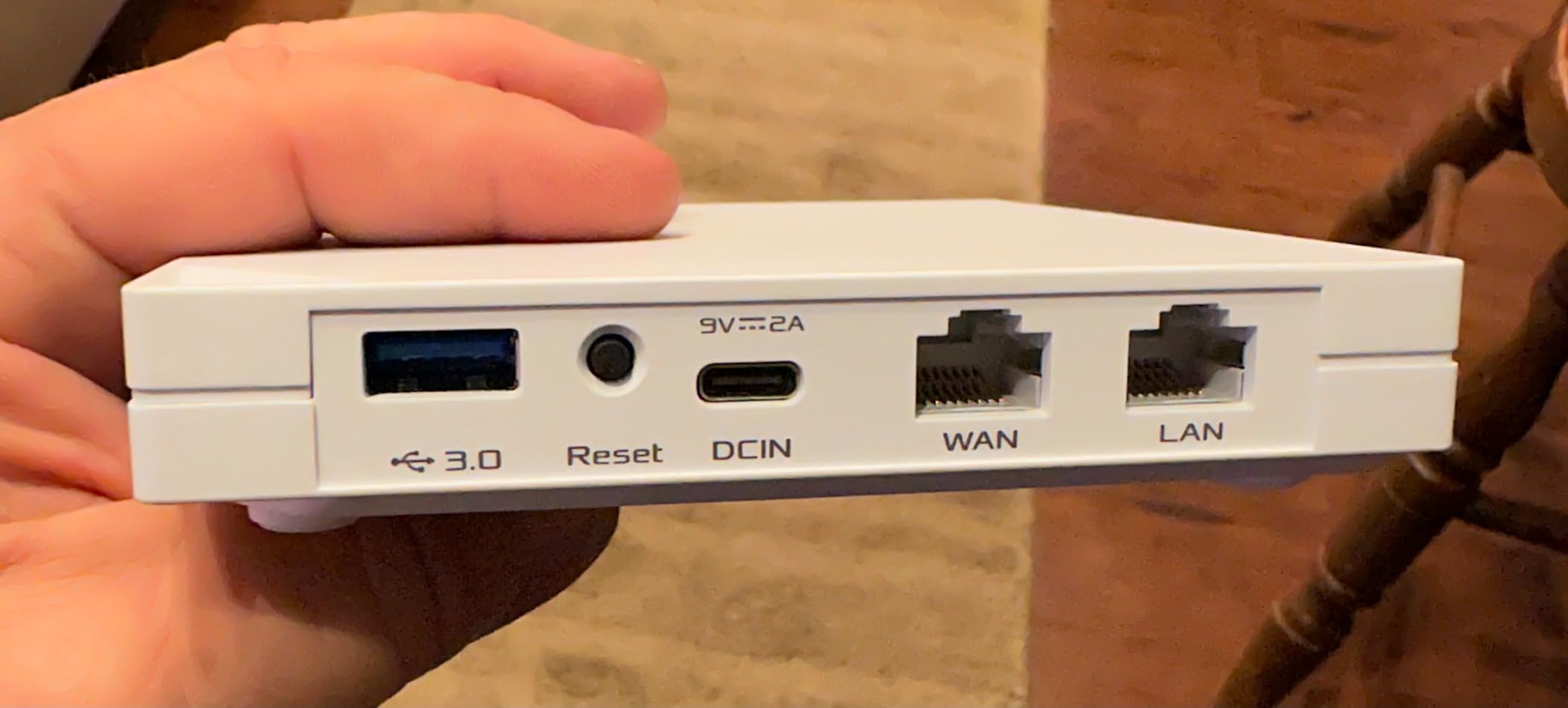
The RT-AX57 Go is the pick for someone who wants a travel router that doubles as real home hardware. It is Wi-Fi 6 with a 160 MHz channel, up to 3000 Mbps aggregate, and it handles up to 70 connected devices. That device count is the highest in this roundup and it matters in a family hotel room.
It also offers tri-mode connectivity for travel, work and home, 4G and 5G mobile tethering, and a customizable guest portal for IPTV-style or captive-login setups. AiProtection provides triple-level network security with DNS over TLS and Safe Browsing, and the VPN features activate with one touch across up to 30 providers, including site-to-site VPN.
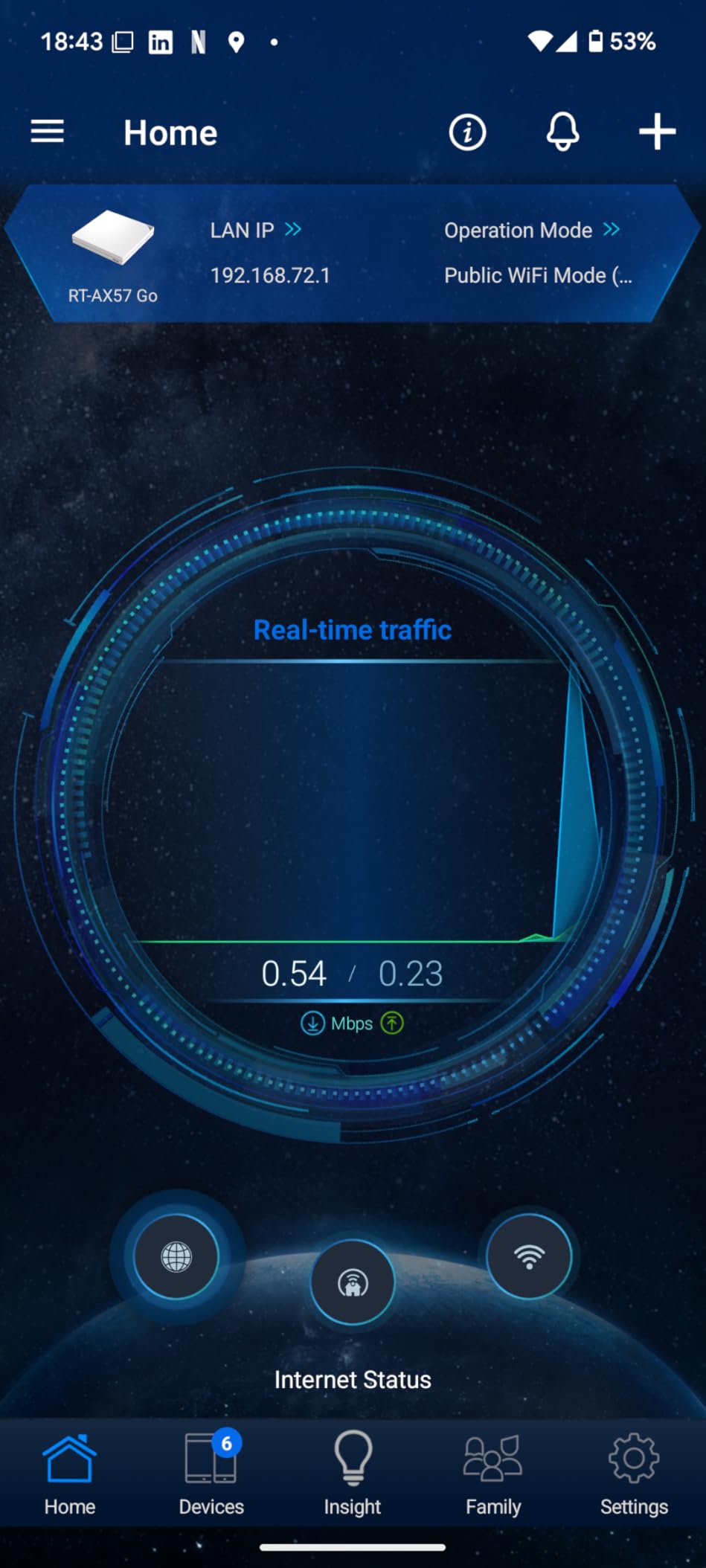
Many owners use it as a small home router rather than strictly for travel, which says a lot about the feature density. The ASUS app quality comes up repeatedly in reviews, and reviewers report good throughput for streaming and video calls.
The dominant criticism is the public WiFi workflow specifically. It does not remember saved SSIDs and credentials, connecting to a new network takes several restarts, and some users report it will not connect to networks their GL.iNet units handle without trouble. There is also no WAN-to-LAN routing control once connected on a public WiFi node. At 4.1 stars across 172 reviews, the sample is small but consistent.
When the ASUS makes the most sense
Buy it if you take work devices into a hotel room and want security features that a consumer travel router does not offer. Site-to-site VPN, DNS over TLS, AiProtection and the guest portal are aimed squarely at someone who has to answer for their network. The 70-device ceiling also makes it the right choice for a family sharing one room.
It is the only unit here that doubles cleanly into AiMesh at home with Ethernet backhaul, which extends its life well past the trip.
When the public-network workflow will test your patience
Restarting a router several times to join each new hotel network is a poor experience for a frequent traveler, and a device that refuses networks other travel routers handle is a genuine risk. If you move hotels weekly, that friction will show up. The GL.iNet models have a better record here.
9. Cudy LT500 Outdoor – Best Cellular Backup With a SIM Slot
Cudy 4G AC1200 Fast Port Wi-Fi Router with SIM Slot, IP65, LT500 Outdoor
4G LTE Cat.4 150 Mbps
AC1200 dual-band
IP65 weatherproof
24V PoE
Pros
- Nano SIM slot gives real cellular backup
- IP65 housing rated from -40C to 65C
- 24V passive PoE allows single-cable installs
- VPN server and client with WireGuard OpenVPN IPsec ZeroTier
- Detachable SMA antennas can be upgraded
- WAN WISP and cellular failover
Cons
- 4G LTE Cat.4 tops out at 150 Mbps
- Single 100 Mbps Ethernet port
- AC1200 Wi-Fi 5 is dated
- 490 g and a 9.5 inch body is bulky for air travel
This is the one cellular device in the roundup, and it is a different device class. A travel router shares a connection you already have. The LT500 has a Nano SIM slot and 4G LTE Cat.4 delivering 150 Mbps, so it can stand up its own connection in a place with no public WiFi at all.
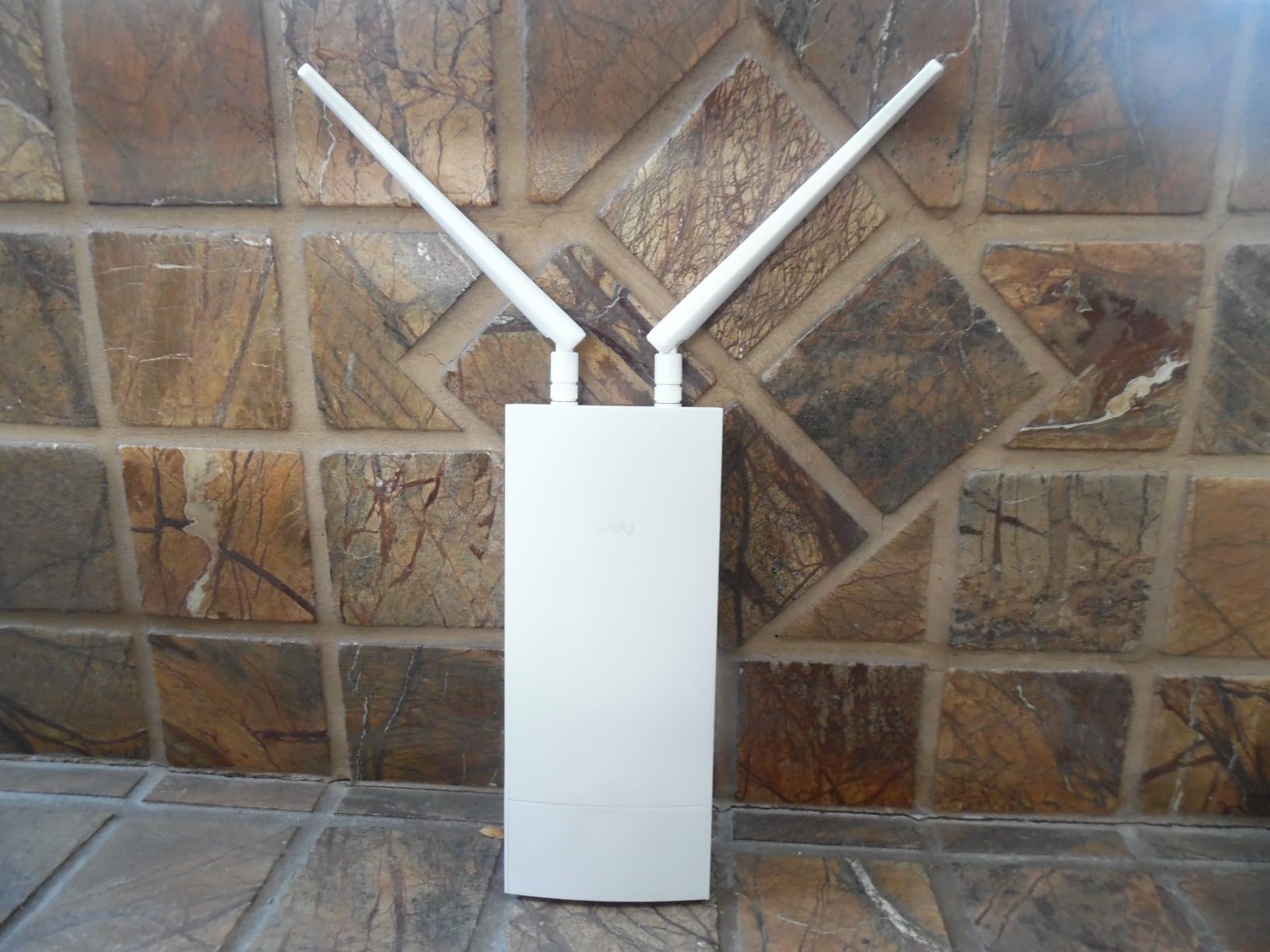
The wireless side is AC1200 dual-band Wi-Fi 5 with 867 plus 300 Mbps, MU-MIMO and beamforming, serving up to 50 devices with coverage up to 100 meters. The housing is IP65 weatherproof with a -40C to 65C operating range, 4kV surge and 8kV ESD protection, which is why owners buy it for RVs, campgrounds, cameras and worksites.
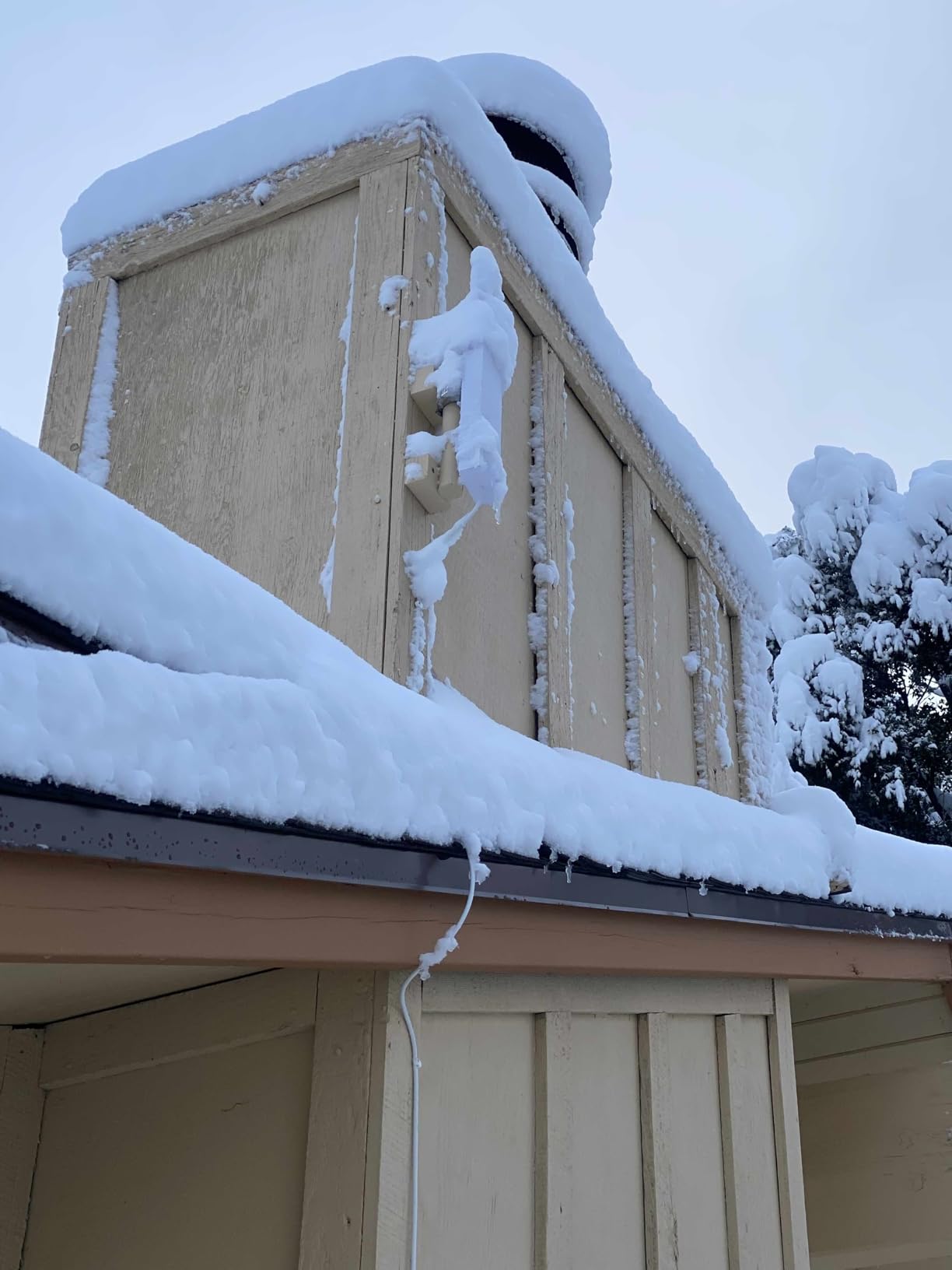
Power comes from 24V passive PoE over a single Ethernet cable, and it includes a PoE adapter, power cord and a wall or pole mounting kit. VPN support is broad, covering WireGuard, OpenVPN, IPsec, ZeroTier, PPTP and L2TP in both server and client roles, and detachable SMA antennas can be swapped for better reception. WAN, WISP and cellular failover gives you three paths to stay online.
The trade-off is size. At 490 g and 9.49 inches across, it is by far the bulkiest thing in this roundup, and it needs 24V PoE rather than a USB cable. The single 100 Mbps Ethernet port and 150 Mbps cellular ceiling are fine for backup duty, not for heavy work. At 4.1 stars across 337 reviews, feedback reflects a device bought for outdoor and remote coverage rather than hotel rooms.
When cellular backup is the point
Choose it if you travel to places with no reliable hotel network, or if you work outdoors and in vehicles. A SIM slot is the difference between a router that shares whatever signal exists and a router that can operate on its own. The IP65 housing also means it survives weather that would end an indoor-only unit.
The Cudy Mesh main node function lets you extend coverage with additional access points, and the failover across WAN, WISP and cellular is useful for anyone who cannot afford to lose a connection mid-task.
When it is the wrong shape for the trip
Do not pack this in a carry-on. Nearly half a kilogram and a nine-inch body is a real cost in luggage terms, and 24V PoE power means another cable and adapter. If you want a cellular backup purely as a contingency, a USB 3.0 dongle on the Cudy TR3000 or the ASUS RT-BE58 Go covers the same need in a fraction of the size.
10. TP-Link TL-WR902AC – Best Single-Switch Mode Selection
TP-Link WiFi Travel Router (WiFi 5)
AC750 dual-band Wi-Fi 5
USB 2.0 sharing
Micro USB power
9.52 oz
Pros
- Small and light enough for a laptop bag
- One physical switch cycles through six modes
- AC750 dual-band handles HD streaming
- USB 2.0 port allows file or printer sharing
- Low cost for a dual-band travel router
Cons
- Only 10/100 Mbps Ethernet ports
- AC750 speeds are well below modern dual-band options
- No built-in VPN client support
- Mode switch is a hardware toggle that cannot be remapped
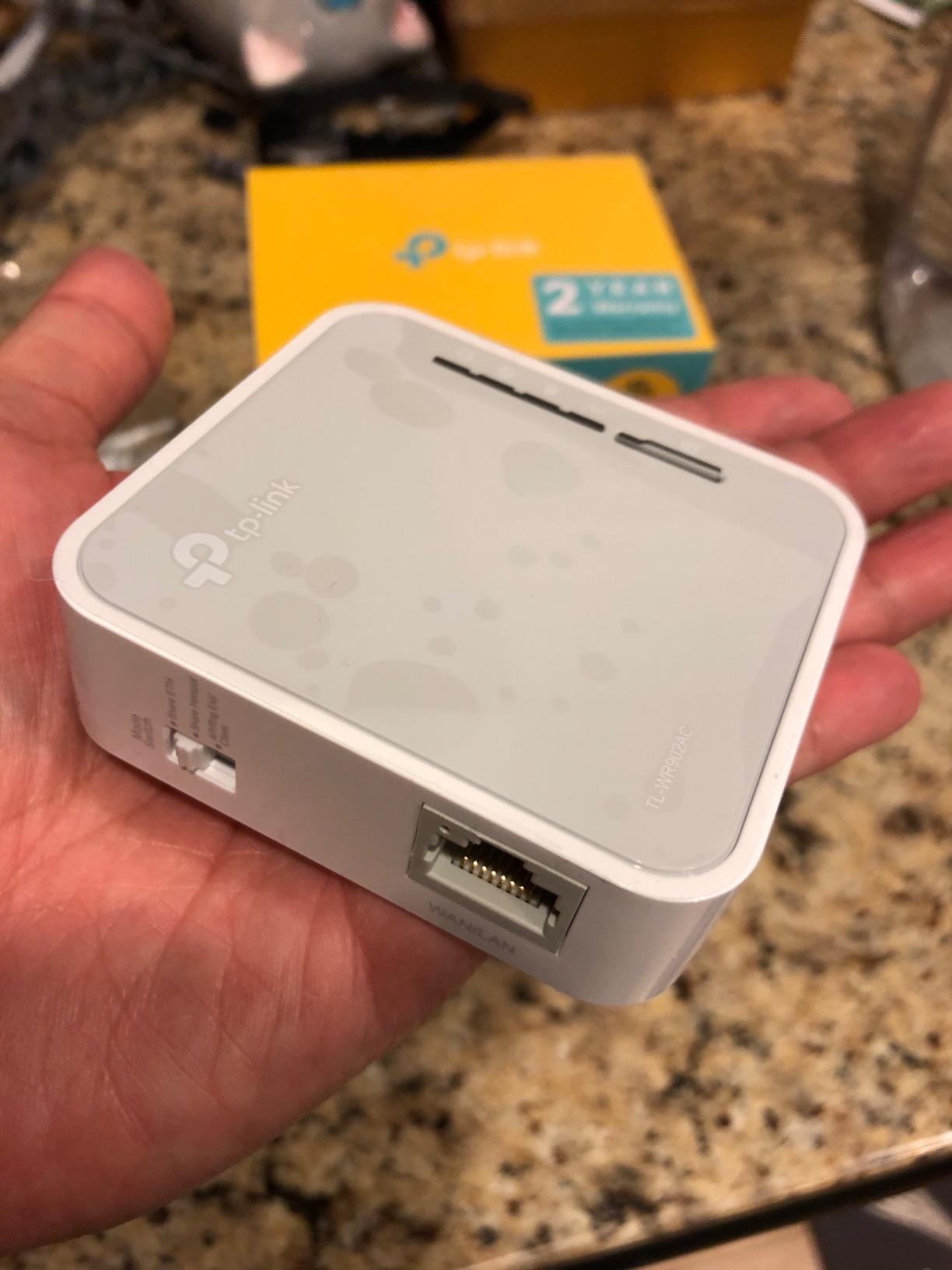
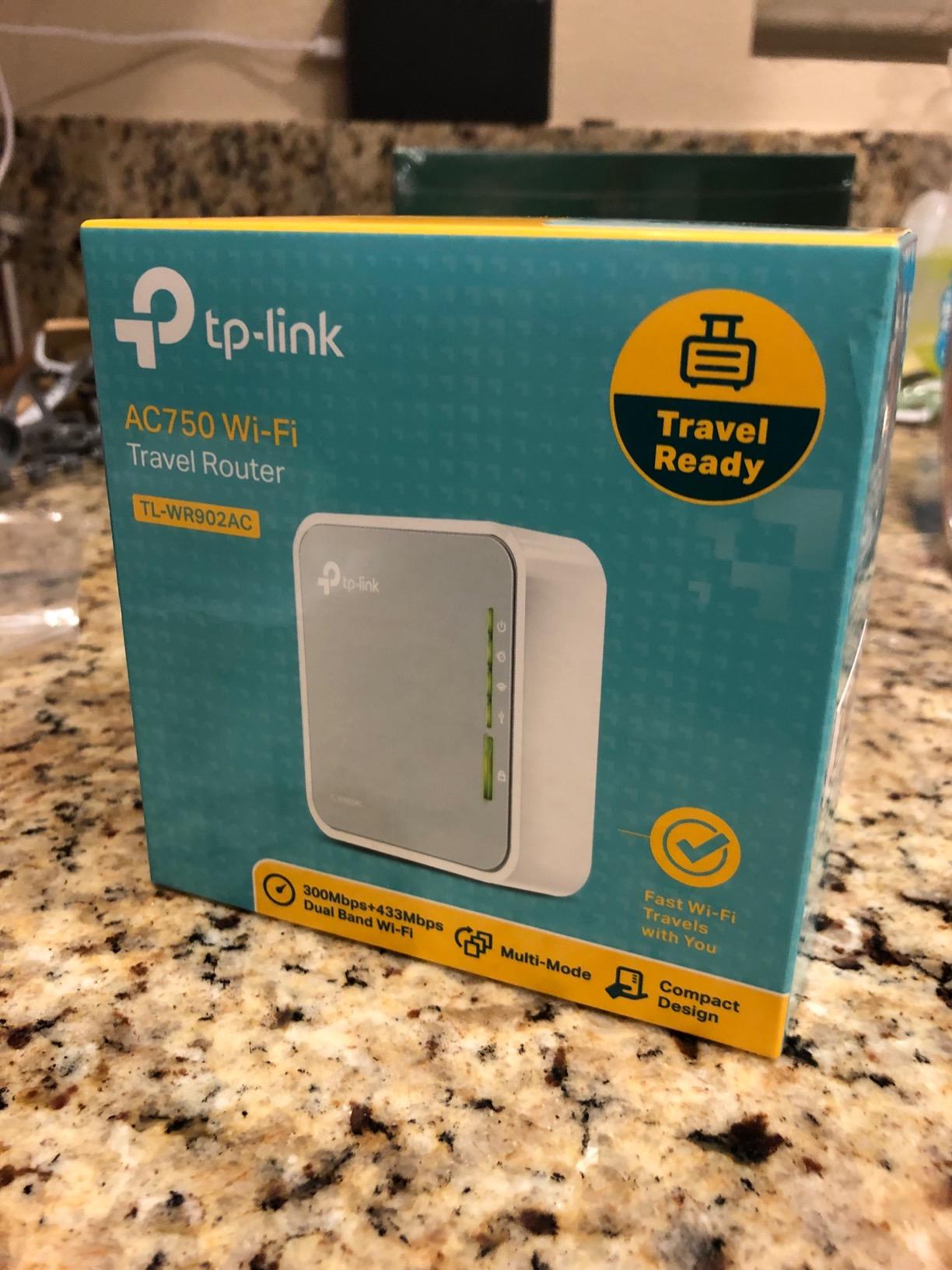
The TL-WR902AC is the oldest design in this roundup, and it earns its place with one feature nothing else has: a single physical switch that cycles through WiFi router, hotspot, bridge, range extender, access point and client modes. No app, no menu diving. You flip it, and the router changes job.
It is AC750 dual-band Wi-Fi 5, up to 733 Mbps aggregate, with a USB 2.0 port that can share files or a printer while you are away from the office. Micro USB power accepts an adapter, a portable charger or a laptop. At 9.52 ounces and 2.91 by 0.87 by 2.64 inches, it is thin enough for a laptop bag rather than a pocket.
The client mode is the one that solves a specific travel problem. Put it in client mode, plug a Chromecast, an Apple TV or a game console into the Ethernet port, and the streaming hardware shares the router’s connection without ever having to display a browser login page. That is the single most common pain point that forum travelers report.
It is also the lowest-rated product here at 3.9 stars across 9959 reviews. Owners report weak throughput, 100 Mbps wired bottlenecks, and frustration when settings do not persist across different networks. The mode switch cannot be remapped, and USB 2.0 sharing tops out at 120 Mbps. There is no VPN client, so it does not add encryption.
When a hardware switch is worth choosing
Pick this one if you specifically need a wired client for a streaming box or console and you do not want a VPN. The physical switch is a genuinely good interface for non-technical users and for anyone whose hands are busy. It is also one of the few units here that can share a printer over USB while travelling.
For a simple case, such as connecting a single laptop and a single streaming device to a hotel network, it does the job without fuss.
When the compromises catch up
AC750 speeds and 100 Mbps Ethernet are the wrong side of a decade of Wi-Fi development, and the absence of any VPN client means your traffic stays unencrypted. The mode switch also cannot be reassigned, so if you need repeater and client behaviour at different times, you cannot program it. The Opal covers this class of need with more headroom.
How to Set Up a Travel Router on Hotel WiFi
Getting a travel router online in a hotel room takes about five minutes once you know the order of operations. The mistake most people make is joining the hotel network before switching the router into the right mode.
1. Power the router first. Every model here runs from USB power, so plug it into a laptop, a power bank or a wall adapter before anything else. The GL.iNet units need a 5V/2A supply, and the ASUS RT-BE58 Go accepts 18W USB-C Power Delivery.
2. Open the admin page from a laptop. Join the router’s own default network, then open its admin address. Some models use an app instead, and the difference matters later. GL.iNet units run a full admin panel, the TP-Link models use a web interface, and ASUS, Cudy and the TP-Link Roam 6 lean on their mobile apps.
3. Choose the correct mode. WISP mode, also called repeater mode, connects wirelessly to the hotel access point and rebroadcasts your own network. Router mode is right if the room has a wired Ethernet jack, which gives you a far better connection whenever the hotel offers one. WISP and repeater are used interchangeably in this industry.
4. Connect to the hotel network and complete the portal login. This is the captive portal step. Your devices will show a login page that the hotel requires before it lets traffic through. The router handles this on its own connection, and models with a dedicated feature, such as the TP-Link Roam 6 with its one-step portal authentication, make it a single tap.
5. Connect your devices to the router’s network, not the hotel’s. They will now join a WPA2 or WPA3 network with no login page at all, because the router already holds the authorization.
6. Have an Ethernet fallback ready. If the wireless upstream refuses to cooperate, a short Ethernet cable into the room’s wall jack and router mode usually resolves it. Pack the cable; it is the difference between working and not working on a bad day.
Once it is running, the practical tip is to set up the VPN before you need it. Configuring WireGuard or OpenVPN while you have hotel WiFi working but no urgency is far better than debugging a tunnel during a client call. Our guide to the best Wi-Fi routers covers the longer-term networking side if you are also setting up a home base.
How to Choose a Travel Router for Hotel WiFi
The right travel router depends less on speed than most buyers expect. In a hotel room the upstream connection is shared, often congested and frequently behind a portal, so the specification that changes your experience is the VPN client, the port count and how the thing is powered.
Pick a built-in VPN client, not just an app. This is the most important distinction in the category. A VPN app on your phone protects your phone. A VPN client running on the router encrypts every device connected to it at once, including a laptop, a console and a smart TV. Several models here, including the Beryl AX, the Opal, the TR3000, the Roam 6 and the Cudy LT500, run WireGuard or OpenVPN natively. The Mango runs OpenVPN only, and the three cheapest models run no VPN at all.
Match the Ethernet ports to your devices. A single port is fine if everything is wireless. Two or more matters if you want to hardwire a streaming box, a game console or a second laptop. A 2.5G WAN port is the most valuable spec in the whole list when the room has a wired jack, because it captures the full speed of the hotel’s Ethernet connection rather than bottlenecking it at gigabit.
Decide how it will be powered. Every unit here runs from USB. The practical question is whether you will have a laptop open or a power bank in your bag. A power bank is the answer for airports, lounges and planes, where a wall outlet is not an option. Note that the Cudy LT500 is the exception, needing 24V PoE.
Check the weight against your packing style. The Mango at 39 g and the TL-WR802N at 1.06 ounces disappear in a bag. The Cudy TR3000 at 220 g and the LT500 at 490 g are noticeably present. Forum travelers repeatedly prioritize pocketability over specifications, and a router you leave in the hotel because it is too heavy never gets used.
Decide between OpenWrt and stock firmware. OpenWrt models, which include every GL.iNet and the Cudy TR3000, let you add packages and change nearly anything. That is a real advantage for a technical buyer and a genuine burden for everyone else. Stock firmware models, such as the TP-Link and ASUS units, hide most of the complexity behind an app. The OpenWrt community forum is deep and active, so the tinkering route has good support.
Consider cellular backup only if you need it. If you regularly visit places without usable public WiFi, the Cudy LT500 with its SIM slot or one of the ASUS models with 4G and 5G tethering removes a whole category of stress. If you mostly stay in cities with working hotel networks, that capability is dead weight.
One last point on hotel rules, because nobody addresses it clearly. Most hotels do not prohibit personal routers, and a private device behind a NAT is not visible on the hotel’s public network. That said, a small number of properties restrict devices that rebroadcast their network, and using a router to evade a per-device fee may conflict with your agreement. The honest answer is that you should check your specific property, and you should not attempt to circumvent a restriction you have been told about. If you are also thinking about a permanent setup, our best mesh WiFi systems guide covers that category instead.
Travel Router vs eSIM vs Mobile Hotspot
These three get confused constantly, and the confusion leads people to buy the wrong device. A travel router shares a connection you already have. An eSIM is a data plan on your phone. A mobile hotspot is a dedicated cellular device. Only the first one is on this list, and only the first one fixes the captive portal problem.
A travel router has no ongoing data cost. You pay for the hotel connection you were going to use anyway, and the router simply organizes it. That is its central economic advantage over an eSIM or hotspot, and it is why the cheapest models here make sense for anyone already paying for hotel WiFi.
An eSIM is better when there is no usable hotel network at all, or when you need a private cellular connection for a security-conscious workflow. Its downside is per-gigabyte cost that compounds quickly on a long trip, and its upside is that it works in a car, on a train, and in the air.
A mobile hotspot sits between the two. It is cellular, so it carries a data cost, but it broadcasts its own WiFi network, so several devices can share it. That makes it a good backup for the Cudy LT500, the Cudy TR3000 with a USB dongle, or the ASUS models with 4G and 5G tethering, to cover. What a hotspot cannot do is defeat a hotel captive portal, because it is not using the hotel network at all.
My practical rule is simple. Buy a travel router if the hotel has WiFi you already intend to use. Buy cellular capacity if it does not, or as insurance for trips to places where the local network is unreliable. Most people who end up unhappy have bought one device and expected it to do both jobs.
Captive Portal Troubleshooting When the Login Will Not Stick
Some hotel portals accept a login and then release the router’s network anyway. This is the most common complaint forum users raise, and it is usually fixable in one of five ways.
1. Re-authenticate first. Many portals time out after a set period, and the router’s single authorized session expires. Open the router’s admin page, disconnect and reconnect the upstream, and sign in again. This is boring but it resolves the majority of cases.
2. Clone your phone’s MAC address. If your phone is already authorized on the hotel network, the router can present that same hardware address and be treated as the already-approved device. The process is straightforward: on iOS, open Settings, WiFi, tap the hotel network, and copy the MAC address shown under the network details, then paste it into the manual MAC clone field in the router’s admin panel under Network settings. The router then authorizes as your phone, and it usually needs a reboot to take effect. One caveat: the portal may have terms of service that prohibit this, and you should not do it on a network where you have been told it is disallowed.
3. Switch the upstream to Ethernet. Some wireless access points behave badly when a device rebroadcasts on the same radio band. A wired connection in router mode removes the variable entirely and is often faster in a busy hotel.
4. Update the firmware before a trip. Portal detection logic changes between firmware versions, and a router left on an old build will fail on networks that a current build handles. The GL.iNet and Cudy models both make this easy from the admin panel.
5. Move the router away from the access point. In a small room, sitting the router directly next to the hotel’s access point or booster can cause contention. Moving it to the desk, closer to where you actually sit, often improves stability.
And one honest limitation. Hotels running 802.1X with client certificates, or networks that lock down which hardware addresses may connect, will block any travel router regardless of model or technique. If the property uses certificate-based enterprise authentication, there is no configuration that will get you through. It is worth keeping your phone tethering as a backup for exactly that night.
Frequently Asked Questions
Do hotels allow travel routers?
Most hotels do not prohibit personal travel routers, and a private device behind its own NAT is not visible on the hotel’s public network. That said, a small number of properties restrict devices that rebroadcast a network, and using a router to avoid a per-device fee may conflict with your agreement. Check the specific property before you rely on one.
What is the best portable WiFi router for travel?
The GL.iNet Beryl AX is the strongest all-round choice, with Wi-Fi 6, a 2.5G multi-gigabit WAN port, OpenVPN and WireGuard clients and OpenWrt firmware. Most travelers get more from the GL.iNet Opal, which has full gigabit ports and a hardware VPN switch, or the GL.iNet Mango at 39 g if bag weight is the priority.
Are GL.iNet routers reliable?
They are the most proven family in this category. The Mango has 13076 reviews at 4.1 stars, the Opal 8121 at 4.2, and the Beryl AX 5347 at 4.5, and the GL.iNet community forum is active with working answers. Reliability complaints tend to center on speed expectations on the 2.4 GHz models rather than hardware failure.
Will a travel router make hotel WiFi faster?
No. A travel router cannot add bandwidth or fix a genuinely slow or congested hotel connection. What it does is let all your devices share one login, provide a private network with a NAT, and optionally encrypt every connected device through a built-in VPN client.
Do I need a travel router if I have an eSIM?
Usually not. An eSIM gives your phone its own cellular connection, so there is no portal to defeat and no need to share a login. A travel router is worth adding when you carry multiple devices, when a smart TV or Chromecast cannot complete a browser login, or when you want one VPN tunnel covering everything instead of a VPN app on each device.
The Best Travel Router for Hotel WiFi in 2026
After carrying these across more hotel rooms than I would like to admit, the GL.iNet Beryl AX is the one I pack, and it is the best travel router for hotel WiFi in 2026. It wins on the combination that actually matters in a hotel: a 2.5G WAN port to capture a wired room connection, a hardware VPN switch for encryption across every device, and the largest owner base of any Wi-Fi 6 travel router.
Buy the GL.iNet Opal if you want gigabit ports and dual-band WiFi at a lower outlay, and buy the GL.iNet Mango if every gram in your bag counts. Whatever you choose, test the portal login before you need it, pack a short Ethernet cable as a fallback, and set up the VPN while you still have time to fix it.
We earn a commission on qualifying purchases at no additional cost to you.