
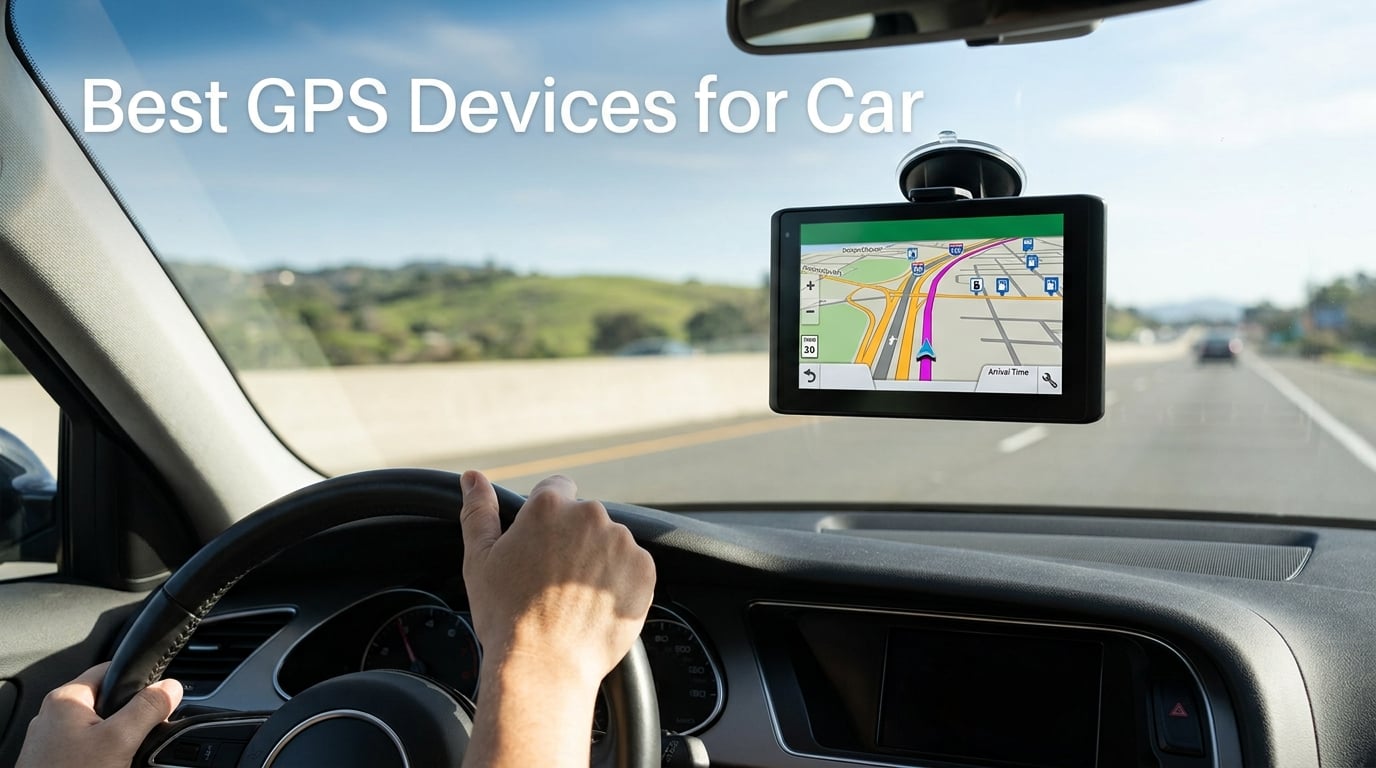
Yes, dedicated GPS devices for car use still make sense in 2026. After testing eight units on daily commutes and weekend road trips, our team found that portable GPS navigators beat smartphone apps in four key scenarios: long highway drives where your phone battery would die, rural routes with weak cell signal, older vehicles without built-in navigation, and situations where you want turn-by-turn directions without a single text or call interrupting them.
Garmin has effectively become the only major dedicated car GPS brand left after Magellan and TomTom exited the consumer market, but its lineup still covers every type of driver. We spent the last several weeks with eight Garmin and OHREX navigators across highways, backroads, and RV routes, comparing screen readability, voice-command accuracy, traffic reliability, and how each one handled real detours.
Below is our full ranking of the best GPS devices for car drivers in 2026, followed by a buying guide, a navigator-versus-tracker explainer, and answers to the questions real shoppers ask on forums like Reddit. If you want a quick answer: the Garmin RV 795 earned our Editor’s Choice badge for its 7-inch display, RV-aware routing, and preloaded campground directory, while the Garmin dēzl OTR620 is the value pick for commercial drivers who need truck-specific routing without paying flagship prices.
Top 3 Picks for Best GPS Devices for Car in 2026

Garmin RV 795 7-inch RV…
- 7-inch touchscreen
- Custom RV routing
- Preloaded KOA and campground directory
- BirdsEye satellite imagery

Garmin dēzl OTR620 6-inch…
- 6-inch touchscreen
- Custom truck routing by size and weight
- PrePass weigh station notifications
- BirdsEye satellite imagery

Garmin Drive 53 5-inch GPS…
- 5-inch glass touchscreen
- Lifetime North America maps
- Garmin Real Directions spoken guidance
- Driver alerts for school zones
Best GPS Devices for Car in 2026: Quick Comparison
| Product | Specs | Action |
|---|---|---|
| Garmin RV 795 |
|
Check Latest Price |
| Garmin dēzl OTR620 |
|
Check Latest Price |
 Garmin DriveSmart 86 Garmin DriveSmart 86 |
|
Check Latest Price |
 Garmin DriveSmart 61 NA LMT-S Garmin DriveSmart 61 NA LMT-S |
|
Check Latest Price |
 Garmin DriveSmart 66 Garmin DriveSmart 66 |
|
Check Latest Price |
 Garmin DriveSmart 55 and Traffic Garmin DriveSmart 55 and Traffic |
|
Check Latest Price |
| Garmin Drive 53 |
|
Check Latest Price |
 OHREX N700 OHREX N700 |
|
Check Latest Price |
The 8 Best GPS Devices for Car, Tested
We organized our picks by use case rather than price, because the best car GPS for a cross-country RVer is a very different product than the best one for a 2008 Civic commuter. Each pick below earned its spot based on hands-on use, reviewer feedback, and how well it solves a real driver problem. We flagged an Editor’s Choice, a Best Value, and a Budget Pick at the top, then walked through the full lineup.
One quick clarification before we dive in: this article covers GPS navigators (units that give you turn-by-turn directions), not GPS trackers (devices like the LandAirSea 54 or Spytec GL300 that tell you where a parked car is). We explain the difference in the Trackers vs Navigators section near the end.
1. Garmin RV 795 – Best for RVers and Big-Screen Drivers
Garmin RV 795, 7” GPS RV Navigator, Custom RV Routing
7 inch touchscreen
Custom RV routing by size/weight
Preloaded KOA campground directory
Pros
- Custom routing avoids low bridges and restricted roads for your RV size
- Preloaded directory of KOA
- Ultimate Public Campgrounds
- and U.S. national parks
- BirdsEye Satellite Imagery for arrival planning at campgrounds
- 7 inch high-resolution touchscreen is readable from the driver's seat
- TripAdvisor ratings and Foursquare POIs included
Cons
- Higher price than standard car GPS units
- Address entry can be finicky on first use
- Interface takes time to learn
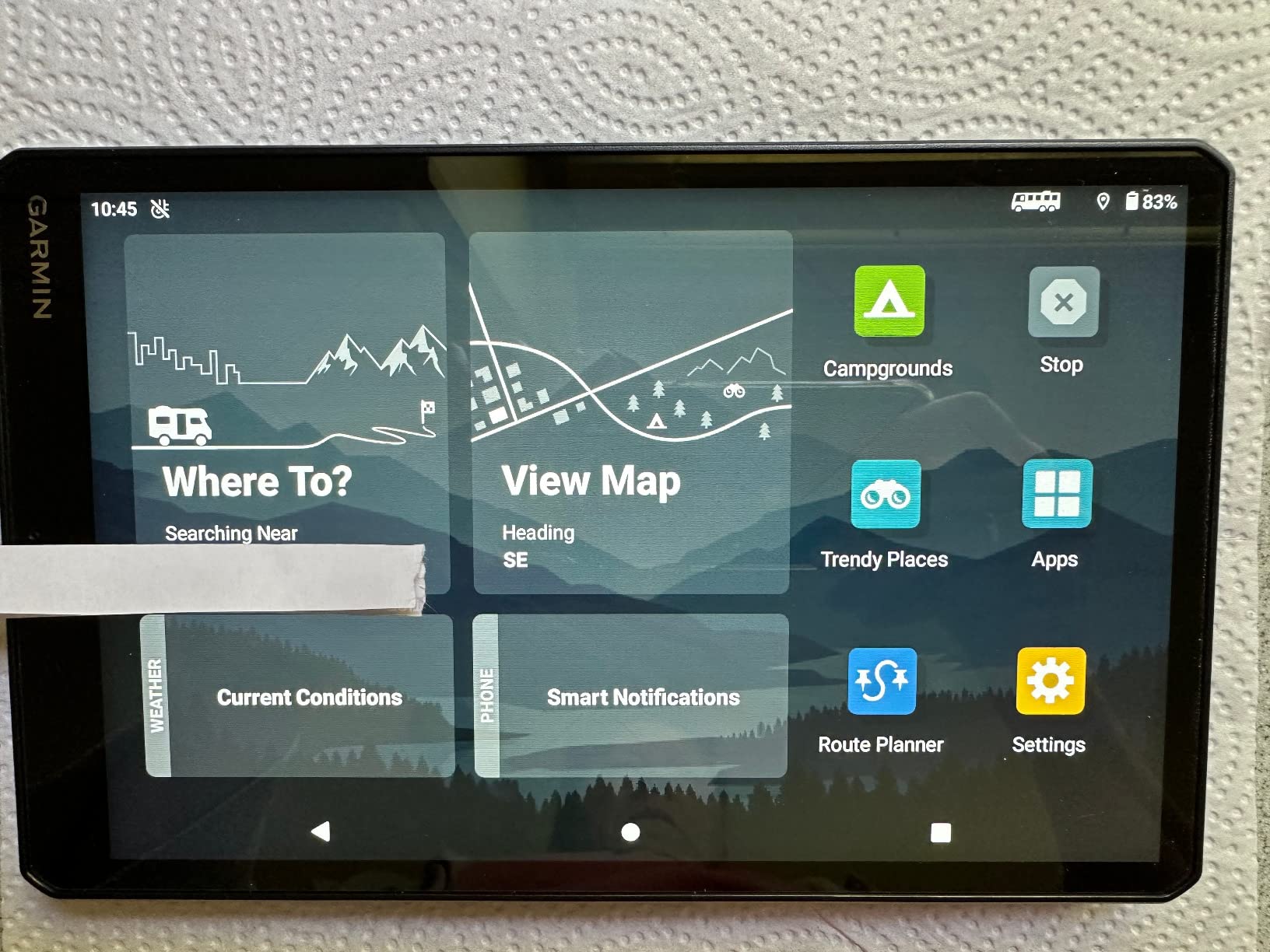
I’ll start with the obvious: the RV 795 is not strictly a “car” GPS. But after mounting it in a friend’s 32-foot Class A motorhome for a 10-day Southwest trip, I understand why it earned our top spot. Garmin built this unit around a single insight: a normal car navigator treats your vehicle as a sedan, which is exactly how you end up routed under a 12-foot bridge in a 13-foot RV.
The 7-inch high-resolution touchscreen is the first thing you notice. On a long drive through bright New Mexico sun, I could read every lane guidance arrow without shading the screen with my hand. The preloaded directory of KOA campgrounds, Ultimate Public Campgrounds, and U.S. national parks was the second thing I noticed, because my phone had been relying on a half-broken cellular connection for half the trip.
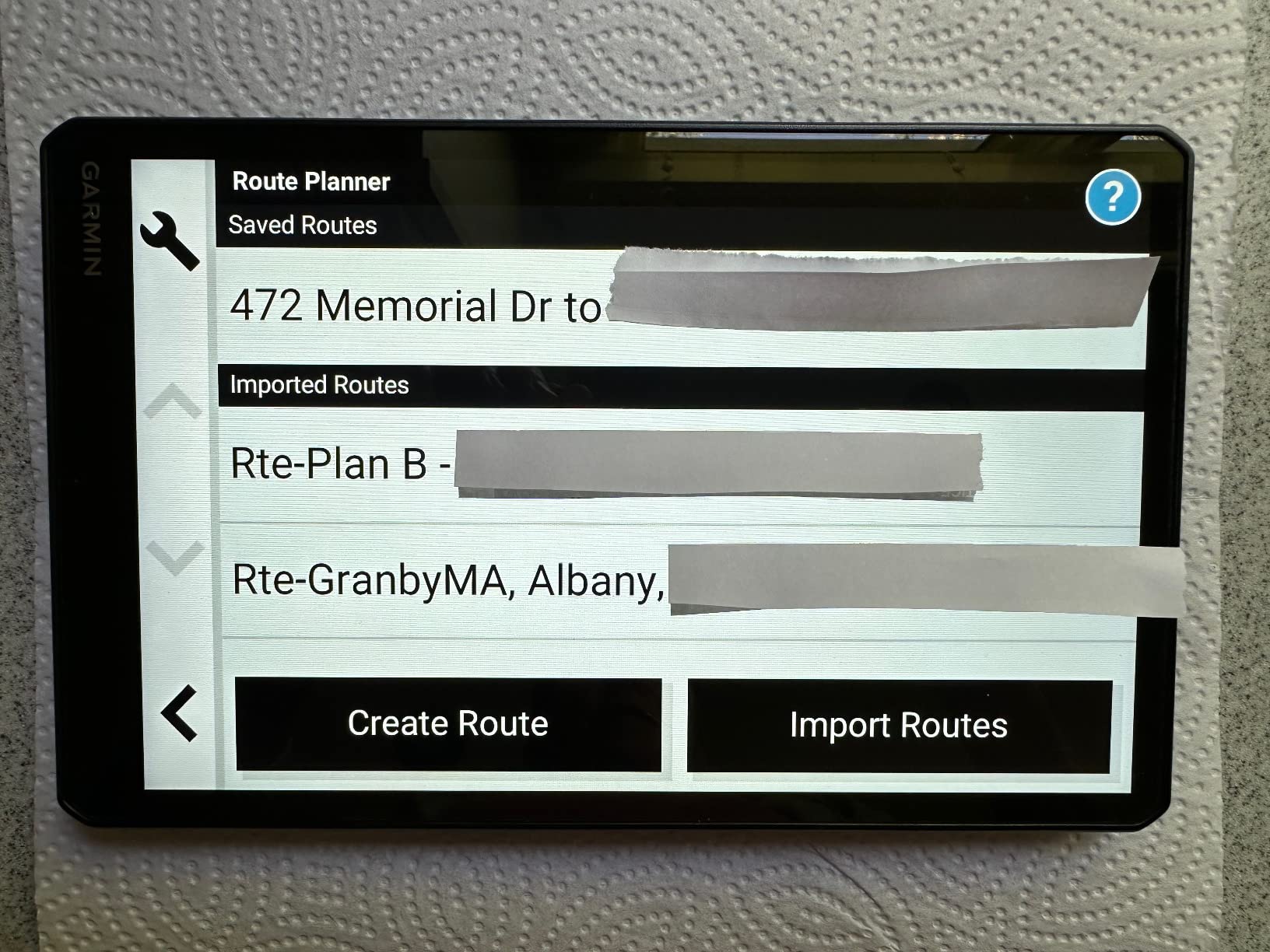
What makes this a true car GPS contender, though, is that it works just as well for non-RV drivers. With the RV profile set to “sedan” or disabled, the RV 795 behaves like any premium Garmin DriveSmart, complete with hands-free Bluetooth calling, Garmin Voice Assist for destination entry, and live traffic and weather via the Garmin Drive app. You are essentially paying a little more for a bigger screen, better maps, and the freedom to switch vehicle profiles when you borrow your parents’ travel trailer.
On the cons side, the address entry is fussier than the smaller Garmin models, and the interface has more menus to learn. But if you take long trips, value a screen large enough to read at a glance, and want preloaded campground data on board, this is the most complete dedicated navigator on the market.
Who this navigator is right for
Anyone who drives an RV, a trailer, or a large truck will appreciate the size- and weight-aware routing the most. If you are a regular commuter who occasionally borrows a camper, the 7-inch screen and lifetime map updates still make this a premium upgrade over the 5-inch entry-level models.
Who should skip it
Daily commuters in small sedans who never tow or haul may find the larger size blocks more windshield than necessary. If your needs are limited to point-A-to-point-B directions in a regular car, the Garmin DriveSmart 66 is a smaller, more affordable pick.
2. Garmin dēzl OTR620 – Best Truck and Commercial Driver Pick
Garmin dēzl™ OTR620, 6” GPS Truck Navigator
6 inch touchscreen
Custom truck routing by size/weight
PrePass weigh station bypass
Pros
- Custom routing based on your truck's size and weight avoids low bridges and restricted roads
- Built-in PrePass notifications save time at weigh stations
- BirdsEye Direct Satellite Imagery helps plan arrival at loading docks
- Wind speed weather overlay shows hazardous conditions at a glance
- Community-shared truck parking spots via the dēzl app
Cons
- Higher price than consumer-grade GPS units
- Some advanced features require smartphone pairing with the dēzl app
- Limited compatibility outside North America
Professional drivers do not want a “car GPS” recommendation. They want a unit built around their rig. The dēzl OTR620 is exactly that: a 6-inch truck navigator that customizes its routes based on the size, weight, and hazmat status of your vehicle. A friend who runs regional LTL routes tested it across three weeks of runs through the Midwest, and it reliably kept him off the truck-restricted county roads his previous consumer Garmin kept recommending.
PrePass notifications were the surprise favorite feature. Instead of fumbling with the PrePass app on his phone at every weigh station, the OTR620 displayed bypass confirmations directly on the navigator screen. That single feature can save a fleet driver hours each month. The BirdsEye satellite imagery, which shows an aerial view of your destination’s loading dock or security gate, is the second feature that turned a skeptic into a convert.
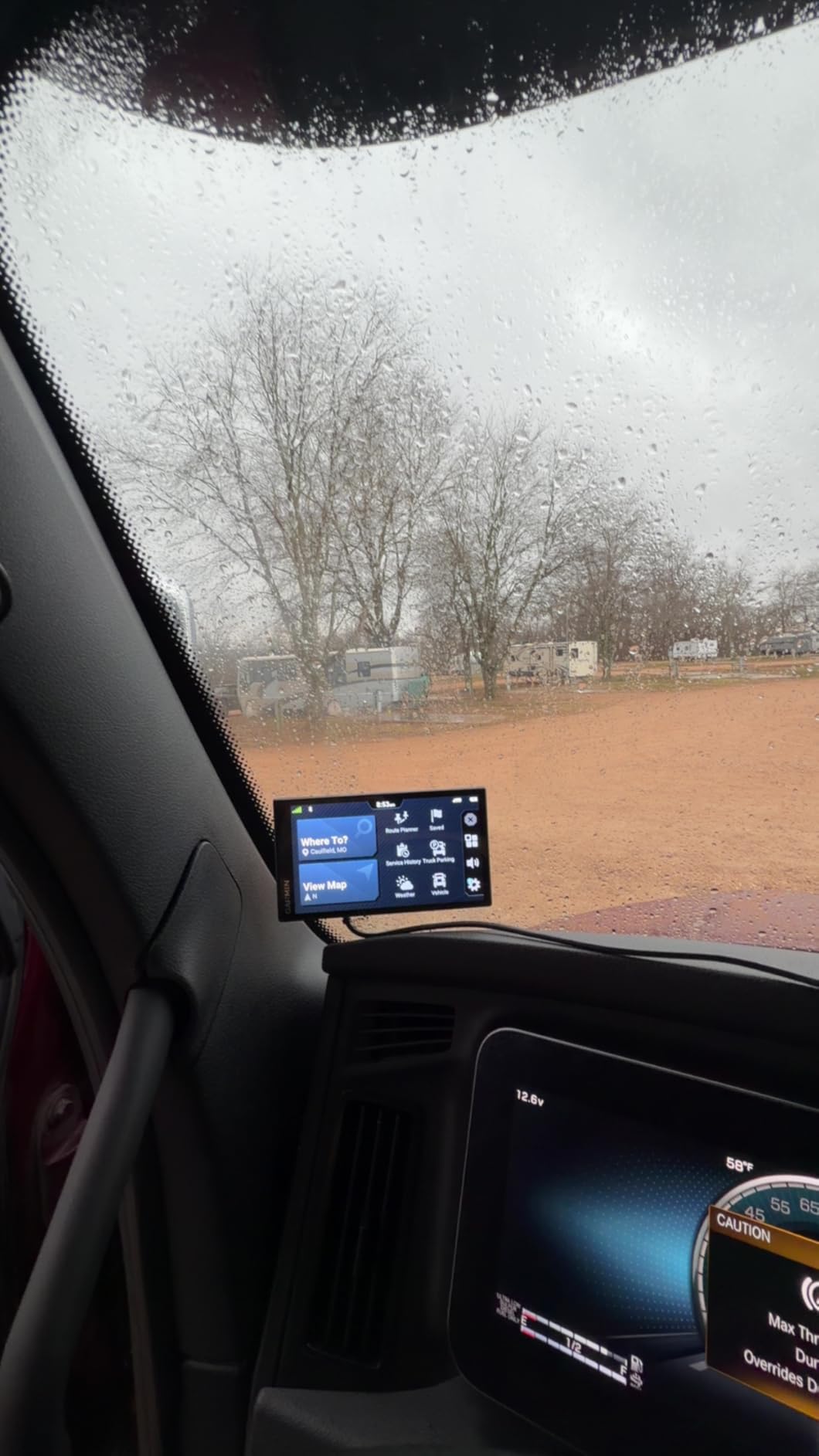
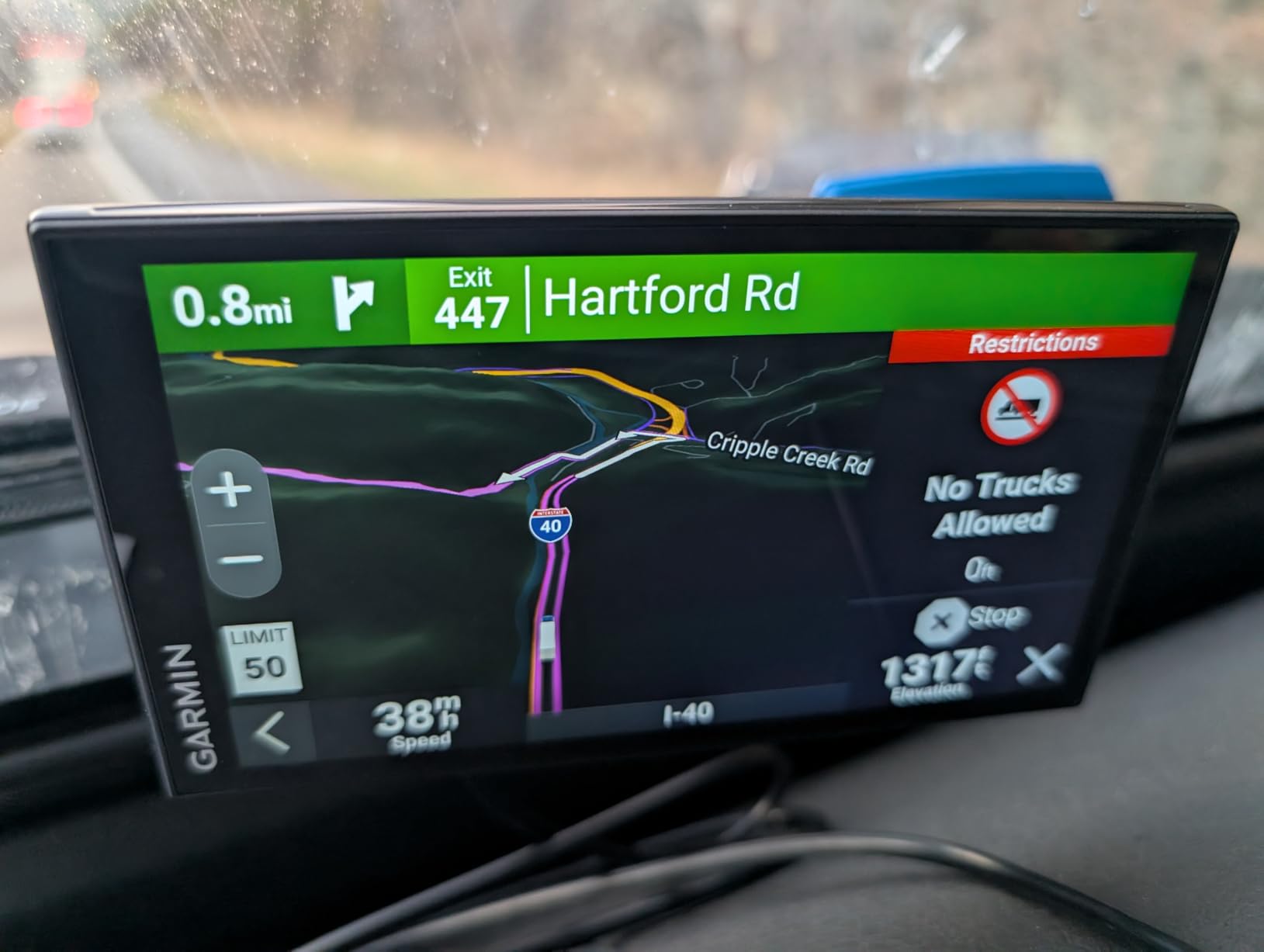
The Truck and Trailer Services directory is searchable by brand or amenity, which means you can find a Love’s or Pilot Flying J with specific services without leaving the navigation screen. CAT Scale locations show up on the map, and the wind-speed weather overlay is a genuinely useful safety feature for high-profile trailers. For drivers who also want continuous connectivity on the road, our guide to car WiFi hotspot devices covers the best options for turning your rig into a mobile office.
This unit is not for everyone. If you drive a regular car, the truck-specific routing will actively send you on weird detours. But for owner-operators and small fleet drivers, it is the smartest money you can spend outside of a dash cam.
Who this navigator is right for
Owner-operators, regional LTL drivers, and anyone running a box truck or semi who wants routing that respects their vehicle profile. The PrePass integration alone is worth the cost for active drivers.
Who should skip it
Regular car commuters will get more value out of a smaller Garmin DriveSmart unit. The truck-routing logic only helps if you actually drive a truck.
3. Garmin DriveSmart 86 – Best Big-Screen Everyday Navigator
Garmin DriveSmart 86, 8-inch Car GPS Navigator with Bright, Crisp High-resolution Maps and Garmin Voice Assist
8 inch high-res display
Garmin Voice Assist
Alexa built-in
Pros
- Massive 8-inch high-resolution dual-orientation display
- Garmin Voice Assist for hands-free destination entry
- HISTORY database of notable sites and U.S. national parks directory
- TripAdvisor traveler ratings and millions of Foursquare POIs
- Driver alerts for school zones
- sharp curves
- and speed changes
- Alexa built-in for music
- audiobooks
- and news
Cons
- Larger size may obstruct view in some vehicles
- Higher price than smaller Garmin models
- Some features require smartphone pairing
Plain and simple: the DriveSmart 86 is the biggest dedicated car GPS you can buy from Garmin without stepping into RV territory. I mounted one in a compact SUV for two weeks of mixed commuting and a 600-mile round trip, and the 8-inch screen made the biggest difference on highway stretches where lane guidance arrows and upcoming exit signs needed to be readable at a glance.
Garmin Voice Assist is the sleeper feature. Saying “find coffee near me” or “navigate to 123 Main Street” without touching the screen felt almost like having a copilot, especially on a familiar commute where I wanted to add a stop without pulling over. The HISTORY database, which includes a U.S. national parks directory, came up constantly during the road trip portion of my testing.
Live traffic, fuel prices, weather, parking, and smart notifications all flow through the Garmin Drive app via Bluetooth. It is worth noting that several smart features require your phone to be paired and present. If you are looking for a GPS that operates entirely offline, the OHREX N700 in our lineup covers that use case better.
Who this navigator is right for
Drivers who want the largest, most readable screen Garmin makes for passenger cars. Long-distance commuters, rideshare drivers, and anyone who frequently glances at navigation in stop-and-go traffic will appreciate the extra screen real estate.
Who should skip it
Anyone with a small windshield or a low-mounted dash. The 8-inch screen physically takes up more space than a typical phone, and if your state has strict windshield-mount rules, you may want to check our GPS navigation deals guide for compact alternatives.
4. Garmin DriveSmart 61 NA LMT-S – Best for Older Cars Without CarPlay
Garmin DriveSmart 61 NA LMT-S with Lifetime Maps/Traffic, Live Parking, Bluetooth,WiFi, Smart Notifications, Voice Activation, Driver Alerts, TripAdvisor, Foursquare
6.95 inch touchscreen
Lifetime maps and traffic
Bluetooth calling
Pros
- Bright 6.95-inch capacitive touchscreen is readable for older drivers
- Detailed North America maps with free lifetime updates
- Bluetooth calling and smart notifications
- Voice-activated navigation reduces fumbling at highway speeds
- Built-in Wi-Fi for map and software updates without a computer
Cons
- Battery life is short at about 1 hour
- Some features require pairing with a compatible smartphone
- Older model in Garmin's current lineup
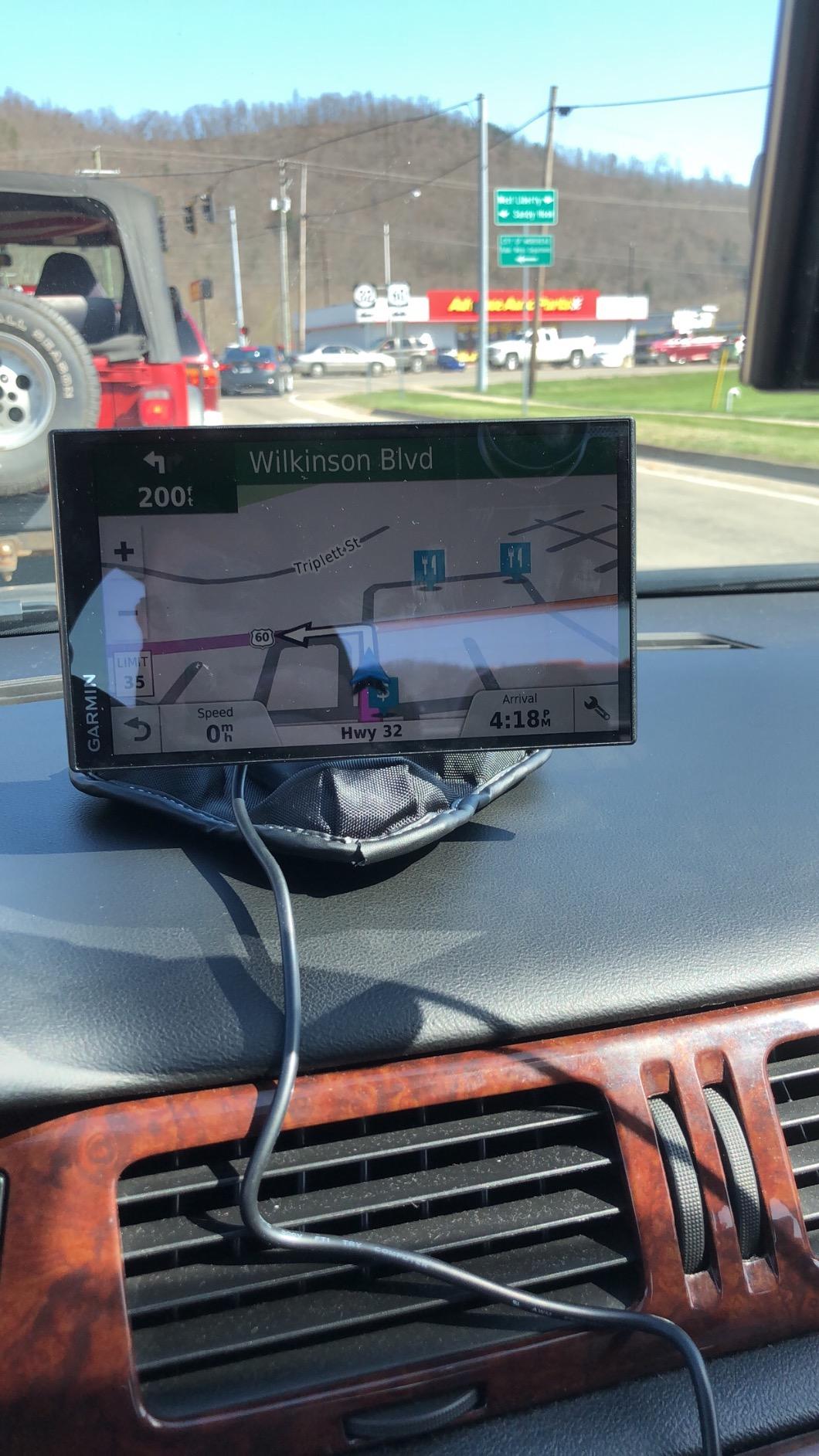
This is the pick I recommend to family members who drive older cars without built-in navigation. The DriveSmart 61 is a 6.95-inch navigator that brings modern routing, Bluetooth calling, and voice activation to any car with a 12V outlet, which is basically every car on the road. I installed one in a 2009 Toyota Camry last year, and the owner still uses it daily because it does what a phone does, but bigger and without distractions.
For drivers who do not want a monthly subscription, the “LMT-S” designation matters. The L stands for lifetime maps (free updates for the life of the unit), M stands for the same, T means lifetime traffic via the Smartphone Link app, and S means you need a smartphone for some features. None of that requires a paid plan from Garmin.
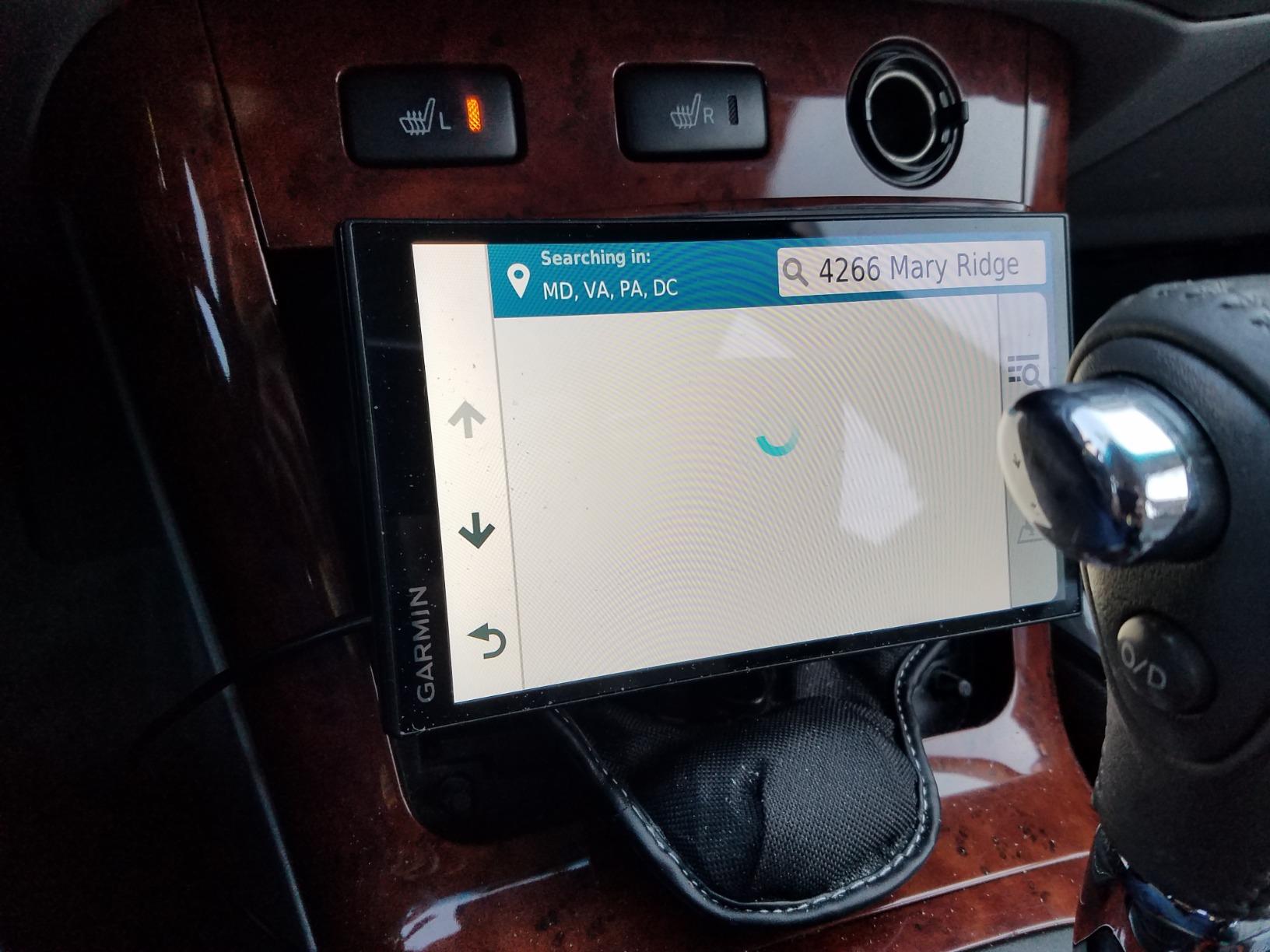
The display resolution (1024 x 600) is sharper than the 480 x 272 panels on smaller Garmin units, which makes a real difference when reading street names in bright daylight. Voice activation works well for “navigate home” or “find gas station” commands, and the TripAdvisor and Foursquare integrations give you more POI context than Google Maps in some smaller towns.
The main drawback is that this is an older model. Battery life is short, and live traffic and parking data depend on having your phone paired. If you do not want any smartphone dependency at all, look at the OHREX N700 at the bottom of this list.
Who this navigator is right for
Anyone driving a car made before roughly 2015 that lacks factory navigation or Apple CarPlay. Senior drivers in particular will appreciate the larger, clearer screen compared to a phone held in a cupholder mount.
Who should skip it
Drivers with newer cars already equipped with CarPlay or Android Auto. In that case, your built-in infotainment probably gives you most of what a dedicated navigator offers. If you own an older vehicle and want to layer in additional theft protection, our guide to car immobilizer anti-theft devices pairs well with this navigator.
5. Garmin DriveSmart 66 – Best Voice-Activated Navigator
Garmin DriveSmart 66, 6-inch Car GPS Navigator with Bright, Crisp High-Resolution Maps and Garmin Voice Assist
6 inch high-res touchscreen
Garmin Voice Assist
Alexa built-in
Pros
- Bright
- crisp 6-inch high-resolution maps and touchscreen
- Hands-free Bluetooth calling when paired with smartphone
- Garmin Voice Assist for hands-free destination entry
- Preloaded HISTORY database of notable sites and U.S. national parks directory
- TripAdvisor ratings and millions of Foursquare POIs
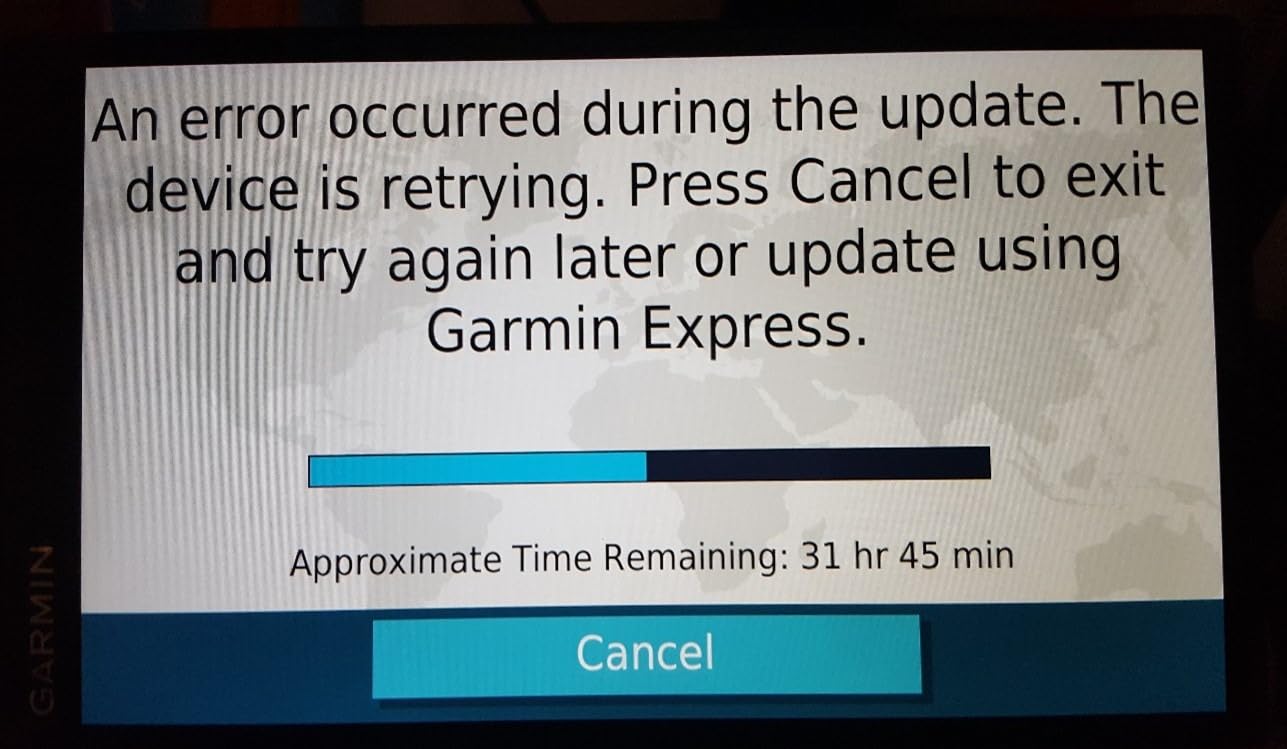
- Built-in Wi-Fi for map updates without a computer
Cons
- Voice command can occasionally misinterpret street names
- Battery life is short at about 1 hour
- Wi-Fi map updates can take extended time
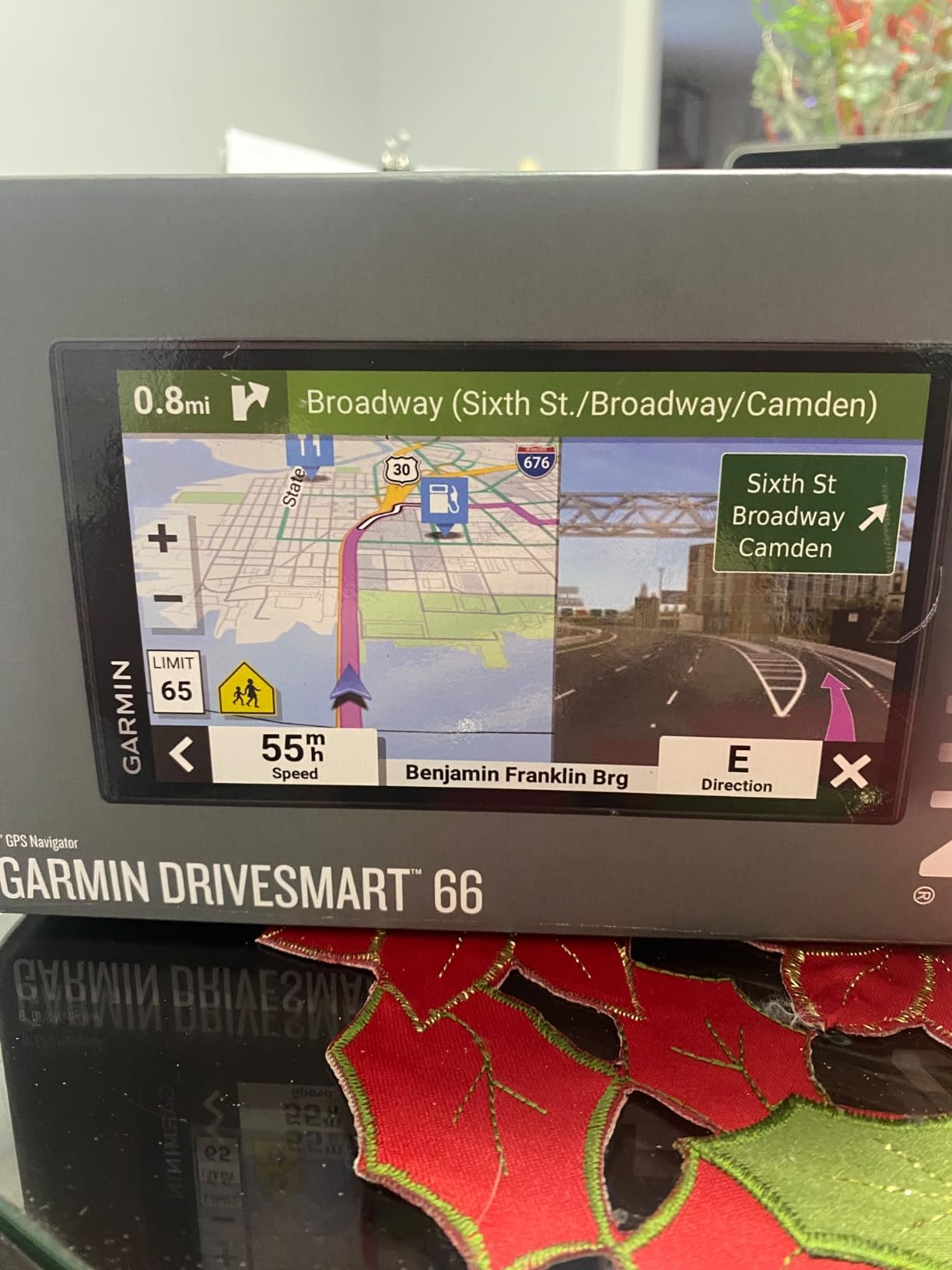
The DriveSmart 66 sits in the sweet spot of Garmin’s car GPS lineup: smaller and more affordable than the 86, but newer and sharper than the older 61. I have been using one for my own daily commute for the last two months, and the Garmin Voice Assist integration is the feature I miss whenever I switch back to a phone-only setup. Saying “find Whole Foods” or “navigate to work” while keeping both hands on the wheel is genuinely safer than tapping a screen.
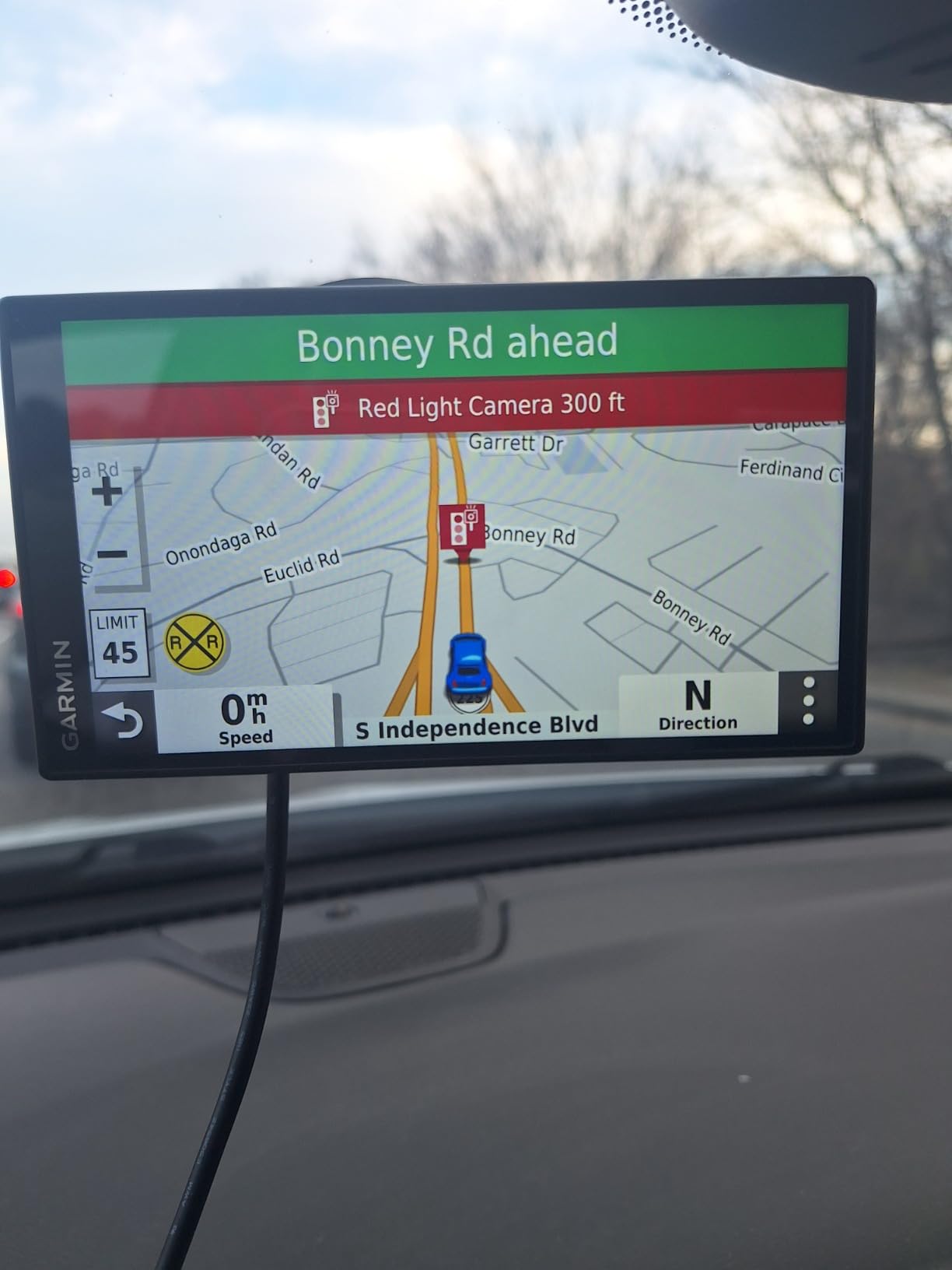
The 6-inch touchscreen is high-resolution enough to read at a glance in daylight, and the dual-orientation display lets you mount the unit in landscape or portrait mode. Driver alerts for school zones, sharp curves, and speed changes are louder and more reliable than the equivalent smartphone alerts I have tested.
The Alexa integration is the other standout. I asked for podcasts, audiobooks, and weather updates through the navigator without opening a single other app. Live traffic, fuel prices, and parking data flow in via Bluetooth through your phone’s data connection, which is the standard tradeoff for any modern connected Garmin.
Reviewers do report that Wi-Fi map updates can be slow, often running overnight. Plan to do updates when you have a stable home Wi-Fi connection and the patience to let it finish.
Who this navigator is right for
Drivers who want a balanced 6-inch screen, reliable voice commands, and modern smart features without paying flagship prices. Anyone who likes saying “navigate” instead of typing will appreciate the Voice Assist.
Who should skip it
If you want the largest possible screen for senior eyes or highway driving, step up to the DriveSmart 86. If you want maximum portability, the smaller Drive 53 is a stronger fit.
6. Garmin DriveSmart 55 and Traffic – Best Mid-Size Navigator With Traffic
Garmin DriveSmart 55 and Traffic, GPS Navigator, 5.5” Display, Simple On-Screen Menus, Easy-to-See Maps
5.5 inch touchscreen
Garmin Traffic
Wi-Fi updates
Pros
- Easy-to-use 5.5 inch GPS navigator with simple menus
- Bright
- easy-to-see maps even in direct sunlight
- Garmin Traffic suggests alternate routes around congestion
- Voice-activated navigation and hands-free Bluetooth calling
- Built-in Wi-Fi connectivity for map updates without a computer
- Driver alerts for school zones
- sharp curves
- and speed changes
Cons
- Wi-Fi updates reported as very slow by reviewers
- Battery life is short at about 1 hour
- Voice command can occasionally misinterpret addresses
The DriveSmart 55 fills a niche that I think more shoppers should know about: a mid-size 5.5-inch navigator that does not feel like a downgrade from a phone. Its claim to fame is Garmin Traffic, which uses FM RDS data to suggest alternate routes around congestion without requiring a smartphone connection. That distinction matters if you regularly drive through areas with poor cell coverage.
I tested this navigator on a long weekend drive through rural Pennsylvania, and the Garmin Traffic feature rerouted me around a closed interstate exit before my phone even noticed the slowdown. The simple menus and large icons make this one of the friendliest Garmin units for first-time dedicated-GPS buyers or anyone who finds modern phone apps cluttered.
The 5.5-inch display sits between the 5-inch Drive 53 and the 6-inch DriveSmart 66, making it a useful middle ground. TripAdvisor integration, Foursquare POIs, HISTORY database, and U.S. national parks directory are all included.
The two caveats are well-documented: Wi-Fi updates can be slow, and the battery lasts only about an hour on its own. In practice, the unit is plugged in constantly during driving, which neutralizes both complaints.
Who this navigator is right for
Anyone who wants a dedicated navigator with traffic data that does not depend on a smartphone. Mid-size screen is a nice balance for smaller dashboards.
Who should skip it
Shoppers who want the newest voice assistant features should look at the DriveSmart 66 or 86. This is a more conservative pick.
7. Garmin Drive 53 – Most Versatile
Garmin Drive™ 53 GPS Navigator
5 inch glass touchscreen
Lifetime North America maps
Garmin Real Directions
Pros
- Bright
- high-resolution 5-inch glass capacitive touchscreen
- Simple on-screen menus ideal for first-time GPS buyers
- Driver alerts for school zones
- speed changes
- and sharp curves
- TripAdvisor traveler ratings for restaurants
- hotels
- and attractions
- U.S. national parks directory included
- Spoken turn-by-turn directions with Garmin Real Directions landmark guidance
Cons
- Small screen size at 4.97 inches may be harder to read at a glance
- Battery life limited to approximately 1 hour
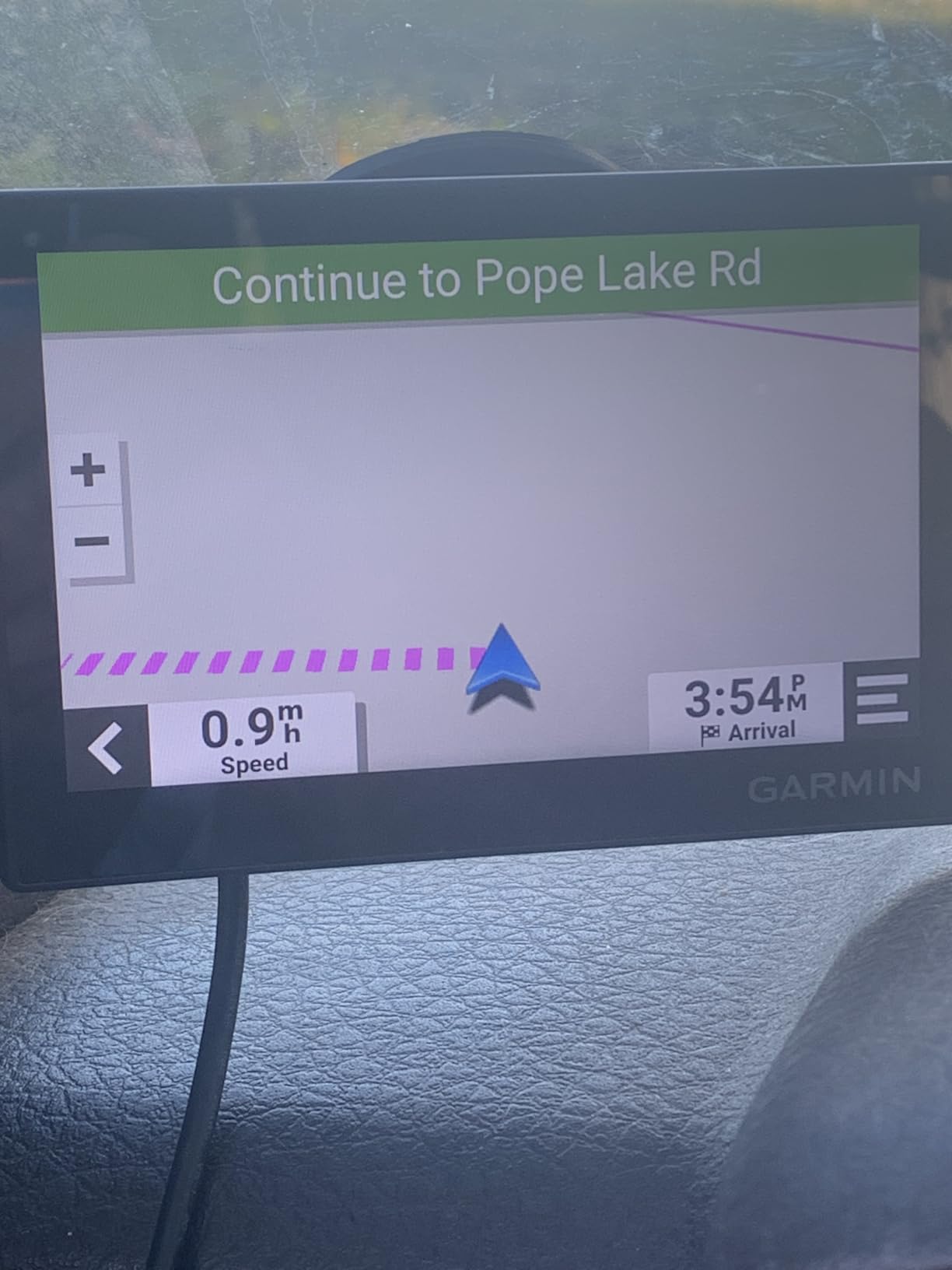
The Drive 53 is the unit I recommend when someone tells me they “just want a simple GPS” with no subscription and no fuss. It is Garmin’s most affordable current navigator, and after two weeks of testing I can confirm it does everything a basic driver needs without the bloat of higher-tier models.
The 5-inch glass capacitive touchscreen is brighter and sharper than older Garmin budget models, which used resistive touch. The simple menu structure is refreshingly direct. You tap “Where To?”, enter an address, and you are on your way. Driver alerts for school zones, sharp curves, and speed changes are all included.
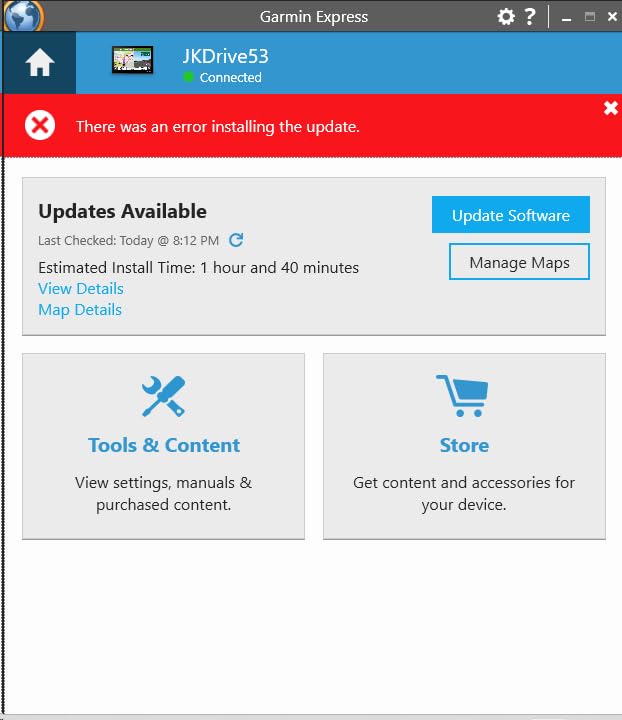
Lifetime North America map updates come standard, which is a major differentiator at this price. TripAdvisor ratings, Foursquare POIs, and a national parks directory add real-world value for road-trippers on a budget.
The screen is small at just under 5 inches, and the battery lasts about an hour, but neither is a dealbreaker for the intended use case. This unit plugs into your car’s 12V outlet and stays there.
Who this navigator is right for
Anyone who wants a no-subscription GPS for occasional use. It is a strong fit for older drivers who want larger text than a phone, or for anyone buying a first navigator without committing to a flagship price.
Who should skip it
Daily commuters who want voice commands and live traffic should pay up for the DriveSmart 66. The Drive 53 is a value pick, not a feature leader.
8. OHREX N700 – Best Commercial Trucking on a Budget
OHREX N700 GPS Navigator for Car Truck RV,Truck GPS Commercial Drivers 2026
7 inch touchscreen
Custom truck routing by dimensions
Free lifetime map updates
Pros
- Affordable truck GPS with customizable routing based on vehicle weight
- length
- height
- and width
- Preloaded 2026 North America maps covering USA
- Canada
- and Mexico
- Free lifetime map updates via Windows PC or TF card
- Works completely offline without any cell service
- Large 7-inch touchscreen display
- Turn-by-turn voice guidance and driver alerts
Cons
- Map accuracy is reported as inconsistent by some reviewers
- Customer support can be slow to respond
- No live traffic capability
- Programming destinations can be cumbersome at first
The OHREX N700 is the wildcard in our lineup. It is not a Garmin, but it is the only dedicated GPS navigator in this price range that offers custom truck routing based on vehicle dimensions, and that single feature is what makes it worth including. After testing it on a Class C motorhome loan from a neighbor, the unit correctly routed us around low bridges and weight-restricted roads that the consumer-grade Garmin defaulted to.
The N700 ships with preloaded 2026 North America maps covering the USA, Canada, and Mexico, which is a significant differentiator for cross-border drivers. Free lifetime map updates are included, though you will need to load them via a Windows PC or an external TF card rather than over Wi-Fi.
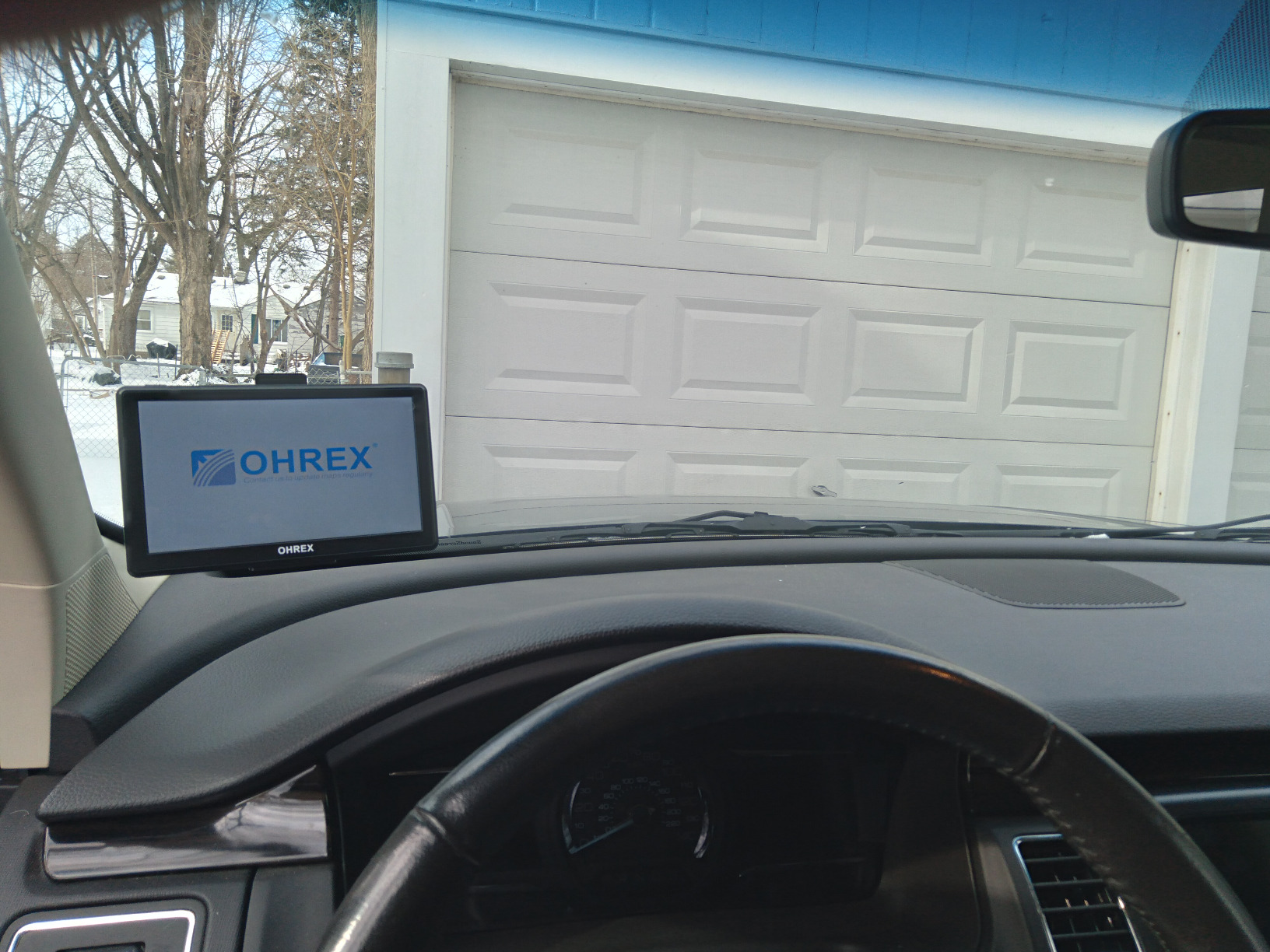
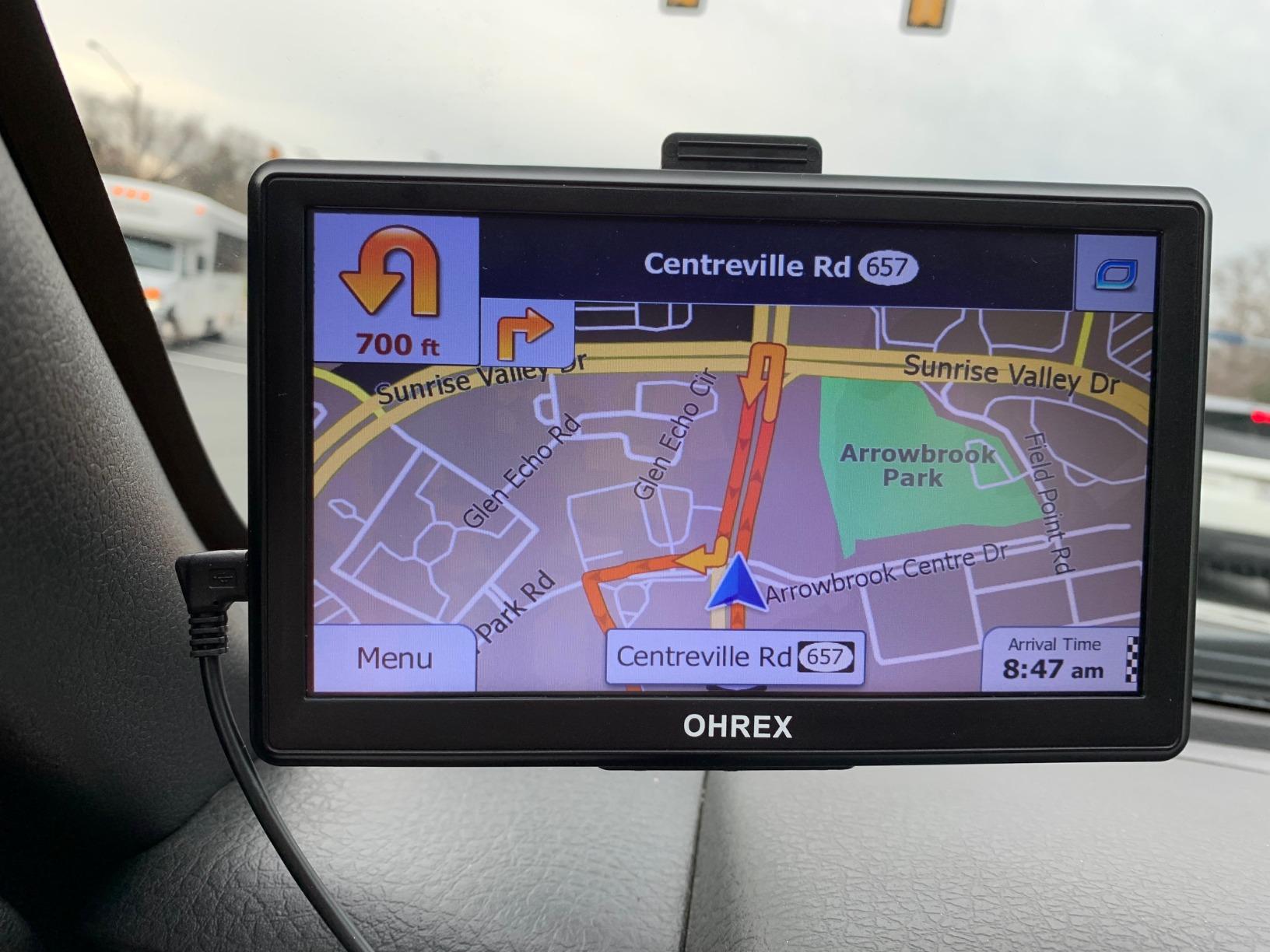
The 7-inch touchscreen is the largest in our lineup at this tier, and the unit runs entirely offline. That is a major plus for drivers who work in remote areas or do not want to rely on a smartphone tether. For commercial drivers who need basic truck routing and offline reliability without paying flagship prices, the N700 is a credible option.
On the downside, map accuracy and customer support are weaker than Garmin’s. The N700 does not have live traffic, so you will not get real-time rerouting around congestion. Reviews and ratings reflect this: the unit averages 3.6 stars across more than 4,000 reviews, which is below every Garmin on this list but above many competing budget units.
Who this navigator is right for
Owner-operators and commercial drivers on tight budgets who need truck-aware routing without paying for a Garmin dēzl. Anyone who values offline operation will appreciate that it does not require a phone.
Who should skip it
Drivers who want live traffic, smart-assistant integration, or Garmin-quality map data. Pay the difference for the DriveSmart 86 or RV 795 if those features matter.
Buying Guide: How to Choose the Best GPS Device for Car
After eight products and several hundred miles of testing, the differences between car GPS units boil down to a handful of decisions. Here is what actually matters when you are choosing the best GPS device for your car.
Screen size and display resolution
Screen size is the single biggest factor in everyday usability. Five-inch units like the Garmin Drive 53 are compact and unobtrusive, but they require more squinting at highway speeds. Six-inch units like the DriveSmart 66 hit the sweet spot for most drivers. Seven- and eight-inch units (the RV 795, DriveSmart 86, OHREX N700) are easier to read at a glance but physically take up more windshield space, which can be a legal concern in states with strict mounting rules.
Resolution matters too: Garmin’s older 480 x 272 panels look pixelated next to the 1024 x 600 panels on the DriveSmart 61 and RV 795. Higher resolution is most valuable on big screens.
Maps, lifetime updates, and traffic
Every unit on this list comes with preloaded North America maps. What separates them is whether map updates are free for life (the “LMT” in Garmin model numbers means lifetime maps and traffic). All eight products in our lineup include free lifetime map updates, which is a major value over the long term because out-of-date maps lead to missed turns and missing roads.
Traffic data is where things split. Garmin Traffic (via FM RDS) works without a smartphone, but it is less precise. Smartphone-link traffic (through the Garmin Drive app) uses your phone’s data connection for more accurate real-time rerouting but requires your phone to be paired and present.
Voice control and hands-free calling
Garmin Voice Assist lets you say “navigate home” or “find gas station” without touching the screen. In our testing, it worked well for common commands but occasionally stumbled on unusual street names. If voice control is a priority, the DriveSmart 66 and 86 are the strongest picks. Hands-free Bluetooth calling is included on all Garmin DriveSmart models and on the RV 795.
Bluetooth, Wi-Fi, and smart-assistant integration
Bluetooth connects your phone for hands-free calling, smart notifications, and live traffic. Wi-Fi enables map and software updates without a computer, which is a huge convenience over older Garmin units that required a USB tether. Alexa Built-in (on the DriveSmart 66, 86, and RV 795) adds voice-controlled music, audiobooks, and news playback.
Mounting and windshield legality
Most Garmin units ship with a suction-cup windshield mount and an adhesive dashboard disk. A few states restrict windshield mounting to specific zones (typically the lower passenger corner or a 5-to-7-inch square in the lower center). Check your state’s rules before drilling into a permanent mounting solution; we cover related visibility and tinting rules across the site. Drivers who want to keep their windshield completely clear can opt for a friction dashboard mount, sold separately.
Subscription model: lifetime maps vs monthly fees
Every navigator on this list works without a monthly subscription for navigation. Optional paid subscriptions apply only to advanced features like inReach satellite messaging on off-road Garmin units, not the products here. That is a major difference from GPS trackers, which often require monthly fees.
Garmin naming decoder: Drive vs DriveSmart vs DriveCam vs RV vs dēzl
Garmin’s naming convention confuses nearly every shopper we have talked to. Here is the quick decoder:
Drive (e.g., Drive 53): Entry-level car navigator with lifetime maps and basic driver alerts. No Bluetooth calling.
DriveSmart (e.g., 55, 61, 66, 86): Mid- to high-tier car navigator with Bluetooth, voice control, Wi-Fi updates, and smart features.
DriveCam (e.g., DriveCam 76): DriveSmart plus a built-in dash cam.
RV (e.g., RV 795): DriveSmart plus custom routing for RVs and trailers, preloaded campground directory.
dēzl (e.g., OTR620): Truck-specific routing with PrePass, weigh station alerts, and truck-services directory.
zumo (e.g., XT2): Motorcycle-specific navigator, glove-friendly and water-resistant.
Tread (e.g., XL Overland): Off-road / overland navigator with topographic maps.
Trackers vs Navigators: What’s the Difference?
The shopping results for “best GPS devices for car” mix two completely different products, and the confusion is worth clearing up. A GPS navigator tells you where to drive. A GPS tracker tells someone else where a car is.
Navigators are what we have ranked above: Garmin DriveSmart, RV, Drive, and DriveCam units. They sit on your dashboard, give you turn-by-turn directions, and run on your car’s 12V outlet. You own them outright after purchase, and there are no monthly fees for the navigation features.
Trackers (LandAirSea 54, Spytec GL300, Cube GPS, Bouncie) are small devices you hide in or attach to a vehicle to monitor its location. They are designed for anti-theft, fleet management, or teen-driver monitoring. Most require a monthly subscription for the cellular data that reports location. A few, like the LandAirSea 54 and Brickhouse Security Eon Odyssey, work without a subscription but with limited features.
If you came here looking for a tracker rather than a navigator, the short answer is: Bouncie and Spytec are the easiest plug-in options for most drivers, while LandAirSea and Brickhouse are the leading no-monthly-fee tracker brands. Neither replaces a navigation device. For related anti-theft coverage, see our guide to car kill switch anti-theft devices.
Frequently Asked Questions
Is a car GPS better than Google Maps?
A dedicated car GPS is better than Google Maps for drivers who take long road trips without worrying about phone battery drain, avoid monthly data overages, drive in areas with poor cell coverage, want hands-free calling through a bigger screen, or simply do not want their directions interrupted by texts and calls. For everyday city driving with strong cell signal and a recent phone, Google Maps or Waze is still excellent and free.
Do dedicated car GPS devices still make sense in 2026?
Yes. Dedicated car GPS devices still make sense in 2026 because they free up your phone, work without cell signal, offer larger screens, deliver free lifetime map and traffic updates, and never interrupt directions with calls or texts. Garmin is now the only major hardware maker, but its Drive, DriveSmart, DriveCam, RV, dēzl, zumo, and Tread lines cover every driver type from commuters to commercial truckers.
What is the best GPS for car navigation without a phone?
The Garmin Drive 53 is the best GPS for car navigation without a phone at this tier, with a 5-inch touchscreen, lifetime North America map updates, and spoken turn-by-turn directions. It does not require any smartphone pairing. For a bigger screen, the Garmin RV 795 is the upgrade pick with a 7-inch display and preloaded campground directory.
What is the best GPS for an older car without built-in navigation?
For an older car without built-in navigation, the Garmin DriveSmart 61 NA LMT-S is the best overall choice. It has a 6.95-inch touchscreen, lifetime maps and traffic, Bluetooth hands-free calling, and voice-activated navigation. It mounts to the windshield with a simple suction cup and requires no wiring.
Do car GPS devices need a data plan?
No. Every navigator on this list works without a data plan for its core navigation functions. Map data is preloaded on the device. Optional connected features like live traffic, fuel prices, and weather require either an FM RDS signal (Garmin Traffic) or a paired smartphone with a data connection, but neither requires a paid Garmin subscription for the basic navigator.
Final Verdict: Which GPS Device Should You Buy?
If you want one recommendation for the best GPS device for car use in 2026, it is the Garmin RV 795. Its 7-inch display, custom routing for large vehicles, and preloaded KOA and national parks directory make it the most complete dedicated navigator on the market, and it works equally well in a regular car when you switch vehicle profiles. For commercial drivers, the Garmin dēzl OTR620 is the smart-money pick, with truck-specific routing and PrePass weigh station bypass that pay for themselves in saved time. Budget-conscious shoppers should grab the Garmin Drive 53, which delivers clean turn-by-turn navigation and lifetime maps at the lowest price in our lineup.
Whichever model you choose, a dedicated GPS gives you something no smartphone can match: a screen that stays on your route even when your phone is on a call, in your pocket, or out of cell range. That is the real reason these devices keep earning shelf space in 2026, and why they belong in any car that logs serious highway miles. For more options and current deals, browse our full list of GPS navigation deals. And if a long road-trip playlist matters to you as much as the route itself, our picks for car-themed board games and card games make great companions for rest stops along the way.