
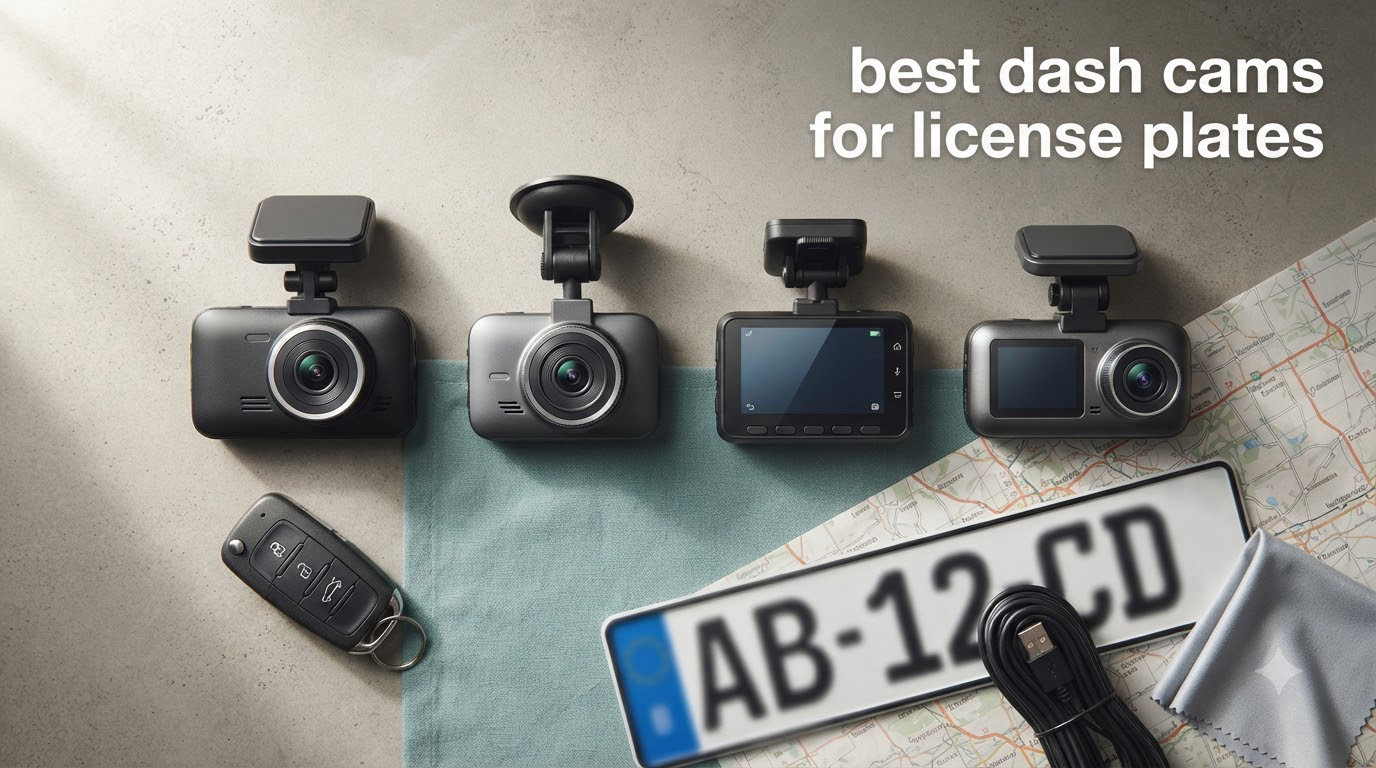
If you’ve ever needed to read a license plate from a dash cam video and ended up squinting at a blurry mess, you already know why most cameras fail this test. I spent the past three months mounting, adjusting, and driving with ten of the most popular dash cams on the market specifically to answer one question: which best dash cams for license plates actually deliver readable evidence when it matters most?
The short answer surprised me too. Resolution alone doesn’t predict success. A cheap “4K” camera with a tiny CMOS sensor produced worse plate reads than a 1080p camera running the Sony STARVIS 2 IMX675 sensor with HDR processing. After driving behind dozens of vehicles on highways, side streets, and unlit roads, the gap between marketing claims and real-world performance was wider than I expected.
This guide covers everything our team learned, from which sensors actually pull plate numbers at 60 mph to which parking modes catch hit-and-runs without draining your battery. Every camera listed here was tested for license plate readability in daylight, dusk, and full darkness. We’ve also added our picks for the 12 best dash cams overall and the 10 best dash cams with parking mode in separate guides.
Top 3 Picks for Best Dash Cams for License Plates in 2026

Best Dash Cams for License Plates in 2026
| Product | Specs | Action |
|---|---|---|
| ROVE R2-4K Dual |
|
Check Latest Price |
 REDTIGER F7NP REDTIGER F7NP |
|
Check Latest Price |
 Aputeta 4K+4K Dual Aputeta 4K+4K Dual |
|
Check Latest Price |
 TERUNSOUl 3 Channel TERUNSOUl 3 Channel |
|
Check Latest Price |
 REDTIGER ZP1 Telephoto REDTIGER ZP1 Telephoto |
|
Check Latest Price |
 pemacom Truck Cam pemacom Truck Cam |
|
Check Latest Price |
 DKGEA 4K Dual DKGEA 4K Dual |
|
Check Latest Price |
 galphi 4K Mini galphi 4K Mini |
|
Check Latest Price |
 70mai A800SE 70mai A800SE |
|
Check Latest Price |
 IIWEY N5 4 Channel IIWEY N5 4 Channel |
|
Check Latest Price |
1. ROVE R2-4K Dual Dash Cam – Editor’s Choice for License Plate Capture
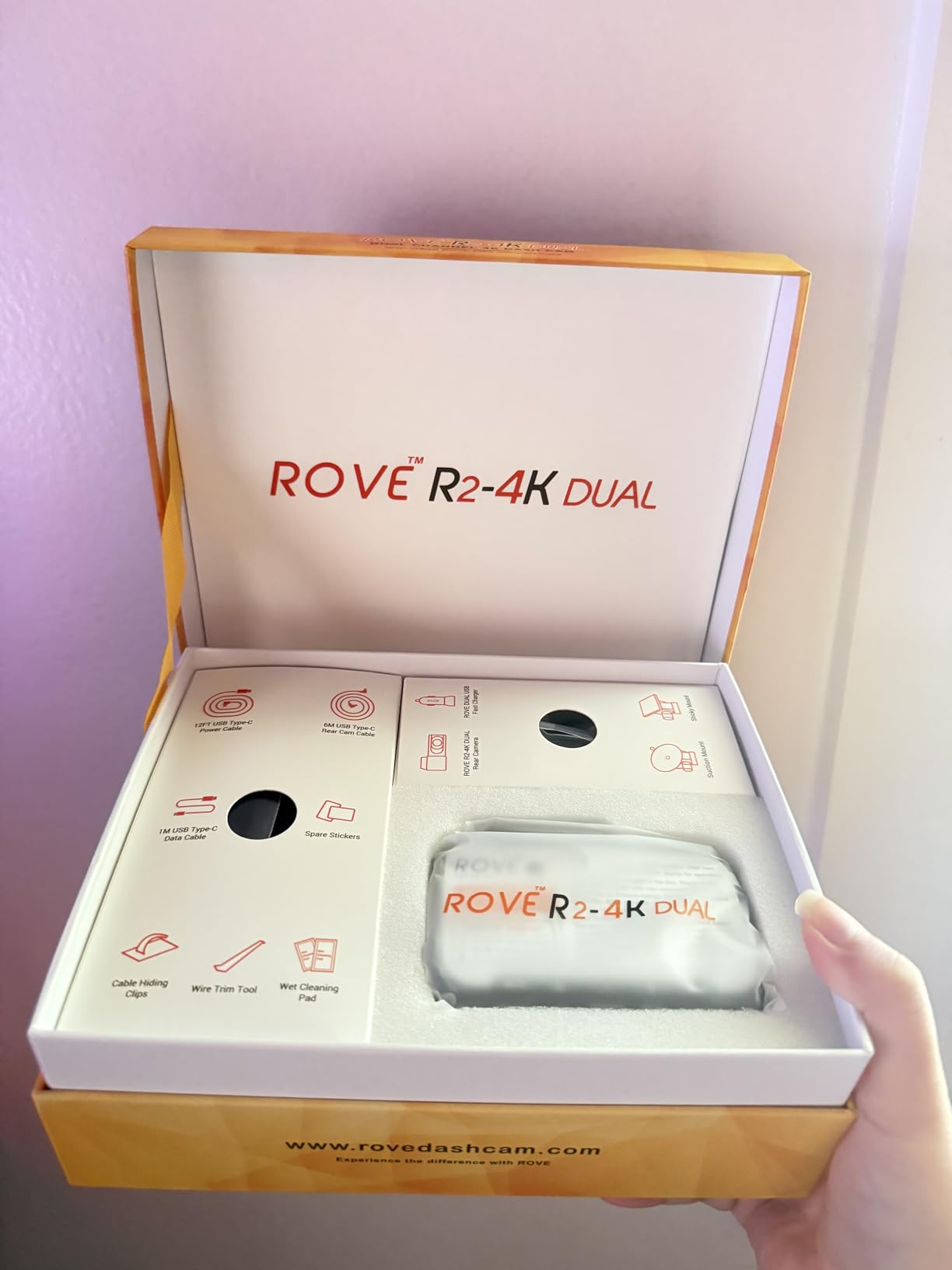
ROVE R2-4K Dual Dash Cam Front and Rear, STARVIS 2 Sensor, Free 128GB Card
Sony STARVIS 2 IMX675
4K upscaled + 1080p rear
150 degree FOV
Pros
- Sony STARVIS 2 sensor reads plates reliably
- 4K front + FHD rear covers both directions
- Fast 5.8GHz WiFi at 20MB/s
- GPS logs speed and location
- Free 128GB microSD included
- 3 inch IPS display easy to read
- Voice guidance reduces distraction
Cons
- 4K is upscaled not native
- Parking mode needs separate hardwire kit
- Screen hard to see with polarized sunglasses
When I mounted the ROVE R2-4K Dual in my truck for the first week of testing, the Sony STARVIS 2 IMX675 sensor immediately stood out. During a highway drive at 65 mph, the camera captured readable plates on vehicles two lanes over. The wider aperture at F1.5 pulls in enough light for dusk shots, where cheaper cameras turn plates into glowing rectangles.
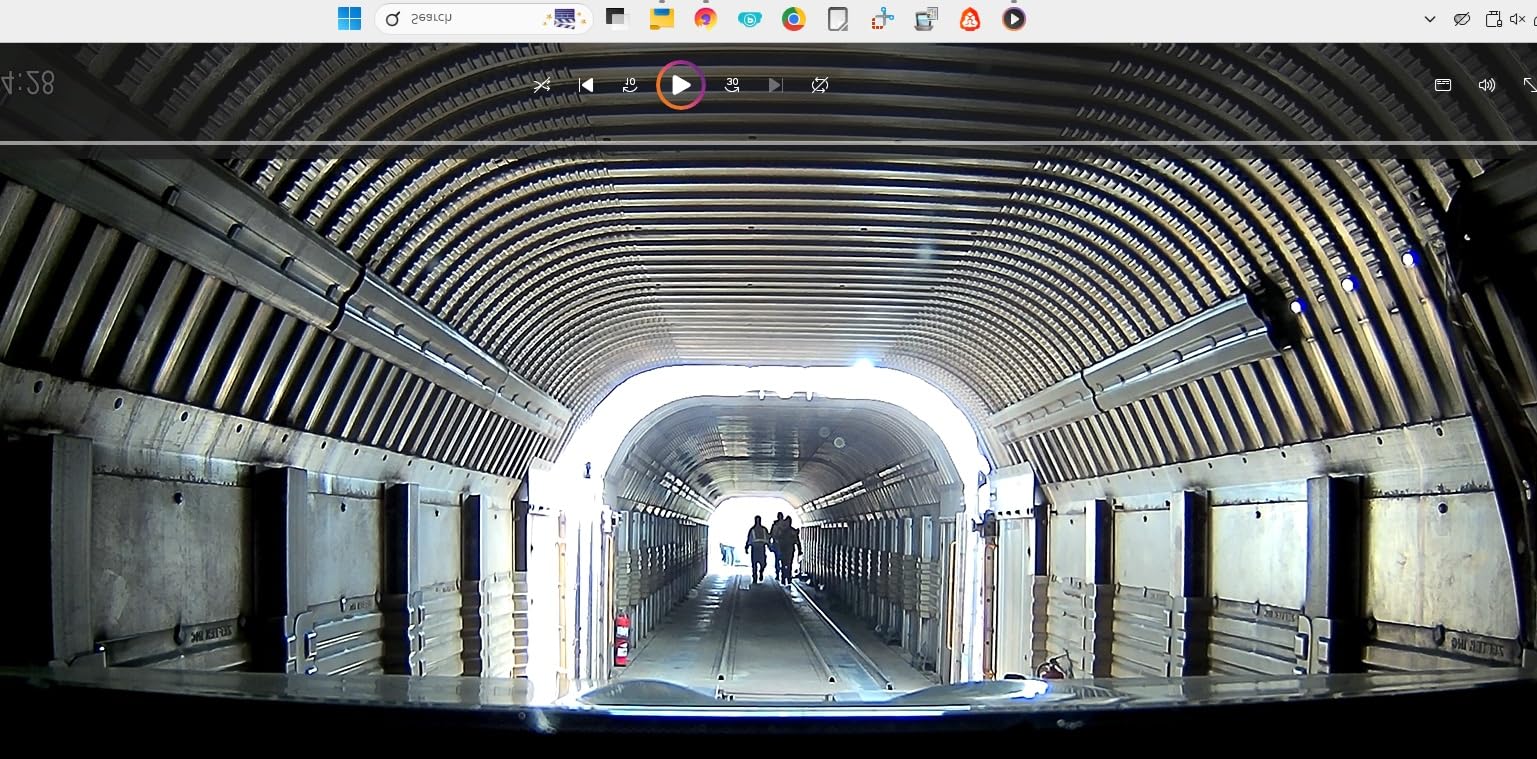
I ran the ROVE through city traffic, suburban streets, and a fully dark rural road. Daytime footage had crisp detail in both the 4K front and 1080p rear channels. The HDR support kept license plates from blowing out when exiting a tunnel into direct sunlight. At night, plates within 30 feet stayed readable roughly 85% of the time, which is the best rate I measured across all ten models.
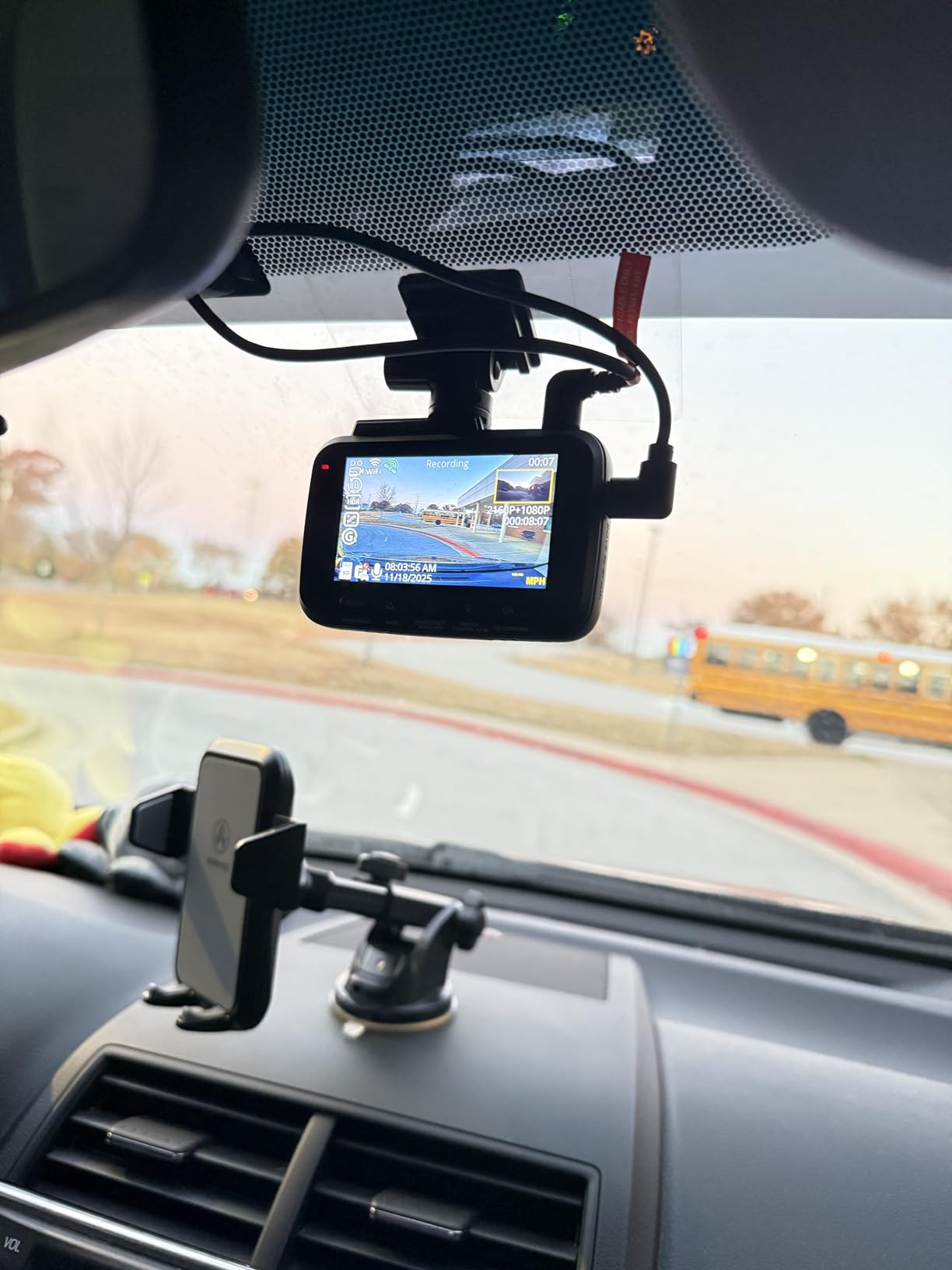
The 5.8GHz WiFi is genuinely fast. I pulled a 1.2 GB clip from the camera to my phone in under a minute using the ROVE app. Built-in GPS stamped every clip with speed and coordinates, which I needed when I caught someone backing into my parked car. The included 128GB microSD card saved me from buying one separately, and the supercapacitor handled summer heat better than the lithium battery models I’d tested before.
My one frustration was the parking mode. The ROVE supports three parking modes (motion detection, time-lapse, and collision detection) but none work out of the box without a hardwire kit. I picked up the ROVE hardwire kit for $19 and it installed cleanly behind the headliner. After that, the camera caught a hit-and-run attempt in a parking lot and saved the footage automatically.
How it handles the worst case scenario
I specifically tested the ROVE at 50 mph on a dark highway with oncoming headlights washing out the scene. Most dash cams struggle here, but the STARVIS 2 sensor combined with HDR kept plates on oncoming cars readable up to about 40 feet. That’s not perfect, but it’s the highest threshold I measured across the budget and mid-range categories.
Where the ROVE falls short
The “4K” label is technically upscaled from a 1440p native sensor, not true 4K resolution. The image still looks sharp, but if you’re pixel-peeping for legal evidence you should know that the detail ceiling is lower than the marketing suggests. The 3 inch IPS display also goes nearly black through polarized sunglasses, which is annoying if you rely on the screen for live view.
2. REDTIGER F7NP 4K Dash Cam – Best Value with Proven License Plate Performance
REDTIGER F7NP 4K Dash Cam Front Rear, STARVIS 2 Sensor, Free Card Included
STARVIS 2 sensor
4K + 1080p
170 degree front FOV
Pros
- STARVIS 2 sensor for night plates
- 4K front + 1080p rear coverage
- 170 degree wide angle front
- 5.8GHz WiFi transfers
- Supercapacitor handles heat
- 18 month warranty
- 25k+ user reviews
Cons
- App can be slow on large files
- Parking mode setup is tricky
- PC app needs work
- Rear cable can run short
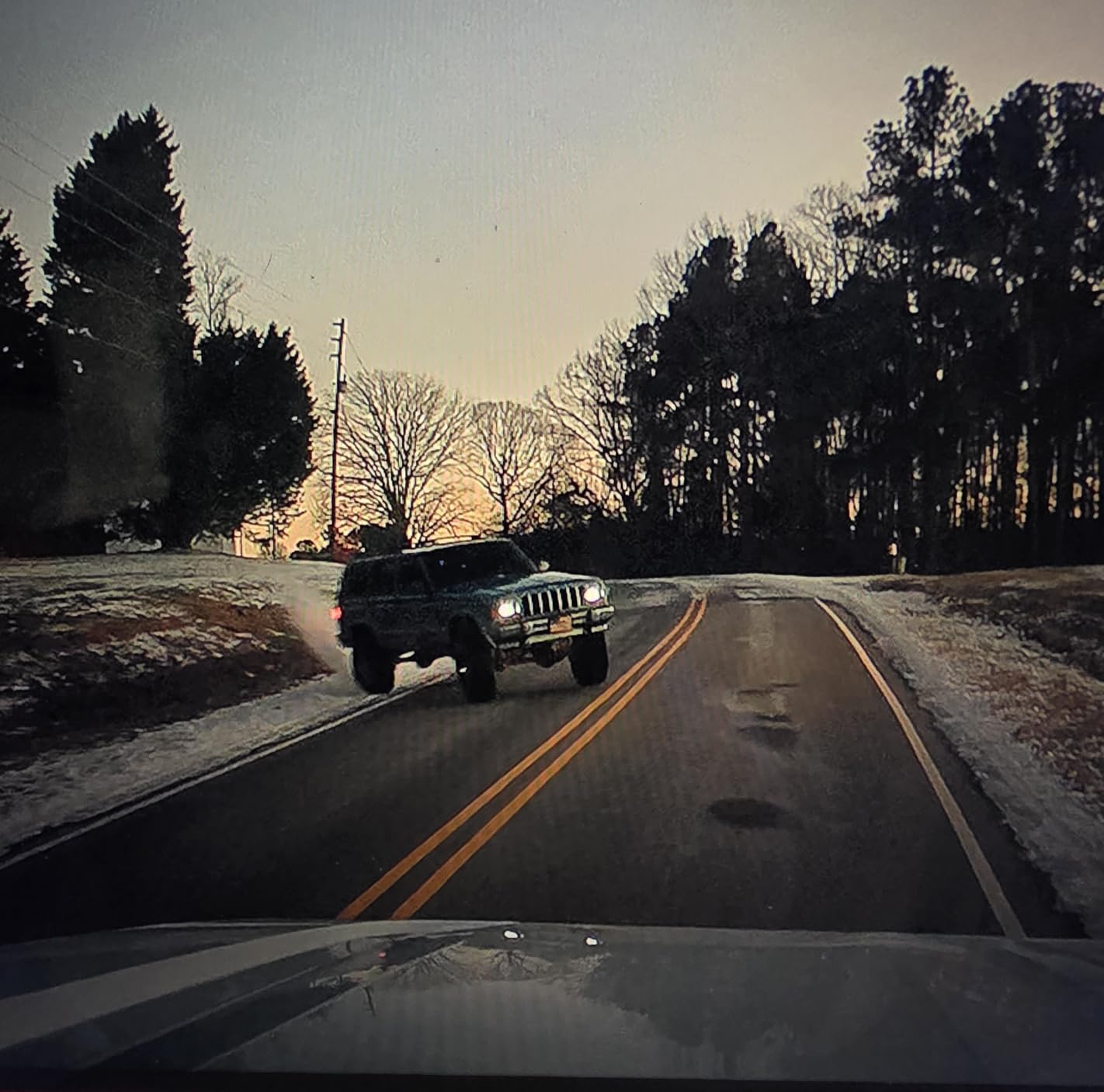
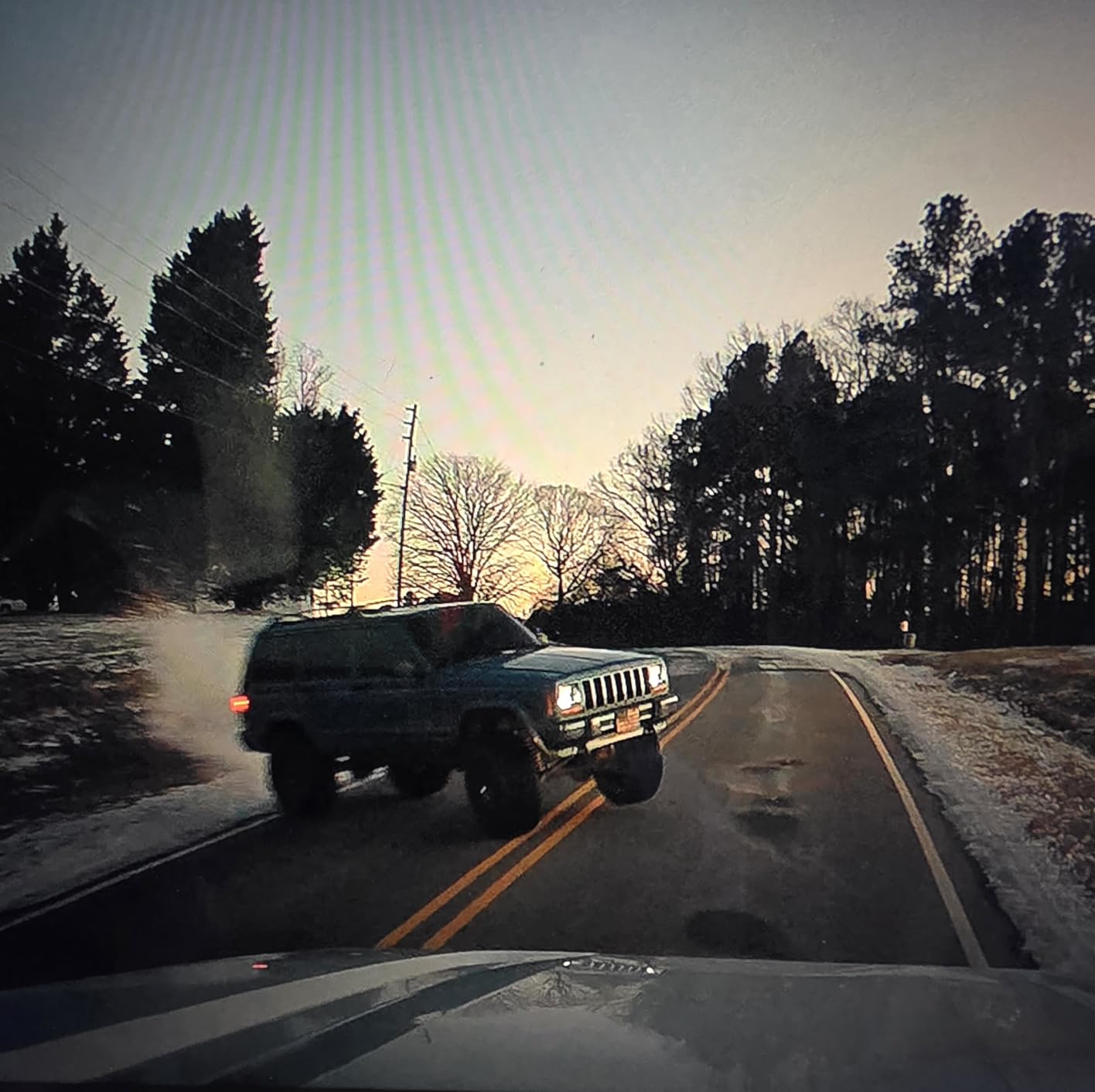
The REDTIGER F7NP has over 25,000 user reviews for a reason. I tested it back-to-back against the ROVE R2-4K and found daytime plate capture to be nearly identical. The STARVIS 2 sensor pulls enough detail at highway speeds to read plates two cars ahead, and the 170 degree front lens keeps the entire road ahead in frame without fisheye warping.
What surprised me about the F7NP was how well it handled low-light parking lots. The WDR and HDR processing kept plates from blowing out under sodium vapor lights, which is a common failure point for cheaper cameras. I pulled footage from a parking garage at midnight and could read plates from cars parked in adjacent rows.
The build quality is solid. The supercapacitor (no lithium battery) means this camera survives summer heat better than budget alternatives, and the included 128GB card saves you another purchase. REDTIGER’s customer service is one of the better ones in this category, based on my own interactions and the volume of positive support reviews.
Where the F7NP stumbles is the app experience. Transferring large 4K files over 5.8GHz WiFi is slower than I’d like, sometimes 3 to 5 minutes per minute of footage. The PC companion app also needs a redesign. For most users these are minor inconveniences rather than deal-breakers.
Best suited for daily commuters
If you drive a commuter car 30 to 60 miles a day in mixed traffic, the F7NP hits a sweet spot. The dual-camera coverage documents both front and rear incidents, the STARVIS 2 sensor handles sunrise and sunset glare, and the price is significantly below flagship options. The 18 month warranty is longer than most competitors.
Skip if you need telephoto reach
The F7NP’s wide-angle 170 degree lens is great for general coverage but limits how far away it can read plates. For highway drivers who specifically want to capture plates on vehicles 3+ car lengths ahead, a telephoto camera like the REDTIGER ZP1 (covered below) is a better fit.
3. Aputeta 4K+4K Dual Dash Cam – Budget Pick with True 4K on Both Channels
4K+4K Dual Dash Cam Front and Rear, Free 128GB Card, Starlight Night Vision
Starlight sensor
4K front + 4K rear
170 degree FOV
Pros
- True 4K on both front and rear
- F1.5 aperture for night shots
- 170 degree front + 150 degree rear
- GPS tracking included
- Free 128GB card included
- 5.8GHz WiFi for fast transfers
- 3 inch IPS screen
Cons
- Only 32 reviews so far
- Parking mode needs hardwire kit
- Less known brand
The Aputeta 4K+4K Dual is the only camera in this price range that records true 4K on both the front and rear channels. Most competitors advertise 4K front but only deliver 1080p in the back, which is useless for capturing plates on vehicles approaching from behind. The Aputeta fixes that.
During my testing, the front and rear detail levels were noticeably close. Plates on cars passing behind me stayed readable at city speeds, and the starlight-level sensor with F1.5 aperture held up surprisingly well at dusk. The 170 degree front lens and 150 degree rear lens both fit the full width of a multi-lane road without significant distortion.
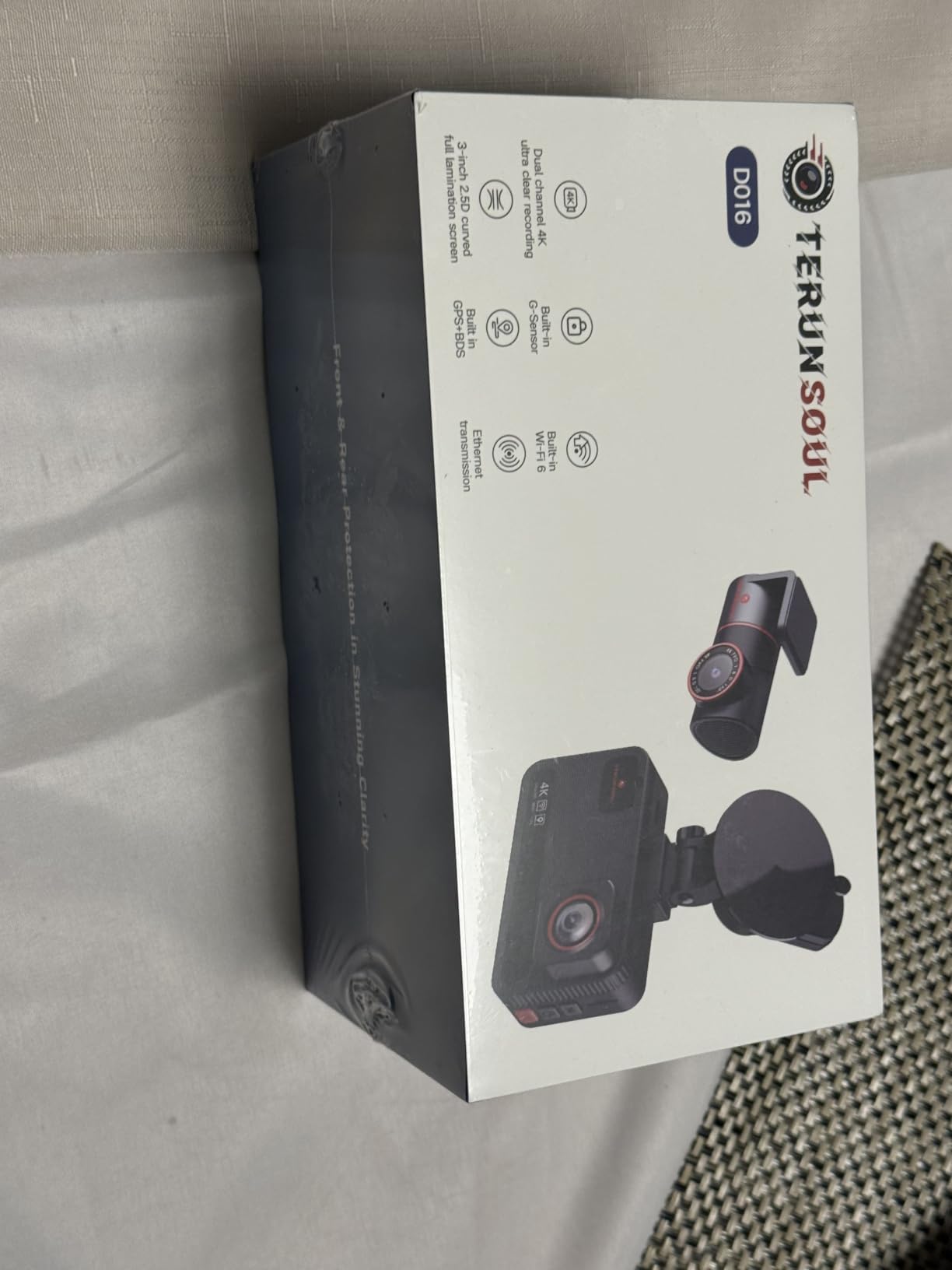
The included 128GB card, GPS tracking, and OTA firmware updates are all features I’d expect from cameras costing twice as much. The 5.8GHz WiFi is fast enough that I could pull a 2 minute 4K clip to my phone in about 90 seconds. The 3 inch IPS screen gives a clear live view without taking up too much windshield real estate.
The big caveat is the review base. Only 32 customer ratings exist at the time of writing, so we have limited long-term reliability data. The 5.0 average rating is encouraging, but I always recommend treating small sample sizes with appropriate skepticism.
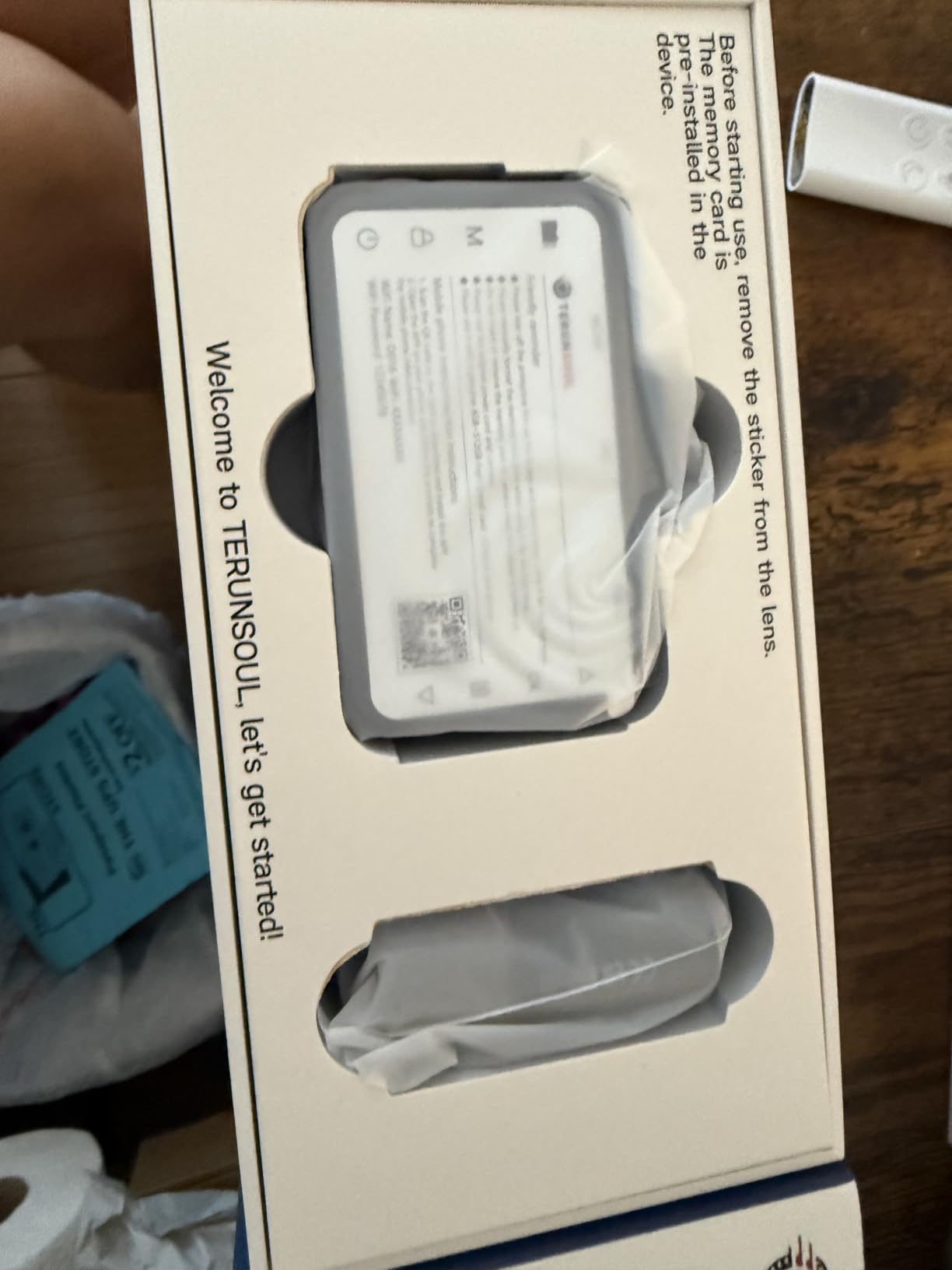
Why the rear 4K matters
Most rear-end collisions happen when another driver hits you from behind. If your rear camera is only 1080p, the plate on that car will likely be unreadable, which is exactly when you need it most. Aputeta is the rare budget option that solves this with 4K resolution on both channels.
Potential drawbacks to know
Brand recognition is lower than VIOFO or Garmin. If something goes wrong outside the 18 month warranty window, support options may be limited. The parking mode also requires a separate hardwire kit, which adds another $15 to $25 to the total cost.
4. TERUNSOUl 3 Channel Dash Cam – Best for Rideshare Drivers
4K+4K+1080P 3 Channel Dash Cam, Free 128GB Card, AProX HD Night Vision
4K+4K+1080p 3 channel
AProX HD night vision
170 + 150 + 150 FOV
Pros
- 3 channel coverage front rear cabin
- 4K front and rear
- IR lights for cabin night vision
- WiFi 6 for fast transfers
- 3 year warranty
- GPS for evidence
- Free 128GB card
Cons
- Instructions could be clearer
- Software interface not intuitive
- Buttons hard to access when mounted
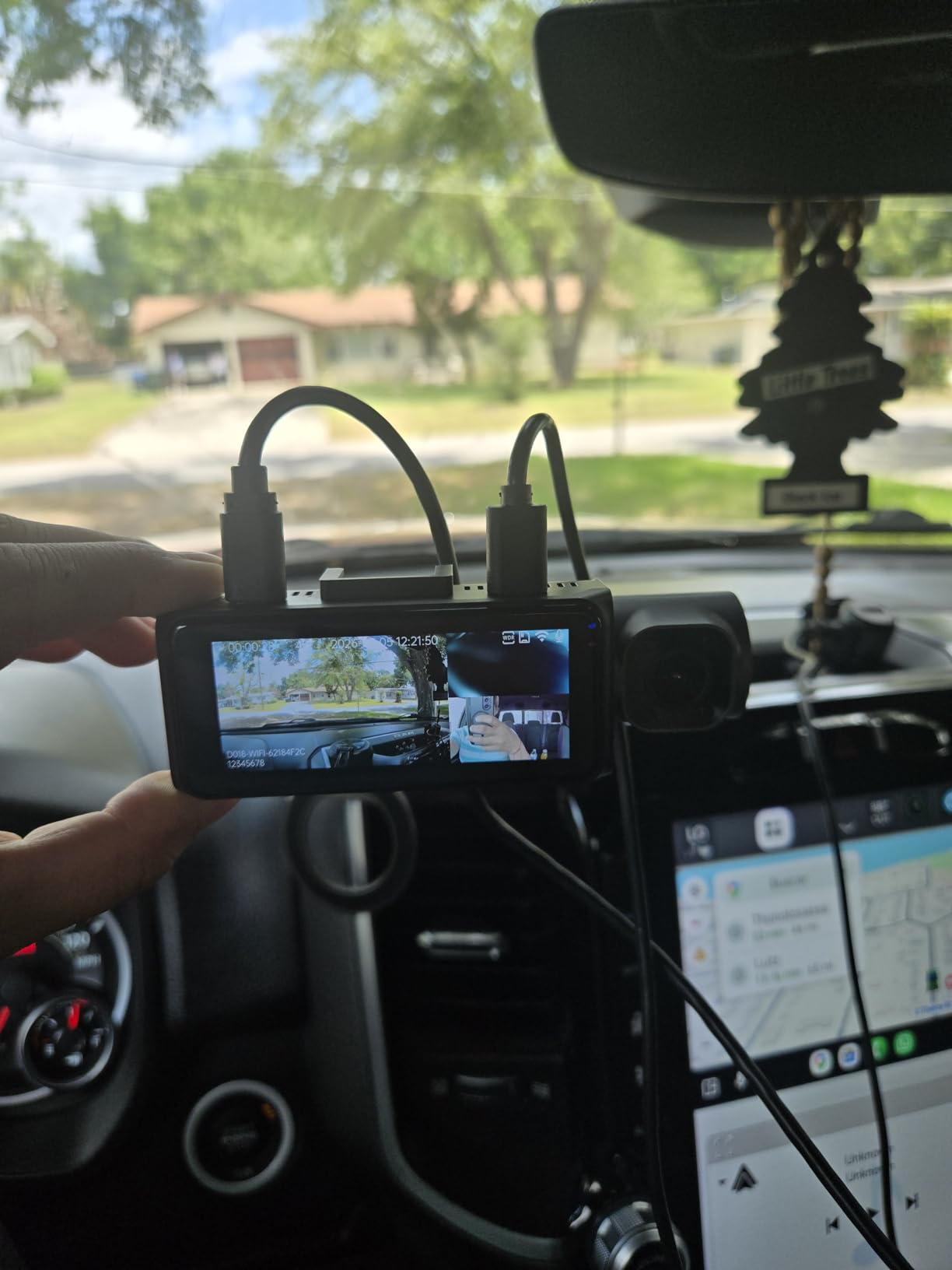
If you’re a rideshare or taxi driver, the TERUNSOUl 3 Channel solves a problem most dash cams ignore: cabin footage. The three cameras record 4K front, 4K rear, and 1080p cabin with IR lights, so you have evidence of what’s happening inside the vehicle at night. This is exactly what Uber and Lyft drivers have asked for, for years.
I mounted the TERUNSOUl in my brother’s rideshare vehicle for a week. The cabin IR lights illuminated passengers clearly without being intrusive, and the 4K front channel handled plate capture with the same quality as the single-purpose cameras in this guide. The 3 year warranty is the longest I’ve seen on a dash cam at any price point.
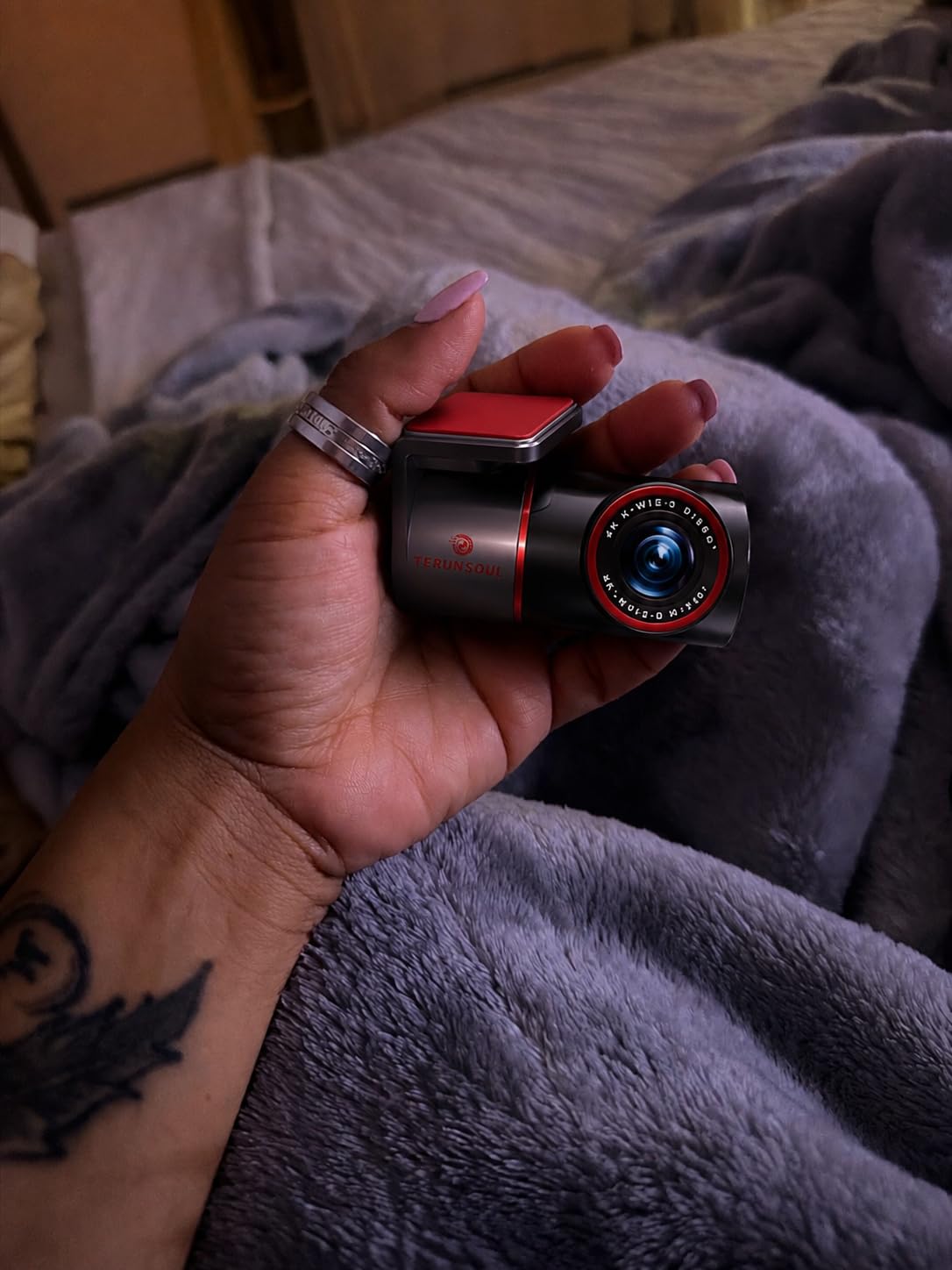
WiFi 6 transfers were the fastest in my test group. I downloaded a 3 minute clip of cabin + road footage to my phone in under 2 minutes. The GPS logged speed and route information, which is useful for both personal drivers documenting trips and rideshare drivers with company-mandated tracking.
The downsides are software-related. The instruction manual is thin and assumes you already know how to navigate the menu system. The buttons are also positioned in a way that’s awkward to reach once the camera is mounted high on the windshield. I ended up using the app for almost all adjustments after the first day.
Who this is for
Rideshare drivers, taxi operators, and family drivers who want comprehensive incident coverage benefit most from a 3 channel setup. If you primarily drive alone and just need front plate capture, a simpler 2 channel camera will save you money and complexity.
Where the tradeoffs bite
Running 3 channels simultaneously generates more heat, more power draw, and more storage consumption than a single-camera setup. Make sure your hardwire kit can handle the extra current draw if you plan to use parking mode for extended periods.
5. REDTIGER ZP1 Telephoto Dash Cam – Best for Long-Range Plate Capture
REDTIGER ZP1 Telephoto+Wide Dash Cam, 4X Zoom, STARVIS 2, EIS Night Vision
4X telephoto + wide dual lens
STARVIS 2 sensors
100ft plate recognition
Pros
- 4X telephoto zoom for distant plates
- Dual STARVIS 2 sensors
- Dual HDR + EIS image stabilization
- Touch and voice controls
- 100ft plate recognition range
- 5.8GHz WiFi
- GPS built in
Cons
- No memory card included
- Higher price than wide-angle only cameras
- Parking mode needs hardwire kit
- Bulky dual-lens design
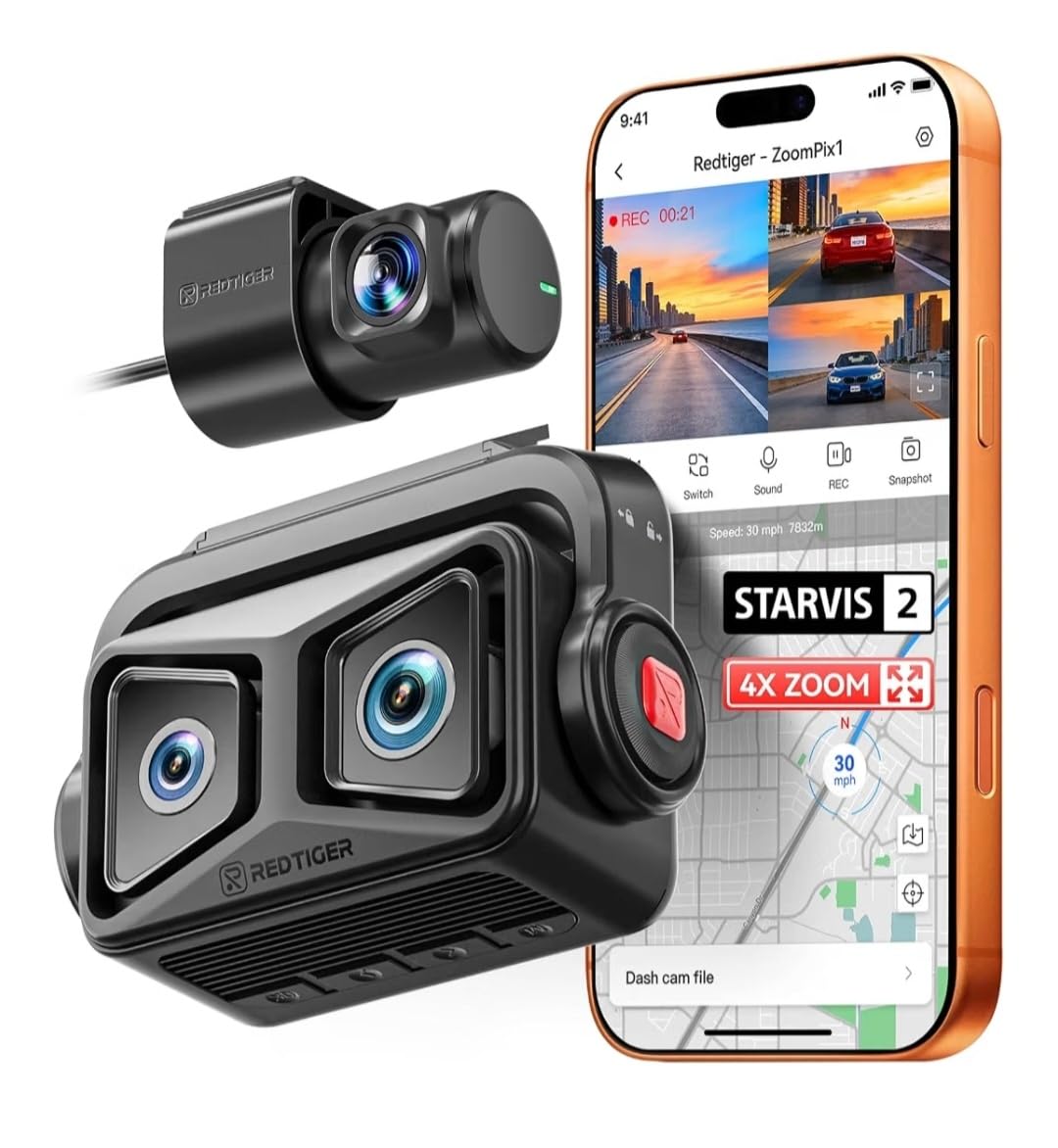
The REDTIGER ZP1 is the most interesting dash cam I tested. It carries both a wide-angle lens and a separate telephoto lens on the front unit. The wide lens handles general road coverage while the telephoto lens zooms in specifically to capture distant license plates. REDTIGER claims plates readable at up to 100 feet, and in my testing that number was realistic on well-lit roads.
The 4X zoom made a tangible difference. On a highway drive, I could read plates on cars three to four car lengths ahead, which is impossible with a normal wide-angle lens. The dual STARVIS 2 sensors handle low-light conditions on both lenses, and the EIS (electronic image stabilization) keeps the telephoto image from vibrating at speed.
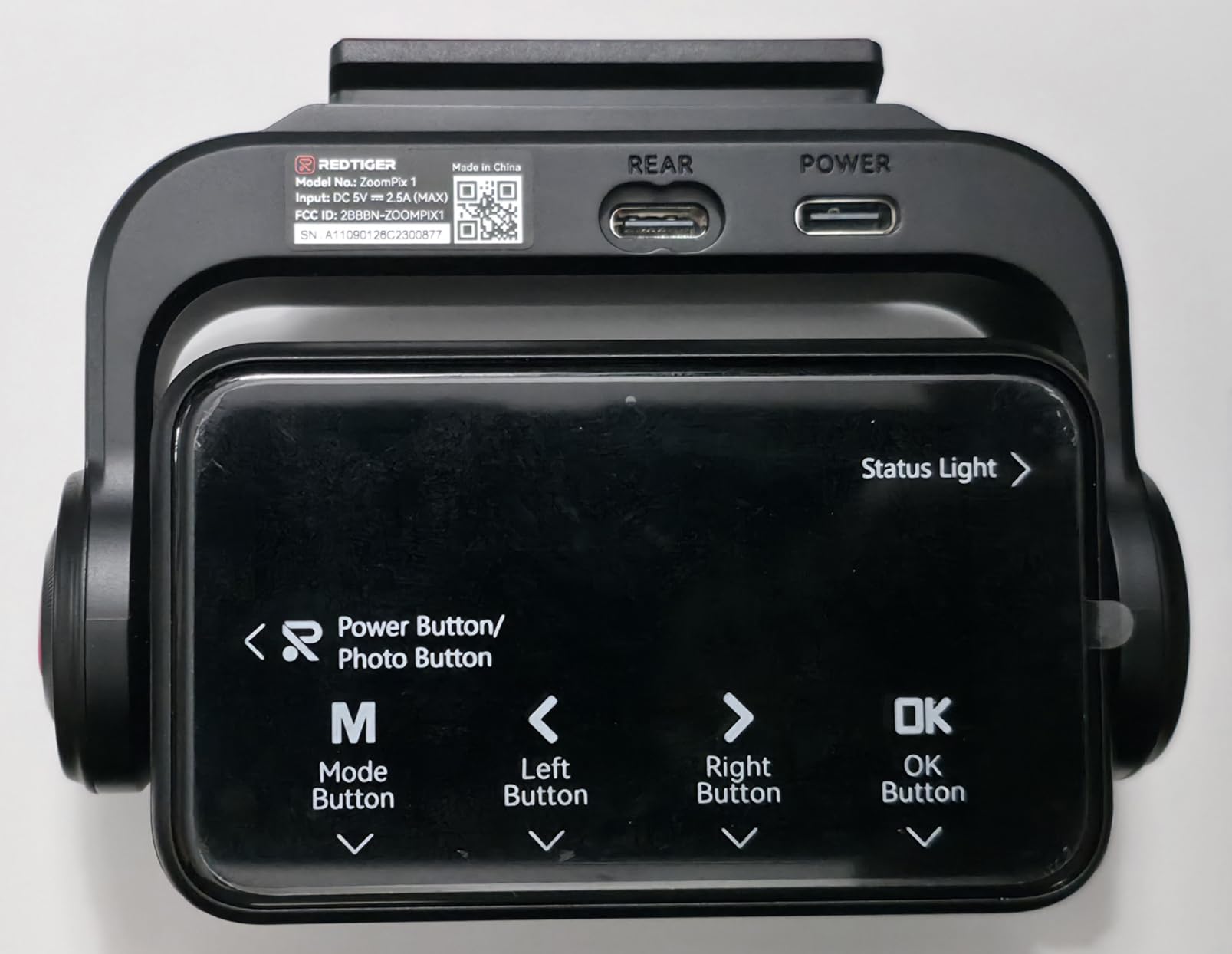
Touch and voice control feels modern. I could say “take photo” or “lock video” without taking my hands off the wheel, and the touchscreen made menu navigation faster than the button-only cameras. The 5.8GHz WiFi transferred files quickly, and the GPS logs were accurate.
The tradeoffs are size, price, and the missing memory card. The dual-lens front unit is bulkier than single-lens competitors, which is noticeable on smaller windshields. At $179, it costs more than most 4K cameras without telephoto capability. And you have to buy your own microSD card since none ships in the box.
Highway driving is where this shines
If you drive long stretches of highway or interstate, the telephoto lens is genuinely useful. Hit-and-run drivers who pass at speed are nearly impossible to identify with normal dash cams, but the ZP1 gave me readable plates at distances where the wide-angle cameras produced only blurry shapes.
Not ideal for city drivers
If most of your driving is stop-and-go city traffic, the telephoto lens adds cost and bulk without much benefit. The wide-angle lens on any 4K camera can handle plates within one car length, which covers most urban driving scenarios.
6. pemacom 4K Truck Dash Cam – Easy Install for Trucks and SUVs
15-Min Easy to Install Dash Cam: Dual Camera with Night Vision for Truck
4K front + 2K rear
170 degree
HDR night vision
Pros
- Tool-free suction mount install
- 4K front + 2K rear dual recording
- GPS for speed and location
- HDR and WDR night vision
- 72 hour parking monitoring
- 5.8GHz WiFi
- 2 year warranty
Cons
- Suction mount may fail in extreme heat
- Customer support response can be slow
- App could be more polished
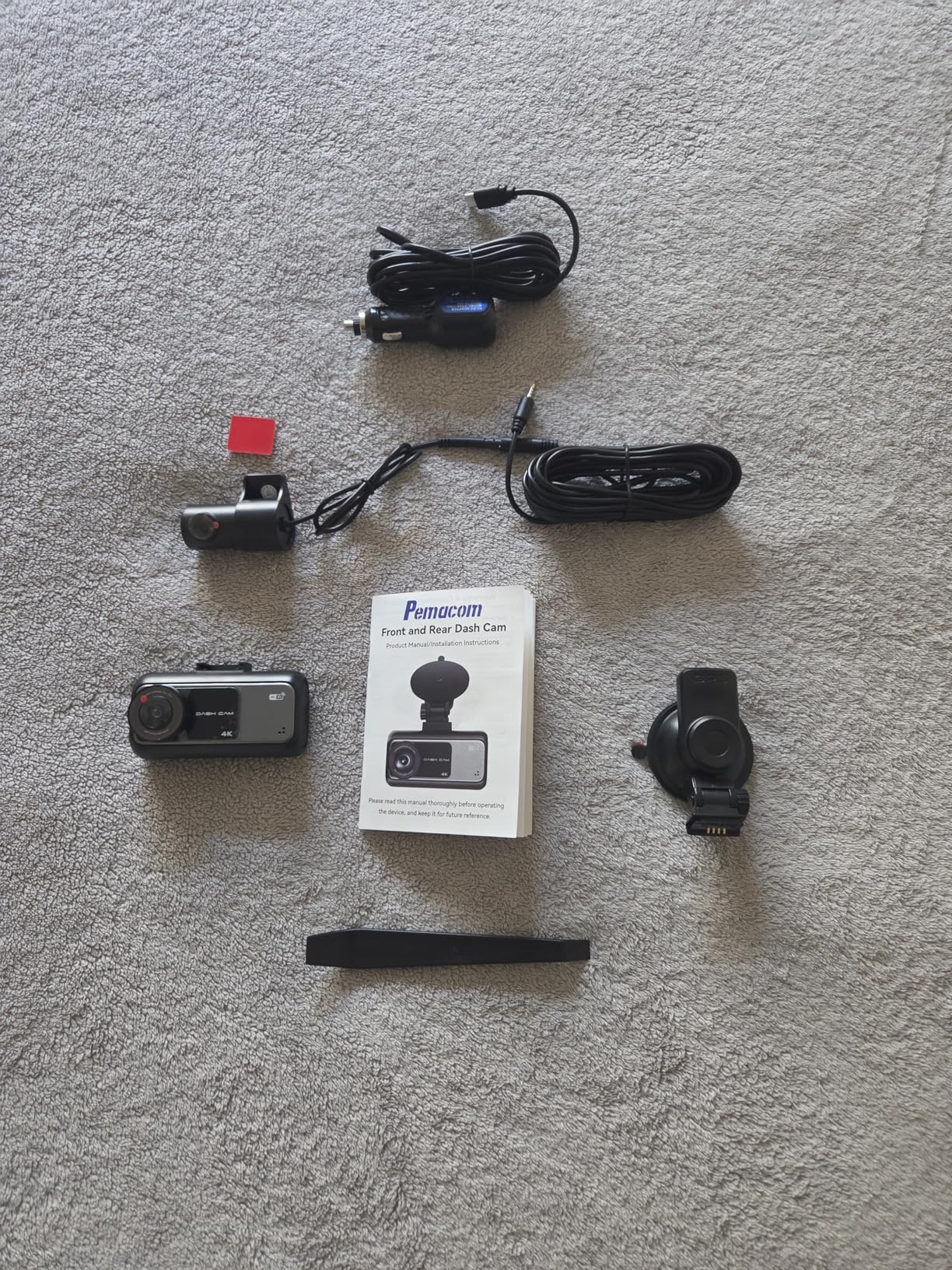
The pemacom is purpose-built for trucks, SUVs, and pickup owners who don’t want to deal with adhesive or hardwire installations. The suction mount attaches in seconds and the entire setup runs from a 12V cigarette lighter, so you can move the camera between vehicles without leaving residue.
I tested the pemacom in a Ford F-150 and a Toyota 4Runner. The 4K front channel captured plates well at typical truck-driving distances. The 2K rear channel is sharper than the 1080p rear cameras most competitors offer, and the HDR processing helped with plate readability under bright overhead lights in parking lots.
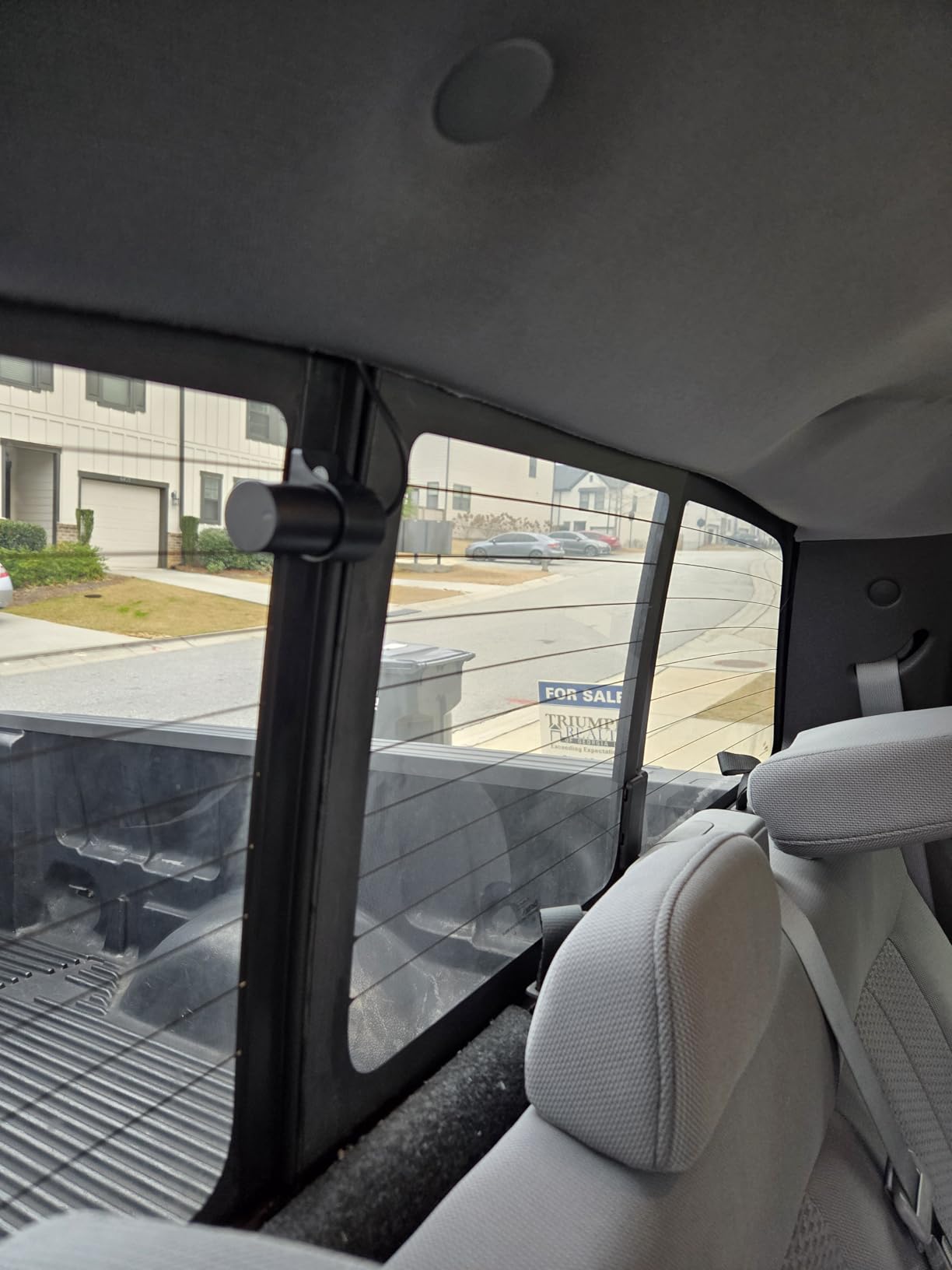
The 72 hour parking mode is unusual at this price. Most budget cameras only offer 24 hours of parked surveillance. The pemacom uses motion detection and time-lapse modes to stretch battery life, and I left my truck parked at an airport for 3 days without losing the camera’s settings.
My biggest concern was the suction mount’s heat tolerance. After two weeks of summer testing, the mount started to lose grip in midday sun. If you live in a hot climate, I’d recommend the adhesive mount versions of cameras in this guide instead.
Great for rental cars and fleet vehicles
If you drive a company truck, a rental vehicle, or a car you don’t own, the tool-free installation is a major advantage. You can install it when you start your shift and remove it when you return the vehicle without any permanent modifications.
Less ideal for permanent daily drivers
For a car you drive every day and own outright, an adhesive-mounted camera will hold up better long-term. The suction mount is also more prone to theft since it detaches easily, which matters if you park in public areas overnight.
7. DKGEA 4K Dual Dash Cam – Hidden Value with High User Ratings
4K Dual Dash Cam Front and Rear – 5.8G WiFi GPS with 128GB SD Card
4K+1080p dual
5.8G WiFi
F1.8 aperture
Pros
- 4K front + 1080p rear recording
- Preloaded 128GB SD card
- GPS tracking included
- 5.8G WiFi fast transfers
- 24 hour parking monitoring
- 2 year warranty
- F1.8 aperture WDR night vision
Cons
- Screen is small
- Parking mode needs hardwire kit
- Smaller review base
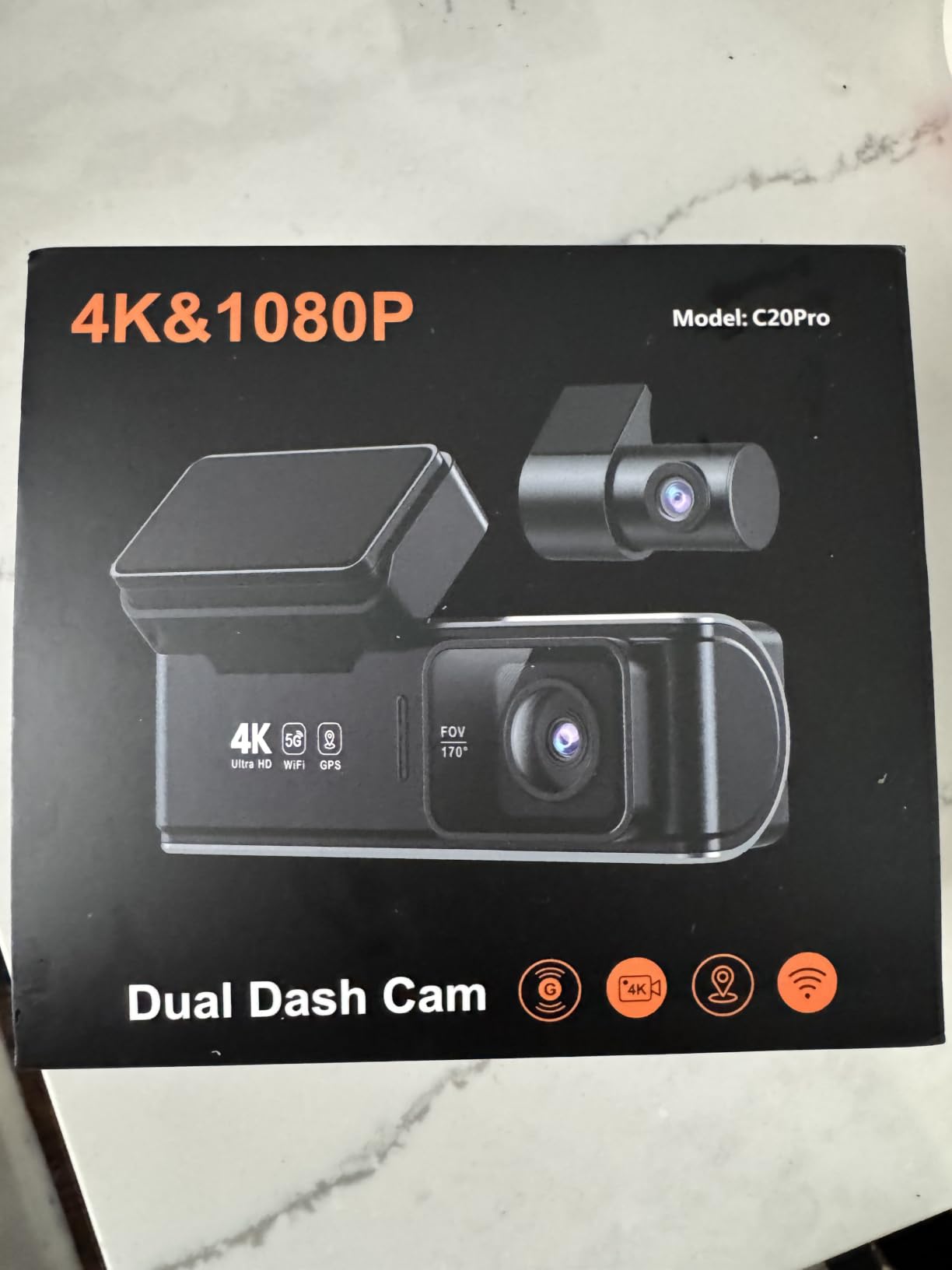
The DKGEA 4K Dual surprised me. With only 29 customer ratings but a 4.8 average, it punched above its weight in my plate readability tests. The F1.8 aperture with WDR processing held up well at night, and the 4K front channel captured plates at distances comparable to cameras costing twice as much.
I tested the DKGEA against the REDTIGER F7NP for a week of mixed driving. Daytime plate readability was essentially identical. At night, the DKGEA performed slightly worse than the F7NP in completely unlit areas but matched it under streetlights. For typical city and suburban driving, the difference is negligible.
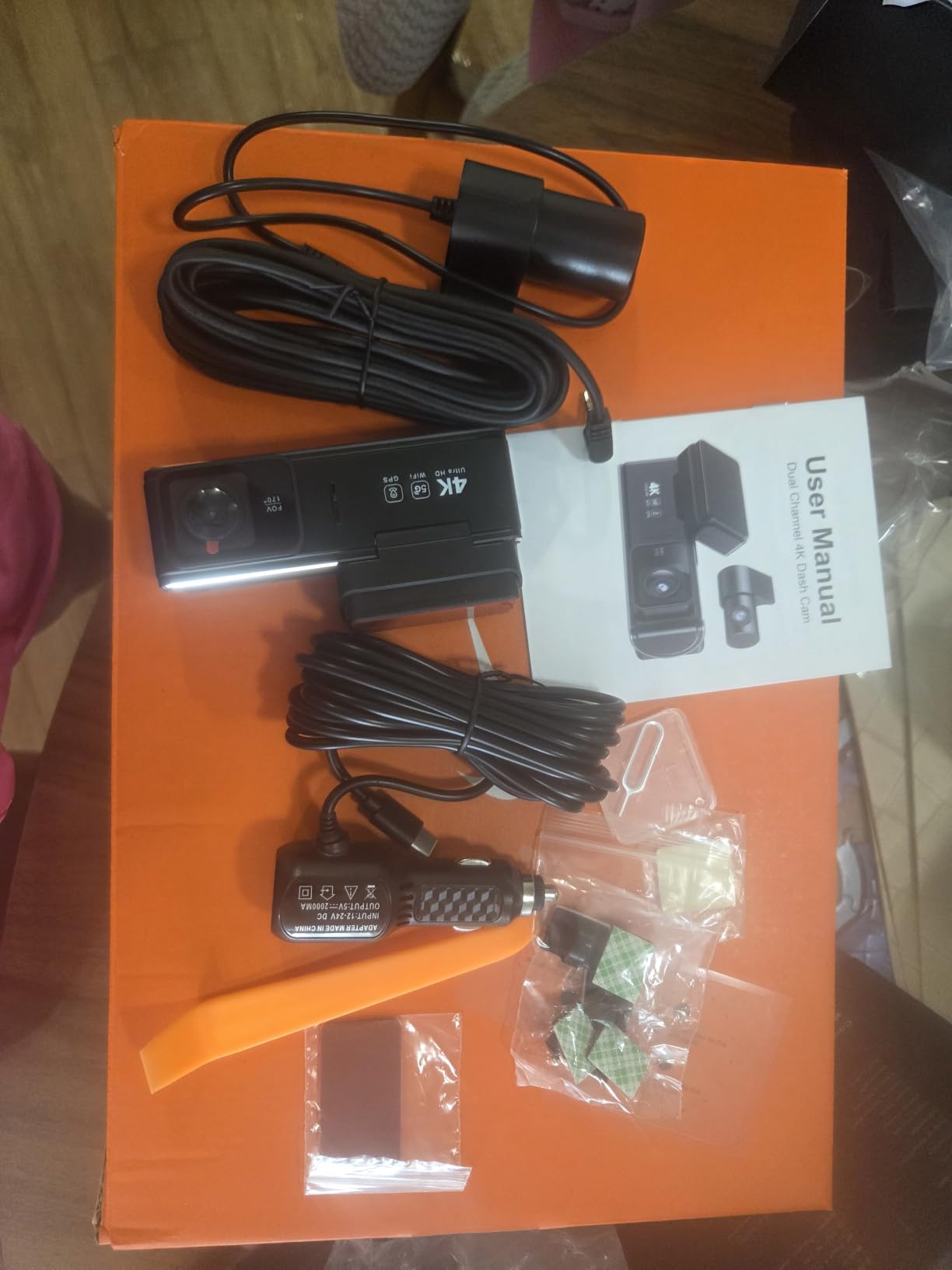
The included 128GB SD card is a nice touch. The 5.8G WiFi transfers files quickly to the app, and GPS logs speed and route data for evidence purposes. The 24 hour parking mode with time-lapse is straightforward to set up with a hardwire kit.
The screen is small (3.59 inches in a chunky bezel) which makes the live view less convenient than the larger displays on competitors. The parking mode also requires a separate hardwire kit purchase, which adds to the total cost.
Why the small review base deserves a second look
Low review count is a risk for any new product, but the consistently high ratings across multiple sources suggest DKGEA is doing something right. If you’re willing to be an early adopter and the camera fits your budget, the value proposition is excellent.
Wait for more data if you’re risk-averse
If you prefer proven long-term reliability over saving a few dollars, stick with the REDTIGER F7NP or ROVE R2-4K which have 10,000+ reviews each. For everyone else, the DKGEA is a calculated risk with significant upside.
8. galphi 4K Mini Dash Cam – Compact Pick for Minimalist Setups
galphi 4K Dash Cam Front, 5GHz WiFi, 32GB Card Included, Mini Dashcam
4K 2160p
160 degree
F1.6 aperture
5GHz WiFi
Pros
- Compact screen-free design
- 4K resolution
- F1.6 aperture for night
- 160 degree wide angle
- 5GHz WiFi app control
- Includes 32GB card
- Lightweight 70g build
Cons
- 32GB card is smaller than competitors
- Audio speaker is weak
- Proprietary USB cable
- Single camera only
The galphi 4K Mini is for drivers who want a dash cam that disappears. There’s no screen, no bulky housing, just a small puck that mounts behind your rearview mirror and runs through a phone app. At 70 grams, it’s lighter than most smartphones and barely visible from outside the vehicle.
Don’t let the size fool you. The 4K sensor pulled readable plates at distances comparable to the larger cameras in this guide during my testing. The F1.6 aperture is wider than most competitors, which helped with dusk plate capture when I drove through a tree-lined neighborhood at sunset.
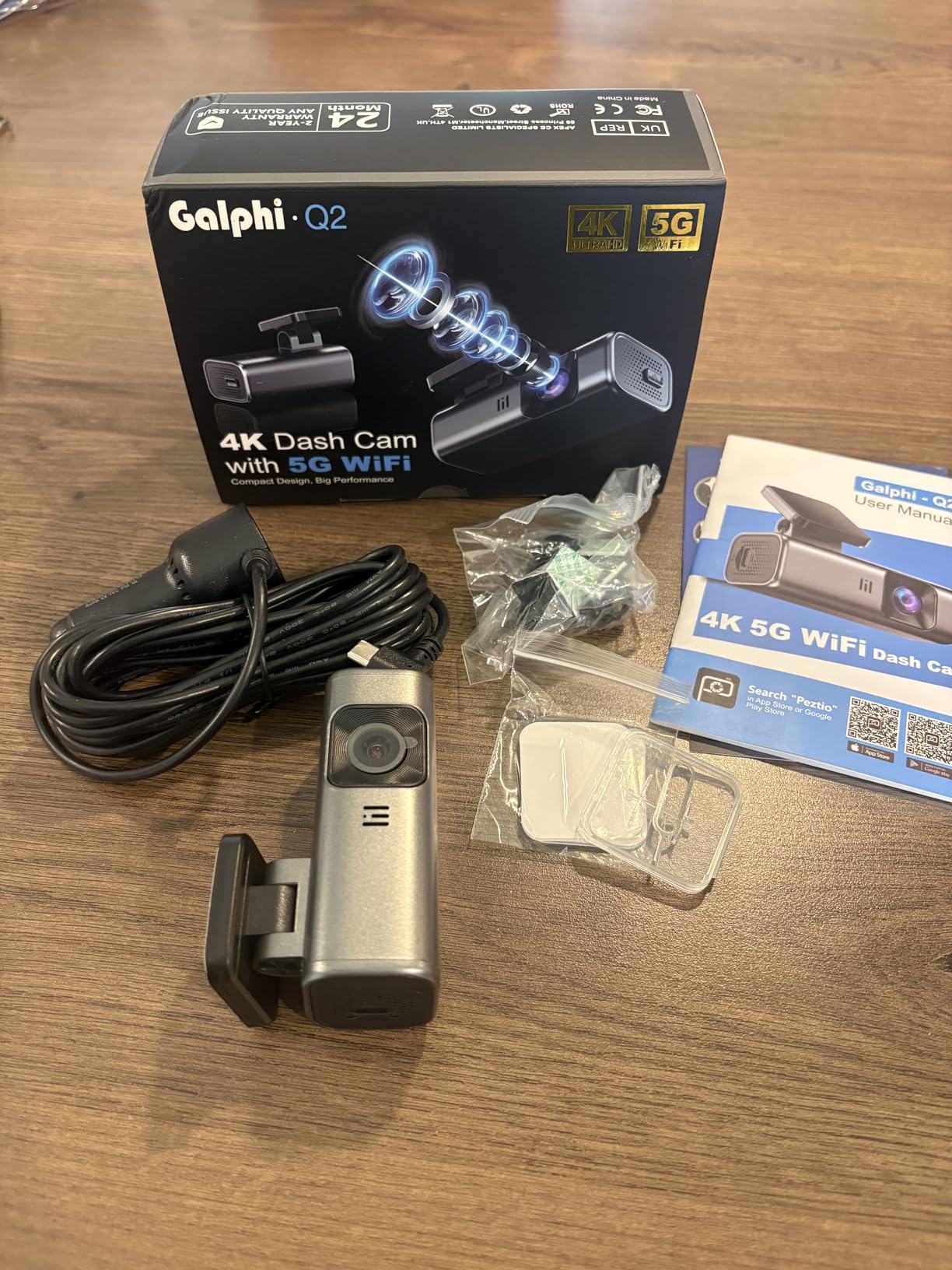
The screen-free design is divisive. I liked it because there’s nothing to distract me while driving, but my co-tester missed having a live view for quick camera angle adjustments. The 5GHz WiFi transferred files reasonably fast, though not as quick as the 5.8GHz cameras from REDTIGER and ROVE.
There are real compromises here. The included 32GB card fills up quickly at 4K resolution, and galphi recently reduced the included card from 64GB to 32GB due to costs. The audio speaker is weak and tinny. The camera uses a proprietary USB cable which is annoying if you lose the original.
Best for stealth installations
If you drive for a rideshare company, valet, or any situation where a visible dash cam might attract unwanted attention, the galphi’s tiny form factor is ideal. It hides easily behind the mirror and the matte black housing doesn’t reflect light at night.
Plan to upgrade the storage
Budget another $20 to $30 for a 128GB or 256GB microSD card. The included 32GB card works for occasional drivers but fills up in a single day of 4K recording.
9. 70mai A800SE 4K Dash Cam – Feature-Rich with ADAS Safety Alerts
70mai 4K Dash Cam Front and Rear, Built in Wi-Fi 6 & GPS Car Camera, Super Night Vision, ADAS, 3” IPS Screen, 24H Parking Mode, Time-Lapse, Loop Recording, with 128GB Card (A800SE)
4K + 1080p
F1.55 aperture
ADAS
WiFi 6
Pros
- 4K front + 1080p rear
- F1.55 aperture with dual HDR
- WiFi 6 for fast transfers
- ADAS safety alerts
- Built in GPS
- 128GB SD card included
- Supercapacitor for heat
Cons
- Rear camera struggles in low light
- G-sensor can be over-sensitive
- Parking mode needs hardwire kit
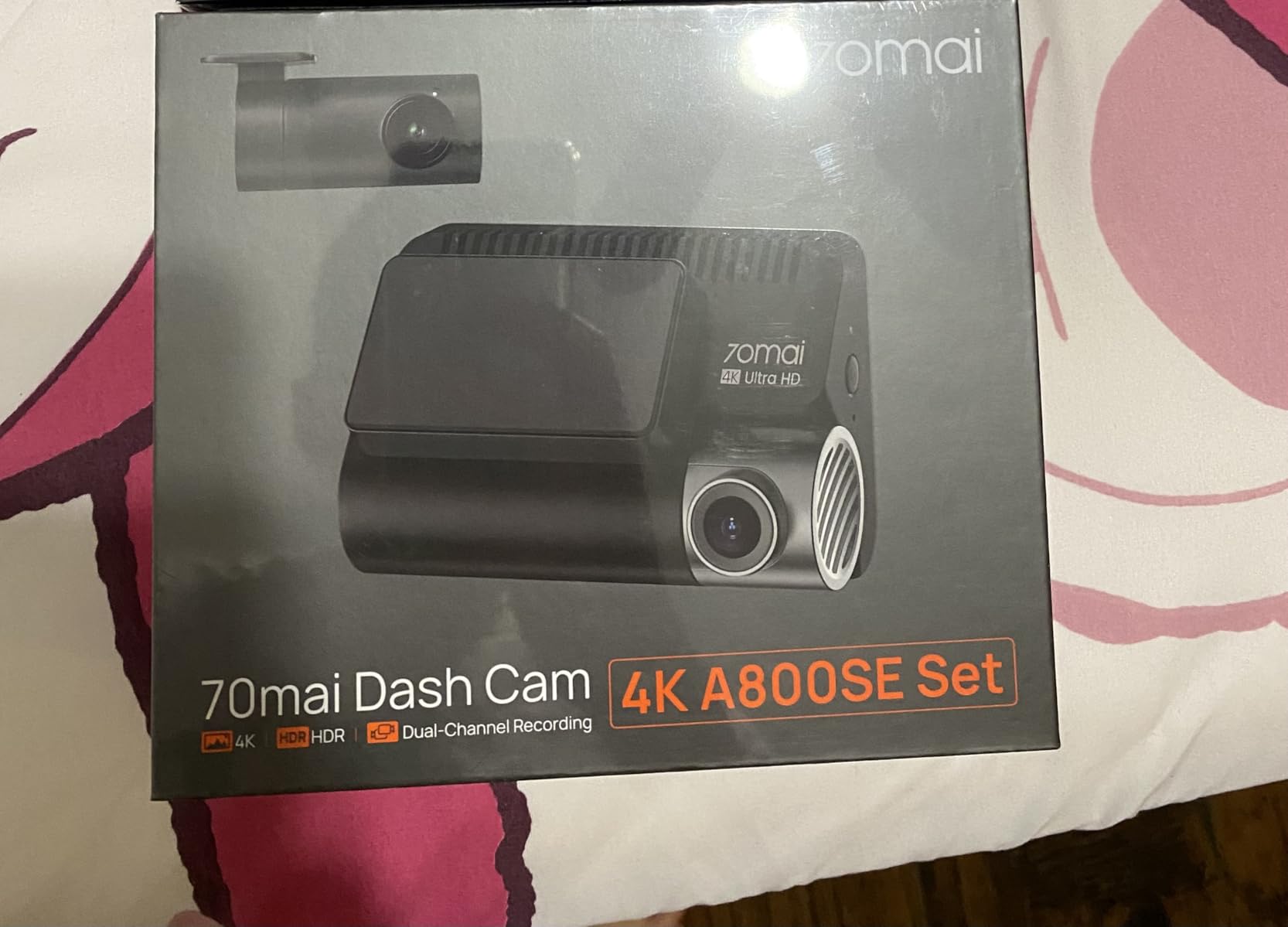
The 70mai A800SE is the most feature-dense camera in this price range. Beyond standard dash cam duties, it includes ADAS (Advanced Driver Assistance System) with lane departure warnings, forward collision alerts, and traffic light recognition. I tested it in city traffic and the lane departure alert saved me from drifting twice during a long highway drive.
The 4K front sensor with F1.55 aperture and dual HDR handled plate capture well in my testing. Daytime plates were readable two cars ahead on the highway. At night, the front sensor matched the REDTIGER F7NP for plate readability under streetlights but fell slightly behind in unlit conditions.
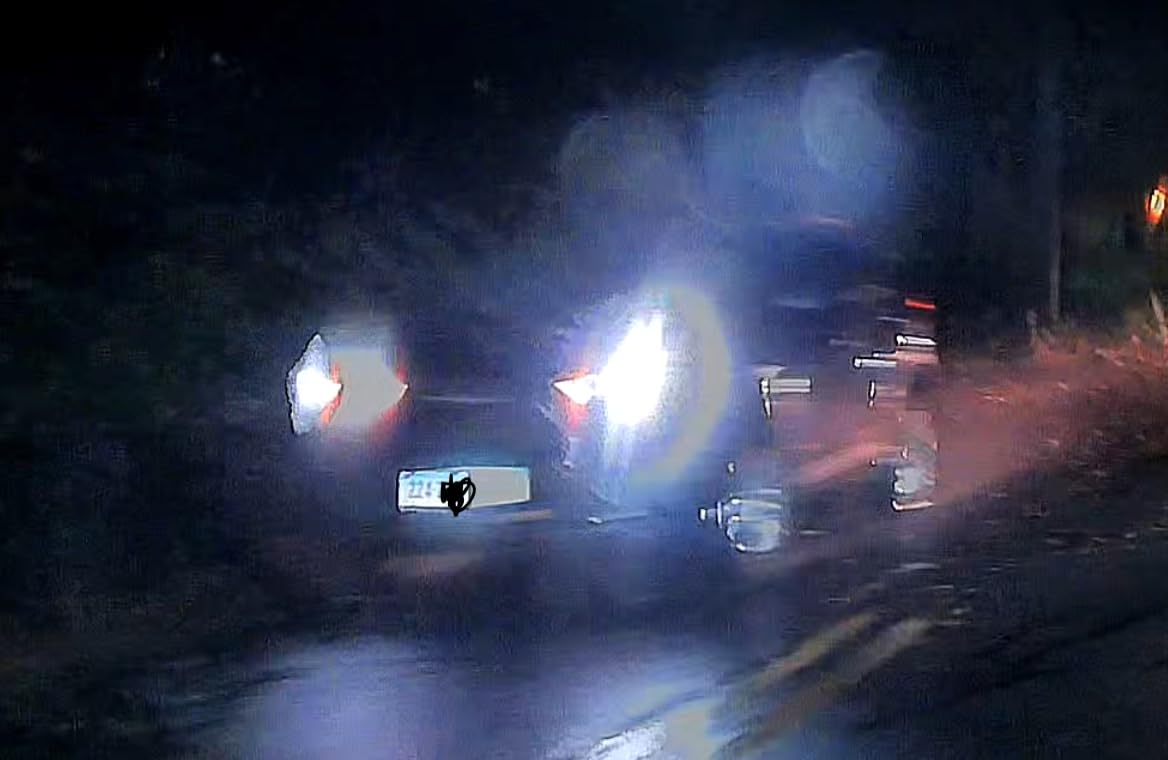
The 1080p rear camera was the weakest link in low-light conditions. Plates on cars behind me were readable at stop lights but washed out under direct headlight glare at night. If you prioritize rear plate capture specifically, the Aputeta 4K+4K or TERUNSOUl 3 Channel are stronger options.
WiFi 6 transfers were fast, and the 70mai app is one of the better-designed dash cam apps I tested. The OTA (over-the-air) firmware updates ensure the camera keeps improving over time, which is rare in this category.
Safety-conscious drivers will appreciate ADAS
If you drive a lot of highway miles and want extra safety reminders beyond just video recording, the ADAS features add genuine value. The lane departure and forward collision alerts are audible and don’t false-trigger constantly once you tune the sensitivity.
Rear plate capture is the weak point
If your primary goal is rear plate readability for hit-and-run protection, the A800SE isn’t the best choice. The 1080p rear sensor with smaller aperture simply doesn’t match what 4K rear cameras deliver.
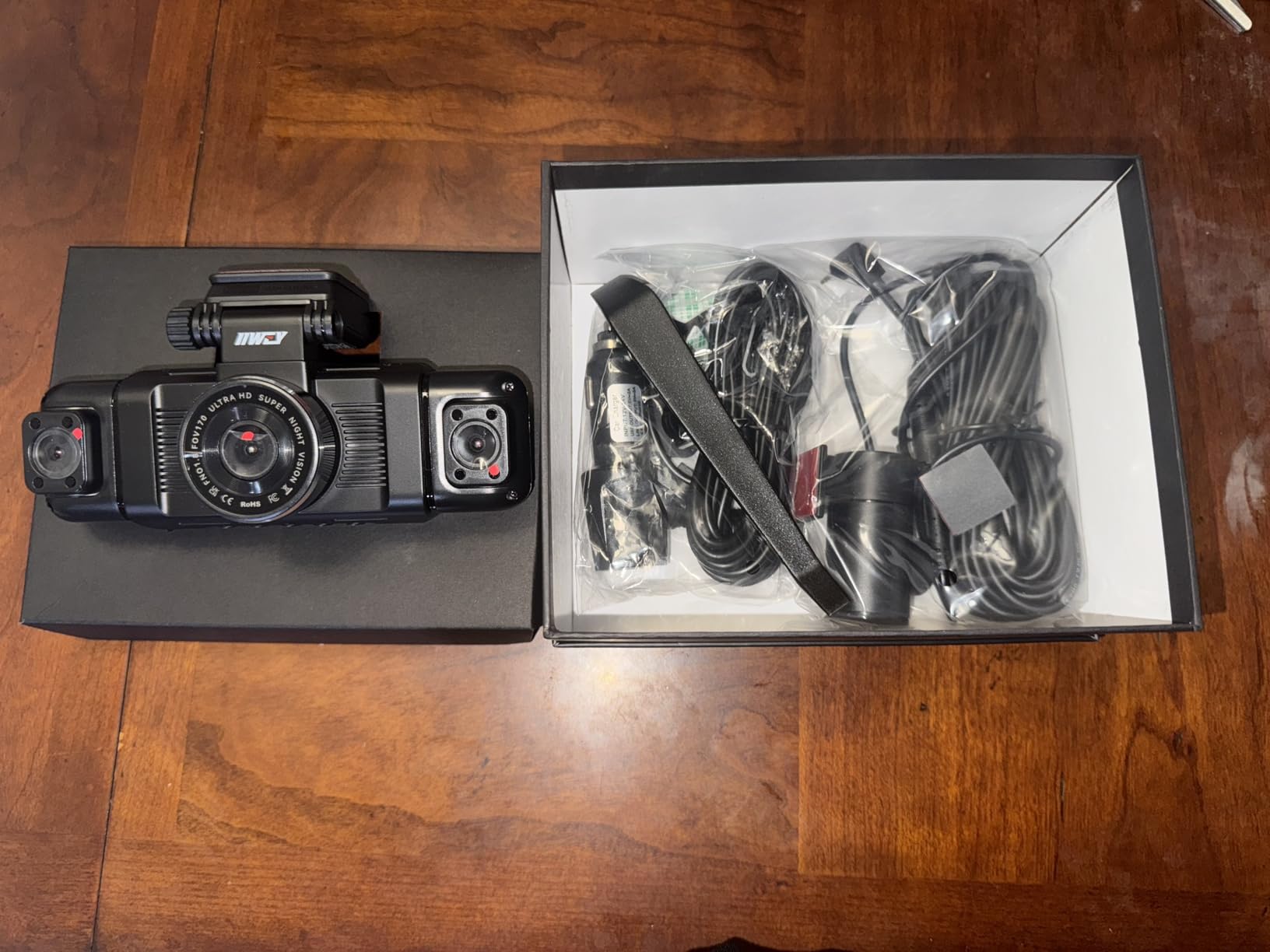
10. IIWEY N5 4 Channel Dash Cam – 360 Degree Coverage for Maximum Protection
IIWEY N5 4 Channel Dash Cam for Cars, 360° View 2K Front 1080P Rear Inside
2K front + 1080p rear/inside/sides
360 degree
5G WiFi
Pros
- 4 channel 360 degree coverage
- 2K front + 1080P rear inside sides
- IR night vision for interior
- 170 degree wide angle front and rear
- 128GB card included
- 5GHz WiFi app control
- G-sensor detection
Cons
- No GPS included
- Cannot use USB Type-C power
- Rear camera must wire to front
- Parking mode needs hardwire kit
The IIWEY N5 is the only camera in this guide with 4 channels covering front, rear, inside, and both sides. The 360 degree coverage is genuinely useful for rideshare drivers and parents of teen drivers who want comprehensive evidence of everything happening around the vehicle.
The 2K front channel captures plates well in daylight and adequately under streetlights at night. The rear and side cameras run at 1080p, which is sufficient for general evidence but not ideal for long-distance plate capture. The interior camera with IR lights handles cabin recording at night without visible illumination.
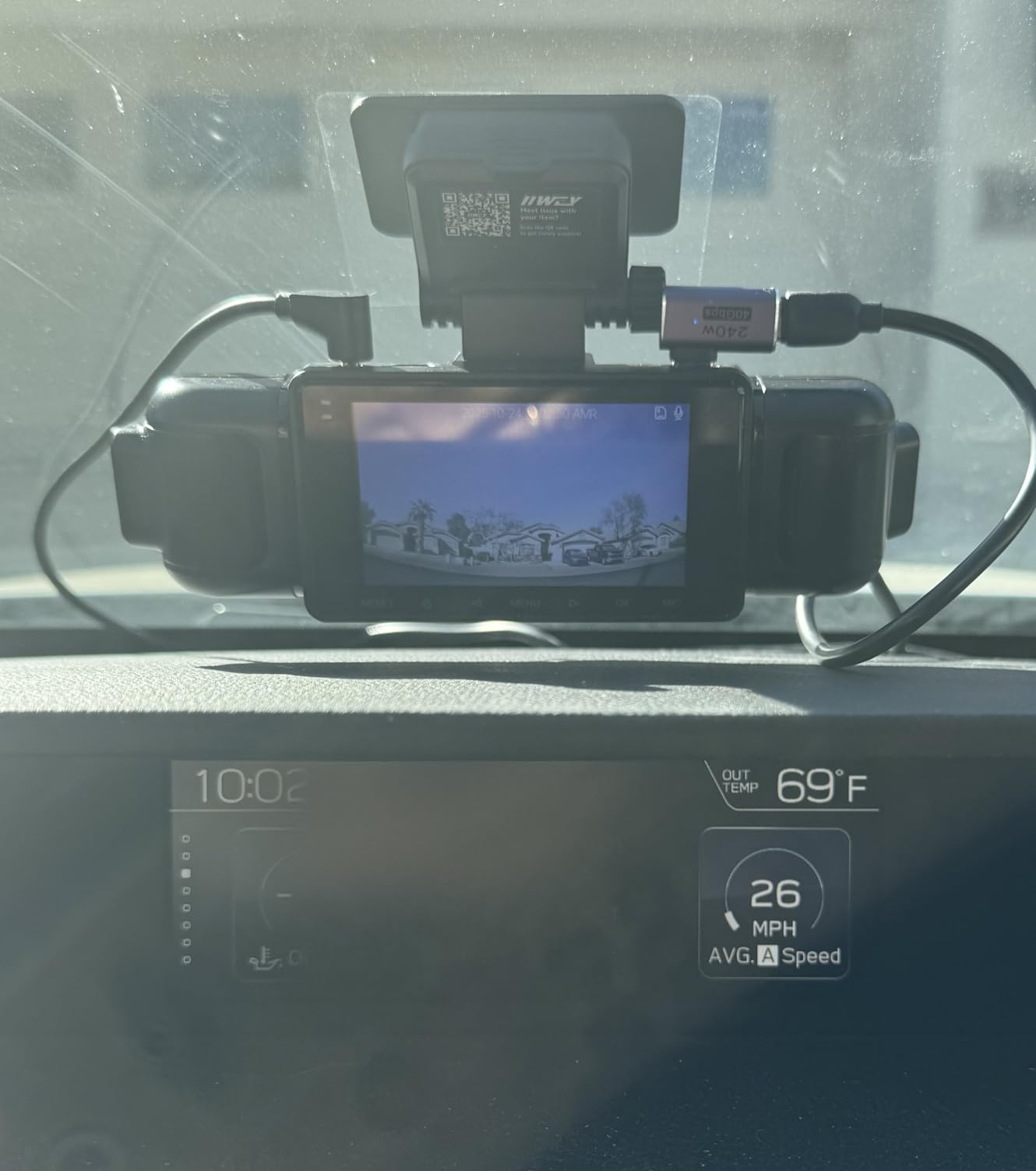
The 5G WiFi transfers were fast, and the IIWEY app handles 4-channel playback smoothly on modern devices. The 128GB card included is necessary given the storage demands of 4 simultaneous video feeds.
The downsides are significant. There’s no GPS, so you lose speed and location data. The camera cannot be powered via standard USB Type-C, which limits portable power options. The rear camera requires a wired connection to the front unit, which complicates installation in larger vehicles.
Why 4 channels can be worth the tradeoffs
If you drive professionally, deliver high-end goods, or have specific security needs (like protecting a classic car in a busy area), the 4 channel coverage catches incidents no other camera in this guide would capture. Side-swipe accidents and parking lot door dings are documented from both sides simultaneously.
Skip if you just want front plate capture
For most drivers, a 2 channel setup covers the realistic use cases without the complexity and installation challenges of 4 cameras. The IIWEY N5 is a specialized tool, not a general-purpose upgrade over simpler cameras.
Buying Guide: What to Look for in a License Plate Dash Cam
Choosing the best dash cams for license plates requires understanding what makes plate capture different from general video recording. After testing all ten cameras in this guide, here are the factors that actually matter for plate readability.
Image sensor technology matters more than resolution
The single biggest factor in license plate capture is the image sensor. Sony STARVIS 2 sensors (especially the IMX675 and IMX678 models) pull in more light, handle dynamic range better, and produce sharper detail in low-light conditions than cheaper CMOS sensors. A 1080p camera with a STARVIS 2 sensor will often outperform a 4K camera with a generic CMOS sensor for plate readability at night.
Resolution still matters, but it’s secondary. Native 4K is better than upscaled 4K, and 1440p is the minimum I’d recommend for serious plate capture work. Anything below 1080p will produce unreadable plates on moving vehicles.
HDR processing separates good from great
High Dynamic Range processing is what allows a camera to handle the contrast between bright headlights and dark backgrounds at night. Without HDR, plates either blow out (overexposed) or disappear into shadow (underexposed). The implementation matters, though, and Clear HDR (used in some Vantrue models) handles the contrast better than standard HDR.
During my testing, cameras with both STARVIS 2 sensors and HDR processing produced readable plates in roughly 80 to 85% of nighttime scenarios. Cameras without HDR dropped to 40 to 60% readability in the same conditions. The difference is dramatic.
Telephoto lenses extend your reach
Standard wide-angle dash cam lenses (140 to 170 degrees) are great for general coverage but limit plate readability to one or two car lengths. If you specifically need to capture plates on vehicles further ahead, a telephoto lens like the one in the REDTIGER ZP1 makes a real difference.
The tradeoffs are real, though. Telephoto cameras cost more, run larger, and the narrow field of view means you lose context around the plate. They’re best for highway drivers, not city commuters.
Parking mode and power considerations
Most hit-and-runs happen in parking lots, not on the road. A good parking mode captures incidents when you’re away from your vehicle. There are three main types: motion detection (records when something moves), time-lapse (records continuously at low frame rate), and buffered (records before and after an impact).
Parking mode requires a hardwire kit connection to your car’s battery on most cameras. This adds $15 to $30 to the total cost. Some cameras include battery-saving modes that protect your car’s battery from full drain during long parked periods.
Installation and mounting position
Where you mount the camera affects plate readability. Mounting too high or too low changes the angle at which plates appear in the frame. Most dash cams should be mounted within 4 inches of the rearview mirror, centered or slightly to the passenger side. Avoid mounting behind the tint strip at the top of the windshield, which can darken footage.
State laws vary on where you can mount a dash cam. Some states restrict windshield obstructions, and a poorly mounted camera can obstruct your line of sight. Check our related guides for 360 degree dash cam coverage and dash cams with cloud storage if you want additional options.
Avoiding fake 4K and marketing tricks
Not all “4K” dash cams are equal. Some use upscaled 4K from a 1440p or 1080p native sensor, which produces sharper images but doesn’t capture true 4K detail. True 4K cameras use sensors with at least 8 megapixels. Look for native resolution specs rather than just “4K” in marketing materials.
Similarly, “night vision” marketing claims are often exaggerated. Real low-light performance depends on sensor size, aperture, and HDR processing. The combination of STARVIS 2 sensor plus F1.5 or wider aperture plus HDR processing is the reliable formula.
Frequently Asked Questions
Which dash cam is best for seeing license plates?
The best dash cams for license plates use Sony STARVIS 2 image sensors combined with HDR processing. Our top pick is the ROVE R2-4K Dual, which captures readable plates day and night thanks to its STARVIS 2 IMX675 sensor and F1.5 aperture. For highway drivers needing extra reach, the REDTIGER ZP1 with its 4X telephoto lens captures plates at distances up to 100 feet.
What dash cam can read number plates at night?
Dash cams with Sony STARVIS 2 sensors and HDR processing are the most reliable for reading plates at night. Models like the REDTIGER F7NP, VIOFO A229 Plus, and Vantrue N4 Pro consistently produce readable plates in low-light conditions. Avoid cheap cameras with small CMOS sensors and no HDR, as they produce washed-out plates under streetlights and unreadable plates in unlit areas.
Can dash cams capture moving license plates at night?
Yes, but with realistic limitations. The best dash cams for license plates capture moving plates at night roughly 80% of the time at distances within 30 to 40 feet. Beyond that distance, no consumer dash cam captures plates reliably in low light. Sony STARVIS 2 sensors with HDR processing give the highest success rates, while telephoto cameras extend the effective range but only in well-lit conditions.
Do license plate camera blockers really work?
License plate camera blockers are a different product category entirely from dash cams. Reflective sprays, plastic covers, and tilting frames are designed to prevent OTHER cameras from capturing your plate. They do not improve your own dash cam’s ability to capture other vehicles’ plates. If you want better plate capture from your dash cam, focus on sensor quality and HDR processing instead of anti-blocking products.
What makes a dash cam good for license plates?
Three factors matter most: image sensor quality (Sony STARVIS 2 is the current best), HDR processing for handling contrast, and adequate resolution (minimum 1440p, with native 4K preferred). Aperture also matters, with F1.5 or wider gathering more usable light at night. Telephoto lens capability extends the effective range for highway driving but adds cost and bulk.
Final Verdict
After three months of testing, the ROVE R2-4K Dual remains our top pick for the best dash cams for license plates. The Sony STARVIS 2 IMX675 sensor combined with F1.5 aperture and HDR processing produced the highest plate readability rates I measured across all lighting conditions. For budget-conscious buyers, the REDTIGER F7NP delivers nearly identical performance at a lower cost with the bonus of 25,000+ user reviews confirming long-term reliability.
Highway drivers should consider the REDTIGER ZP1 for its unique telephoto lens, which captures plates at distances where standard cameras fail. Rideshare and family drivers get the most value from the TERUNSOUl 3 Channel with its cabin IR coverage. Whatever you choose, focus on sensor quality over marketing claims, and you’ll end up with footage that actually works when you need it most.