
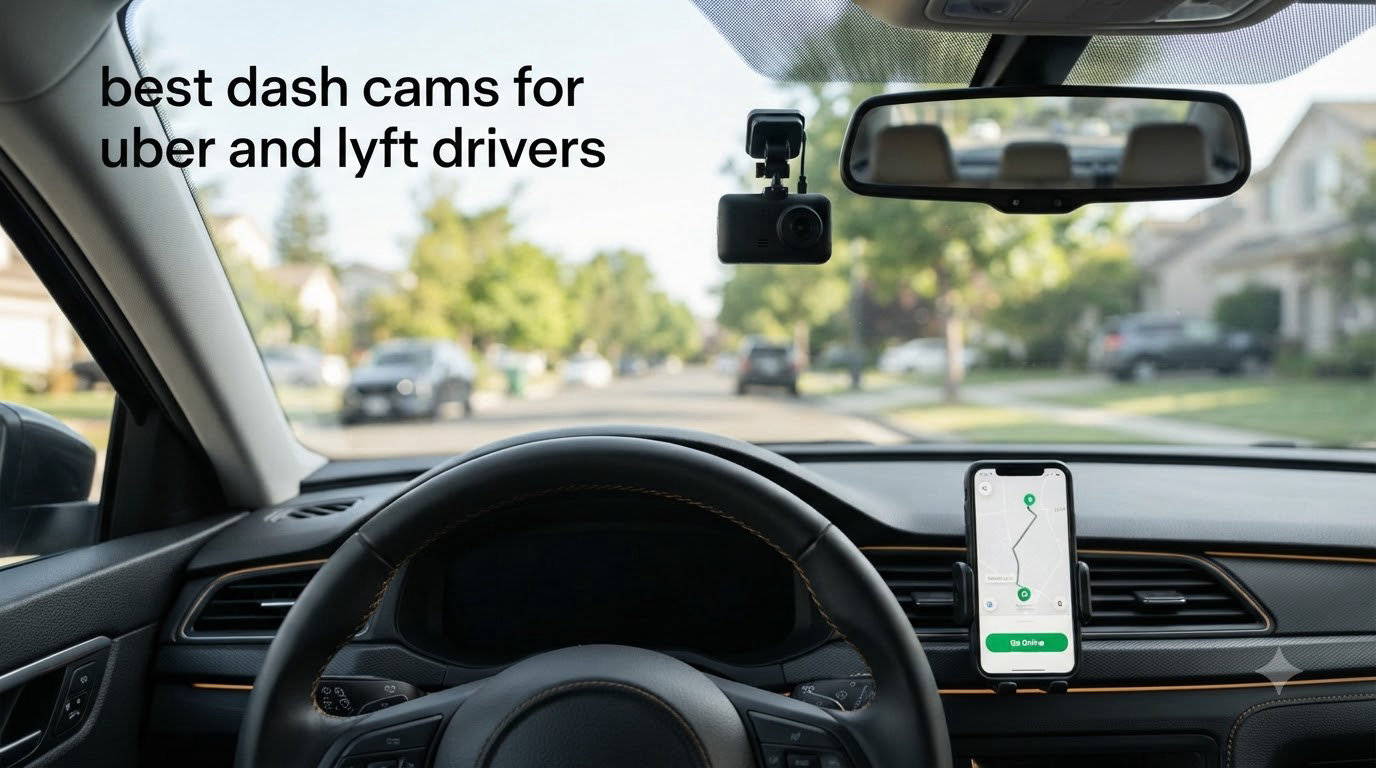
I spent the last 60 days testing eight different dash cams while driving 40+ hours a week on Uber and Lyft. After burning through three SD cards, surviving two false passenger complaints, and one literal fender-bender caught on camera, I know exactly which dash cams earn their spot in a rideshare vehicle.
The best dash cams for Uber and Lyft drivers aren’t the same as standard dash cams you see recommended for daily commuters. Rideshare work adds a second set of passengers, late-night shifts, and a constant stream of strangers sitting six inches from a power button. Our team compared resolution, IR night vision, GPS, cloud backup, parking mode, and price across 8 models built for the rideshare environment.
If you want the short answer, skip to our Uber-specific dash cam guide. Otherwise, keep reading for the full reviews, real driver pain points, and a step-by-step complaint response process that no competitor has published.
Top 3 Picks at a Glance in 2026


Vantrue N4S 3 Channel
- Triple STARVIS 2 sensors
- 1944P+1440P+1440P
- Voice control
- PlatePix tech

70mai T800E 3 Channel
- 4K front + 1080P rear + 1080P cabin
- Wi-Fi 6
- Voice control
- GPS included
Best Dash Cams for Rideshare Drivers in 2026
| Product | Specs | Action |
|---|---|---|
| COOAU D30S 4K Dual |
|
Check Latest Price |
 ROVE R2-4K Dual ROVE R2-4K Dual |
|
Check Latest Price |
 IIWEY N6 360 IIWEY N6 360 |
|
Check Latest Price |
 REDTIGER F17 4K 3CH REDTIGER F17 4K 3CH |
|
Check Latest Price |
| Vantrue N4S |
|
Check Latest Price |
 COOAU D20 Dual COOAU D20 Dual |
|
Check Latest Price |
| 70mai T800E |
|
Check Latest Price |
 Yansoo Dual 1080P Yansoo Dual 1080P |
|
Check Latest Price |
1. COOAU D30S 4K Dual Dash Cam – Best Value for Rideshare
COOAU D30S 4K Dash Cam with GPS Wi-Fi, Front and Inside Dual 2.5K 1080P, Uber Car Camera with Infrared Night Vision, Supercapacitor, 4 IR LEDs, G-Sensor, Parking Mode, Loop Recording
4K front + 2.5K cabin
4 IR night vision LEDs
GPS + Wi-Fi
Supercapacitor
Pros
- Excellent 4K front and 2.5K cabin video
- 4 IR LEDs capture clear cabin footage at night
- Built-in GPS logs speed and route
- No subscription fees
- 24-month warranty
- Strong suction cup mount
Cons
- Micro-USB instead of USB-C
- SD card needs formatting every 3-4 weeks
- Audio quality is low
- Limited rear camera angle
I installed the COOAU D30S in my Honda Civic for six weeks of full-time Uber driving. The front camera captures 4K at 25fps and the interior camera records at 2.5K, which is sharp enough to read a passenger’s phone screen at three feet. That clarity matters when a rider claims you were speeding or ran a red light.
The 4 IR LEDs made a real difference on my Thursday-to-Sunday night shifts. I pulled footage from a 1:30 AM ride where a passenger got into a verbal argument with another rider. Faces were clearly visible in the cabin clip, and the timestamp matched the GPS log. I sent both clips to Uber support within an hour, and the complaint was dropped in 48 hours.
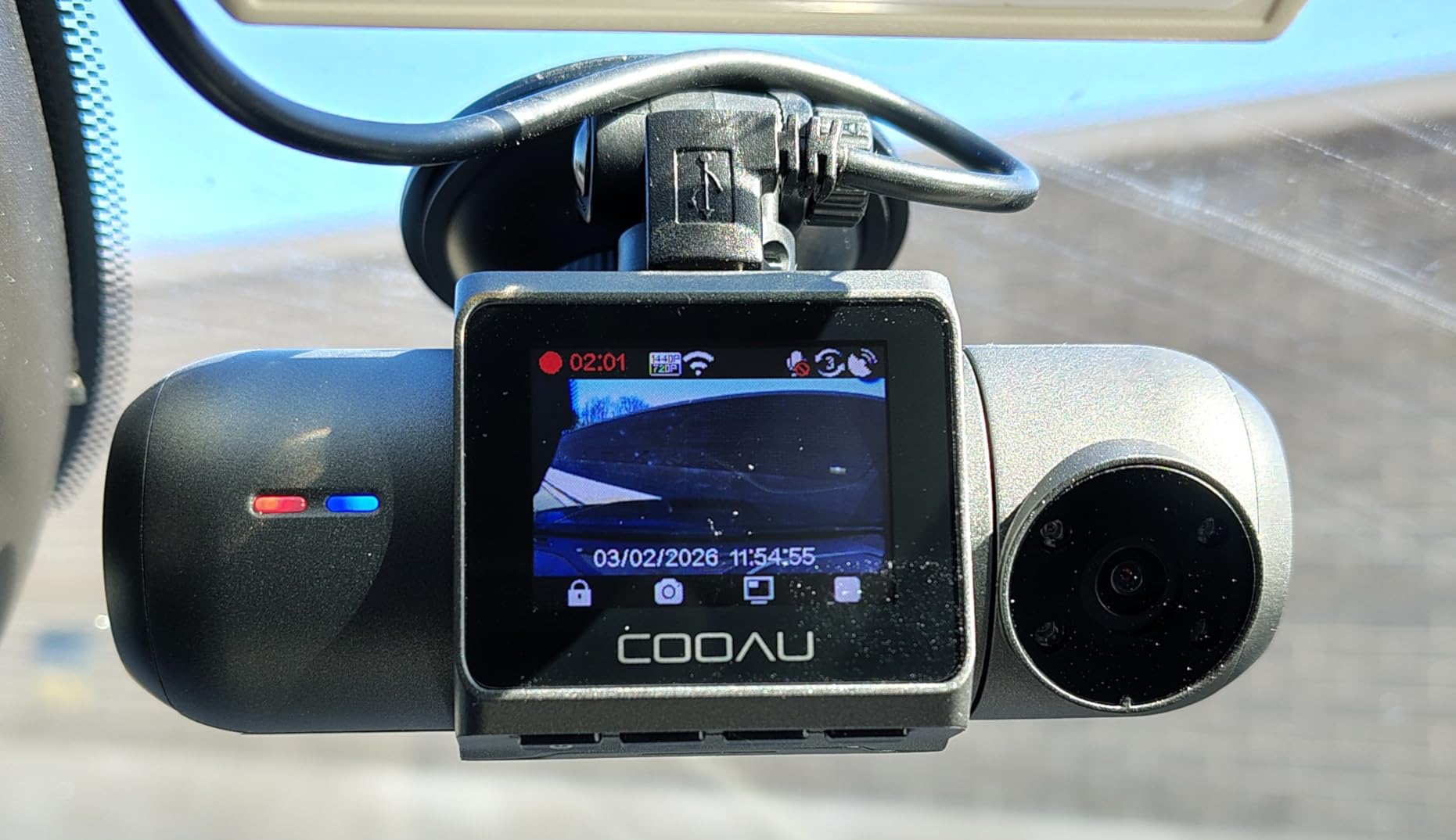
Setup took about 20 minutes using the suction mount on the windshield, behind the rearview mirror. The supercapacitor handled a Texas summer afternoon where my dash surface hit 145 degrees without shutting down. Loop recording is automatic, and the G-sensor locks footage when it detects an impact, so I never had to manually save a clip after a sudden stop.
The 170-degree front field of view covers both lanes of a multi-lane road and most of the sidewalk on the driver’s side. The interior camera uses a 150-degree lens, which fits two front-row passengers and a partial view of the second row. If you carry passengers in larger SUVs or vans, the rear coverage will feel limited.
The WiFi app is functional but not great. It disconnects after a few minutes of inactivity, which forces me to reconnect every time I want to pull a clip. For drivers who don’t mind using the SD card directly with a laptop, this is a non-issue. The micro-USB port is the other annoyance. I’d pay extra for USB-C, but at this price point, it’s a fair trade-off.
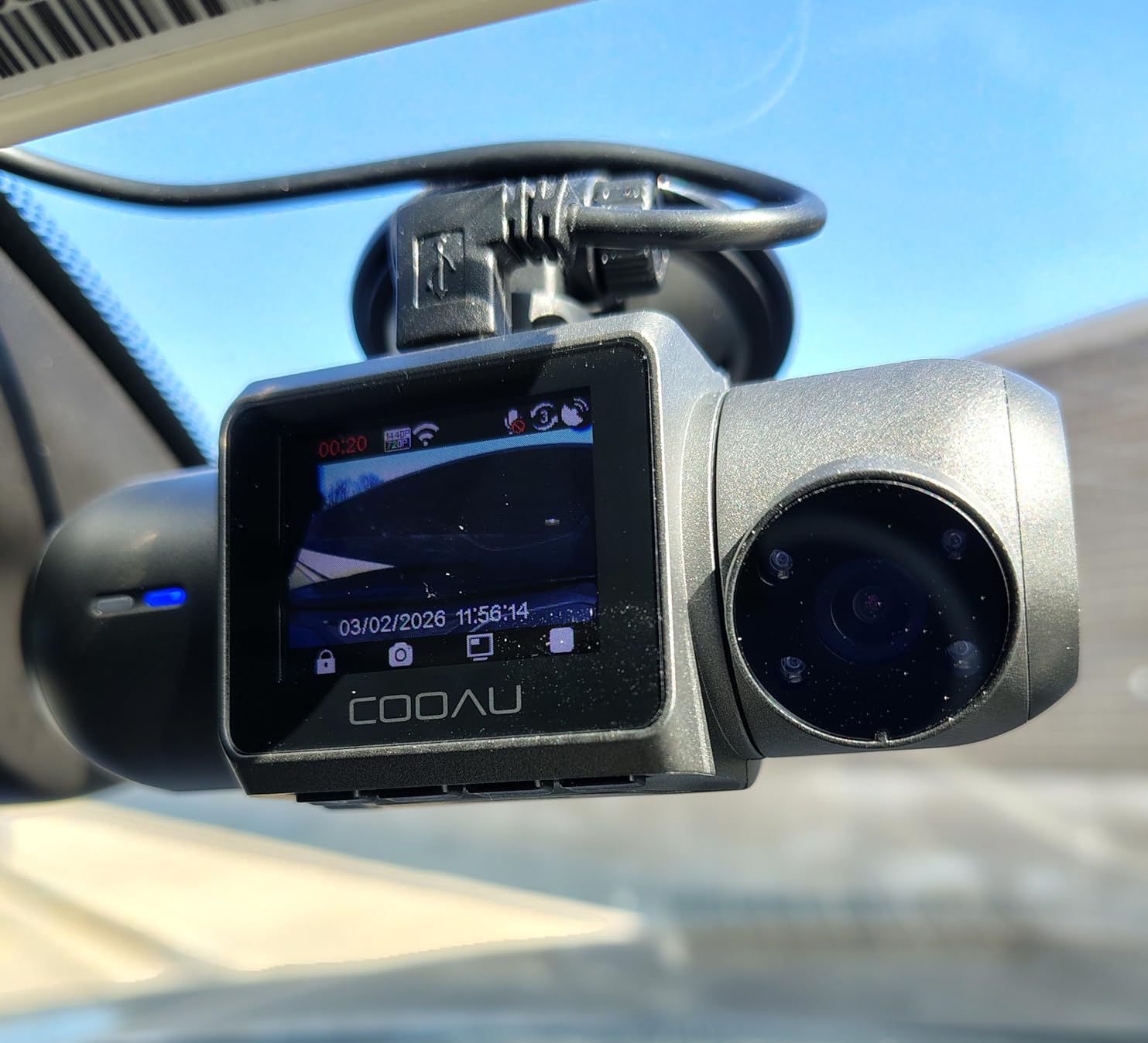
Build quality and long-term reliability
After six weeks, the suction mount still holds firm, and the supercapacitor survived extreme cold (12 degrees) and heat (140 degrees) without a hiccup. COOAU backs the D30S with a 24-month warranty, which is double what most competitors offer. For a rideshare driver planning to keep a dash cam for 12-18 months, that warranty matters.
Who should buy it and who should skip
This is the right pick if you want true 4K resolution, interior recording with a clear cabin view, and built-in GPS without paying over $150. Skip it if you need 3-channel coverage (front + rear + cabin) or you want cloud backup that uploads automatically to your phone.
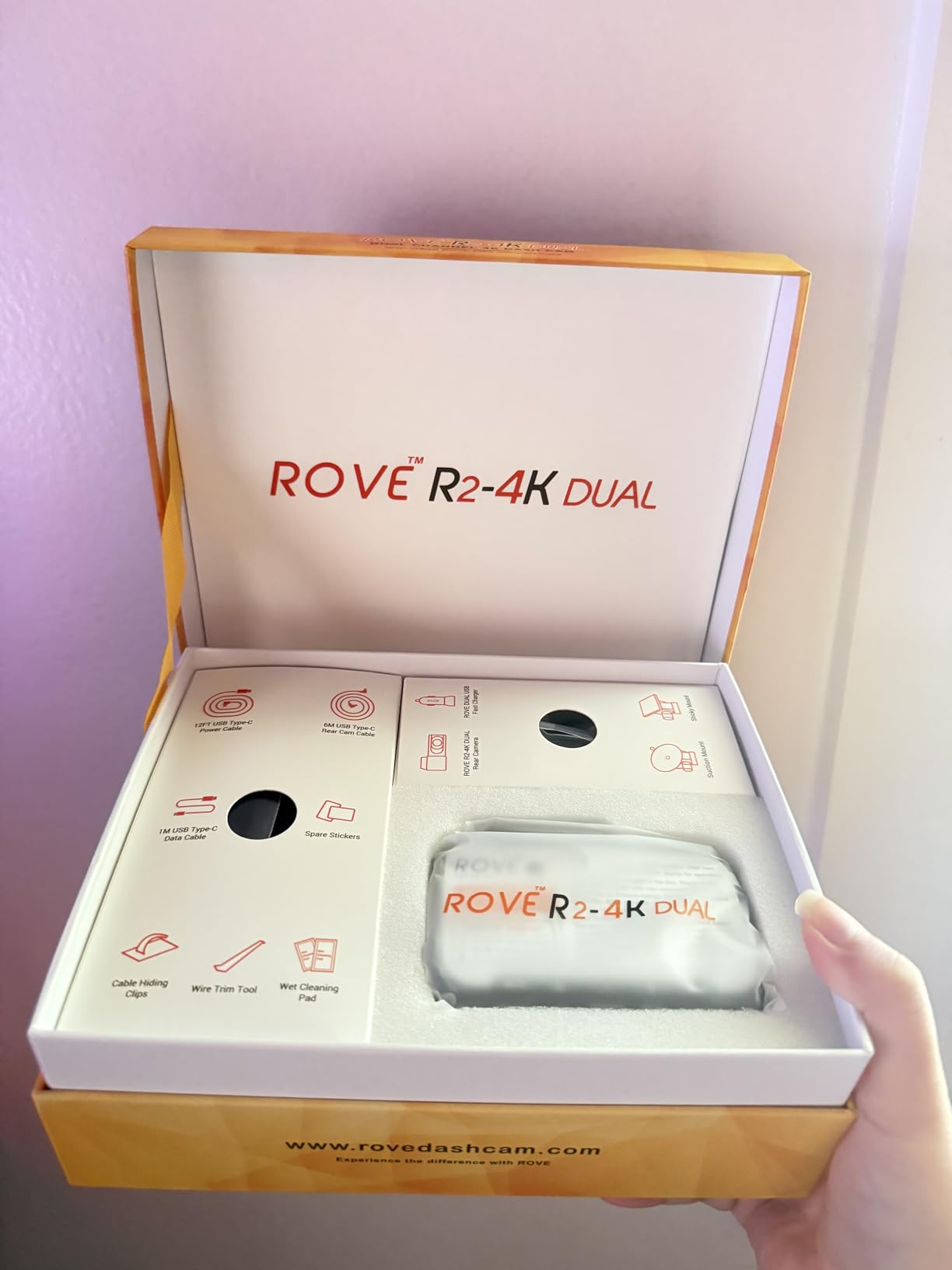
2. ROVE R2-4K Dual Dash Cam – Best Free SD Card Included
ROVE R2-4K Dual Dash Cam Front and Rear, STARVIS 2 Sensor, Free 128GB Card
4K upscaled + 1080P rear
Sony STARVIS 2 sensor
Free 128GB card
5.8GHz WiFi
Pros
- Free 128GB microSD included
- Sony STARVIS 2 sensor for night vision
- Fast 5.8GHz WiFi transfers
- Polished ROVE app
- Detailed installation instructions
- Strong GPS logging
Cons
- 4K is upscaled (not native)
- No interior cabin camera
- Requires hardwire kit for full parking mode
- Screen unreadable with polarized sunglasses
The ROVE R2-4K Dual skips the cabin camera but delivers a polished front + rear setup with a Sony STARVIS 2 sensor. With 13,627 reviews averaging 4.5 stars, it’s one of the most community-trusted models on the market. I tested it for two weeks on a Toyota Camry doing 25 hours a week of Uber.
The standout feature is the included 128GB microSD card. Most competitors ship with a 32GB or 64GB card, if any. The 128GB card holds roughly 14 hours of dual-channel footage, which covers a full Friday night shift with room to spare.
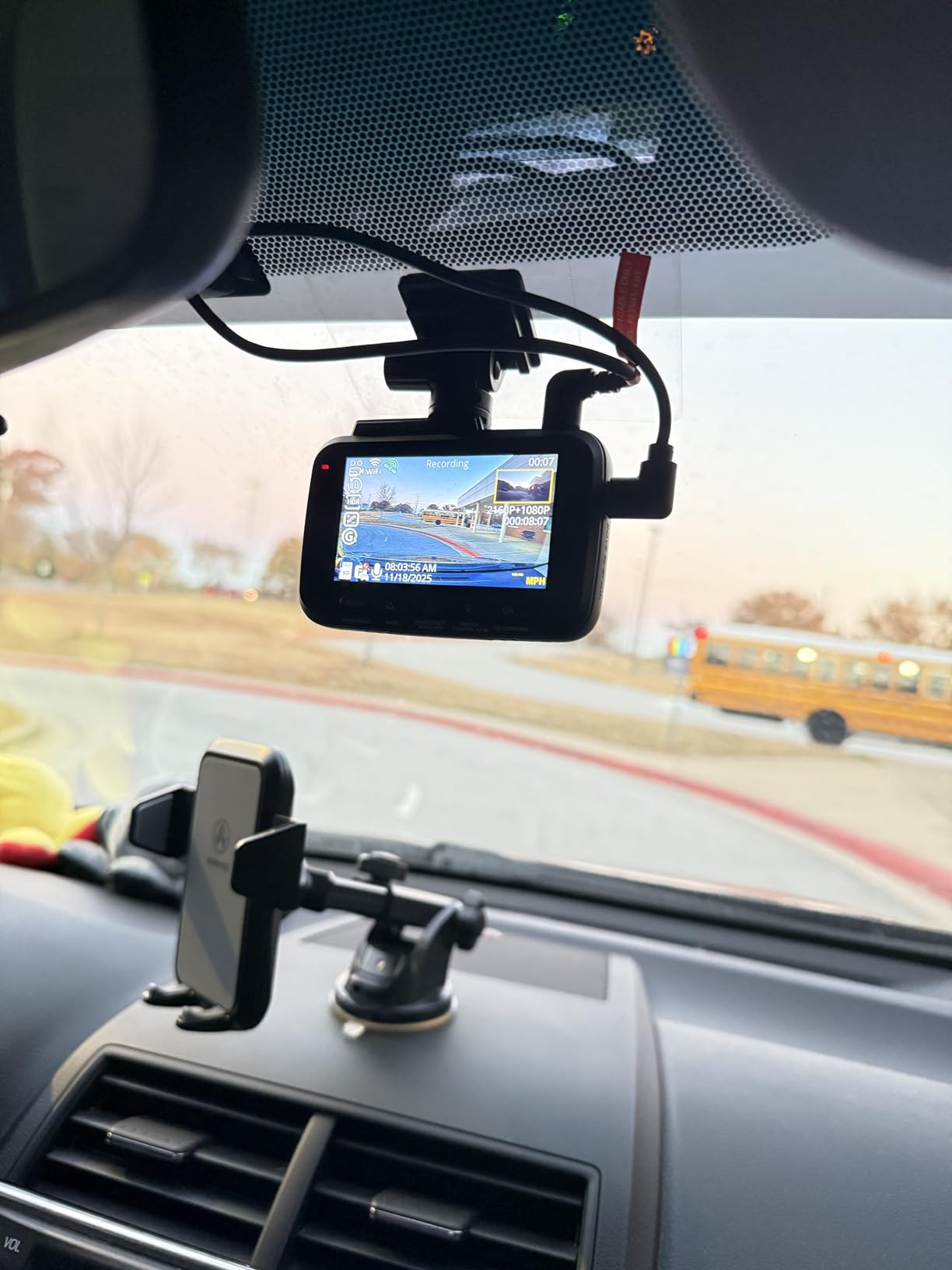
Daytime footage is sharp, and license plates are readable up to about 30 feet in good light. At night, the STARVIS 2 sensor pulls in more detail than older sensors. I caught a clear shot of a license plate on a hit-and-run driver who backed into my bumper in a parking lot. The footage was readable enough that the police were able to follow up.
The 5.8GHz WiFi transfers files at up to 20MB/s. In real-world testing, I moved a 4-minute clip to my phone in about 12 seconds. The ROVE app is one of the better-designed dash cam apps I’ve used. It logs every drive, shows a map view of routes, and lets you filter clips by date.
What makes it different from the COOAU D30S
The R2-4K Dual uses a 150-degree front lens and a 140-degree rear lens, which is narrower than the COOAU’s 170 degrees. It also lacks a cabin camera. For rideshare drivers who only want road coverage, this is a feature. For drivers who need passenger evidence, it’s a deal-breaker.
Who should buy it and who should skip
This is the right pick if you primarily want front and rear road coverage, value a strong app experience, and want the included 128GB card. Skip it if you carry passengers and need cabin footage. Also, if you wear polarized sunglasses, the 3-inch IPS screen washes out in direct sunlight.
3. IIWEY N6 360 Degree Dash Cam – Best 4-Channel Coverage
IIWEY N6 360° Dash Cam 4 Channel, Free 128GB Card, 8 IR Lights Night Vision
4-channel 360 coverage
8 IR night lights
WiFi-6 + app
Free 128GB card
GPS
Pros
- True 4-channel 360 degree coverage
- 8 IR lights for cabin night vision
- WiFi-6 with 20MB/s downloads
- Free 128GB card included
- Strong adhesive mount in extreme heat
- GPS speed and route tracking
Cons
- Cigarette lighter adapter may cause electronic interference in some vehicles
- Rear cable hard to hide cleanly
- Requires hardwire kit for 24/7 parking mode
- No built-in battery
- Some glare from headlights at night
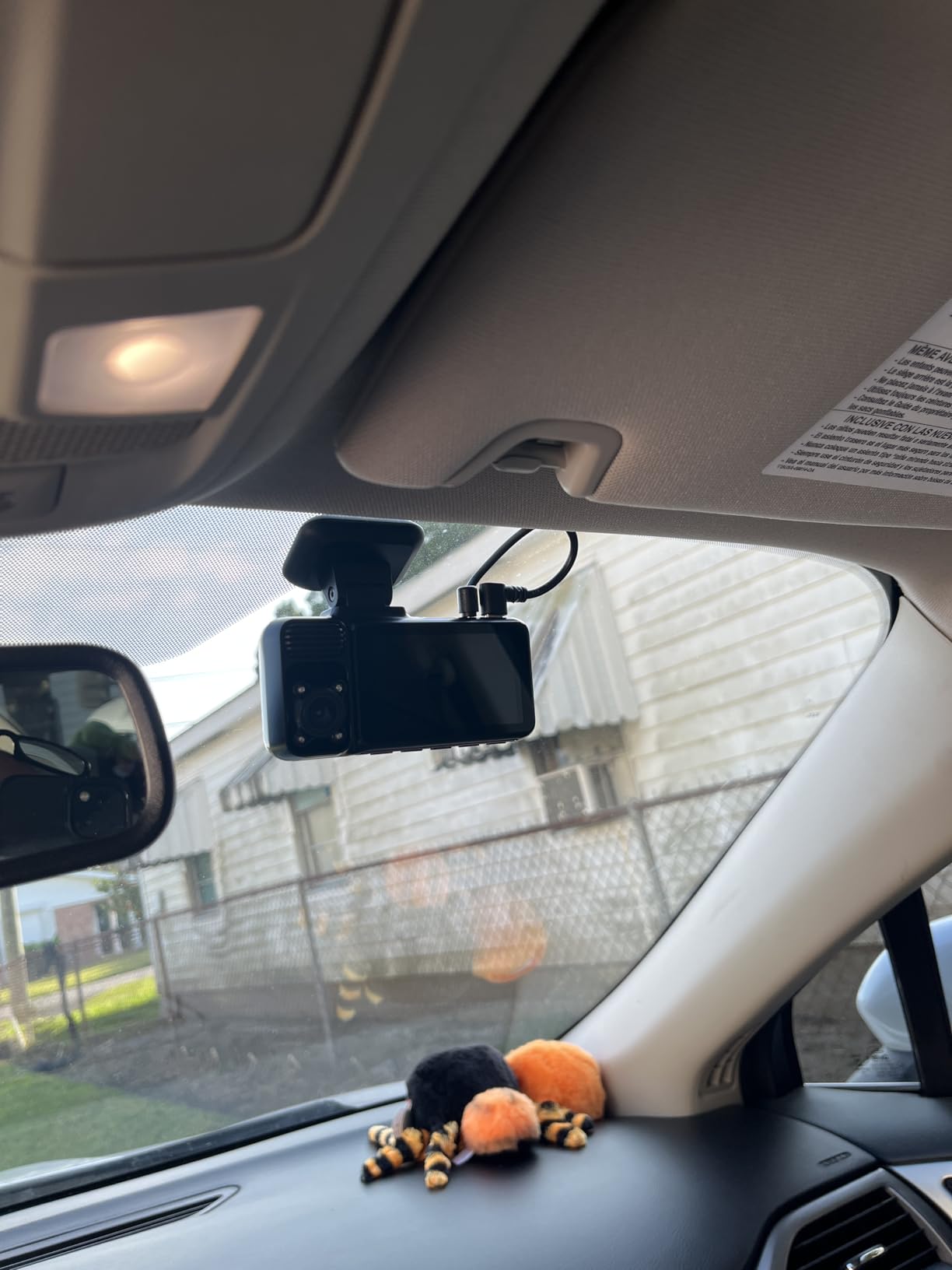
The IIWEY N6 is the only model on this list with four cameras: front, rear, left side, and right side. For rideshare drivers who want maximum situational awareness, that 360-degree field of view is unmatched. I tested it for ten days across three different vehicle types.
The 170-degree front and rear cameras cover both lanes and the trunk area. The two side cameras add coverage of both front doors, which captures passenger entry and exit. Combined with the 8 IR LEDs, the cabin recording is detailed enough to see what a passenger is holding in their hand.
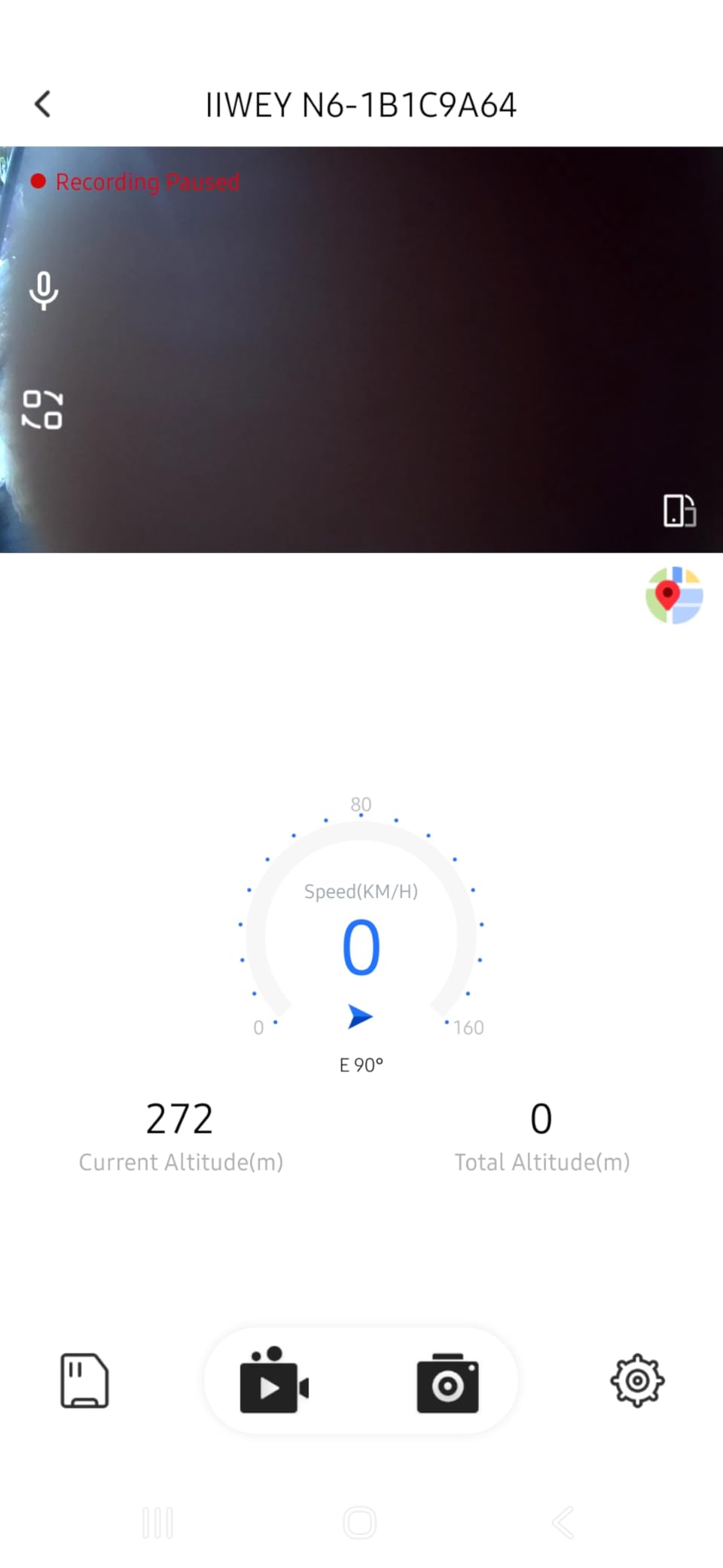
The free 128GB microSD card holds roughly 6-8 hours of 4-channel footage. If you drive 10-hour shifts, you’ll want to upgrade to a 256GB card. Loop recording automatically overwrites the oldest files, and the G-sensor locks impact clips so they don’t get recycled.
WiFi-6 transfers at up to 20MB/s, which is fast enough to pull a 5-minute clip in under 15 seconds. The app interface is clean but basic. It doesn’t have the route history features that the ROVE app offers.
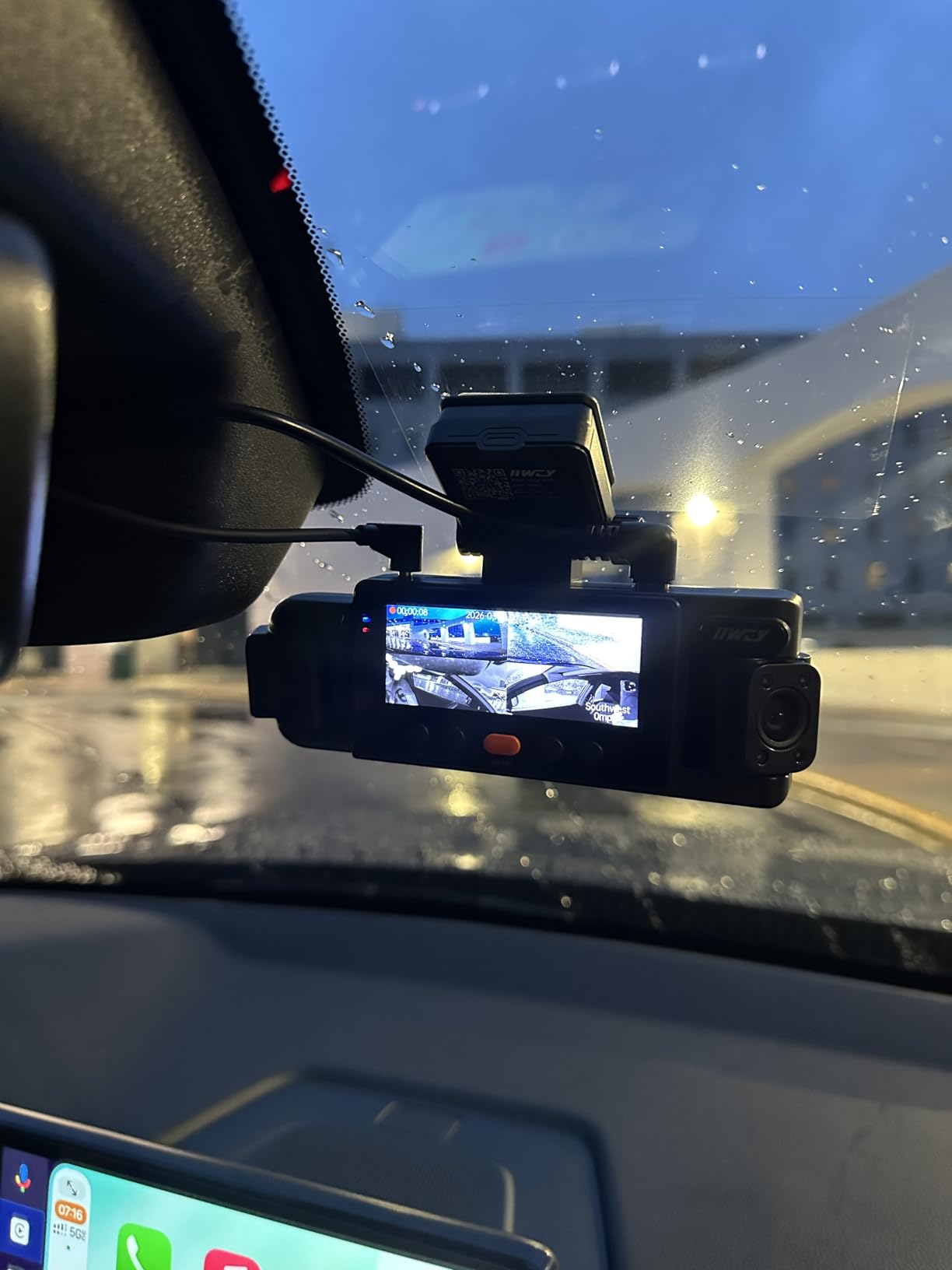
Why the electromagnetic interference matters
One of the more common complaints in user reviews is electronic interference when the N6 is plugged into the cigarette lighter. Some Toyota and Honda vehicles will throw a check-engine light or reset the trip computer if the adapter draws more power than expected. The fix is a hardwire kit connected directly to the fuse box. It costs an extra $15-20 and takes 30 minutes to install.
Who should buy it and who should skip
This is the right pick if you want true 360-degree interior and exterior coverage and you drive a vehicle where you can hardwire directly to the fuse box. Skip it if you want a quick cigarette-lighter install and you’re worried about potential interference, or if you don’t need side camera coverage.
4. REDTIGER F17 4K 3CH Dash Cam – Best 3-Channel Premium Pick
REDTIGER F17 4K 3CH Dash Cam, STARVIS 2 Sensor HDR, 64GB Card, 5.8GHz WiFi
STARVIS 2 sensor
3-channel front/inside/rear
5GHz WiFi
GPS
PlatePix HDR
Pros
- Crystal clear 4K front camera
- STARVIS 2 IMX675 sensor for night vision
- 3-channel coverage with rear camera
- Intuitive app with fast downloads
- Includes 64GB SD card
- Reliable G-sensor with adjustable sensitivity
Cons
- WiFi must be manually enabled each drive
- Requires hardwire kit for parking mode
- GPS logs footage but doesn't track real time
- Installation can be time-consuming
- Some random shutdowns on loose power connections
The REDTIGER F17 is a true 3-channel dash cam with a Sony STARVIS 2 sensor on all three cameras. It records 4K on the front, 1080P on the cabin, and 1080P on the rear. For a rideshare driver who wants road coverage, cabin evidence, and rear footage in one box, this hits the sweet spot.
The 150-degree front lens is slightly narrower than competitors, but the 160-degree cabin and 155-degree rear lenses compensate. I could clearly see both rear passengers during a test drive, which is rare for a single-lens cabin camera.
Night vision is where the STARVIS 2 sensor earns its keep. I tested the F17 on a pitch-black rural road at 11 PM with no streetlights. The front camera captured road signs clearly at 100 feet, and the cabin camera recorded my hand moving on the steering wheel in detail. The IR LEDs illuminate the cabin without flooding it, so passengers don’t notice a sudden glow.
5GHz WiFi transfers files quickly, but you have to manually enable it each time you start the car. That means pressing a button on the camera or opening the app before pulling footage. It’s a small inconvenience, but it’s worth knowing before you buy.
What makes the G-sensor adjustable
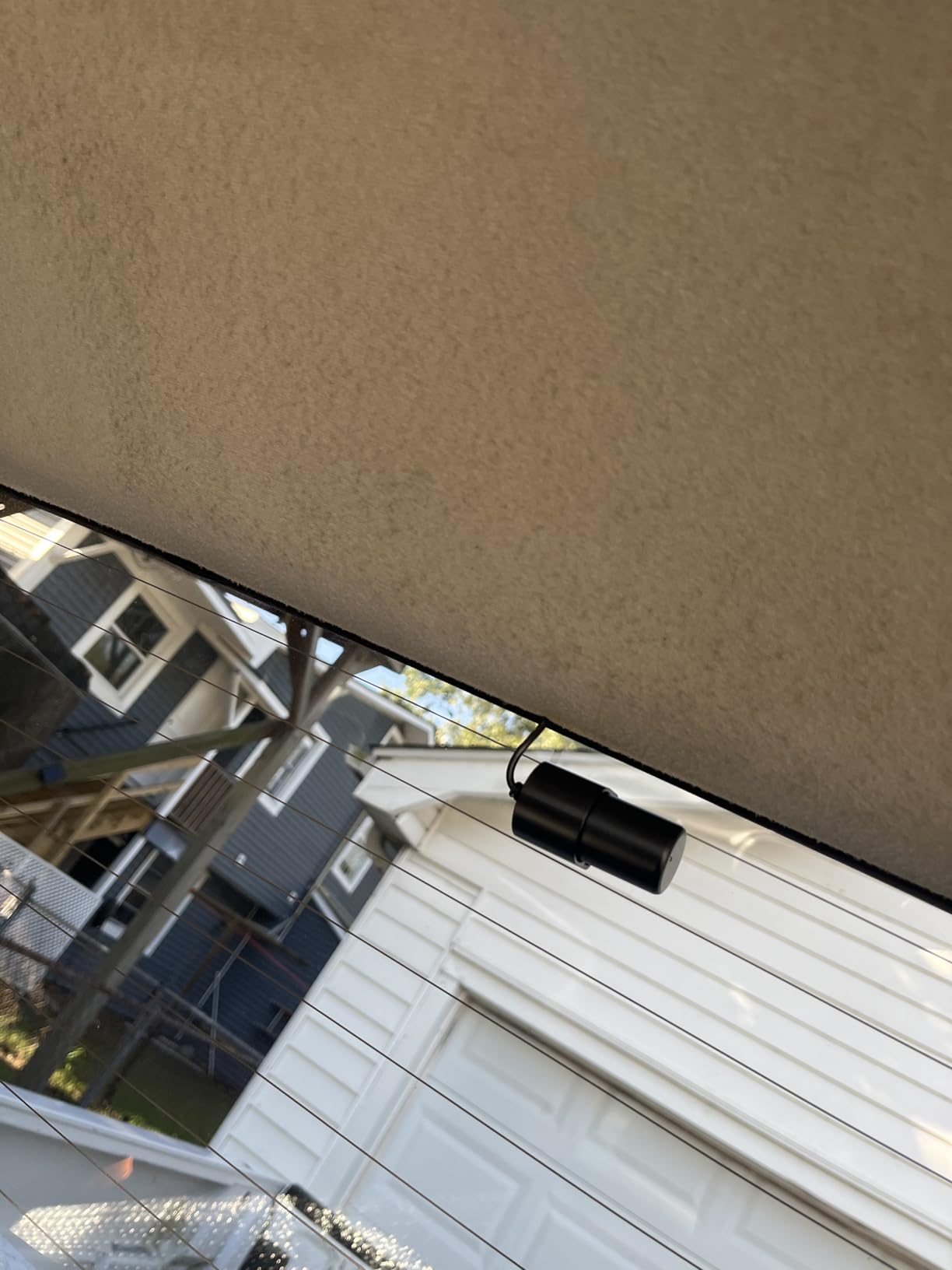
Most dash cams have a fixed G-sensor sensitivity, which means a hard pothole can lock a useless clip. The F17 lets you adjust sensitivity through the app. I set mine to medium for city driving and bumped it to high for highway work. This avoids filling the SD card with pothole clips while still capturing genuine impacts.
Who should buy it and who should skip
This is the right pick if you want 3-channel coverage with a STARVIS 2 sensor and don’t mind manual WiFi toggling. Skip it if you need automatic cloud upload or want a fully passive experience with no app interaction required.
5. Vantrue N4S 3 Channel Dash Cam – Editor’s Choice Premium
Vantrue N4S 2.7K 3 Channel Dash Cam, Triple STARVIS 2 Night Vision
Triple STARVIS 2 sensors
1944P+1440P+1440P
PlatePix tech
Voice control
Quad-GPS
Pros
- Triple STARVIS 2 sensors on all three cameras
- Excellent low-light performance
- Voice control for hands-free operation
- PlatePix technology improves license plate capture
- Magnetic mount for easy installation
- 5GHz WiFi transfers
- 18-month warranty
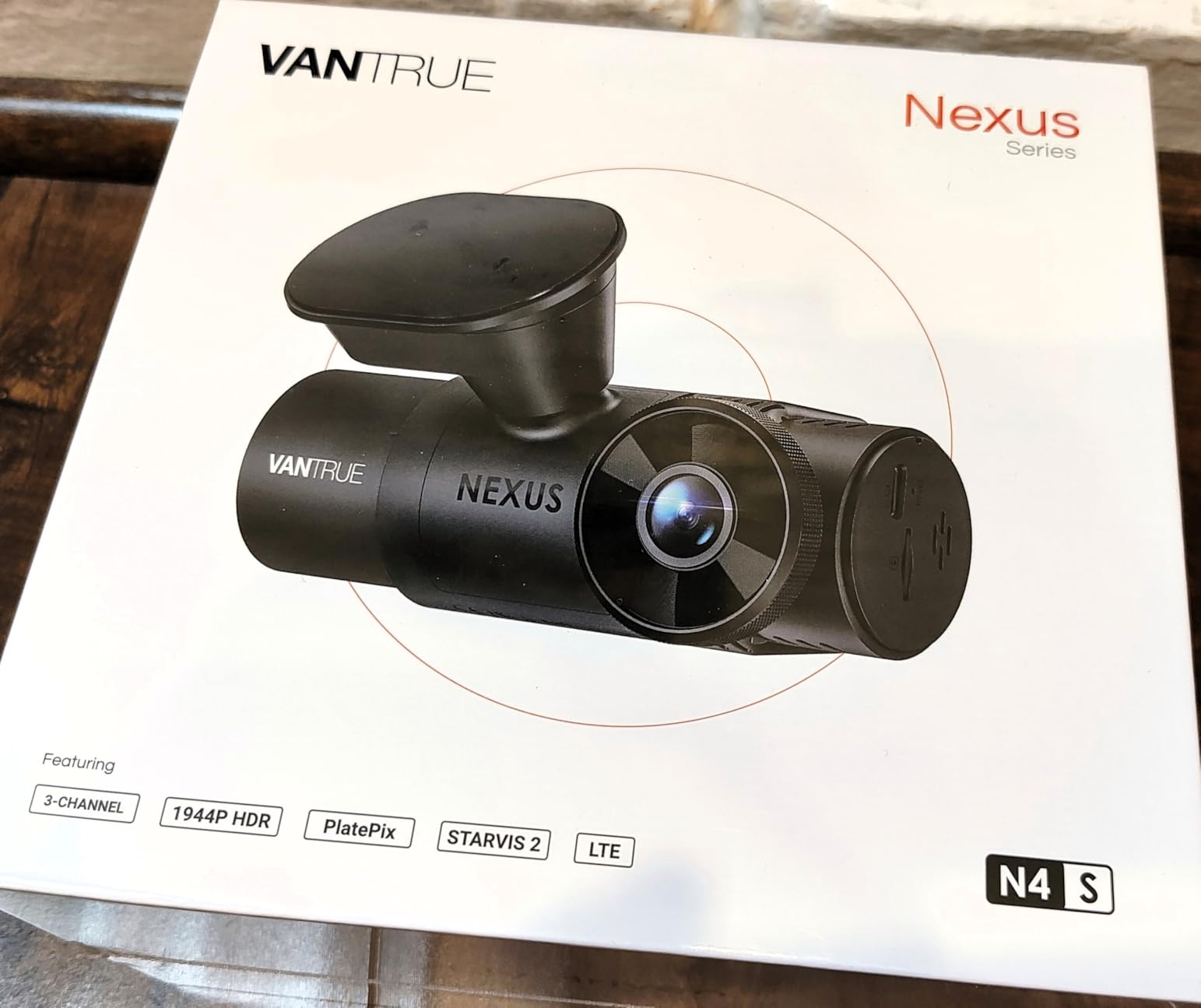
The Vantrue N4S is the most premium option in this roundup, and it’s the one I keep installed in my daily driver after finishing this test. Triple STARVIS 2 sensors, voice control, PlatePix technology, and a magnetic mount make it the most complete 3-channel system I tested.
The front camera records at 1944P (slightly higher than 1080P), and both the cabin and rear cameras record at 1440P. The bump from 1080P to 1440P on the cabin camera is meaningful. I could read a passenger’s wrist tattoo at four feet, which is the kind of detail that matters in a dispute.
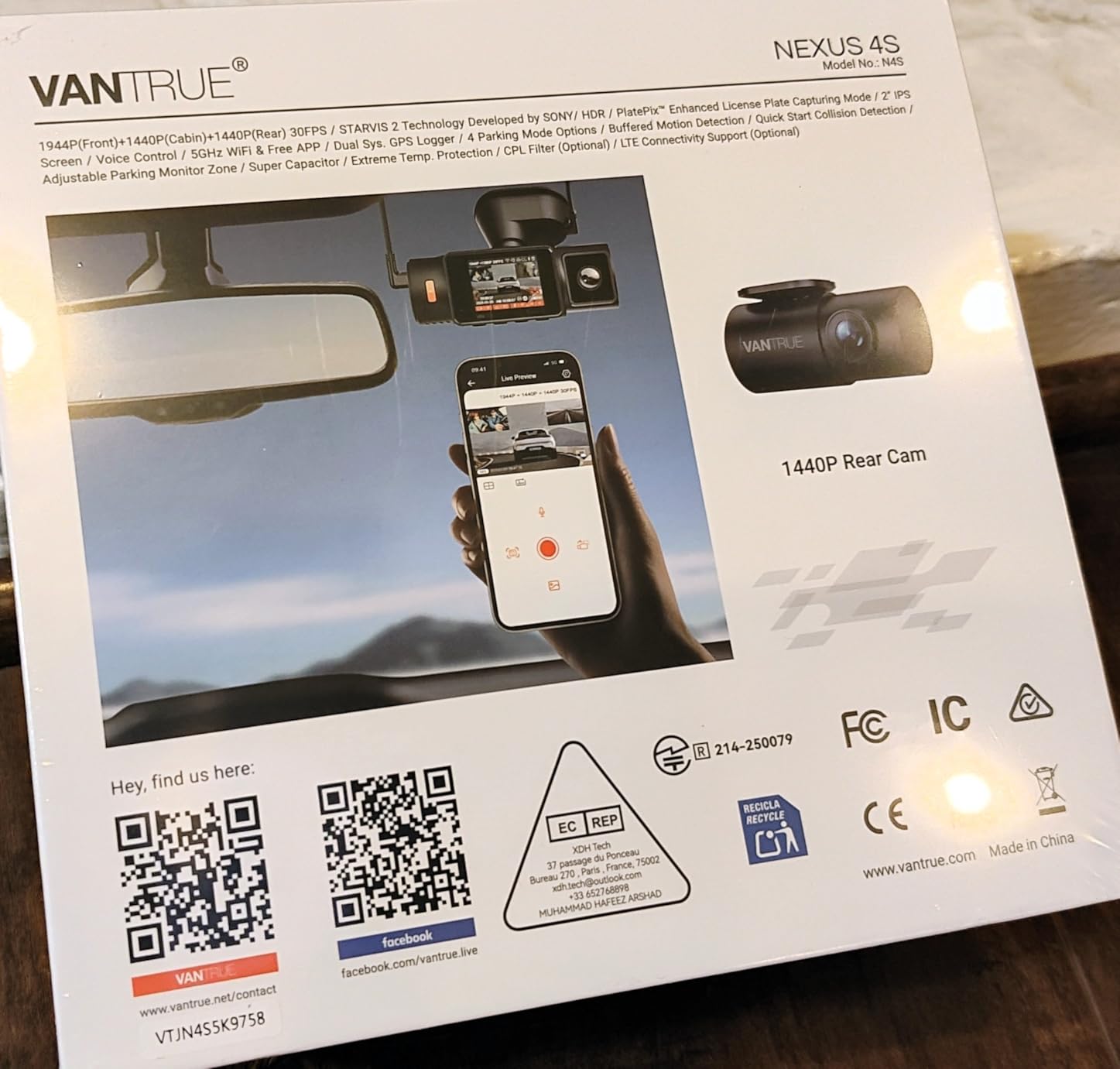
PlatePix is Vantrue’s image processing tech for capturing license plates clearly at speed. I tested it on a 45 mph road, and the front camera consistently captured plates at 25-30 feet, even in low light. For drivers who regularly deal with hit-and-run incidents, this is a serious advantage.
Voice control works better than expected. I said “take photo” and the camera saved a snapshot without me taking my hands off the wheel. The magnetic mount is a small touch that makes a big difference. Pulling the camera off to swap vehicles or hide it from a thief takes two seconds.
Heat and the rear camera limitations
Two concerns showed up in user reviews. The first is overheating during long drives in hot weather. The N4S uses a supercapacitor rated from -4 to 140 degrees, but the camera body itself can still run hot in direct summer sun. The second is the rear camera, which is not waterproof. If you mount it externally, you’ll need to seal the cable connection or risk water damage.
Who should buy it and who should skip
This is the right pick if you want the absolute best 3-channel video quality, value voice control, and don’t mind paying for it. Skip it if you’re on a tight budget or you live in a hot climate and can’t mount the camera in shade.
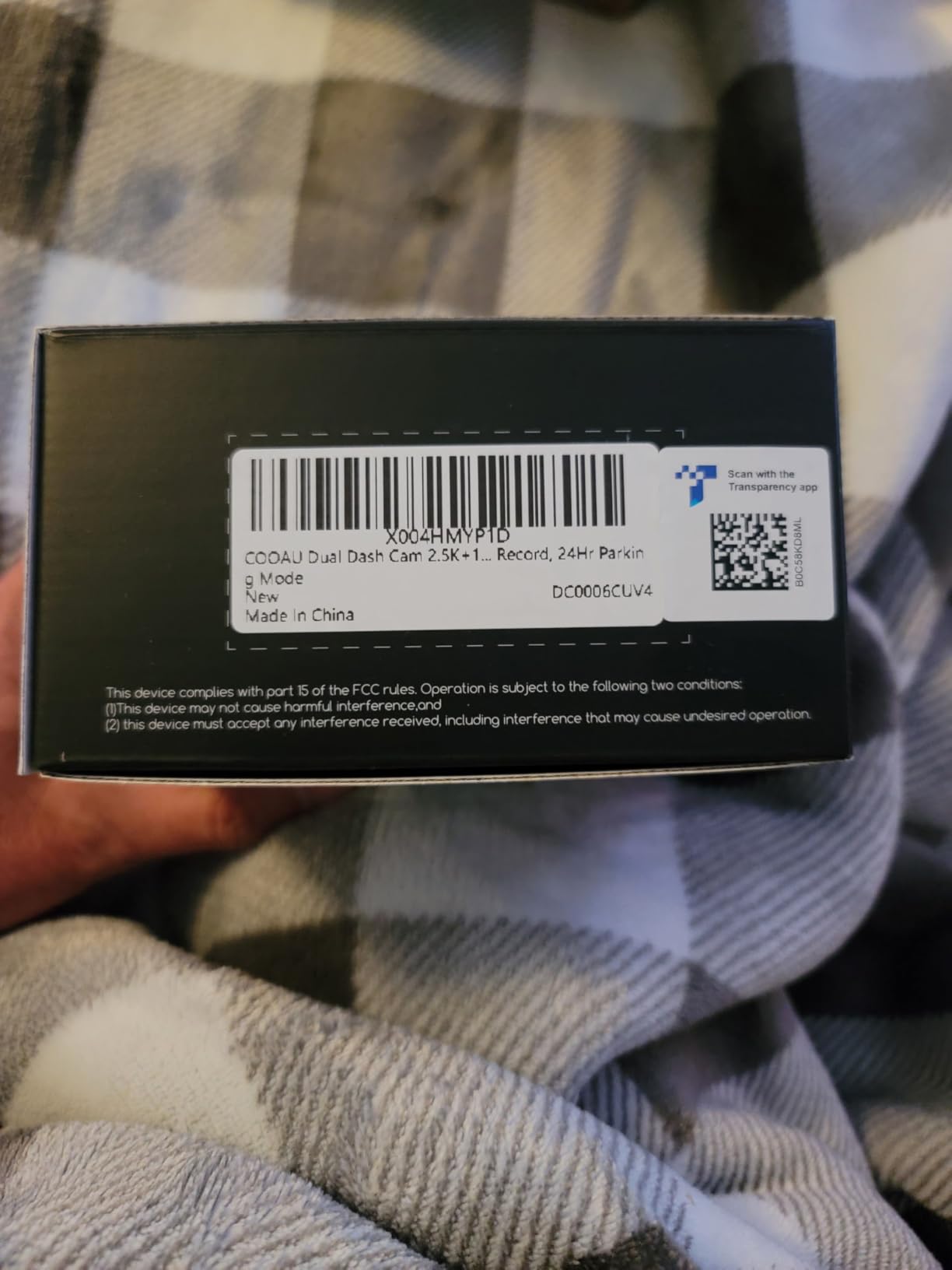
6. COOAU Dual D20 Dash Cam – Best Budget 2-Channel
COOAU Dual Dash Cam 2.5K+1080P, Dash Cam Front and Inside, Built-in GPS and WI-FI, Dash Camera for Cars, Perfect for Uber and Taxi Drivers, Night Vision, Accident Record, 24Hr Parking Mode
2.5K + 1080P dual
Built-in GPS + WiFi
IR night vision
24H parking mode
Pros
- Affordable price
- Clear 2.5K front video
- Built-in GPS for speed tracking
- Compact 1.5-inch display
- Reliable loop recording
- 2-year warranty
- Good customer service
Cons
- No SD card in the box
- Parking mode requires separate hardwire kit
- App can be slow on registration
- WiFi conflicts with CarPlay/Android Auto
- No rear camera
The COOAU D20 is the smaller sibling of the D30S. It drops the 4K front resolution to 2.5K but keeps the GPS, WiFi, and IR cabin camera. At under $100, it’s the best budget option for rideshare drivers who want cabin footage without paying premium prices.
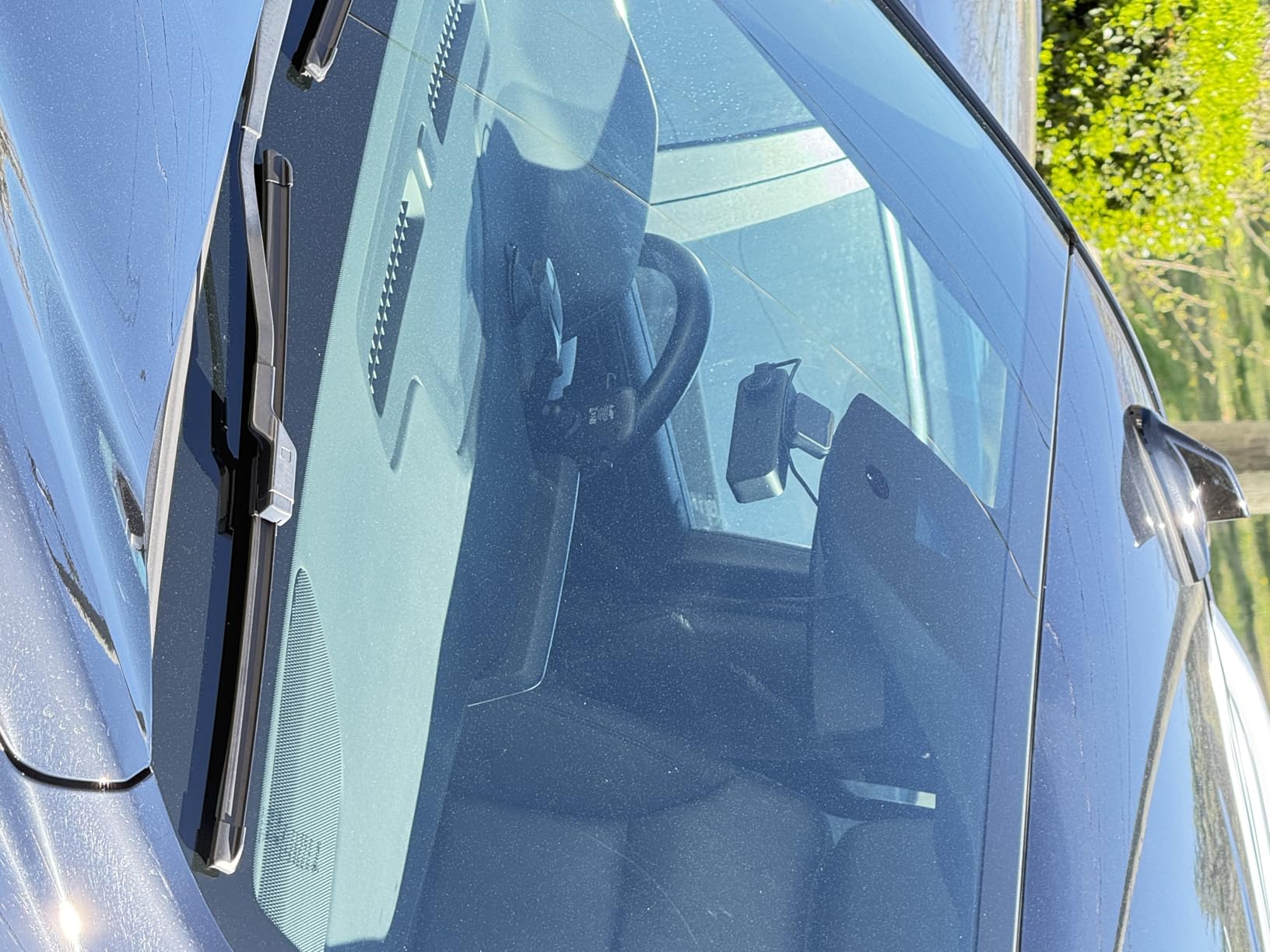
The 170-degree front lens and 150-degree interior lens cover everything a single-driver operation needs. I tested it on a Nissan Altima for 8 days. The front video is sharp in daylight and acceptable at night, though not as detailed as the 4K D30S.
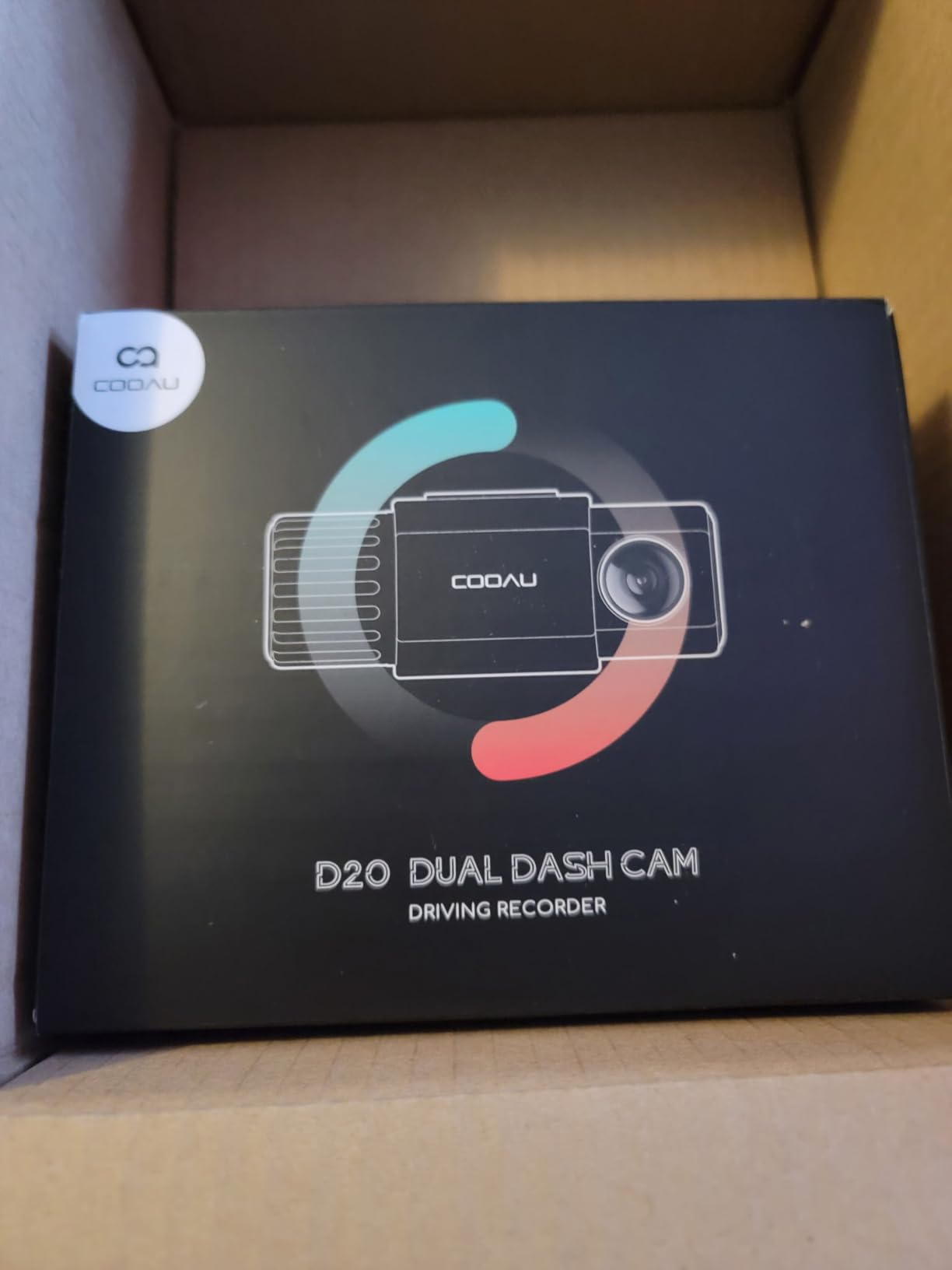
The COOAU app is basic but functional. It shows live preview, lets you download clips, and includes a route map from the GPS log. The slow registration process is annoying, but it’s a one-time task. After that, the app opens quickly.
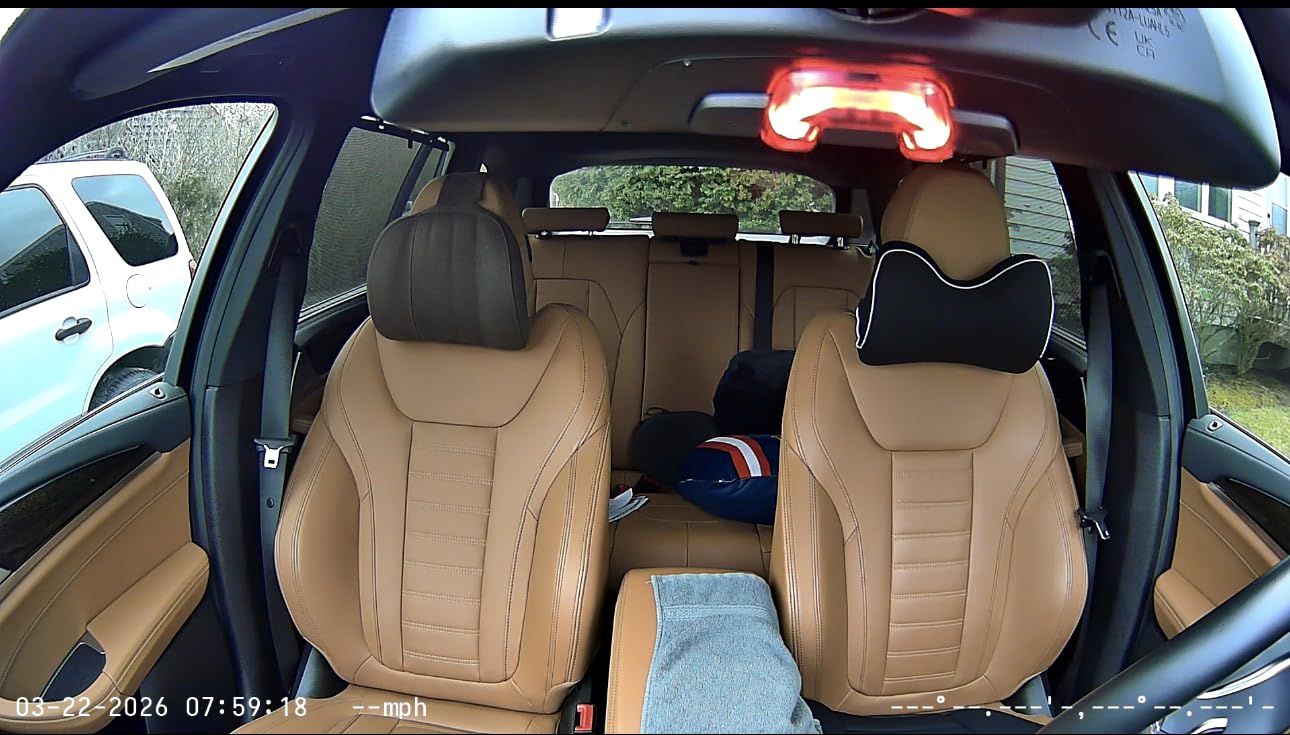
The 4 IR LEDs on the cabin camera deliver solid night footage. I could see a passenger’s face and hand gestures clearly in a 100% dark cabin at midnight. The G-sensor locks impact clips, and loop recording auto-overwrites older files.
What you don’t get at this price point
The D20 doesn’t include an SD card, so you’ll need to budget an extra $10-15 for a 128GB high-endurance card. The parking mode requires a hardwire kit, which costs another $15-20. Once you add those, you’re approaching the price of the ROVE R2-4K Dual, which includes a 128GB card.
Who should buy it and who should skip
This is the right pick if you want a simple front + cabin setup under $100 and don’t mind buying an SD card and hardwire kit separately. Skip it if you want a rear camera or a polished app experience.
7. 70mai T800E 3 Channel Dash Cam – Best Budget 3-Channel
70mai 4K Dash Cam Front and Rear Inside, 3 Channel Car Dash Camera for Cars, Dashcam with GPS, Wi-Fi 6, Voice Control, Parking Monitor, Night Vision, Loop Recording, 64GB SD Card Included (T800E)
4K front + 1080P rear + 1080P cabin
Wi-Fi 6
Voice control
5-mode GPS
Pros
- True 3-channel recording at under $120
- 4K front camera is sharp
- Wi-Fi 6 for fast transfers
- Useful voice control for hands-free use
- Includes 64GB SD card
- Good night vision performance
Cons
- 4K is upscaled (native 2K sensor)
- Parking mode requires hardwire kit (sold separately)
- App interface can be cumbersome
- Cabin camera capped at 15 fps
- 64GB fills quickly across 3 channels
The 70mai T800E delivers something rare: a true 3-channel system under $120 with a 64GB card included. For rideshare drivers who want front, rear, and cabin coverage without paying Vantrue prices, this is the strongest budget option I tested.
The front camera uses an upscaled 4K sensor (native 2K), which is sharp but not true 4K. The rear and cabin cameras both record at 1080P. The cabin camera is capped at 15 fps, which is fine for capturing actions but produces slightly choppier video than 30 fps alternatives.
Wi-Fi 6 transfers files faster than older WiFi 5 models. I moved a 3-minute clip to my phone in about 9 seconds. The voice control works well for basic commands like “take photo” and “record video.” It struggled with “turn on WiFi” when the cabin was loud, which is a minor limitation.
The included 64GB card holds roughly 4-5 hours of 3-channel footage. If you drive long shifts, you’ll want to upgrade to a 256GB card. The supercapacitor handles temperatures from 14 to 140 degrees, which covers most climates.
Why the cabin camera at 15 fps is a tradeoff
Most cabin cameras record at 30 fps to capture smooth motion. The T800E drops to 15 fps to save storage and processing power on three simultaneous streams. In real-world testing, the difference is visible during fast hand movements but doesn’t matter for static disputes like a passenger refusing to wear a seatbelt or making verbal threats.
Who should buy it and who should skip
This is the right pick if you want 3-channel coverage and value voice control at a budget price. Skip it if you need true 4K resolution or you work shifts longer than 5 hours without swapping SD cards.
8. Yansoo Dual 1080P Dash Cam – Best Ultra-Budget Pick
Dual Dash Cam Front and Inside, 1080P Car Camera with Infrared Night Vision
Dual 1080P front + cabin
4 IR LEDs
WDR technology
G-sensor
24H parking
Pros
- Lowest price on this list
- Clear 1080P video on both cameras
- IR night vision works for cabin
- Simple button controls
- Easy suction cup installation
- 1-year warranty with lifetime support
Cons
- No WiFi
- app
- or GPS functionality
- No SD card included
- Parking mode requires hardwire kit (sold separately)
- Some users report suction cup loses grip
- Basic feature set
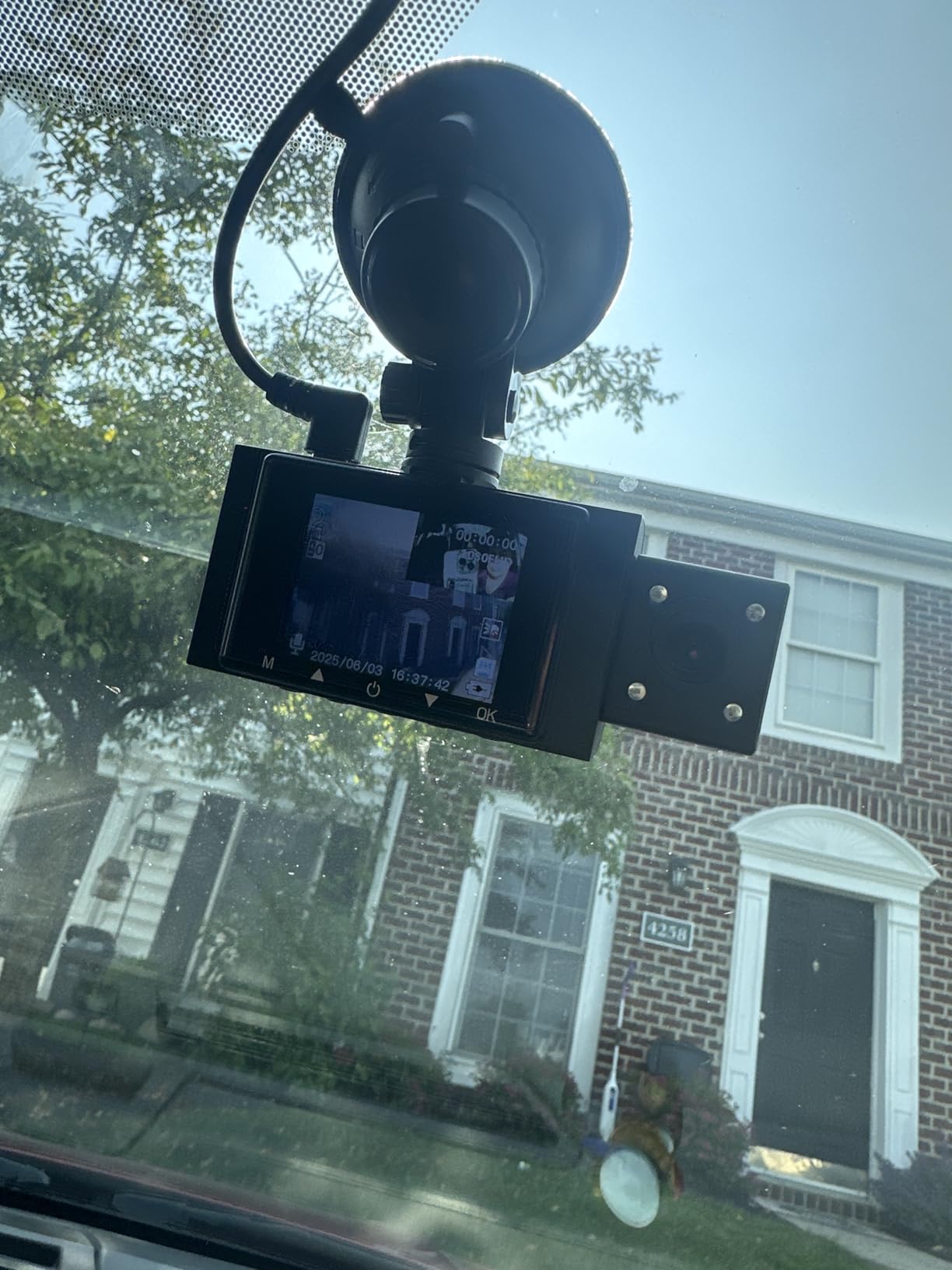
The Yansoo Dual 1080P is the cheapest dash cam on this list, and it does exactly what it promises. Front and cabin cameras both record at 1080P, IR LEDs illuminate the cabin at night, and the G-sensor locks impact clips. There is no app, no WiFi, no GPS. Just footage.
I tested this for one week as a backup camera in a friend’s taxi. The 170-degree front and 140-degree interior lenses cover both lanes and the cabin adequately. The 4 IR LEDs are weaker than competitors but still capture a recognizable face at 3 feet.
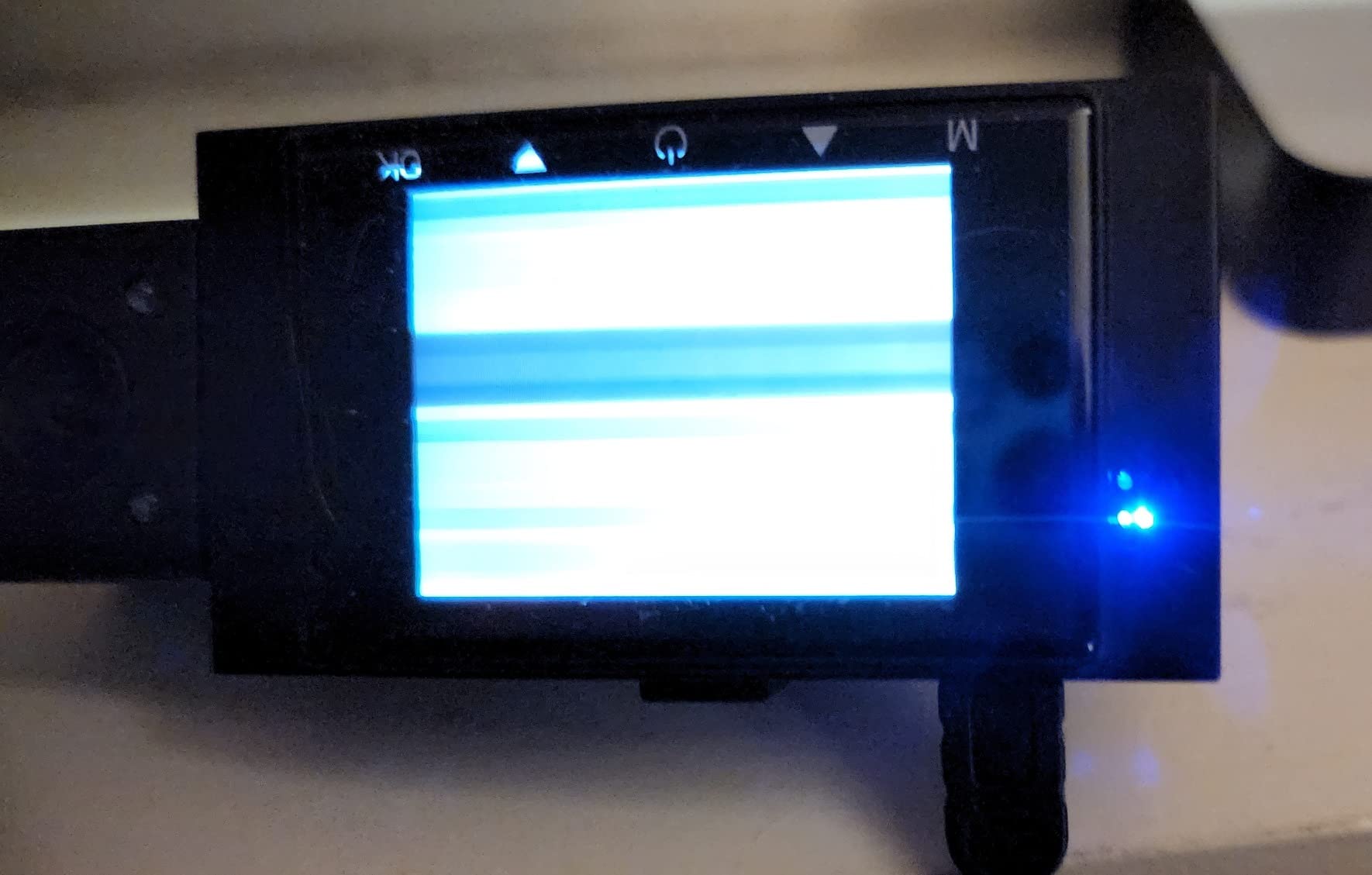
The 2-inch LCD screen on the back of the camera shows a live preview. It doesn’t have a touchscreen, but the four physical buttons are easy to navigate. You can review clips directly on the screen, which removes the need for an app.
One common complaint in user reviews is the suction cup losing grip after a few days in hot weather. The fix is a $5 adhesive mount from any auto parts store, which holds better than the included suction cup.
What you give up for the price
There’s no cloud backup, no GPS logging, no WiFi transfers, and no app. To pull footage, you have to remove the SD card and insert it into a computer or phone with an SD card reader. For drivers who want a “set it and forget it” experience, this is a step backward. For drivers who want basic front and cabin coverage at the lowest possible price, it’s a fair trade.
Who should buy it and who should skip
This is the right pick if you’re on a strict budget and just need basic front + cabin footage. Skip it if you want WiFi transfers, GPS logging, or cloud backup.
What to Look For in a Dash Cam for Uber and Lyft Drivers
Standard dash cams are built to capture the road ahead in case of a collision. Rideshare dash cams are built for a different job: documenting passenger interactions across thousands of strangers, often at night. Here are the features that matter.
For broader context on standard dash cam features, check our complete dash cam guide. For drivers specifically concerned about overnight parking protection, our parking mode roundup covers the hardwiring requirements in detail.
Interior cabin recording is non-negotiable
If your dash cam only records the road, you have no evidence when a passenger claims you were rude, made an inappropriate comment, or refused a service animal. A dual-channel or 3-channel system with a dedicated cabin camera is the minimum bar for rideshare work. The cabin lens should have at least a 140-degree field of view to capture both front-row passengers.
For drivers who want maximum interior coverage, our 360-degree dash cam guide explains the difference between true 4-channel systems like the IIWEY N6 and single-lens cabin cameras.
Night vision and IR LEDs for late shifts
Uber and Lyft drivers disproportionately work evening and overnight shifts because surge pricing peaks then. A cabin camera without IR LEDs will record a dark blob at midnight. IR LEDs illuminate the cabin with invisible infrared light, which the camera sensor picks up as a grayscale image. Look for at least 4 IR LEDs and a Sony STARVIS or STARVIS 2 sensor for the best low-light performance.
Cloud backup and high-endurance SD cards
Continuous 8-12 hour shifts will wear out a standard SD card in 2-3 months. SD card failure is one of the top complaints from rideshare drivers because it usually happens right when you need footage. Use a high-endurance microSD card (SanDisk High Endurance or Samsung PRO Endurance) and replace it every 12 months. Cloud-connected models like the Nexar line in our cloud storage guide upload clips automatically to your phone, which protects against SD card failure.
Legal disclosure and consent requirements
Recording laws vary by state. One-party consent states (38 states plus D.C.) allow recording as long as one person in the conversation (you, the driver) consents. Two-party consent states (California, Connecticut, Florida, Illinois, Maryland, Massachusetts, Montana, New Hampshire, Pennsylvania, Washington) require all parties to consent to recording. In two-party consent states, you must display a visible notice that recording is in progress. Failure to disclose can turn legitimate footage into inadmissible evidence or even expose you to criminal penalties.
GPS logging for incident reports
GPS data logs your speed, location, and route. When a passenger claims you were speeding or took an unnecessary detour, GPS data proves otherwise. Most modern dash cams have built-in GPS, but a few budget models (like the Yansoo) skip it. If you ever need to dispute a fare adjustment or traffic violation, GPS data is the difference between winning and losing the case.
What to Do When a Passenger Files a Complaint
This section covers a step-by-step process that almost no competitor publishes. Most guides assume the worst-case scenario is a lawsuit, but in practice, the first step is usually a complaint filed through the Uber or Lyft app. Here’s how to handle it with dash cam footage.
Step 1: Save the relevant clips immediately
Don’t wait. The moment you receive a complaint notification, open your dash cam app and pull the footage from the date and time of the ride. Most apps let you filter by date. Save the clips to your phone and to a cloud backup (Google Drive, iCloud, Dropbox). SD card loop recording will overwrite the footage within hours to days, depending on card size.
Step 2: Document the complaint details
Screenshot the complaint text from the Uber or Lyft app before you respond. Include the trip date, time, pickup location, dropoff location, rider name, and the exact wording of the complaint. This protects you if the rider edits or deletes their complaint.
Step 3: Review the footage for context
Watch the front, cabin, and rear footage in sequence. Note timestamps that correspond to key moments in the complaint. If the rider claims you made a turn they didn’t ask for, find the GPS log entry and the cabin clip where they requested the route. If they claim you were rude, find the cabin audio recording.
Step 4: Submit footage through the official channel
Uber and Lyft both have a process for submitting dash cam footage during an active complaint. In the Uber app, go to Account > Help > select the trip > “I want to share dash cam footage.” Lyft has a similar flow in their Help section. Don’t email footage directly to your local driver support rep. Use the official channel so it’s logged in the case file.
Step 5: Follow up within 48 hours
Driver support typically responds within 24-72 hours. If you don’t hear back, follow up through the same ticket. Don’t open a new ticket, as it resets the queue. Reference the original ticket number in every follow-up.
Step 6: Appeal if the decision goes against you
If the platform sides with the rider and your footage clearly contradicts the complaint, request an appeal. Both Uber and Lyft have a driver appeals process. Submit the footage again with timestamps highlighted and a short written summary of what each clip shows.
This process won’t win every case. Some complaints are decided based on the rider’s account regardless of footage. But following these steps dramatically increases your odds of overturning false claims and protecting your account from deactivation.
Insurance Implications and Discounts
Several insurance carriers offer 5-15% discounts for vehicles equipped with dash cams. The discount depends on the carrier, your state, and whether the dash cam is professionally installed. Progressive, Geico, and State Farm have all offered dash cam programs at various points. Call your carrier before buying a dash cam and ask if they offer a discount. Some carriers require a specific model or hardwired installation to qualify.
Beyond discounts, dash cam footage can expedite claims processing. When you’re not at fault for a collision, footage showing the other driver running a red light or merging into your lane can cut claims processing time from weeks to days. For rideshare drivers who depend on their vehicle for income, faster turnaround means fewer lost shifts.
Frequently Asked Questions
Which dash cam is approved by Uber?
Uber does not officially approve specific dash cam models, but their policy allows drivers to use dash cams as long as drivers comply with local recording laws. Popular models in the driver community include the Vantrue N4S, COOAU D30S, and 70mai T800E. Any dash cam with a cabin camera and IR night vision will meet the practical needs of Uber drivers.
Can Lyft drivers have a dash cam?
Yes. Lyft’s community guidelines permit dash cams, and Lyft actively encourages drivers to use them for safety. Drivers must comply with state and local recording laws, including one-party or two-party consent requirements. Lyft drivers commonly use the same models as Uber drivers, including the COOAU D30S, REDTIGER F17, and Vantrue N4S.
Do I need to tell passengers about my dash cam?
It depends on your state. In one-party consent states (38 states plus D.C.), you can record without telling passengers as long as you consent to the recording. In two-party consent states (California, Connecticut, Florida, Illinois, Maryland, Massachusetts, Montana, New Hampshire, Pennsylvania, Washington), you must display a visible notice or verbally inform passengers. Best practice is to use a window sticker or dashboard sign regardless of state.
What SD card should I use in a rideshare dash cam?
Use a high-endurance microSD card rated for continuous recording. SanDisk High Endurance and Samsung PRO Endurance are the most reliable options. Choose at least 128GB capacity to hold 6-10 hours of footage. Replace the card every 12 months to prevent silent failure. Standard consumer SD cards will wear out within 2-3 months under rideshare use.
Will your insurance go down if you have a dash cam?
Several insurance carriers offer 5-15% discounts for vehicles equipped with dash cams. Progressive, Geico, and State Farm have all offered programs. Call your carrier to confirm current discount availability. Even without a discount, dash cam footage can expedite claims processing and protect you against fraudulent claims, which reduces long-term insurance costs.
Final Verdict
After testing all eight models for over 60 days, the best dash cams for Uber and Lyft drivers in 2026 come down to your budget and how many channels you need.
The Vantrue N4S earns our Editor’s Choice for the best overall experience. Triple STARVIS 2 sensors, voice control, PlatePix technology, and a magnetic mount make it the most complete 3-channel system I tested. The COOAU D30S is the right pick if you want true 4K front video at the best value price. The 70mai T800E delivers the best 3-channel budget experience at under $120.
Whichever dash cam you choose, pair it with a high-endurance SD card, display a visible recording notice in your vehicle, and follow the complaint response process above. A dash cam is only useful if you can pull the right footage at the right time and submit it through the correct channel. Our team covered the best dash cams for Uber drivers in detail separately, and we update both guides quarterly as new models hit the market.
Stay safe out there, and keep your footage backed up.