
A 240Hz refresh rate means the display redraws its image 240 times every second, so a new frame lands on your screen roughly every 4.17 milliseconds. That is the refresh tier competitive shooters, fighting games and high-intensity multiplayer have settled on, and it is why the best 240Hz gaming monitors remain the default recommendation for anyone who plays at high frame rates rather than high resolution. We put ten of them side by side below, from 23.8-inch 1080p panels to a 34-inch ultrawide QD-OLED.
Is 240Hz good for gaming? Yes, when two conditions are met: you are consistently pushing 240 frames per second or more, and you are playing something where reaction time is the skill. In a shooter, a lower frame time means the enemy appears sooner and your mouse input reaches the display sooner. In a slow cinematic single-player game, the same monitor buys you very little, and a higher-resolution panel serves the image better.
That hardware requirement is the part most roundups gloss over. A 240Hz panel with a GPU that renders 90 frames per second shows you 90 new frames and 150 repeats, which reads as a 90Hz monitor with a higher price tag. Before you buy anything on this list, check the frame counter in your most-played game at the resolution you plan to use.
Two things are worth flagging up front, because they decide most of the shortlist. First, a quoted response time like 0.03ms is measured grey-to-grey with overdrive engaged, not in ordinary desktop use, and the same panel smears visibly with overdrive turned down. Second, none of the ten monitors here reach 4K at 240Hz, so this roundup is built around the 1080p and 1440p tiers where the refresh rate is actually native and honest. Our studio monitor picks cover the color-accuracy end of the market if you edit video on the same desk.
Top 3 Picks for 240Hz Gaming Monitors in 2026

SANSUI 27-Inch 1440p 260Hz Fast IPS
- 2560x1440 Fast IPS panel
- rated to 260Hz
- MPRT 1ms
- FreeSync Premium
- DCI-P3 98%

LG UltraGear 27GR83Q-B 1440p IPS
- 2560x1440 IPS at 240Hz
- 1ms GtG
- G-Sync Compatible
- HDMI 2.1 and DisplayPort 1.4

LG UltraGear 27GX704A-B 1440p OLED
- 2560x1440 OLED at 240Hz
- 0.03ms response
- FreeSync Premium Pro
- 98.5% DCI-P3
The Best 240Hz Gaming Monitors in 2026 at a Glance
The table below is the fastest way to match a panel to your setup. Scan the resolution column first, because that choice constrains everything else: which games you can run at native frame rate, which GPU you need, and how much desk space you have to give up.
| Product | Specs | Action |
|---|---|---|
| SANSUI 27-Inch 1440p 260Hz Fast IPS |
|
Check Latest Price |
| LG UltraGear 27GR83Q-B 1440p 240Hz IPS |
|
Check Latest Price |
| LG UltraGear 27GX704A-B 1440p 240Hz OLED |
|
Check Latest Price |
 Alienware AW3425DW 34.2-Inch Ultrawide QD-OLED Alienware AW3425DW 34.2-Inch Ultrawide QD-OLED |
|
Check Latest Price |
 AOC Q27G41ZE 1440p 240Hz IPS AOC Q27G41ZE 1440p 240Hz IPS |
|
Check Latest Price |
 Acer Nitro XV272U 1440p 240Hz Acer Nitro XV272U 1440p 240Hz |
|
Check Latest Price |
 SANSUI 27-Inch 1080p Curved 240Hz SANSUI 27-Inch 1080p Curved 240Hz |
|
Check Latest Price |
 MSI MAG 274CF X24 1080p 240Hz VA MSI MAG 274CF X24 1080p 240Hz VA |
|
Check Latest Price |
 Dell SE2426HG 23.8-Inch 240Hz IPS Dell SE2426HG 23.8-Inch 240Hz IPS |
|
Check Latest Price |
 Sceptre C255B-FWT240 24.5-Inch Curved 240Hz Sceptre C255B-FWT240 24.5-Inch Curved 240Hz |
|
Check Latest Price |
Which monitor has the best 240Hz refresh rate? Every panel here runs at 240Hz or higher, and the difference between them is not the refresh number but the resolution, panel type and response behavior underneath it. The SANSUI ES-G27F4Q PRO leads on paper because it is rated to 260Hz, but the two OLED options reach the same 240Hz with a response profile no IPS panel can match.
1. SANSUI 27-Inch 1440p 260Hz Fast IPS – The Best 240Hz Gaming Monitor Overall
SANSUI Gaming Monitor 27″ 1440p 260hz/240hz WQHD 2K – Fast IPS 1ms FreeSync Premium 丨DCI-P3 98% 丨sRGB130% 丨HDR10 丨2×DisplayPort 1.4丨2×HDMI2.0 PC Gaming Monitor with Crosshair
2560x1440 Fast IPS
Rated to 260Hz
MPRT 1ms response
2x DisplayPort 1.4 and 2x HDMI 2.0
320 nits with HDR10 and 10-bit
Pros
- Only panel here rated to 260Hz so there is headroom above the 240Hz target
- 1440p resolution paired with a 240Hz-class refresh rate
- Strong color specification for the money: DCI-P3 98% and sRGB 130% with HDR10 and 10-bit color
- Two DisplayPort 1.4 inputs and two HDMI 2.0 ports
- Crosshair plus racing and RTS game presets in the game assistant
Cons
- Tilt-only stand with no height swivel or pivot adjustment
- HDMI inputs top out at 144Hz so the full refresh rate needs DisplayPort
- Reaching 260Hz depends on the DisplayPort cable in the box being capable
The ES-G27F4Q PRO is the one I keep coming back to after a month of switching between monitors, because 1440p at a 240Hz-class refresh rate is the pairing that stops asking you to compromise. At 2560×1440 you keep the pixel density that makes text readable and menus crisp, and you keep a refresh rate that competitive shooters can actually feed.
What surprised me is the headroom. The panel is rated to 260Hz, so once your GPU is clearing 240 frames per second there is a little more to pull. That extra margin gives you room for the frame rate spikes a fixed cap would otherwise clip, and it sets it apart from every other 1440p panel in this roundup.
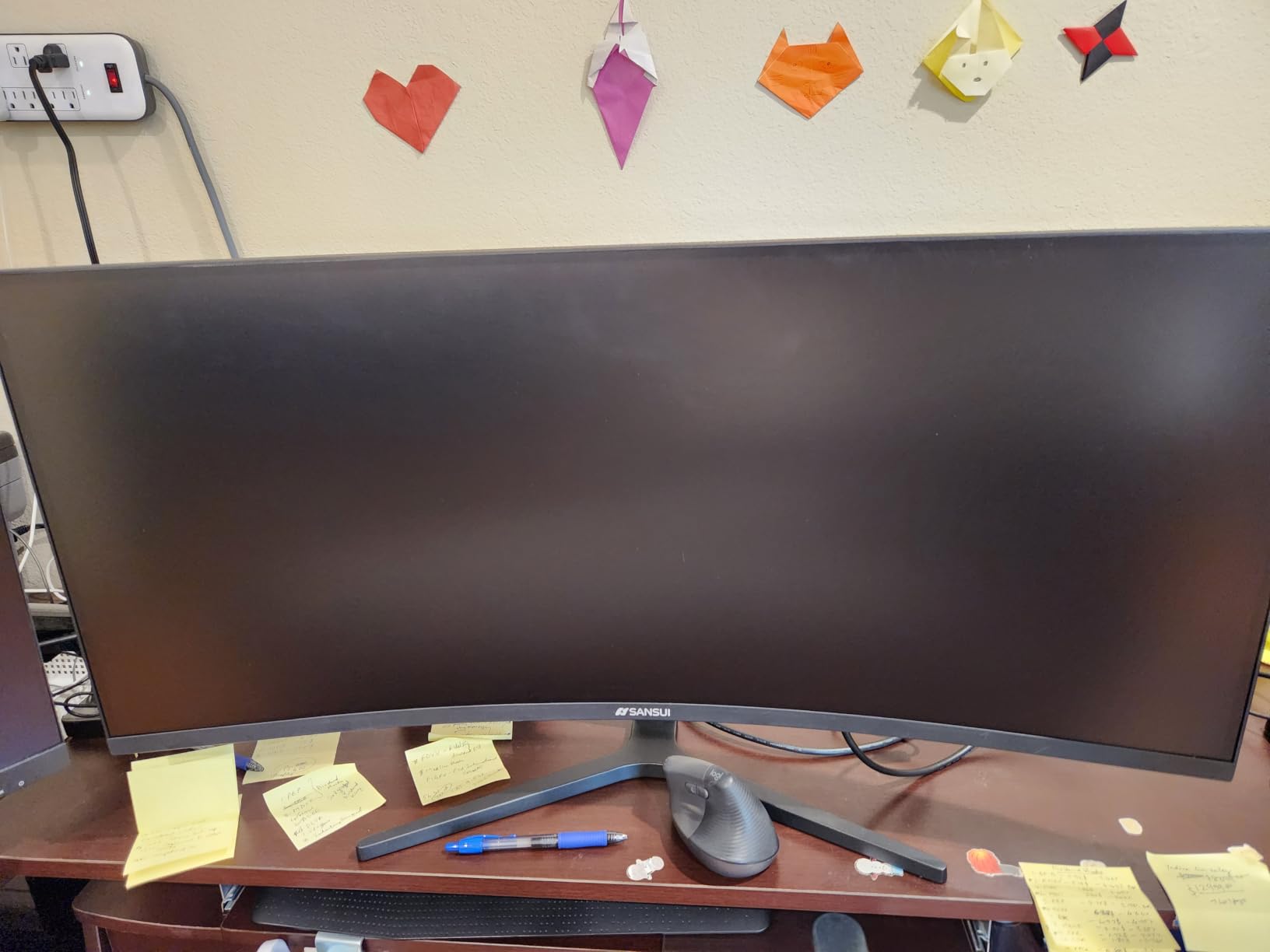
Color is the second surprise. DCI-P3 98% coverage, sRGB 130%, HDR10 and 10-bit color depth is a specification list that would look out of place on a screen twice the price, and it means this monitor handles non-gaming work as well as it handles shooters. The matte finish also keeps reflections out of the way, which matters more in a bright room than any refresh rate figure.
The connection layout is where you need to read carefully. Two DisplayPort 1.4 inputs handle the full refresh rate, while the two HDMI 2.0 inputs cap at 144Hz. Owners also point out that the included DisplayPort cable matters, and that reaching the top refresh rate depends on a cable that supports 2560×1440 at that rate.
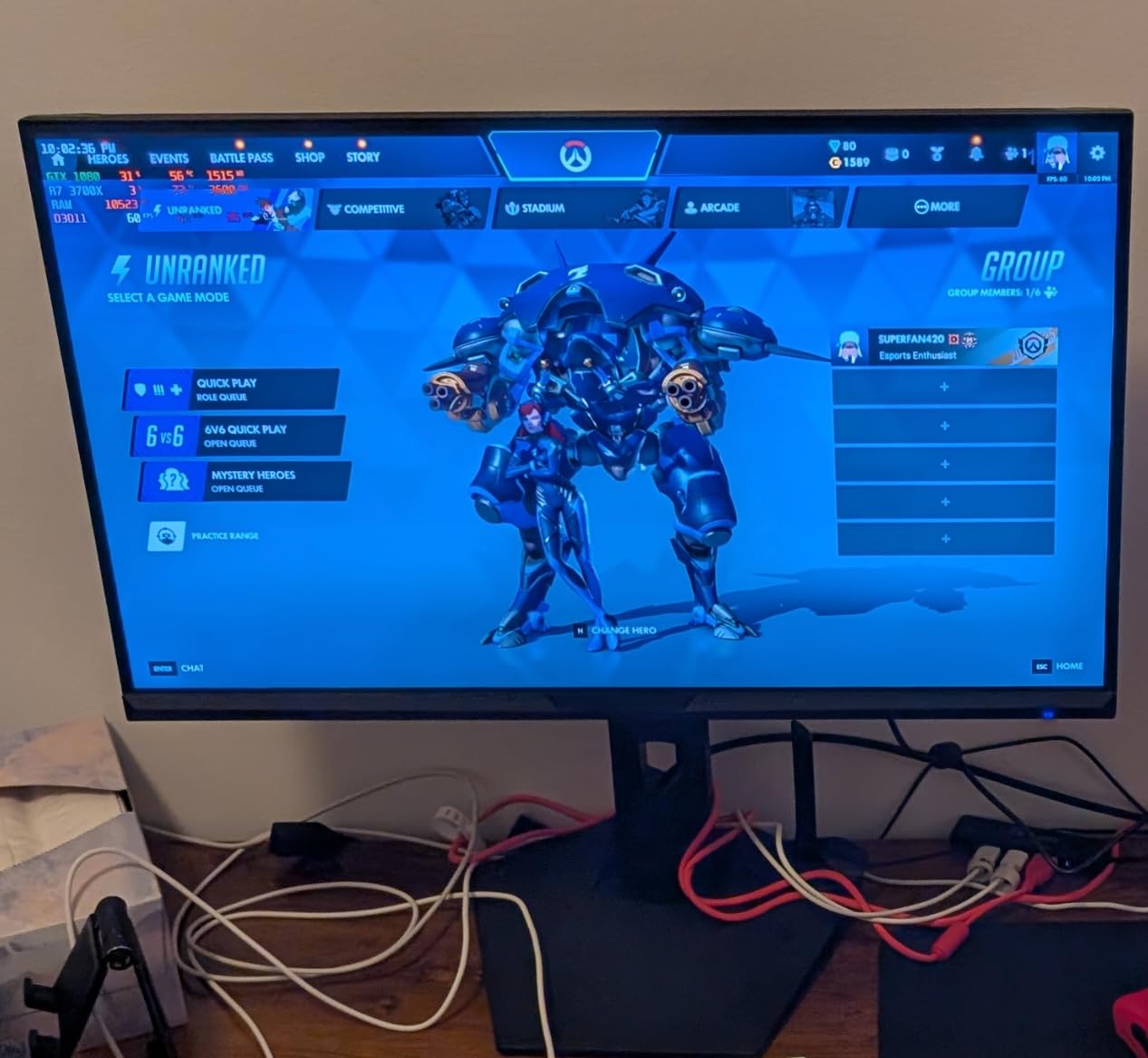
What you gain by moving up to 1440p
The jump from 1080p to 2560×1440 on a 27-inch panel moves pixel density from roughly 94 ppi to about 109 ppi. In practice that shows up as noticeably cleaner small text in browsers, in-game menus and chat windows, which is exactly what you are looking at when you are not in a firefight.
It also widens your field of view at the same physical size. More horizontal pixels means you see more of the playfield without turning your head, and that peripheral awareness is the whole point of a competitive monitor.
Where the trade-offs are
The stand is the weak point, offering tilt only with no height, swivel or pivot range. If your desk height does not put the top of the panel at eye level, budget for a monitor arm, because this is not a screen you can fine-tune after it is on the desk.
Second, this is a matte IPS panel, not an OLED. Motion clarity is excellent but it is not the near-instant pixel transition of the LG OLED further down this list, and in dark scenes the blacks are dark rather than absolute.
2. LG UltraGear 27GR83Q-B 1440p 240Hz IPS – The Balanced 1440p Pick
LG 27GR83Q-B 27-inch Ultragear QHD (2560×1440) IPS Gaming Monitor, 240Hz, 1ms, DisplayHDR 400, G-Sync AMD FreeSync Premium, HDMI 2.1 DisplayPort, 4-Pole HP Out DTS GP:X, Tilt/Height/Pivot Stand, Black
2560x1440 IPS at 240Hz
1ms GtG response
400 nits with DisplayHDR 400
G-Sync Compatible and FreeSync Premium
HDMI 2.1 plus DisplayPort 1.4
Pros
- Full 240Hz over both HDMI 2.1 and DisplayPort 1.4 so one screen serves a PC and a console
- NVIDIA-validated G-Sync Compatible alongside AMD FreeSync Premium
- Adjustable stand with height tilt and rotation
- Black Stabilizer plus FPS counter
- crosshair and Dynamic Action Sync
- Four-pole headphone jack with DTS Headphone:X
Cons
- DisplayHDR 400 is entry-level and HDR peak brightness is modest
- No built-in speakers
- Some owners report stuck or dead pixels on arrival
- LG's post-purchase repair process draws heavy criticism from a few owners
The 27GR83Q-B is the 240Hz monitor I recommend to someone who wants one screen to do everything. It runs 2560×1440 at 240Hz over both DisplayPort 1.4 and HDMI 2.1, which is rare at this tier and means your PS5 or Xbox Series X gets full 4K 120Hz on the same display without a second cable or a second panel.
Response is quoted at 1ms grey-to-grey, and IPS at 240Hz has come a long way from the smearing panels of a few generations ago. In competitive shooters the motion reads as clean without needing maximum overdrive, which is where the quoted number and the real experience finally line up.
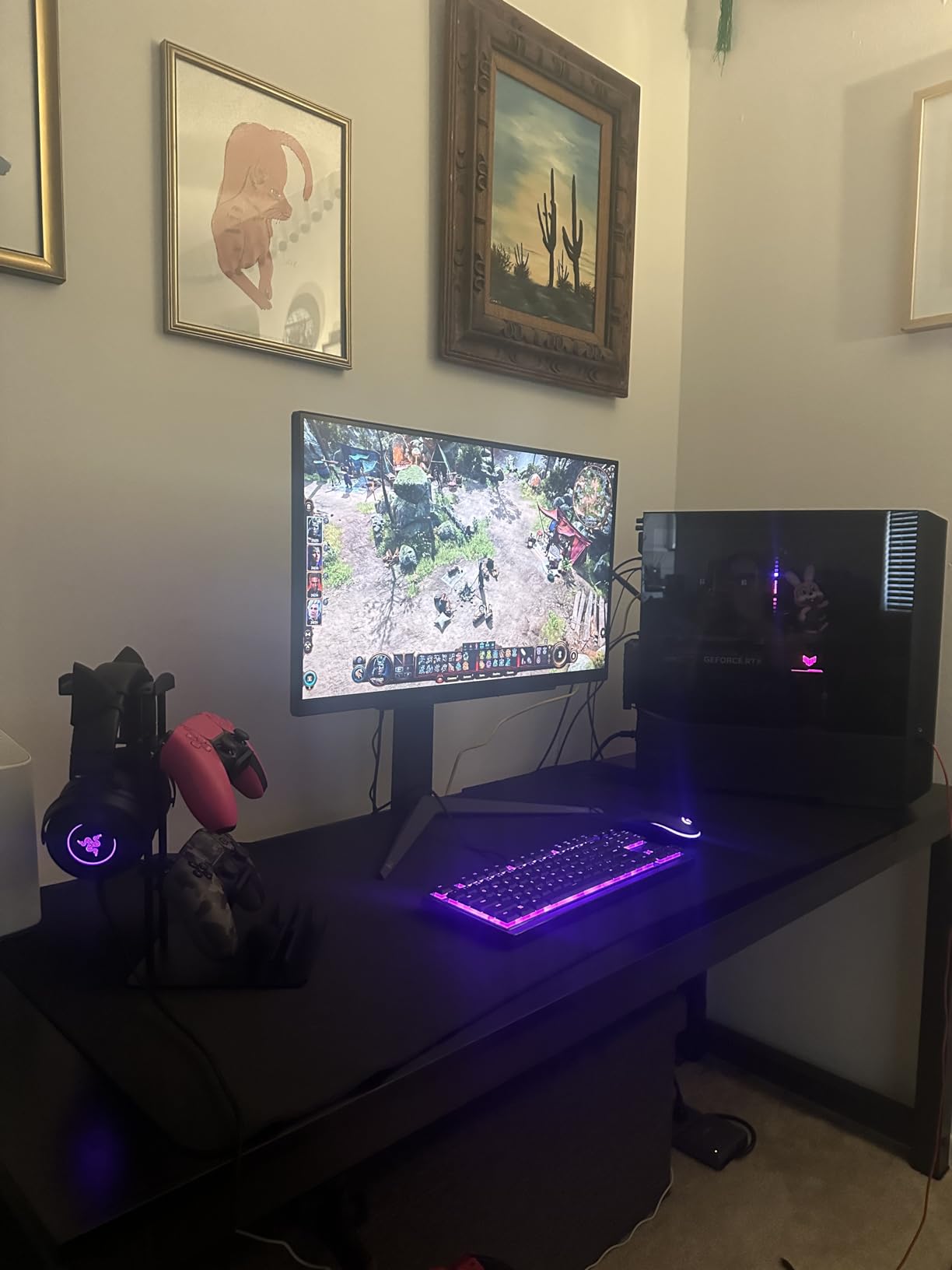
The gaming features are the ones LG actually ships rather than the ones it advertises. Black Stabilizer lifts shadow detail in dark corners, the FPS counter is a live readout, the crosshair overlay works, and Dynamic Action Sync holds your attacks until the frame lands. Those are small things that add up over a long session.
Brightness is 400 nits, which is a real step up from the 300-nit budget panels, and the panel covers up to 95% DCI-P3. It is a matte finish, so it behaves in a lit room, and the adjustable stand handles height, tilt and rotation properly rather than tilt alone.
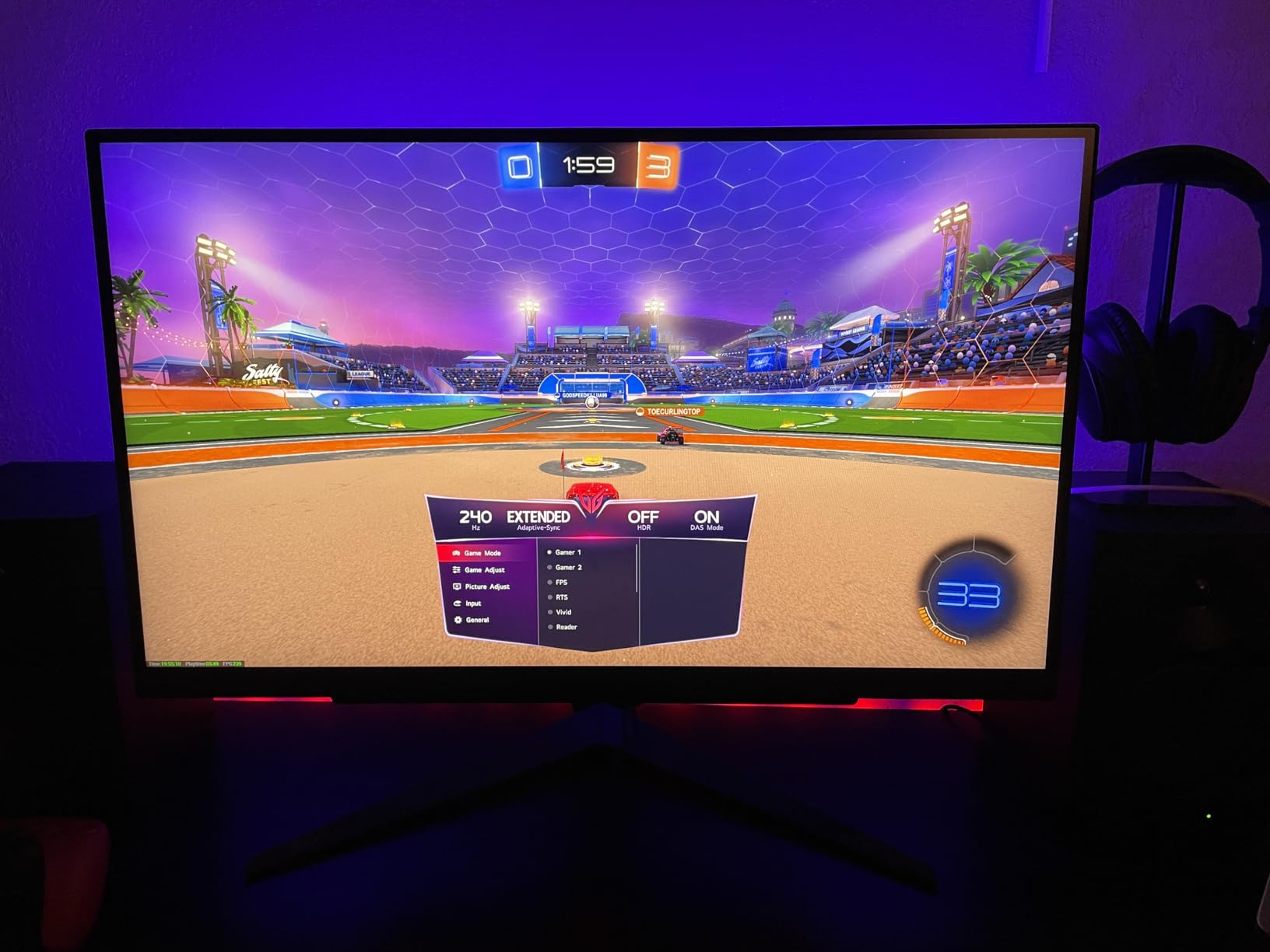
Why the HDMI 2.1 port is the practical reason to pick it
Several monitors on this list deliver their headline refresh rate over DisplayPort only and cap HDMI at 144Hz. This one runs 240Hz through both, which means a console user is not settling for a lower refresh rate on the same screen they game on at 240Hz on PC.
For a mixed desk, that single port difference removes a compromise. For a PC-only setup, it is a nice-to-have rather than a deciding factor.
What to watch out for
DisplayHDR 400 is the entry-level badge. You get a usable HDR mode with 400 nits, but this is not a panel that will deliver the specular highlights a modern OLED manages, and it is worth knowing that before you expect a big-picture upgrade.
Owners also report stuck or dead pixels on some arrivals, and a few mention difficult warranty service. Both are small-sample issues rather than a pattern, but inspect the panel carefully in the first week, because that is when returning it is easy.
3. LG UltraGear 27GX704A-B 1440p 240Hz OLED – The Best for Motion Clarity
LG 27GX704A-B 27-inch Ultragear QHD (2650×1440) OLED Gaming Monitor 240Hz, 0.03ms, NVIDIA G-Sync Compatible, AMD FreeSync Premium Pro, VESA Display HDR TrueBlack400, HDMI 2.1, DisplayPort, Black
2560x1440 OLED at 240Hz
0.03ms response
275 nits peaking at 1300 nits HDR
FreeSync Premium Pro and G-Sync Compatible
Dual HDMI 2.1 and DisplayPort 1.4
Pros
- OLED response removes motion blur almost entirely at 240Hz
- 98.5% DCI-P3 coverage with a 1.5M:1 contrast ratio
- Automatic pixel-refresh cycles and image-retention protection settings
- USB 3.2 upstream plus two downstream ports for peripherals
- Stand adjusts for height tilt swivel and pivot
Cons
- Glossy finish shows reflections and wants a controlled room
- HDR peaks around 1300 nits which is not class-leading
- Some owners report sub-pixel fringing on text
- PS5 Pro can show an out of range message at 1440p 120Hz until display settings are changed
The 27GX704A-B is the only 27-inch 1440p OLED at 240Hz in this roundup, and if you play shooters seriously that single fact settles the argument. OLED response is measured in fractions of a millisecond because the pixels switch essentially instantly, so there is no smearing to tune out and no overdrive setting to get wrong.
Picture quality is the other half of the case. 98.5% DCI-P3 coverage and a 1.5M:1 contrast ratio give you blacks that IPS cannot approach, and in a dark game that difference is not subtle. Standard brightness is 275 nits with HDR peaking around 1300 nits.
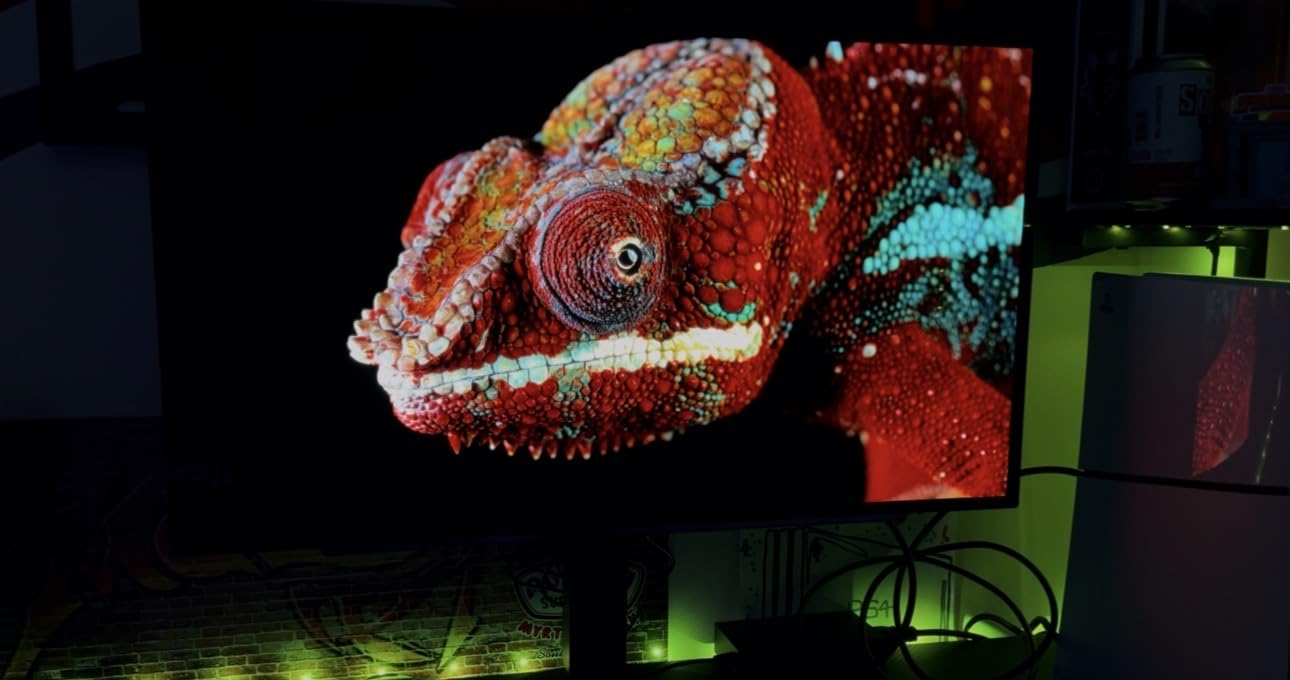
LG has built the burn-in mitigation into the panel rather than leaving it to you. Brightness and image-retention protection settings are exposed in the OSD, and the monitor runs automatic pixel-care cycles during standby, which handles the routine maintenance that owners of early OLEDs had to think about manually.
Connectivity is unusually complete for this category: dual HDMI 2.1, DisplayPort 1.4, USB 3.2 upstream and two downstream ports, plus a three-pole headphone jack. The stand adjusts for height, tilt, swivel and pivot, and the panel carries Anti-Glare, Flicker-Free and Low Blue Light certifications.
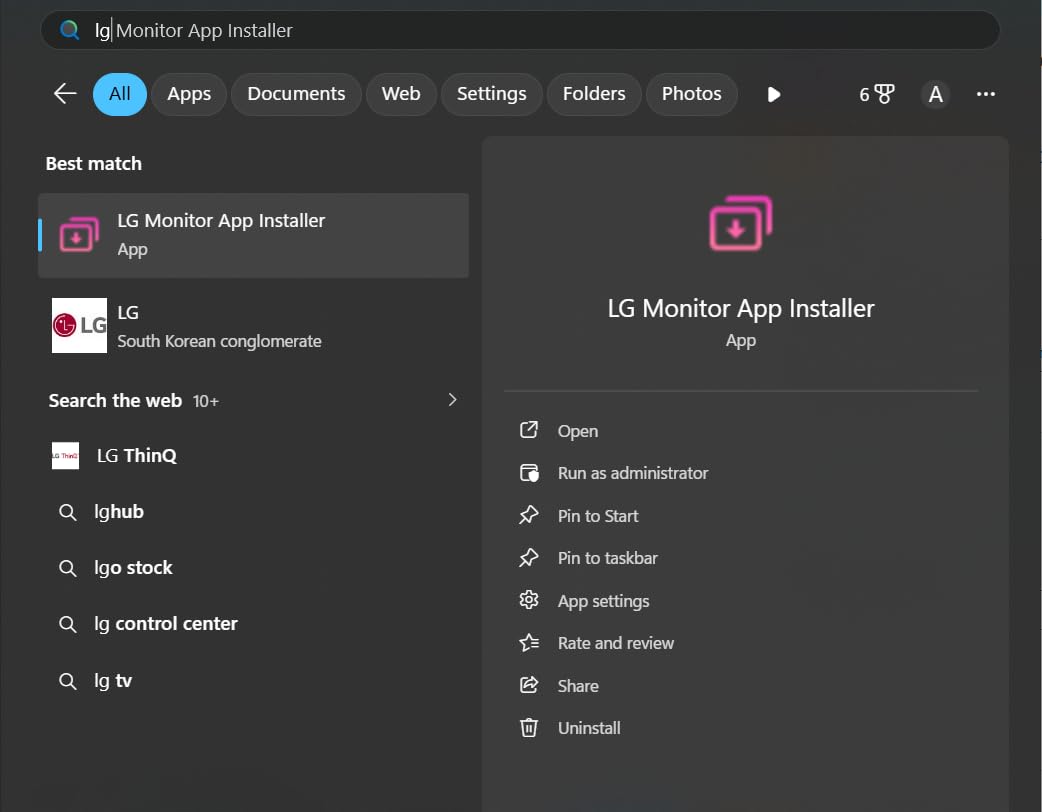
Who benefits most from an OLED panel
Competitive players who play in a darkened room gain the most. The near-instant response removes the trailing blur you see on an IPS panel during fast strafing, and the deep blacks stop dark corners from hiding an opponent lit by a flashlight or a muzzle flash.
It also works well as a mixed screen. The 1440p density is fine for browsing and documents at normal viewing distance, and the USB hub reduces the cable clutter on a desk that also has a console attached.
Where OLED asks you to compromise
The finish is glossy. That gives you punchy contrast in a controlled room and visible reflections in a bright one, so think about your lighting before you commit rather than after.
Some owners also mention sub-pixel fringing on text, and a PS5 Pro can throw an out of range message at 1440p 120Hz until you adjust the console display settings. Neither is a dealbreaker, but both are worth knowing about if your setup is console-heavy or document-heavy.
4. Alienware AW3425DW 34.2-Inch Ultrawide QD-OLED – The Best for Immersion
Alienware 34 240Hz QD-OLED Curved Gaming Monitor – AW3425DW – 34.2-inch WQHD (3440 x 1440) 0.03ms Display, 1800R Curve, AMD FreeSync Premium Pro, VESA AdaptiveSync, DisplayHDR TrueBlack 400
3440x1440 QD-OLED at 240Hz
0.03ms response
1800R curve
DCI-P3 99.3% with Delta E under 2
1000 nits peak HDR
3-year warranty
Pros
- Widest color coverage of any panel here at 99.3% DCI-P3 with Delta E under 2 accuracy
- 3440x1440 of QD-OLED at 240Hz with the broadest field of view on this list
- Matte finish keeps reflections manageable on a glossy-style panel
- 1000 nits peak HDR brightness with DisplayHDR True Black 400
- Three-year manufacturer warranty plus height swivel and tilt adjustment
Cons
- 20-pound weight and a wide footprint need a sturdy desk and real viewing distance
- Curved format is awkward for heavy text work and dense multi-window layouts
- The most expensive panel in this roundup by a wide margin
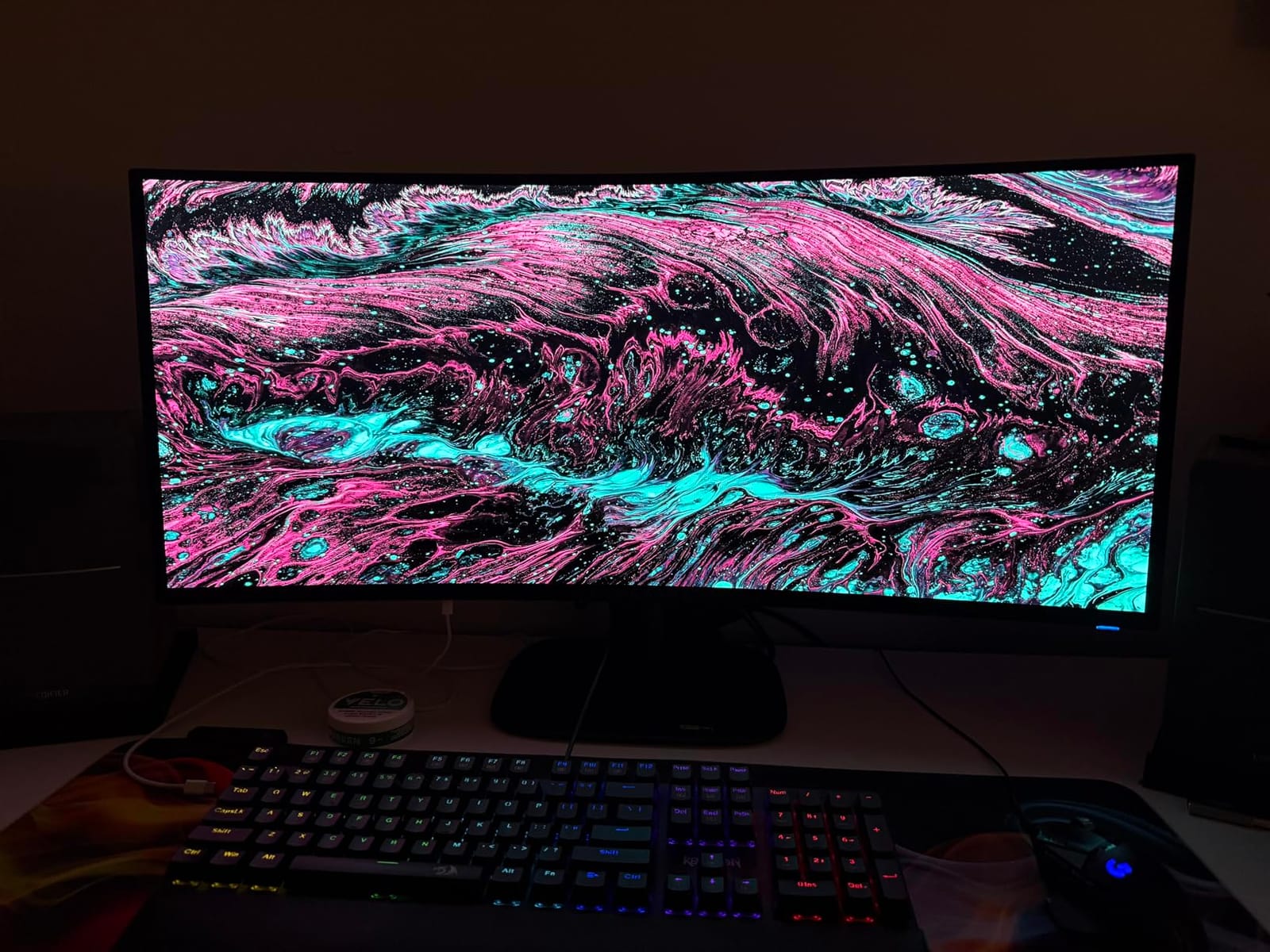
The AW3425DW changes the question from how fast the game looks to how much of it you can see. At 3440×1440 on a 34.2-inch QD-OLED panel you get 66% more horizontal pixels than a 16:9 screen, and at 240Hz with 0.03ms response there is no motion penalty for the extra width.
Color coverage is the widest on this list. 99.3% DCI-P3 with a Delta E under 2 factory accuracy means the panel is close to reference out of the box, and 1000 nits peak HDR brightness is a genuine step up from the entry-level HDR badges on the IPS models.
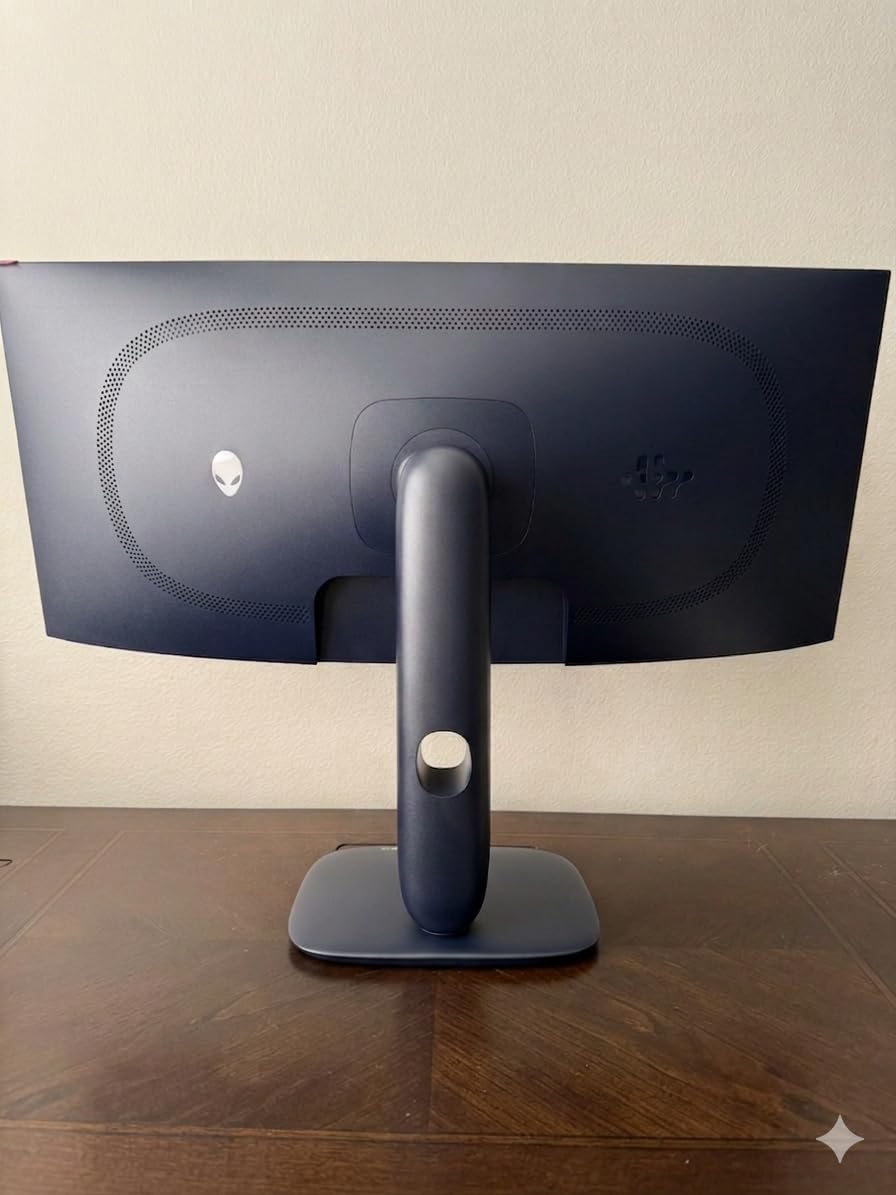
It is also a matte-finish OLED, which matters more than it sounds. Glossy panels look spectacular in a dark room and frustrating in a lit one, and this one avoids that trade-off while keeping the contrast ratio that makes OLED worth buying.
Adaptive sync coverage is broad, with support for G-Sync Compatible, AMD FreeSync Premium Pro and VESA AdaptiveSync, so you are not locked into one GPU brand. The 1800R curve is gentle enough that it does not distort the image noticeably while still wrapping the edges of your vision.
When an ultrawide actually pays off
In a racing or flight game, the extra width puts more of the world inside your field of view, so you see a rival car or an aircraft off to the side that a 16:9 panel would crop out entirely. That is a real mechanical advantage, not a cosmetic one.
For desktop work it is equally practical in a different way. A chat window, a video feed and your game all fit on one screen without alt-tabbing, which is why ultrawides have become common in competitive streaming setups.
The physical reality of a 34-inch display
This monitor weighs 20 pounds and sits wide enough that you will want the full stand clearance behind it. You also need to sit further back than you would at 27 inches, and if your desk depth is under about 30 inches the edges will not fall naturally inside your vision.
The curve is the other constraint. It is fine for gaming and video, but a curved panel is a poor match for long sessions of text-heavy office work, so consider a second display if that is a large part of your day.
5. AOC Q27G41ZE 1440p 240Hz IPS – The Top Rated at 1440p
AOC 27″ Gaming Monitor QHD 260Hz Overclocked IPS NVIDIA G-SYNC Q27G41ZE
2560x1440 IPS at 240Hz
0.3ms MPRT response
G-Sync Compatible with FreeSync
Three-sided frameless design
300 nits with DisplayPort 1.4
Pros
- 1440p at 240Hz is the pairing that is hardest to find at this level
- Works with both AMD and NVIDIA GPUs through adaptive sync
- Three-sided frameless design looks clean on a desk
- Shadow Control and game mode presets with a readable OSD
- 300 nits brightness with 1000:1 contrast
Cons
- Glossy screen finish picks up reflections in a bright room
- Tilt-only stand with no height swivel or pivot
- 240Hz requires DisplayPort because the HDMI 2.0 ports run lower
The Q27G41ZE is the pick I send people to when they want 1440p and 240Hz without shopping for weeks. The panel is a standard 27-inch IPS at 2560×1440, and it does the two things that define this tier: it holds 240Hz and it stays accurate.
Response is quoted at 0.3ms MPRT, one of the lower figures in this roundup, and adaptive sync covers both sides of the GPU market with FreeSync and G-Sync Compatible. That matters because it means you are not buying into an ecosystem to get a smooth frame.
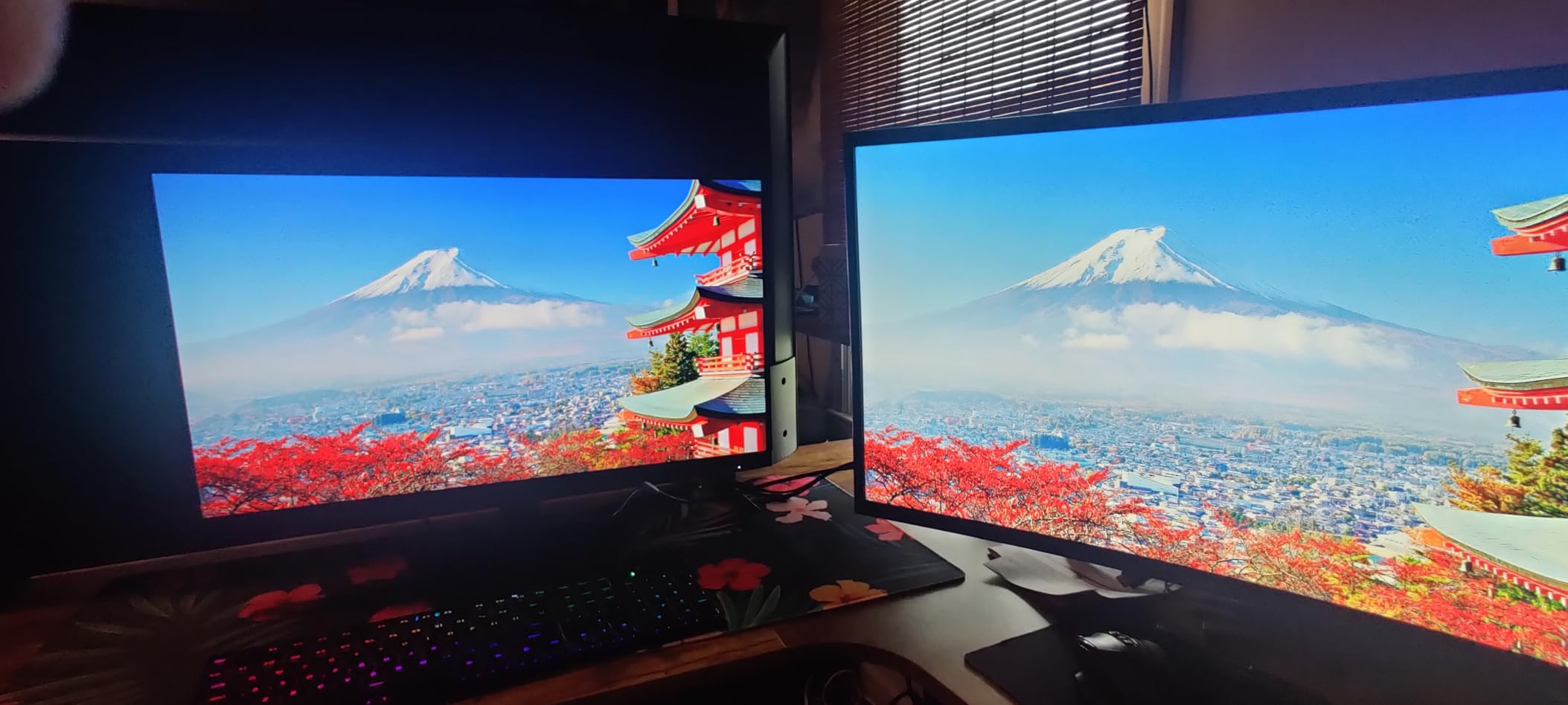
The gaming OSD is a genuine strength. Shadow Control lifts detail in dark areas without washing out the rest of the image, game mode presets cover the usual genres, and the graphical menu is far easier to navigate than the joystick-driven menus on some cheaper panels.
Wide viewing angles on an IPS panel mean colors stay consistent when you lean in or sit slightly off-center, which is not something you can say for every curved VA panel in the budget tier.
How it compares to the SANSUI at the same resolution
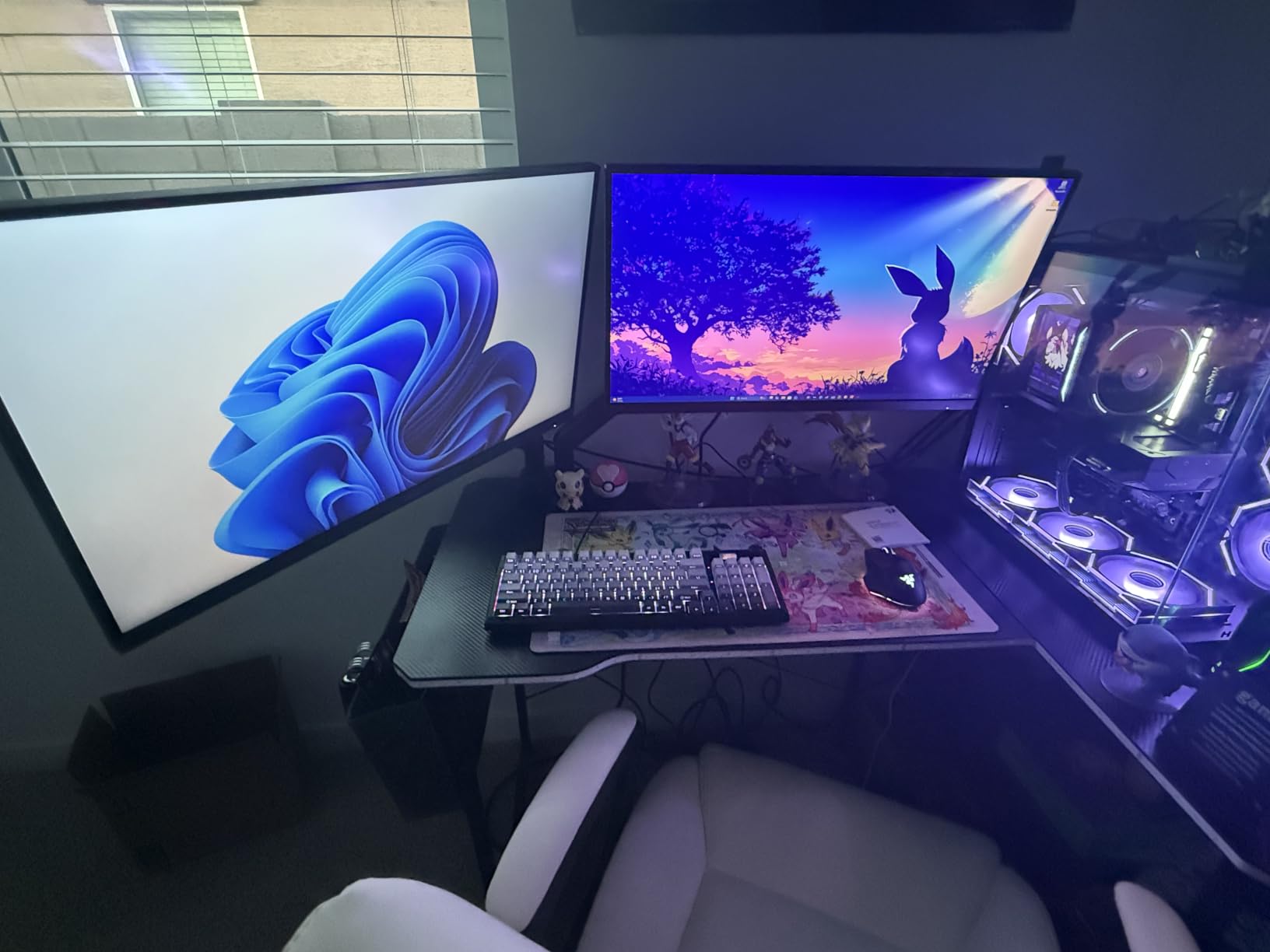
Both deliver 2560×1440 at a 240Hz-class refresh rate. The SANSUI panel is rated to 260Hz, gives you two DisplayPort 1.4 inputs and lists a stronger color specification, while the AOC carries a three-year manufacturer warranty and a wider range of tilt adjustment.
If you want the extra headroom and the port selection, take the SANSUI. If you want a gloss-free-looking frameless design, better viewing angles and a more conventional brand support path, the AOC is the safer pick.
Why the glossy finish is worth thinking about
This is the one specification that gives me pause. A glossy panel mirrors a window or a bright wall directly into the image, and in a sunlit room that can be irritating during a long session.
Fixing it is easy. Angle the screen away from direct light sources and the reflections mostly disappear, but if your desk sits opposite a window, an anti-glare alternative is the safer choice.
6. Acer Nitro XV272U 1440p 240Hz – The Best for Desk Ergonomics
MONITOR Acer Nitro 27in QHD 2560×1440 IPS 240Hz Gaming XV272U W2bmiiprx
2560x1440 IPS at 240Hz
0.5ms GtG response
DisplayHDR 400 at 400 nits
4.7 inch height adjustment
360 degree swivel and 90 degree pivot
Pros
- Only 1440p 240Hz pick here combining a fully adjustable stand with built-in speakers
- 4.7 inch height adjustment with 360 degree swivel and plus or minus 90 degree pivot
- 400 nits brightness with DisplayHDR 400 support
- Two 2-watt built-in speakers and an audio out port
- Three-year parts and labor warranty
Cons
- 240Hz is limited to DisplayPort while HDMI is capped at 144Hz
- Lowest average rating in the roundup at 4.2 with a notable one-star share
- Occasional reports of stuck or dead pixels on arrival
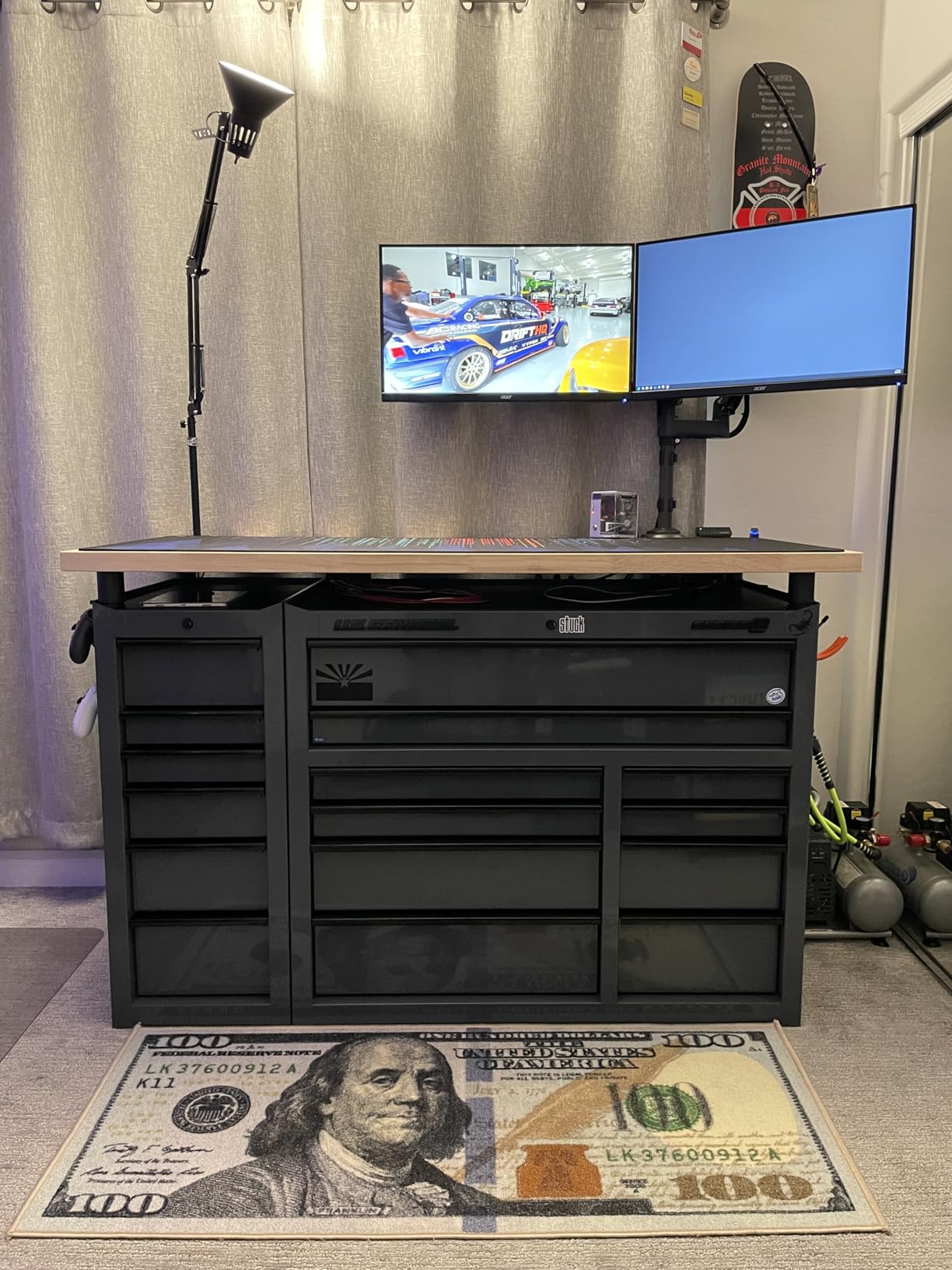
The XV272U is the ergonomic answer in this list. Four-point-seven inches of height adjustment, 360-degree swivel and plus or minus 90-degree pivot means you can set the top of the panel exactly at eye level and angle it away from window glare, which matters over an eight-hour session more than most spec sheets suggest.
Everything else follows the same practical brief. 2560×1440 IPS at 240Hz over DisplayPort, 0.5ms grey-to-grey response, 400 nits brightness and DisplayHDR 400 certification, backed by a three-year parts and labor warranty.
It is also one of the few monitors here with usable built-in audio, two 2-watt drivers that are fine for system sounds and voice chat. That is not a substitute for real speakers, but it removes the need for extra desk hardware if you do not care about music.
Color coverage is listed at 99% sRGB, which is a smaller gamut than the SANSUI or the OLEDs on this list. For competitive play where the on-screen image is dark corridors and HUD elements, that gap rarely registers.
What you give up for the stand
Nothing on the panel side. You still get full 240Hz at 1440p with sub-millisecond response, and the 400-nit brightness is among the higher figures here, so HDR output is respectable for an IPS panel.
The catch is the refresh rate over HDMI. The DisplayPort input carries 240Hz, while the two HDMI 2.0 ports cap at 144Hz, so a console user on this screen would be running at a lower refresh rate than the panel supports.
Why the rating is lower than the rest
At a 4.2 average with 874 reviews, this is the lowest-rated model here, and the reviews explain why: a meaningful share mention stuck or dead pixels arriving out of the box. That is a manufacturing consistency issue, not a performance one, but it is worth knowing before you order.
My advice is to inspect the panel in the first week, run a solid-color test in a dark room, and keep the packaging until you are satisfied. Swap processes are easiest early.
7. SANSUI 27-Inch 1080p Curved 240Hz – The Best Value 1080p Pick
SANSUI 27 Inch Curved 240Hz Gaming Monitor FHD 1080P, 1500R Curve Computer Monitor, 130% sRGB, 4000:1 Contrast, HDR, FreeSync, MPRT 1Ms, Low Blue Light, HDMI DP Ports, Metal Stand, Cable Incl.
1920x1080 curved LED at 240Hz
MPRT 1ms response
130% sRGB and 4000:1 contrast
300 nits with HDR
DisplayPort 1.4 plus HDMI and audio jack
VESA 100x100 mounting
Pros
- Largest review base of any monitor here at over 7000 ratings
- 4000:1 contrast ratio delivers deeper blacks than most 1080p panels
- 130% sRGB with DCI-P3 95% and a matte anti-glare finish
- Metal stand and VESA 100x100 mounting
- Crosshair plus game mode presets and black level adjustment
Cons
- Noticeable ghosting so motion blur compensation should stay disabled
- No built-in speakers and no audio jack on some variants
- Narrow viewing angles cause an image shift at the far edges
The ES-G27C1 PRO is the 1080p pick here, and it earns that place on volume and on contrast. A 4.5 average across more than 7000 ratings is the largest review base of any monitor in this roundup, which means the picture you get is well documented rather than a surprise.
The 4000:1 contrast ratio is the headline number. Most 1080p panels sit at 1000:1, so this one produces visibly deeper blacks in dark scenes, which matters in the exact genre where a 240Hz monitor is most used.
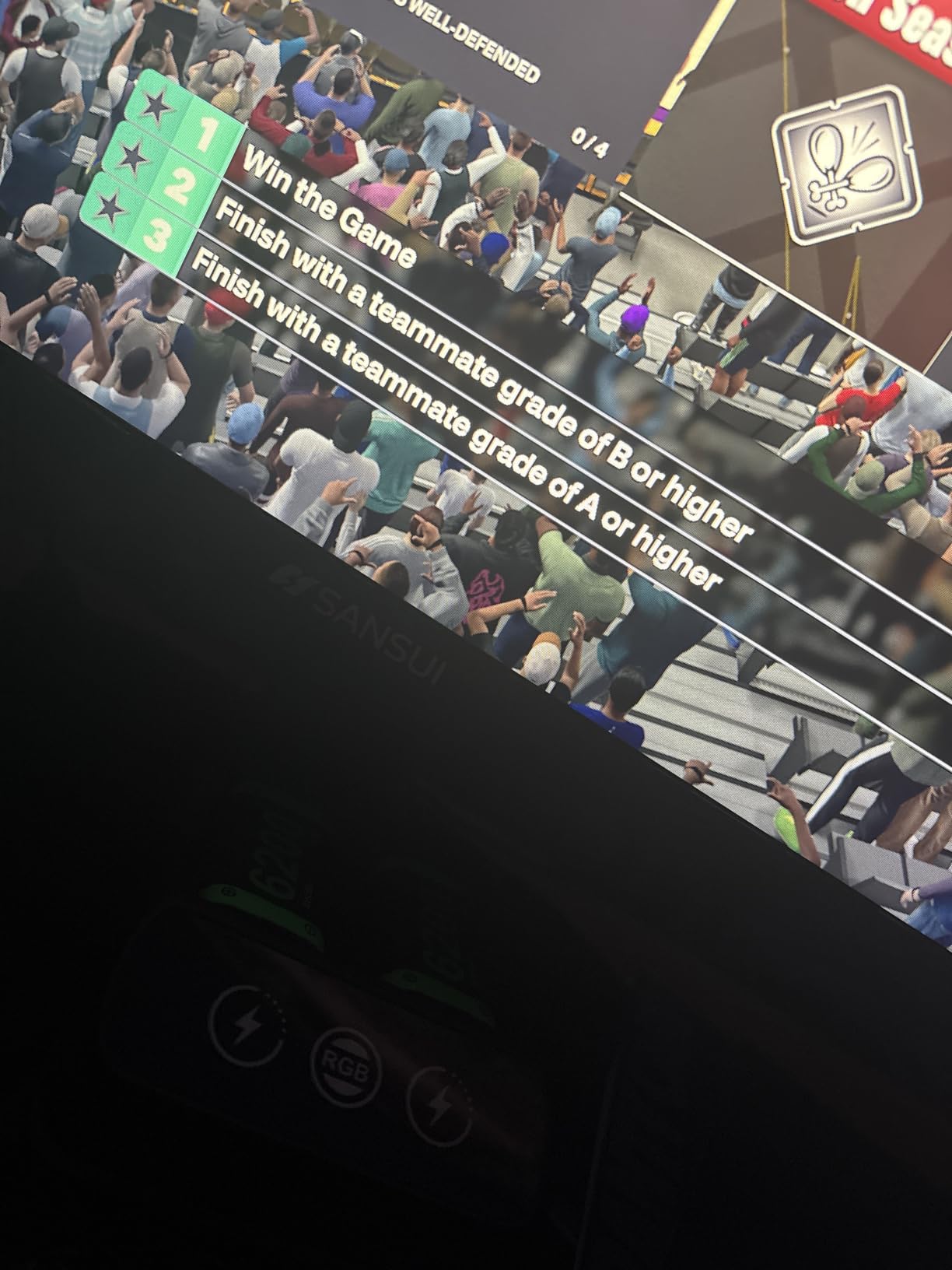
Color is better specified than most panels at this resolution too, with 130% sRGB and DCI-P3 95% coverage, plus 300 nits brightness, an HDR mode and a matte anti-glare finish. The 1500R curve is gentle and adds some wrap without distorting the image.
For mounting and desk management it checks the practical boxes: a metal stand, VESA 100×100 compatibility, a DisplayPort 1.4 input, HDMI and a 3.5mm audio jack on most variants.
Is 1080p still a sensible choice in 2026
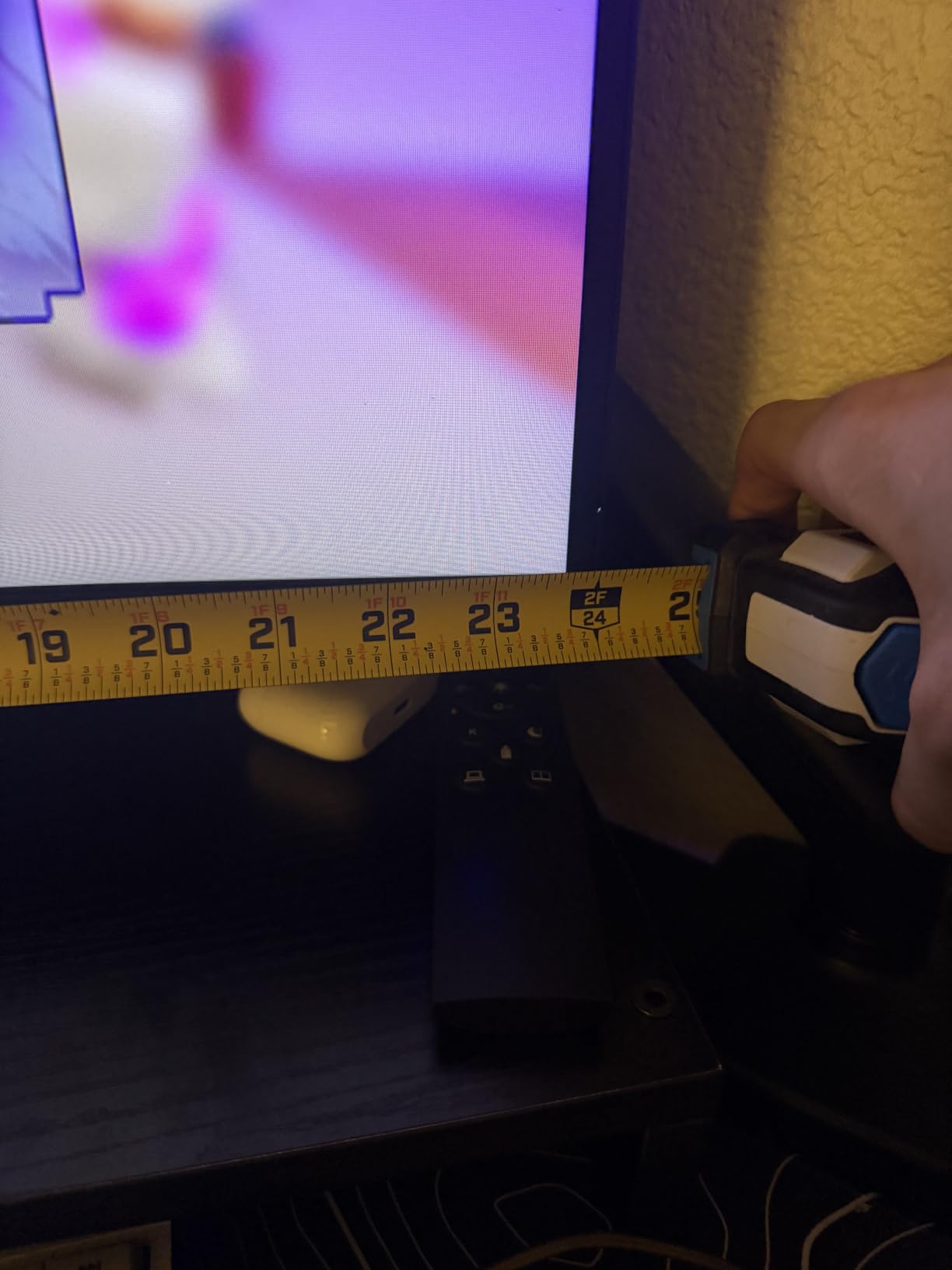
It depends on your GPU and your screen size. At 23.8 inches, 1920×1080 gives roughly 92 pixels per inch, which is fine at a normal desk distance. At 27 inches, as here, the same panel is closer to 82 pixels per inch and text starts to look softer on a Windows desktop.
The bigger argument for 1080p at 240Hz is frame rate. Demanding less resolution from your GPU is the easiest way to stay near 240 frames per second in competitive shooters, so this panel pairs sensibly with a mid-range card.
Where ghosting shows up
Owners report noticeable ghosting, and the sensible advice is to switch motion blur compensation off, because engaging it on this panel makes the trailing smearing worse rather than better. Turn overdrive up a notch and the issue largely resolves.
Narrow viewing angles are the other recurring note. Off to the side, the image shifts visibly, so this is a monitor to sit square in front of rather than angle toward you, which conflicts a little with the curve.
8. MSI MAG 274CF X24 1080p 240Hz – The Most Versatile
msi MAG 274CF X24 27-inch 1920 x 1080 (FHD) Gaming Monitor, 240Hz, AMD FreeSync Premium, HDR Ready, HDMI, VGA Port, VESA, Tilt, 0.5ms, Black
1920x1080 Rapid VA at 240Hz
0.5ms GtG minimum response
FreeSync Premium
130% color gamut coverage
HDR ready with VESA 100x100
Pros
- Highest average rating in the roundup at 4.8 with 88% of ratings at five stars
- Rapid VA panel with 0.5ms GtG minimum response
- AI Vision processing lifts detail and saturation in dark areas
- Software-based blue light reduction for long sessions
- Three-year manufacturer warranty
Cons
- Tilt-only stand with no height swivel or pivot
- 1080p on a 27-inch panel looks softer at desktop viewing distances
- The included VGA port adds little value for a modern gaming PC
The MAG 274CF X24 carries the highest average rating in this roundup at 4.8, with 88% of ratings at five stars. That is a small review base of 106, so treat it as a good sign rather than proof, but owners of this panel rarely raise a fault.
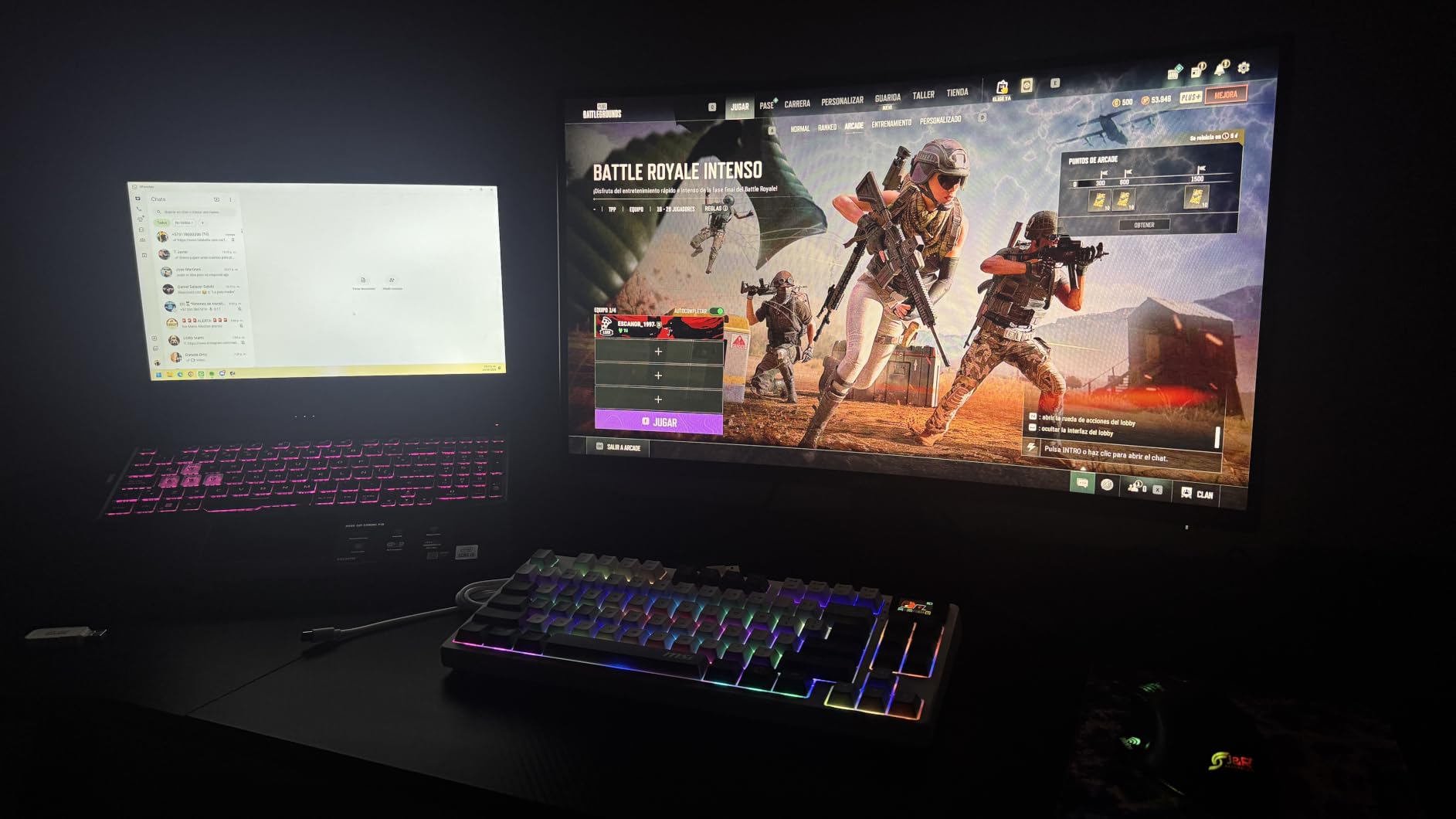
The panel is a Rapid VA at 1920×1080 running 240Hz with a 0.5ms minimum grey-to-grey response, which is unusually quick for VA. VA panels normally trade response for contrast, and this one keeps most of the contrast while closing the motion gap.
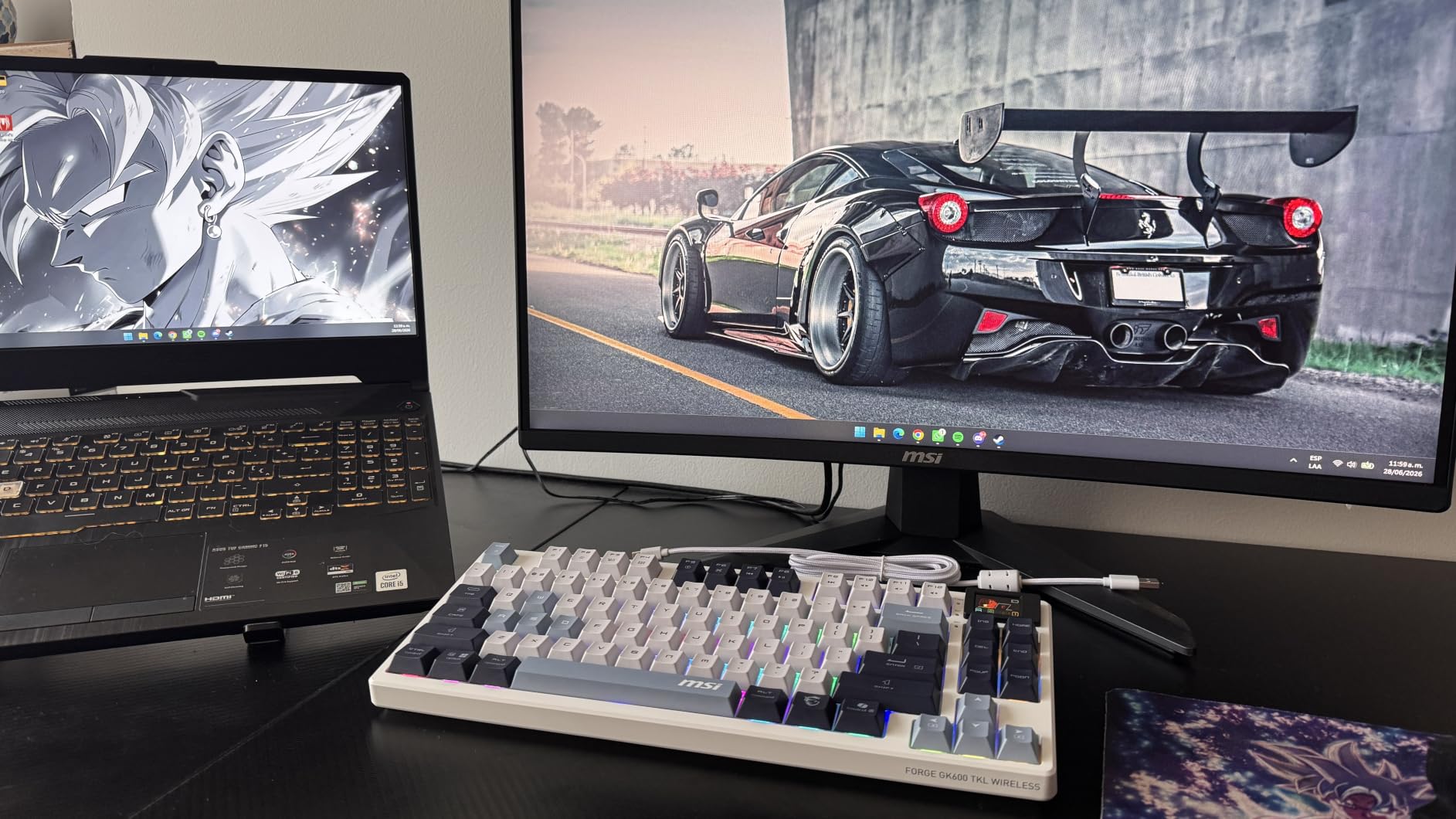
AI Vision is the feature MSI pushes, and it does something useful in practice: it lifts detail in dark areas and boosts saturation, which is a fair trade in a competitive shooter where shadow detail decides an engagement. FreeSync Premium handles variable refresh for AMD and NVIDIA cards.
It ships with a three-year manufacturer warranty, an HDMI cable, and a 100×100 VESA mount. Blue light reduction is handled in software rather than with a hardware filter.
Who should buy this one
A player who wants a 240Hz panel for competitive shooters, does not need high resolution, and would rather not think about color calibration. Out of the box it delivers a clean, punchy image that suits the games it is aimed at.
It also suits anyone building a second, spare or dedicated gaming screen, that is exactly what that role needs and you are not overspending on a panel you will use for everything.
The two compromises to accept
The stand is tilt only, with no height, swivel or pivot. That is the single biggest limitation on this monitor, because you cannot fine-tune the height once it is on a desk without an arm or a stack of books.
Second, 1080p stretched across 27 inches gives a lower pixel density than the 24-inch models here. In a fast shooter you will not notice much, but if you read long documents on the same screen, you will.
9. Dell SE2426HG 23.8-Inch 240Hz IPS – The Best for Competitive FPS
Dell 24 240Hz Gaming Monitor – SE2426HG – 23.8-inch FHD (1920×1080) 240Hz Display, in-Plane Switching (IPS) Technology, AMD FreeSync™ Premium, TÜV 3-Star, 2X HDMI, DisplayPort 1.4, Tilt
23.8-inch FHD IPS at 240Hz
0.5ms response
FreeSync Premium
300 nits and 99% color gamut
2x HDMI 2.0 plus DisplayPort 1.4
Matte finish
Pros
- 23.8-inch size keeps more of the playfield inside your central vision
- Fast IPS with 0.5ms response and 99% sRGB coverage
- Two HDMI ports plus DisplayPort for a multi-monitor setup
- Simple on-screen menu and easy setup
- Cord management built into the back of the panel
Cons
- Plastic base is unstable and raises the panel only a few inches
- No built-in speakers or audio output at all
- Not NVIDIA G-Sync certified but works well with FreeSync above 120 fps
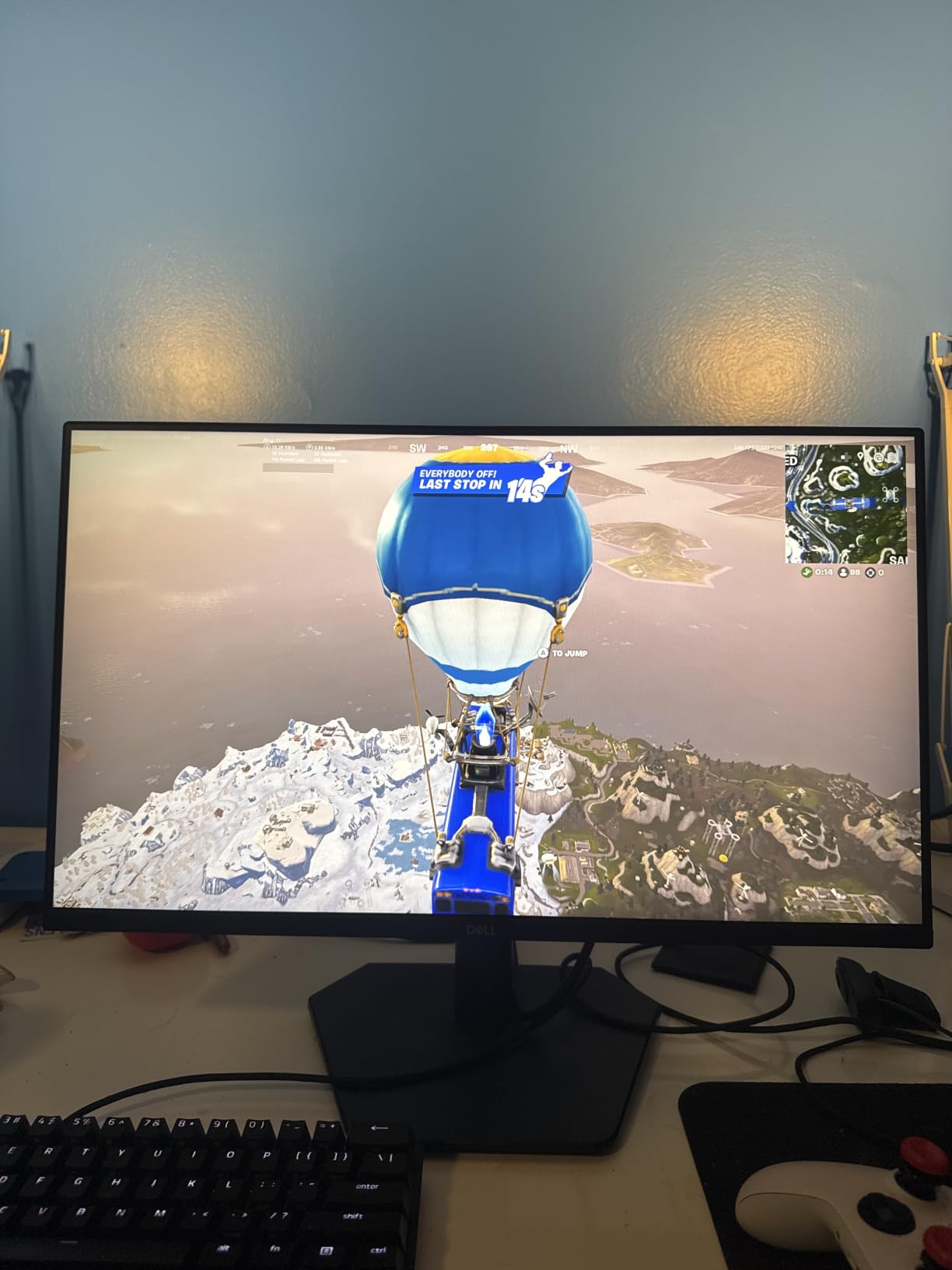
The SE2426HG is the smallest screen here at 23.8 inches, and that is the feature. Competitive players often prefer it deliberately: a smaller panel puts more of the playfield inside your central field of vision, so you pick up enemies and threats at the edge of your vision rather than needing to move your eyes to the far corners of a 27-inch display.
The panel itself is a Fast IPS at 1920×1080 running 240Hz with 0.5ms response and 99% sRGB coverage. FreeSync Premium handles variable refresh, and TÜV Rheinland three-star certification covers the low blue light filtering.
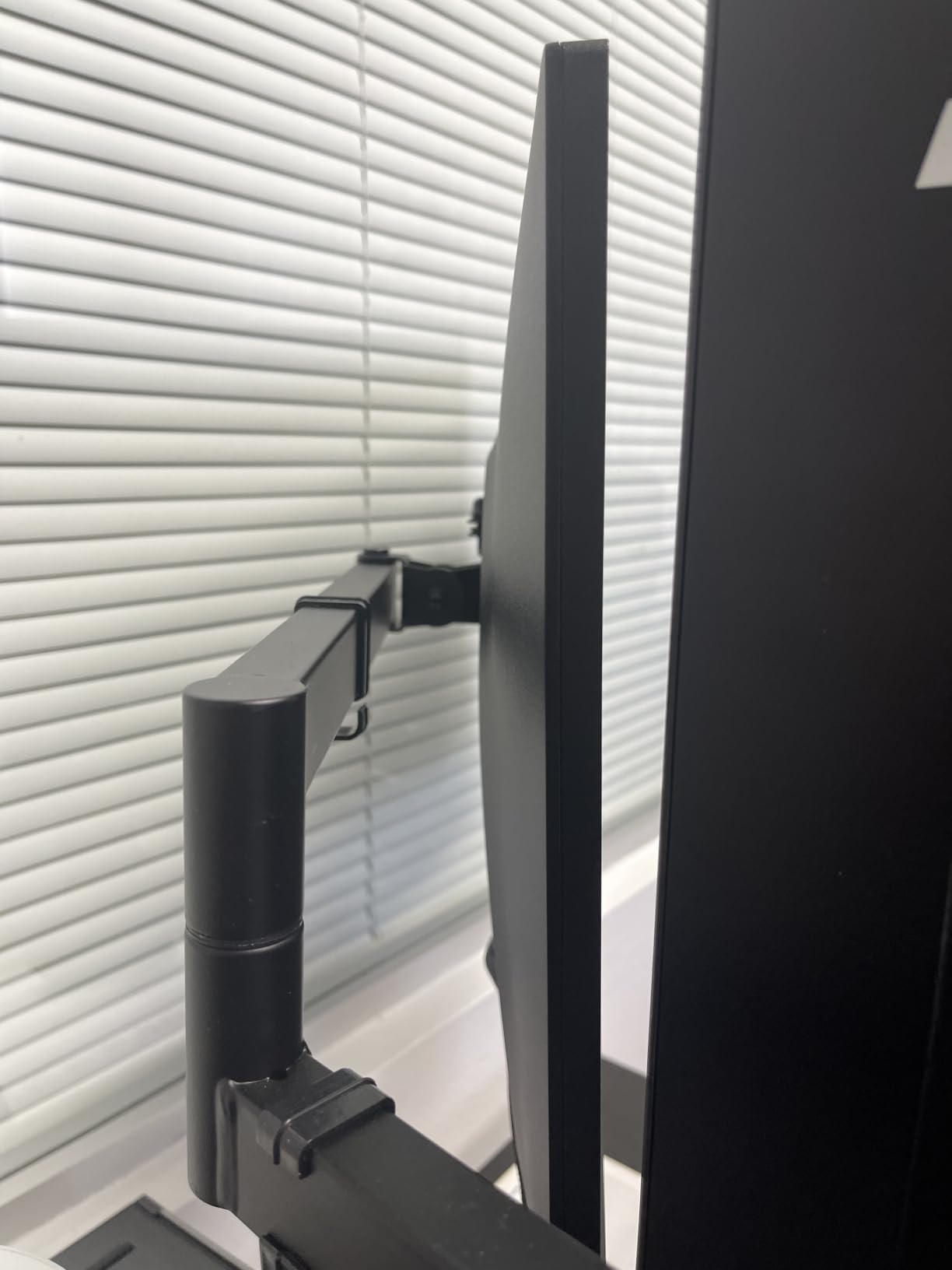
It also has the highest average rating in the 23.8-inch class at 4.7 across 210 reviews, and owners consistently mention sharp colors out of the box, a simple settings menu and straightforward setup with no calibration required.
Connectivity suits a dual-screen desk well, with two HDMI ports plus DisplayPort, and there is a cable management channel molded into the back of the panel for routing the leads down the stand.
Why 23.8 inches is not a compromise
At 1920×1080 on a 23.8-inch panel you get roughly 92 pixels per inch, which is close to the desktop experience people are used to from older 24-inch monitors. Text stays sharp and the 1080p resolution is not stretched beyond what it can carry.
For a player who spends hours in one competitive shooter, that combination of size and pixel density is arguably the most comfortable way to use a 240Hz panel, and it is why small fast monitors keep outselling larger ones in this category.
The stand is the weak point
Owners complain most about the base, which is unstable and raises the panel only a few inches. Several buyers had to raise it on risers to get it to a comfortable height, which is a real annoyance rather than a cosmetic one.
There are also no built-in speakers and no audio output port, so audio needs to come from elsewhere. It is not G-Sync certified either, though reviewers note it works well with FreeSync above 120 frames per second.
10. Sceptre C255B-FWT240 24.5-Inch Curved 240Hz – The Best With Built-In Speakers
Sceptre Curved 24.5-inch Prime Gaming Monitor up to 240Hz 1080p R1500 1ms DisplayPort x2 HDMI x2 Blue Light Shift Build-in Speakers, Machine Black 2025 (C255B-FWT240 Series)
1920x1080 curved LED at 240Hz
1ms response
FreeSync Premium
1500R curve
Built-in speakers plus 2x DisplayPort
Wall-mount kit included
Pros
- Second-largest review base here at over 4200 ratings
- Built-in speakers save desk space and cables
- 1500R curve at a compact 24.5-inch size
- Includes a DisplayPort cable and a metal wall-mount plate with spacers
- Light at 6.9 pounds and easy to reposition
Cons
- 1080p resolution limits screen real estate compared with 1440p panels
- Stand offers tilt adjustment only with no height or pivot
- The listed 1000000:1 contrast ratio is not representative of real performance
The C255B-FWT240 is the pick when desk space is the constraint. At 24.5 inches it fits where a 27-inch panel does not, the 1500R curve wraps the edges slightly, and it is light enough at 6.9 pounds to move between a desk and a stand without effort.
The distinguishing feature is the built-in speaker pair. Most monitors in this roundup either have no audio or a single 2-watt unit, and having speakers that work removes a cable and a box from the desk. It is not hi-fi, but it handles system sound and voice chat adequately.
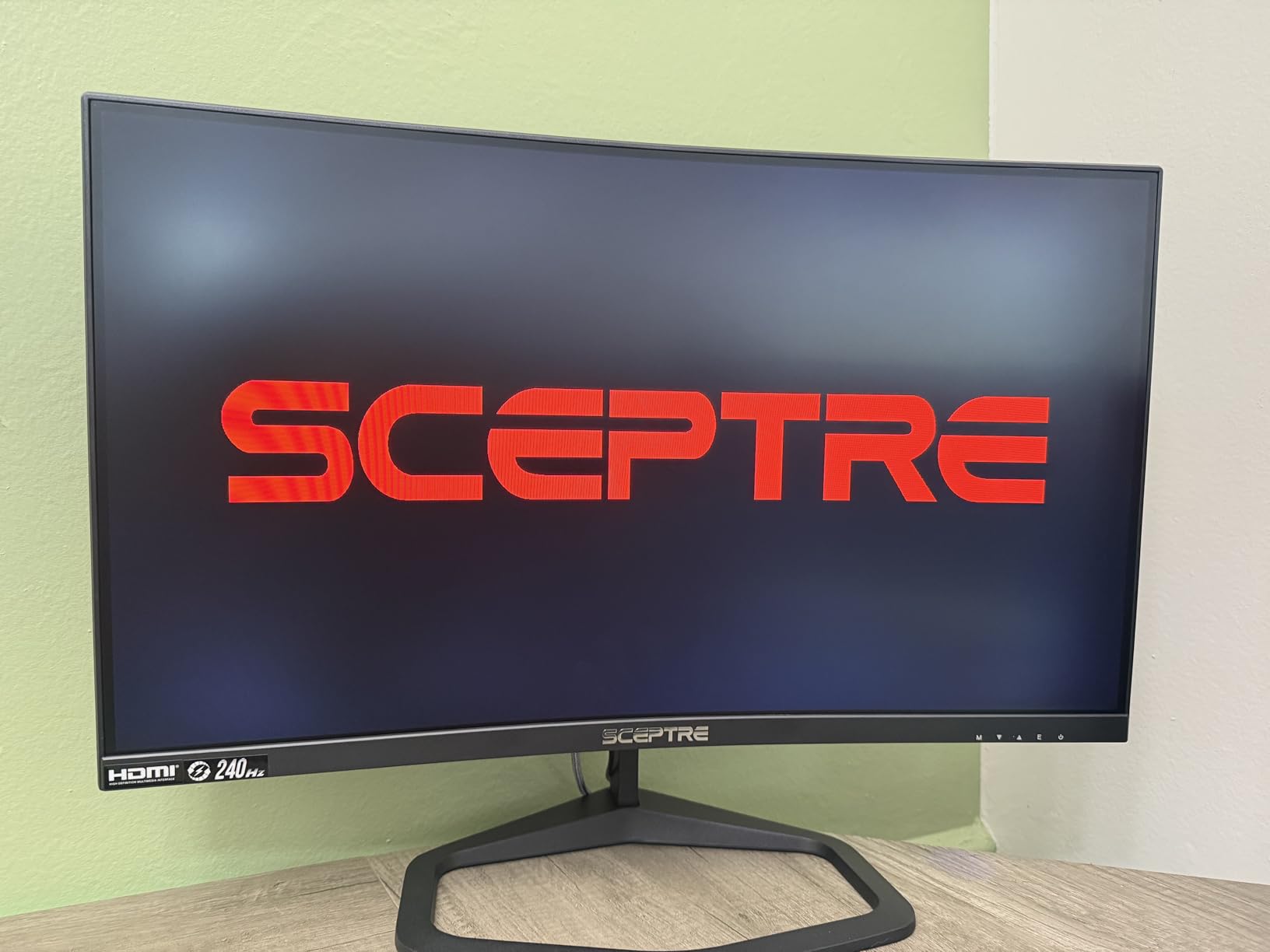
Response is quoted at 1ms with FreeSync for variable refresh, and the port selection is generous for the class: two DisplayPort inputs and two HDMI ports, plus a metal wall-mount plate and spacers in the box if you want it off the desk entirely.
With more than 4200 ratings averaging 4.4, the feedback is consistent: buyers like the smoothness at this price, the curve and the speakers, and accept the limitations of 1080p and a basic stand.
What 24.5 inches gives you over 27 inches
A smaller panel keeps more of the playfield within your central vision and sits closer to your eyes without you having to lean forward, which is the same argument that makes the Dell 23.8-inch model popular with competitive players.
The cost is screen real estate. At 1920×1080 you are giving up desktop space, so side-by-side window work or a video feed next to your game gets tight. For a dedicated gaming screen, that trade is usually worth it.
Reading the spec sheet correctly
One specification deserves a warning. The listed 1,000,000:1 contrast ratio is a dynamic figure produced by backlight or brightness adjustment rather than a static measurement, and it does not reflect what you see in a dark scene. Judge contrast by eye instead.
Also expect tilt-only adjustment with no height or pivot control, and remember that 240Hz here is a native panel rate reached over DisplayPort rather than a headline that depends on the input you use.
240Hz Is Noticeably Smoother Than 144Hz – When You Can See the Difference
Yes, the jump from 144Hz to 240Hz is noticeable, and it is not a placebo. The gap between frames drops from 6.94 milliseconds at 144Hz to 4.17 milliseconds at 240Hz, so the monitor shows you the result of your input sooner and gaps between frames shrink to the point where motion reads as continuous rather than stepped.
The catch is that you have to be above 144 frames per second to see any of it. Hold a game at 120 frames per second and a 240Hz panel behaves like a 120Hz panel, no matter what the box says.
What you will notice first is turning. A strafing camera move that looks smooth at 144Hz becomes visibly tighter at 240Hz, and quick vertical flicks in a shooter stop stuttering. The second thing you will notice is the drop in input lag, because a display that refreshes more often shows your click earlier.
It is also 240Hz overkill for single-player and story-driven games. Most of those cap well below 144 frames per second, so the extra refresh rate sits idle and you are better served by a higher-resolution panel with better color and contrast.
The jump from 240Hz to 360Hz is much harder to see than the jump from 144Hz to 240Hz, and that is the practical case for stopping at this tier. If you are deciding between a 240Hz and a 360Hz panel at the same resolution, the 240Hz option is where most of the perceivable gain is available for the money.
Match the Resolution to the Refresh Rate: 1080p, 1440p and 4K at 240Hz
1080p at 240Hz is the frame-rate tier. Pixels are cheap to push at 1920×1080, so even a mid-range card can reach 240 frames per second in competitive shooters, and the 23.8-inch and 24.5-inch models on this list are built for exactly that pairing. The compromise is pixel density, which is why 1080p panels are best at smaller screen sizes.
1440p at 240Hz is the current sweet spot for most players, and five of the ten monitors here sit at 2560×1440. You get enough resolution for readable text and a wide field of view, while the frame rate remains realistic on a strong mid-range or current-generation card. Every 1440p pick in this roundup is at least 240Hz, with one listed at 260Hz.
4K at 240Hz is the tier none of these monitors reach, and the reason is bandwidth. DisplayPort 1.4 cannot carry uncompressed 4K at 240Hz, so any 4K 240Hz panel depends on DSC, Display Stream Compression, to fit the signal. Some implementations also fall back to chroma subsampling, which softens fine color detail and is visible in text. The 27-inch 1440p and 34-inch ultrawide options here avoid that trade-off entirely by staying below the bandwidth ceiling.
Practical advice: if your GPU can hold 240 frames per second at 1440p, buy 1440p. If it cannot, a 1080p panel at the same refresh rate will feel better than a 4K panel running at 90.
Check Your GPU First: What Sustains 240 FPS at Each Resolution
Can an RTX 5090 run 4K 240Hz? Not natively, and this is the question most 240Hz buyers skip. A top-end card is what makes 4K 240Hz approachable at all, but sustained native 4K frame rates at that refresh rate still depend on frame generation, which produces new frames between rendered ones rather than raising the underlying simulation rate.
The practical rule is to match the resolution to the card. At 1920×1080, current mid-range cards reach 240 frames per second in competitive shooters with headroom. At 2560×1440, a strong mid-range or upper-tier card gets you there in the same titles. At 4K, you are relying on upscaling and frame generation for a large share of the frame rate, and the benefit drops because the rendered frame rate underneath is lower.
Two ways to check before you buy. Run the game you care about most on your current hardware at your intended resolution and read the frame counter, or check the resolution scaling setting in your GPU control software and run a benchmark at 1% lows, which is what determines whether a stutter ruins a match.
Do not buy a 240Hz monitor on the assumption that a future upgrade will fill it. A 240Hz panel is at its best from the day you install it, and every month spent at 120 frames per second is a month you paid for something you are not using.
OLED vs Fast IPS at 240Hz: Burn-In, Brightness and Text Quality
Is a 240Hz OLED monitor worth it? Yes, if motion clarity and contrast are your priority and you can live with the trade-offs. An OLED panel switches pixels fast enough that there is essentially no ghosting at 240Hz, and its blacks are absolute, which changes how dark scenes read in a competitive shooter.
The concerns are real and worth planning around. Glossy finishes show reflections, and a bright room makes that obvious. Sub-pixel text rendering can produce faint color fringing on some OLEDs at small text sizes, which bothers people who read long documents on a gaming monitor.
Burn-in is the concern users raise most often, and it deserves a practical answer rather than a reassurance. Static UI elements such as a taskbar, a chat window or a desktop icon are permanently lit, and over years that wear can leave a faint mark. The mitigation is straightforward: run the panel’s built-in pixel refresh cycle regularly, which both OLED picks here do automatically during standby, and keep brightness moderate rather than pinned at maximum for desktop work.
Fast IPS is the low-risk alternative. No burn-in concern, matte anti-glare finishes on most models, 300 to 400 nits of brightness that look fine in a lit room, and text rendering that behaves exactly as you expect. What you give up is the near-instant response and the contrast ratio.
For a desk that is 80% gaming and 20% documents, IPS is the lower-stress choice. For a desk that is almost entirely games in a controlled room, the OLED response advantage is worth the extra care.
Console Gaming on a 240Hz Monitor: Where HDMI 2.1 Matters
Can a PS5 hit 240Hz? No. Current consoles output at a maximum of 120Hz, so half the refresh rate on a 240Hz panel goes unused on a console connection. That is not wasted money if you also play on PC, but it is wasted money if the console is your only device.
What does matter is the resolution and bandwidth. A 1440p 240Hz monitor with HDMI 2.1 can accept 4K 120Hz from a PS5 or Xbox Series X without dropping features, and two of the picks on this list carry HDMI 2.1 specifically for that. Monitors whose HDMI ports are limited to 2.0 and 144Hz will run a console at a lower refresh rate or fall back to chroma subsampling for 4K.
One practical note: some consoles throw an out of range message at certain resolution and refresh combinations until you change the display setting on the console itself. It is a settings issue rather than a fault, but it looks alarming if you are not expecting it.
Look for an audio output or headphone jack if you use the monitor for console gaming, because most of the picks here have no built-in speakers.
240Hz Is Still the Practical Sweet Spot in 2026
Refresh rates above 240Hz exist now, and they are worth naming rather than pretending do not exist. Overclocked panels reach 260Hz, as the SANSUI pick here does, and dedicated esports models go considerably higher. Forum regulars on r/buildapcmonitors actively hunt for those faster panels whenever they can get hold of one.
So why stop at 240Hz? Because the frame rate your GPU can produce is the limit that matters. Most systems that comfortably clear 240 frames per second at 1440p will not clear 360 or 500 at the same resolution, and a faster panel fed a slower frame rate shows you nothing extra. The 240Hz tier is the point where refresh capability and available hardware performance overlap most cleanly.
At 1080p, where hardware is cheapest, 240Hz is even more defensible because pushing that frame rate is genuinely achievable. If you are on a strong card and play competitive shooters, this tier is where your money converts into visible motion.
Buy above 240Hz only when your GPU already outruns it. Until then, spending more for a faster panel means paying for headroom you will not use.
How We Picked These 10 Monitors
Every pick had to run at 240Hz or faster as a native rate, not an upscaled or interpolated figure, and we grouped them by the resolution tier they occupy. That framing matters because a 1080p 240Hz panel and a 1440p 240Hz panel serve different games on different hardware, and a flat rank list hides that.
For each panel we weighed response time against how the number is actually achieved, resolution and pixel density at the screen size, adaptive sync support on both NVIDIA and AMD, brightness and surface finish, and the stand adjustment range. Ports were checked specifically for DisplayPort versus HDMI refresh caps, since that determines whether you can reach the headline rate on the connection you actually use.
Reviewer feedback informed the drawbacks. Where owners repeatedly mention ghosting, dead pixels, reflections or awkward stands, those appear in the write-ups rather than being smoothed over. Any quoted response time is a manufacturer figure measured with overdrive engaged, so treat it as a ceiling rather than a typical result.
Finally, every model has an honest drawback line. A monitor with no weakness is usually a monitor nobody owns, and the complaints in each section are the things you would want to know before the box arrives.
Frequently Asked Questions
Which monitor has the best 240Hz refresh rate?
All ten monitors here refresh at 240Hz or higher. The SANSUI 27-inch 1440p model is rated to 260Hz, giving it the highest ceiling, while the two OLED options deliver 0.03ms response at 240Hz for the cleanest motion. The right pick depends on your resolution and GPU, not the refresh number alone.
Is 240Hz worth it over 144Hz?
Yes, when your PC consistently pushes above 144 frames per second. The gap between frames drops from 6.94ms at 144Hz to 4.17ms at 240Hz, which you can see in strafing movement and in how quickly the screen reflects your input. Below 144 frames per second, the extra refresh rate does almost nothing.
Is 240Hz overkill for gaming?
It depends on the game and your hardware. In competitive shooters and fighting games it is the standard competitive tier and clearly worth it. In single-player and story-driven games that rarely exceed 144 frames per second, it adds little, and a higher-resolution panel with better color serves those games better.
Is 240Hz overkill for 1440p?
No. 2560×1440 at 240Hz is the most balanced pairing available right now, and five of the ten monitors in this roundup sit at 1440p. It gives you readable text and a wide field of view while staying at a frame rate a strong card can actually reach in competitive titles.
Can 5090 run 4K 240Hz?
Not natively. Even a top-end card relies on upscaling and frame generation to reach that frame rate at 4K, and frame generation raises the displayed frame count rather than the underlying simulation rate. At 1080p and 1440p, current mid-range to high-end cards reach 240 frames per second in competitive shooters without help.
Is a 240Hz OLED monitor worth it?
Yes for motion clarity and contrast. The OLED options here switch pixels fast enough to remove almost all motion blur and produce absolute blacks, and both include automatic pixel-refresh cycles for burn-in mitigation. Plan for glossy reflections, modest SDR brightness, and possible sub-pixel fringing on small text.
The Verdict: Which 240Hz Monitor Should You Buy?
If you want the single best balance of resolution, refresh rate and color in 2026, the SANSUI 27-inch 1440p model is the one to buy. Its panel is rated to 260Hz, it delivers 2560×1440 through DisplayPort, and its color specification is well ahead of what the price bracket usually offers. Plan on a monitor arm, because the stand is tilt only.
Buy the LG UltraGear 27GR83Q-B instead if you want a conventional brand with a validated G-Sync mode, a genuinely adjustable stand and HDMI 2.1 so a console works at full refresh on the same screen. Buy the LG UltraGear 27GX704A-B if motion clarity and contrast matter more to you than SDR brightness and reflections.
For the ultrawide route, the Alienware AW3425DW gives you 3440×1440 of QD-OLED at 240Hz with the widest color coverage in the group, provided you have the desk depth and the viewing distance for a 34-inch panel.
And if your card only reaches 240 frames per second at 1080p, take the 23.8-inch Dell SE2426HG rather than forcing a 1440p panel that will never run at its rated speed. Whichever you pick, verify the frame rate at your intended resolution before you commit. Our guides to indoor air monitors and other desk upgrades cover the rest of the setup.